Government Skill Development Portal Registration: Why Most People Get It Wrong
You’re sitting at home. You’ve heard about skill development schemes. You want to register. But you don’t know where to start. The government skill development portal registration process isn’t complicated, but it’s not intuitive either. Here’s what you actually need to know.
Let’s be honest: India has created multiple pathways for skill training, but nobody tells you which one matters for your situation. Whether you’re a student looking to upskill, a homemaker wanting to earn, a senior citizen exploring new opportunities, or a tuition teacher expanding your income streams, the government skill development portal registration is your entry point. This guide cuts through the confusion.
Understanding Your Skill Development Options
Most people don’t realise there’s more than one government skill portal. The Skill India portal and PMKVY (Pradhan Mantri Kaushal Vikas Yojana) registration online are often mentioned interchangeably, but they serve different purposes.
- Skill India Portal: This is your central hub for discovering training programs across India. It connects you to certified training partners and helps you find courses aligned with your goals.
- PMKVY Registration Online: This is the flagship scheme that actually funds your training. If you complete a PMKVY course, you get a government-recognized certification and placement support.
- State-Specific Portals: Many states run their own skill development programs with separate registration processes.
Here’s the truth: You need to register on the Skill India portal first, then identify PMKVY courses that match your interests. The process takes 15 minutes if you have your documents ready.
Step-by-Step Government Skill Development Portal Registration Process
Step 1: Visit the Official Skill India Portal
Go to skillIndia.gov.in. Not a third-party site. Not a coaching centre’s version. The official government portal. You’ll see options for “Job Seeker,” “Employer,” “Trainer,” and “Training Centre.” Click “Job Seeker” unless you’re operating a Point of Digital Learning (POD) or training centre.
Step 2: Create Your Account
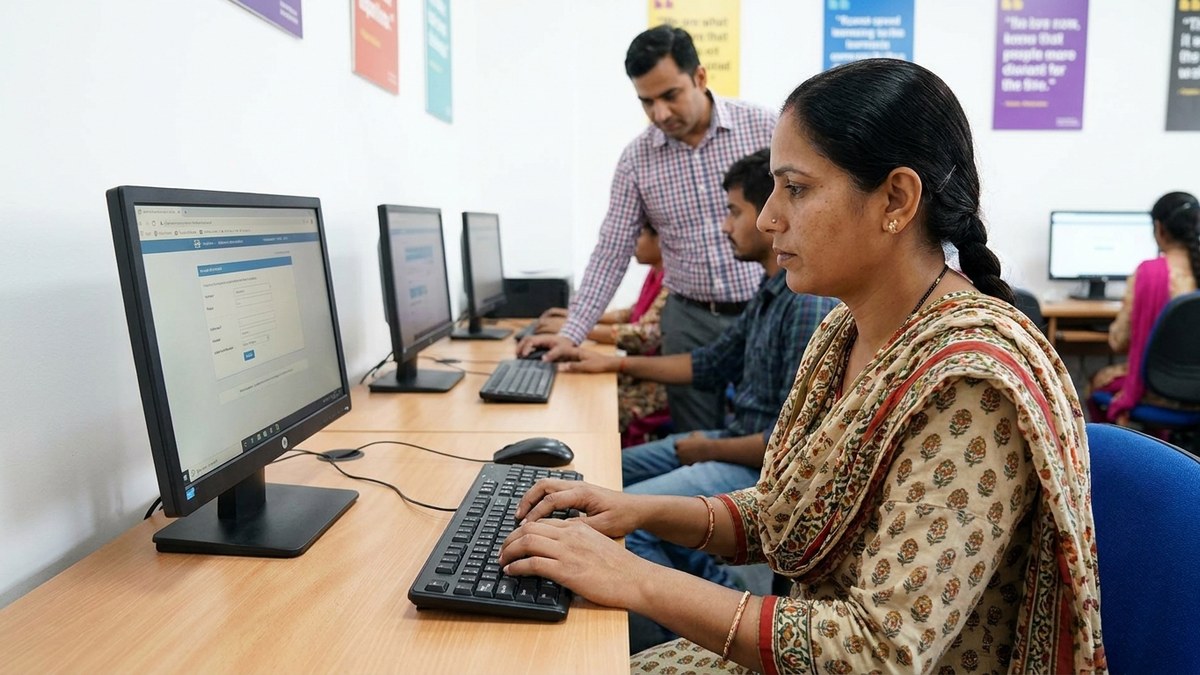
You’ll need: your mobile number, email address, and Aadhaar number. The portal will send you an OTP. Verify it. Create a password you’ll actually remember. Most people use weak passwords here. Don’t be that person.
Step 3: Fill Your Profile Information
This isn’t optional. Complete your profile with:
- Full name (as per Aadhaar)
- Date of birth
- Education qualification
- Current employment status
- Location and preferred skill area
- Language preference
The portal uses this data to recommend relevant courses. Accurate information means better matches.
Step 4: Select Your Skill Category
Browse available sectors: IT, healthcare, retail, construction, beauty, agriculture, manufacturing. Choose what interests you. You can select multiple categories. The system will show you available PMKVY courses in your area.
Step 5: Enrol in a PMKVY Course
Once you’ve identified a course, check the training centre details. Verify it’s genuine. Some training centres are better than others. Look for centres with good placement records. Enrol in the course. You’ll receive confirmation via email and SMS.
What Happens After Registration
After government skill development portal registration, you’re not done. The real work starts.
You’ll receive a training schedule. Attend classes regularly. Most PMKVY courses run for 3-6 months. Some are short-term (2-4 weeks). The training is free because the government funds it. Your job is to show up and learn.
During training, you’ll develop digital literacy skills alongside technical skills. This matters. Employers want people who can work with technology. If your training centre isn’t teaching this, ask why.
After completion, you get a government-recognized certificate. This isn’t a piece of paper. This is proof you’ve met national standards. Some PMKVY-certified courses lead directly to placement opportunities.
Common Registration Mistakes to Avoid
Using incorrect Aadhaar details slows everything down. Double-check before submitting. Choosing a course because it’s nearby rather than because it matches your interests wastes time. Pick courses aligned with actual job market demand. Ignoring the training centre’s reputation is risky. Check reviews and placement data before enrolling.
Not keeping your login credentials safe means you can’t access your profile later. Store them securely.
Why Physical Infrastructure Matters for Your Learning
Here’s something most online guides skip: you need a good learning environment. Whether you’re studying at home or at a Point of Digital Learning (POD), having proper equipment changes everything.
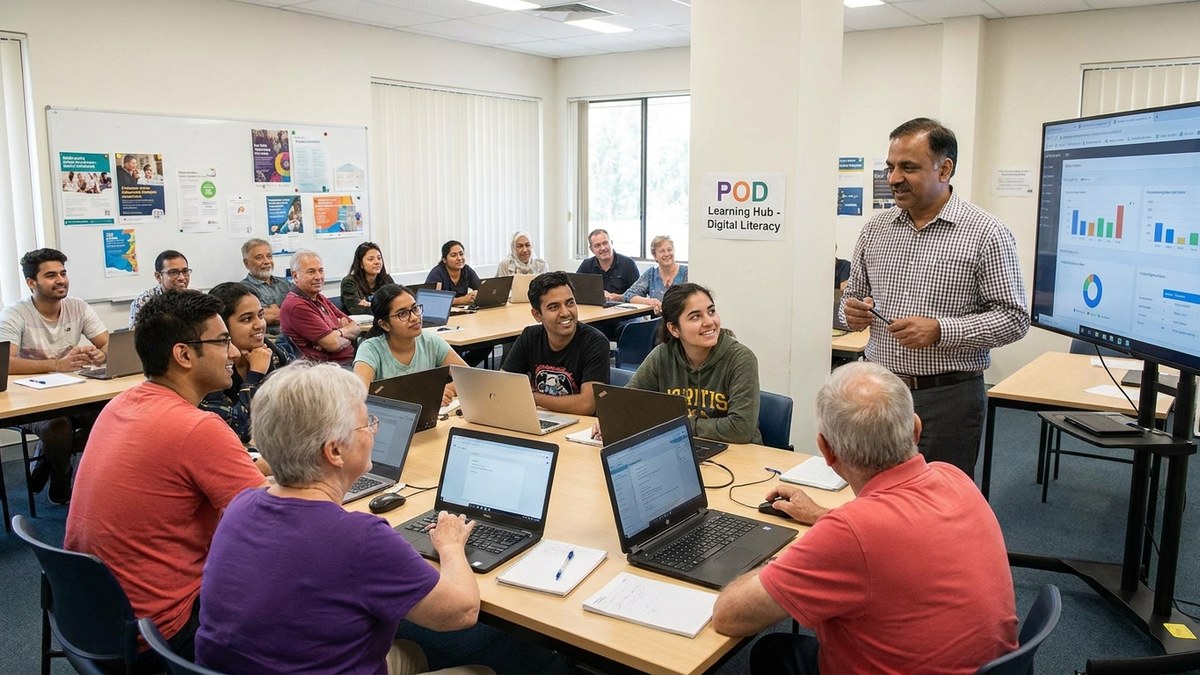
A POD is a community learning centre run by a trained educator. It could be in your neighbourhood, your village, or a local tuition centre that’s been upgraded. These centres have computers, internet, and trained instructors. Learning here beats struggling alone at home with an old laptop.
If you’re setting up a POD or upgrading your home learning setup, you need reliable hardware. The APNA PC bundle solves this. For Rs.30,000, you get a complete education software package plus a Mini PC (i3 7th Gen, 8GB RAM, 128GB SSD), monitor, keyboard, mouse, webcam, and headset. Plus 3 years warranty and installation. This isn’t a gaming machine. It’s built for learning, training, and skill development. Perfect for running a POD or studying from home while you complete your PMKVY course.
With proper infrastructure, your learning outcomes improve. You’re not fighting with slow computers. You’re not struggling with poor audio during live classes. You’re learning properly.
Your Next Steps
Start today. Visit the Skill India portal. Register. Find a course that matches your goals. Commit to completing it. If you’re an educator setting up a learning centre, or a student needing better home infrastructure, explore APNA PC to create a proper learning environment.
The education system in India is evolving. Government skill development portals are real opportunities. Don’t overthink it. Register. Learn. Earn. That’s the path forward.
Looking for more resources to support your learning journey? Check out free education resources available to Indian students.