
Rajesh sat in his Bangalore apartment, watching his ten-year-old daughter struggle through an online math class on an old laptop that kept freezing. The screen would go black, the audio would cut out, and within minutes, she would lose focus. He knew she needed a proper online tuition computer setup, but did not know where to start or how much to spend. That is when he discovered APNA PC, and everything changed.
If you are a parent in India looking for the right online class computer for your child, you are probably facing the same confusion Rajesh did. What specs do you actually need? How much should you spend? Will a cheap option work, or will it just frustrate your child and waste your money? This guide will help you find the right online tuition computer for your family.
Why Your Child Needs a Dedicated Online Tuition Computer
Online learning is not like watching YouTube videos. When your child attends live tuition classes, they need stable video, clear audio, and smooth screen sharing. A sluggish or unreliable student computer creates barriers to learning instead of supporting it. Your child falls behind while waiting for pages to load or reconnecting after the connection drops.
A proper setup also teaches responsibility. When your child has their own dedicated space and device for learning, they treat it seriously. They are not competing with family members for the family laptop, and they are not distracted by other browser tabs.
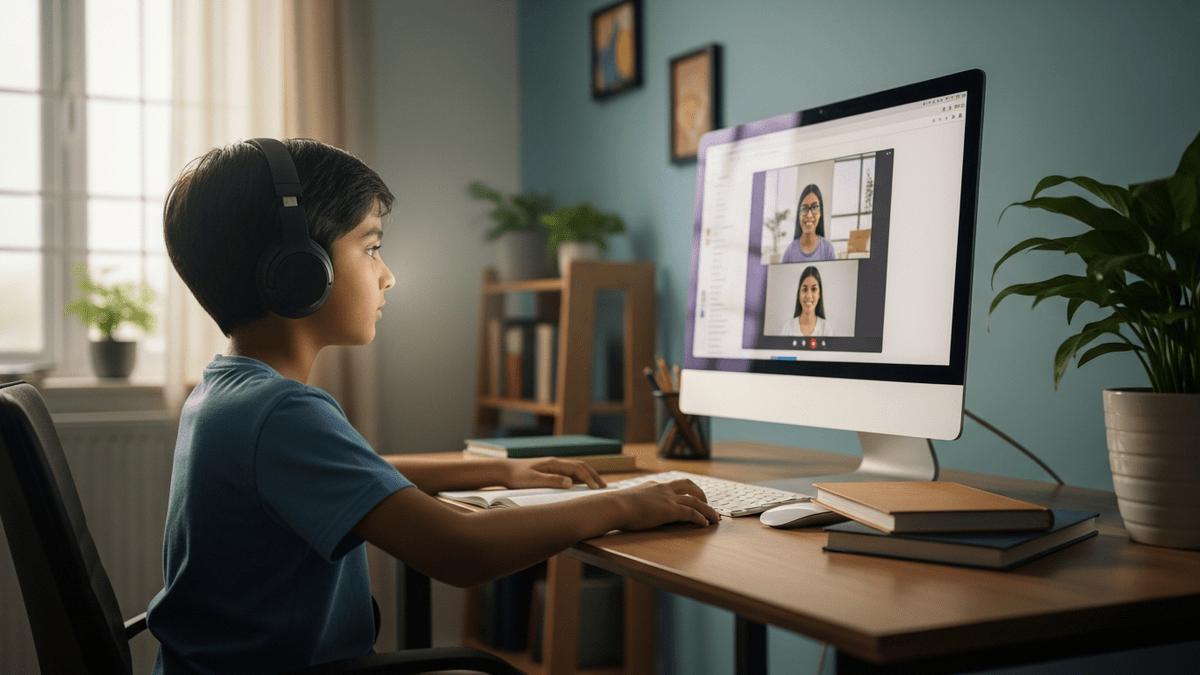
What Makes an Affordable Online Tuition Computer Perfect
You do not need a gaming computer or a high-end workstation for online tuition. An affordable PC with the right basic specs will do everything your child needs. The key is finding that sweet spot between price and performance.
Here is what actually matters for online learning:
- A processor fast enough to handle video conferencing without lag (i3 7th generation is solid)
- At least 8GB RAM so multiple browser tabs do not crash the system
- An SSD for quick startup and smooth operation (128GB is enough for most students)
- A good monitor that does not strain the eyes during long classes
- A reliable webcam and headset for clear communication with tutors
This is exactly what APNA PC delivers. At Rs.30,000 for the complete bundle, it includes everything your child needs on day one. No hidden costs, no buying parts separately, no confusion about compatibility.
The bundle comes with software pre-installed, a three-year warranty, and professional installation. That warranty matters when you have a student depending on the device. If something goes wrong, you are covered.
Building Your Point of Digital Learning at Home
The government DIKSHA digital learning platform and the broader Digital India initiative show how serious India is about online education. Your home can become part of this movement by creating a proper learning space.
A POD, or Point of Digital Learning, does not need to be fancy. It is simply a dedicated corner where your child can attend online tuition classes without distractions. A desk, the right online tuition computer, good lighting, and a quiet space. That is it.

If you are thinking about becoming an edupreneur vs tuition teacher, having a POD at home is even more critical. You will need a reliable computer for delivering classes, recording sessions, and managing student interactions. APNA PC handles all of this without breaking the bank.
Check out the learning hub setup checklist to understand exactly what you need to create an effective learning space.
Why APNA PC Stands Out as a Student Computer
Many parents try to save money by buying used computers or cheap devices. They regret it within weeks when the device crashes during an important exam or class. APNA PC eliminates that risk.
The i3 7th generation processor is proven and reliable. It is not the latest, but it is exactly what you need for online classes, document editing, and research. The 8GB RAM keeps everything running smoothly even when your child has multiple browser tabs open.
The 128GB SSD is enough for your child schoolwork, study materials, and some personal files. More importantly, it makes the computer fast. No waiting around for programs to load. Classes start immediately, and your child stays engaged.
The complete bundle approach matters too. You get the monitor, keyboard, mouse, webcam, and headset all together. Everything is tested and compatible. You are not hunting across websites trying to figure out which accessories work with which computer.
Making the Investment in Your Child Online Tuition Computer
Rs.30,000 is a real amount of money for most Indian families. But think of it as an investment that will serve your child for years. A good student computer can support their studies through school and into college. It becomes a tool for research, assignments, and online learning.
The three-year warranty and professional installation mean you are not on your own if something goes wrong. You have support. That peace of mind is worth something too.
Your child deserves to learn without technical frustration holding them back. They deserve a reliable online tuition computer that works every time, a webcam that shows them clearly to their tutor, and a headset that lets them hear every word. APNA PC gives them all of that.
Visit teachtoearn.in to learn more about APNA PC. Your child online learning experience will be transformed by having the right tools from day one.