
Fake news is false or misleading information dressed up as real news, and it spreads fast on WhatsApp, Instagram and YouTube. You can spot most fake news in about two minutes by checking the source, the date, the evidence and whether trusted outlets or the PIB Fact Check Unit have already verified it. This guide walks you through a simple verification routine that students in India can use before sharing anything.
What is fake news?
Fake news is content that is deliberately false or misleading and is presented as factual news. It can be a made-up story, a real photo with a false caption, an edited video, or a true event described with invented details. Its purpose is usually to get clicks, stir emotions, or push a political or commercial agenda.
How can you spot fake news on social media?
Start by slowing down before you react. Most fake posts are designed to trigger anger, fear or excitement so that you share them immediately. Pause, read the full message rather than the headline, and ask who gains if you believe and forward it.
- Read beyond the headline. Many fake posts use shocking headlines that the article body does not support.
- Check the source. Look for the website name, its About page and whether it has a record of accurate reporting.
- Check the date. Old news and old photos are often recycled as if they were happening today.
- Look at the evidence. Real news names people, places and sources you can check. Vague phrases like “sources say” with no detail are a warning sign.
- Check the images and videos. Run a reverse image search with Google Lens or TinEye to see where a photo first appeared.
- Look for emotional language, ALL CAPS and spelling errors. These are common in misleading posts.
- Search the claim on a trusted outlet. If a major news organisation or a fact-checker has covered it, the reports will show up quickly.
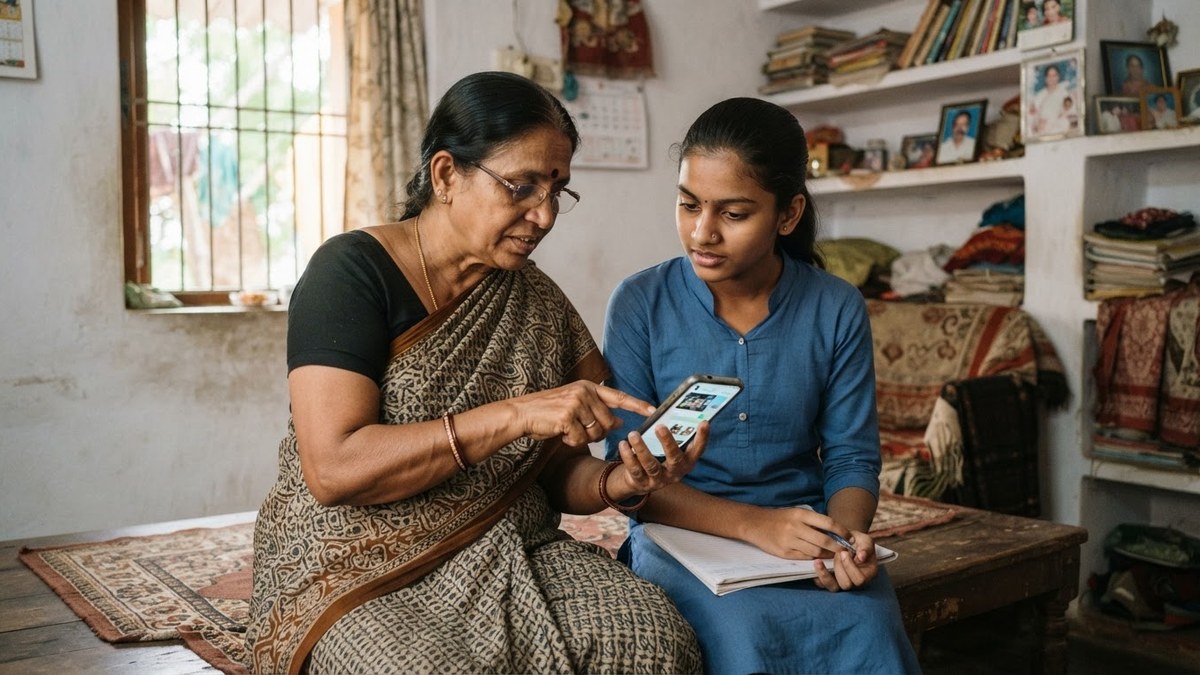
Which official sources can verify a viral claim in India?
The PIB Fact Check Unit is the Government of India’s official body for checking viral claims about government policies, schemes and announcements. If a message claims to be a government notice, check it here first. You can also compare the claim with reports from established newspapers and broadcasters before deciding it is true.
What are some fake news examples for students to learn from?
Fake news often appears in three forms: a false claim about a school exam or scholarship, an old disaster photo shared as a recent event, and a doctored screenshot of a trusted outlet. Each one can be caught with the checks above. Practising on real examples in class or at a learning centre helps students build the habit. You can read more about building these skills in our digital literacy examples guide.
How do teachers and POD educators teach fake news verification?
Teachers can turn verification into a short activity: give students three messages, one real and two fake, and ask them to check each one using the seven steps above. Discuss which clues were most useful. Students learn faster when they explain their reasoning out loud. The Checklists and Lesson Plans to Help Identify Fake News from the John Jay College Library offer ready-made classroom checklists you can adapt for your students.
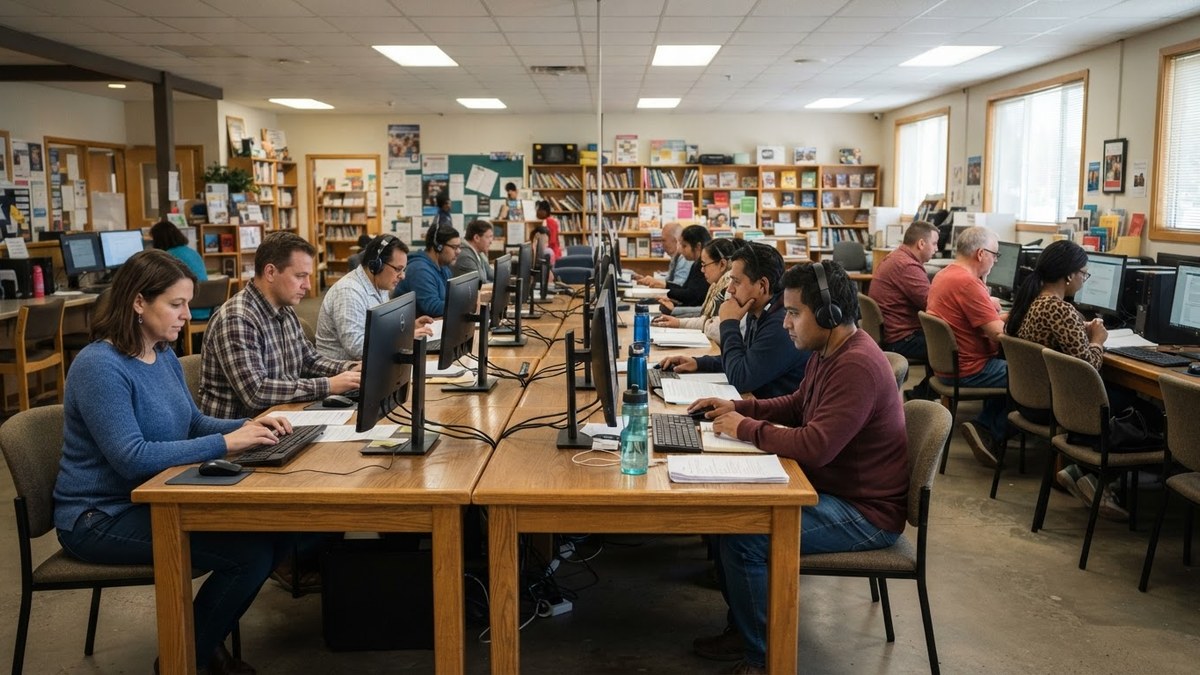
Why is digital literacy the best long-term defence against fake news?
A single checklist helps with one message, but a habit of checking helps with every message. Digital literacy means understanding how online information is created, shared and verified. Students who build these skills early are less likely to pass on false claims to their families. Our guide to the Digital Literacy Mission explains how structured learning supports this across schools and communities.
Which tools help students practise digital literacy at home?
Students need a reliable device and a safe space to practise searching, comparing sources and writing their own summaries. A basic computer setup is enough for this work. The APNA PC is a complete bundle priced at Rs.30,000, with a mini PC (Intel Core i3 7th Gen, 8GB RAM, 128GB SSD), monitor, keyboard, mouse, webcam and headset. It comes with Zorin OS or Windows, pre-loaded education software and a 3-year warranty, and installation is included. For students who are new to computers, the guide on teaching students with APNA PC shows how a POD can use it for this kind of learning. You can also explore the free digital literacy certificate courses to add structured practice alongside your setup.
Frequently Asked Questions
What is the fastest way to check if a news story is fake?
Search the headline or the main claim on a trusted news website or the PIB Fact Check Unit. If reputable outlets are not reporting it, or a fact-checker has already rated it false, treat it as unverified. This takes about two minutes and catches most viral hoaxes.
Can a real photo still be used in fake news?
Yes. Many fake posts use real photos with false captions, or photos from an old event presented as current. A reverse image search with Google Lens or TinEye will show where the image first appeared and whether the context matches the claim.
Why do people share fake news even when they know it may be false?
Fake news is designed to provoke strong emotions like fear, anger or pride, and emotional reactions lead to quick sharing. Many people also trust messages from friends and family without checking. Pausing before forwarding is the simplest way to break this pattern.
How can students teach their families to check messages?
Students can share the seven-step checklist with family members and practise it together on a real message from the group chat. Explaining each step out loud helps both the student and the family member remember it.
Start building these verification skills with a complete learning setup. Start your learning path with APNA PC today.
[/BLOG]