
A student brings you a polished answer created with AI. The sentences are clear, the layout looks professional, and the conclusion sounds confident. Then you ask, “How do you know this is right?” The room goes quiet.
That moment reveals a teaching opportunity. Using AI and judging its output are different skills. A school or TeachToEarn POD can make that difference visible through a small verification project: students investigate a claim, correct the answer, and explain their decision to a parent.
APNA PC can serve as the learning proof station for this work. The value is not simply having a computer available. It is having a place to keep the original answer, the evidence, the correction, and the student’s explanation together.
Start With One Claim Students Can Actually Check
Avoid opening with a broad assignment such as “research climate change using AI.” A large topic makes it easy to copy an impressive answer without understanding any of it. Choose one manageable question linked to the lesson instead.
For example, ask whether all materials that look like metal are attracted to a magnet. Students can compare an AI-generated explanation with their textbook and a teacher-supervised test using safe classroom objects. The task combines science, digital judgment, and communication without requiring a complicated production setup.
Treat this as a suggested classroom activity, not a claim about results already achieved by a school. Select age-appropriate materials, check the answer yourself before teaching, and avoid risky experiments. For younger learners, you can prepare the AI response in advance
rather than requiring individual accounts.
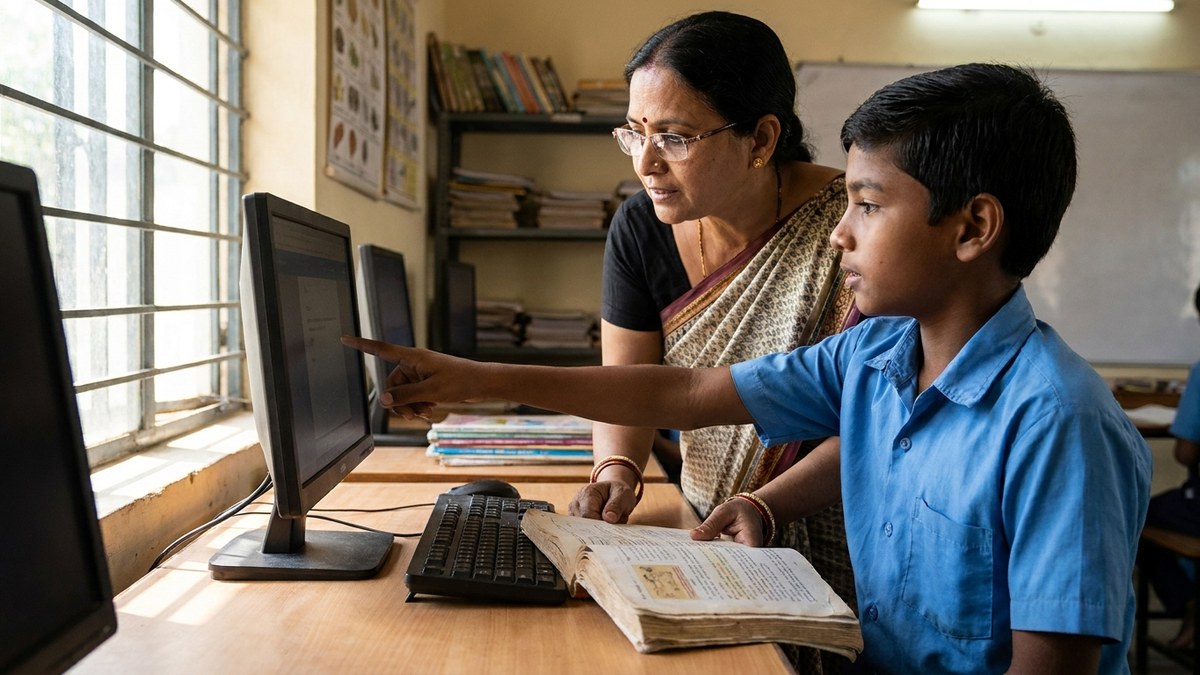
Give students a clear finish line: identify one claim, decide whether the evidence supports it, and explain any correction in their own words. A short investigation completed properly is more useful than a long report nobody can defend.
Build a Four-Part Evidence Folder on APNA PC
Create a project folder with four items: the starting response, the sources checked, the revised explanation, and a reflection. Use a simple naming system so the student can find the work again during a parent review.
The starting response preserves what the AI actually said. Without it, a corrected final answer can hide the learning process. Students should mark the exact sentence they investigated rather than highlighting an entire page.
The source record should include the textbook page or webpage title, its organisation or author, and the date accessed. Official references such as the India Ministry of Education site or UNESCO education research are useful places to model what counts as a good source. Ask what makes that source suitable for this particular question. Two websites repeating the same unsupported statement are not necessarily two independent pieces of evidence.
The revised explanation should state what changed and why. The reflection can be three sentences: what I first believed, what I checked, and what I would investigate next. These files turn APNA PC into a practical portfolio station rather than a place where finished documents disappear into unnamed folders.
Make the Teacher a Verification Coach
Students need more than the instruction “check reliable sources.” Model the process aloud. Separate a factual claim from an opinion, find evidence that directly addresses the claim, and explain when the available evidence is insufficient.
An AI-generated citation is a lead to investigate, not proof. Open the source, check that it exists, and confirm that it says what the answer claims. If a page cannot be accessed or understood, students should record that limitation rather than pretending verification is complete.
You can use AI again to suggest questions or simplify unfamiliar wording, but do not let the same tool become the sole judge of its own answer. Keep the textbook, teacher guidance, or another appropriate independent source central to the decision.
Protect privacy throughout. Do not enter children’s personal details, school records, photographs, or family information into public AI tools. Use teacher-managed access and follow the tool’s age requirements and your school’s policies. Store portfolio work with restricted access; a parent demonstration does not require public posting.
Turn a POD Demo Into a Student Explanation
At the end of the project, invite the learner to give a short demonstration. The parent should see the starting response, the evidence, and the revision in that order. This makes the improvement easier to understand than a display of the final document alone.
Ask three questions: “What did you check?”, “What convinced you?”, and “What are you still unsure about?” The student should operate the computer and explain the reasoning, with support appropriate to their age and needs. A teacher can prompt, but should not deliver the explanation for them.
For a learner who finds speaking difficult, allow a written explanation, paired demonstration, or private conversation. The goal is sound judgment, not a performance contest. Avoid comparing children in front of families.
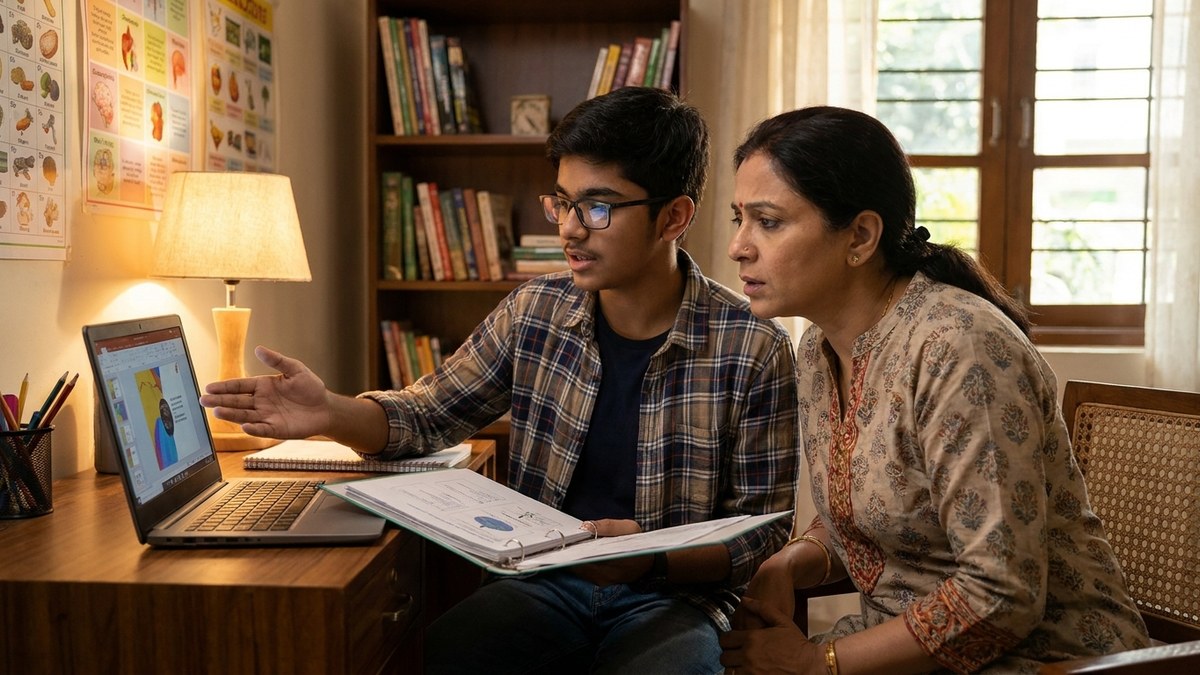
This approach connects digital literacy with the communication skills parents want to see. It also gives a POD operator a concrete way to explain the learning experience without promising instant confidence, higher marks, or guaranteed outcomes.
Measure Better Decisions, Not More Screen Time
Run the first activity as a baseline. Note whether each learner can identify a checkable claim, select an appropriate source, explain a revision, and acknowledge uncertainty. For each skill, record whether they worked independently, needed a prompt, or required a demonstration.
Repeat the process with a different curriculum question after several sessions. Keep the task difficulty reasonably similar. A student who moves from copying a correction to explaining why it is needed has produced useful evidence of progress.
School leaders can review anonymous class-level patterns to decide what teachers should model next. If many students struggle to connect evidence to a conclusion, another AI tool for teachers is unlikely to solve the problem. A focused lesson on reasoning may be the better next investment.
Plan Your First AI-Checking Session This Week
Choose one class, one curriculum question, and one teacher-led verification activity now. Prepare the source material and folder structure before introducing the tool, then schedule a brief parent review so the work has a clear purpose.
Visit https://www.teachtoearn.in/apna-pc/ to explore APNA PC for your school or TeachToEarn POD. Review the current offering and discuss your learning-space requirements before deciding. Start planning this week so your next AI activity ends with evidence parents can understand, not another impressive answer students cannot explain.
The strongest proof of AI learning is not how quickly a child produces an answer. It is whether they can show why that answer deserves trust.