
Affordable private schools today are under real pressure. Parents want better results, digital skills, and future-ready learning—but they also want fees to stay reasonable.
This creates a difficult balance.
Many schools try to solve this by adding new apps or digital tools. But without a clear plan, this only increases cost without improving outcomes.
The real question is not “Do we have technology?”
It is “Is this technology improving learning?”
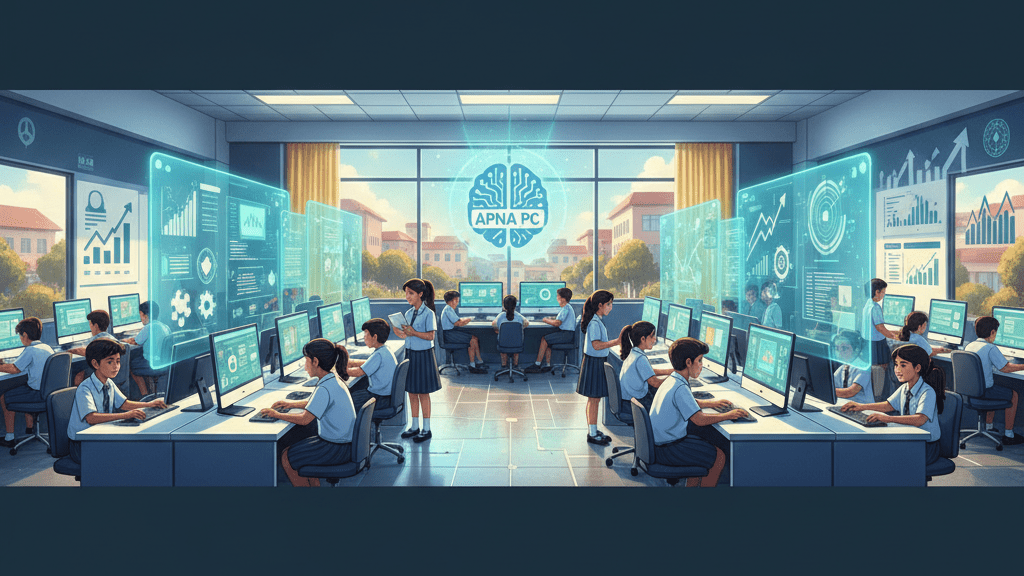
APNA PC can help—but only when it is used as a learning system, not just another device.
Why Fee Pressure and Learning Expectations Are Colliding
Parents Want More, But Can’t Pay Much More
Parents expect:
- Better academic results
- Stronger writing and understanding
- Basic digital readiness
But in affordable schools, fee increases are limited.
Fragmented Technology Is Not Working
Many schools use multiple tools:
- One for content
- One for testing
- One for practice
This creates confusion, not clarity.
No Clear System Means No Real Improvement
When there is no structured workflow, technology becomes an expense—not a solution.
What an APNA PC Classroom Should Actually Do
Focus on Learning, Not Just Usage
The goal is not screen time.
The goal is better learning.
Each session should lead to something visible:
- A written answer
- A solved worksheet
- A recall summary
Make Learning Visible
When students produce work regularly, teachers can track progress.
And when parents see this, they understand the value.
A Simple 4-Phase Rollout Plan
Phase 1: Understand the Starting Point
Identify:
- Learning gaps in each class
- Teacher comfort with digital tools
Phase 2: Start a Small Pilot
Choose:
- One grade
- One subject
Run structured sessions with clear weekly goals.
Phase 3: Track and Improve
Look at:
- Error reduction
- Writing quality
- Concept clarity
Make small improvements based on real data.
Phase 4: Expand Slowly
Scale only when results are:
- Consistent
- Repeatable
- Easy for teachers to follow
Teachers Are the Key to Success
Give Teachers Simple Tools, Not Complexity
Teachers don’t need more apps.
They need:
- Clear session plans
- Simple evaluation methods
Use Weekly Review Meetings
Look at student work together.
Align on what “good” looks like.
Build Confidence, Not Pressure
When teachers understand the system, they use it better—and outcomes improve.
Using AI Without Creating Dependency
Use AI as a Helper, Not a Shortcut
AI should:
- Explain concepts
- Give practice questions
But not:
- Write final answers
Follow a Simple Learning Flow
Attempt → Assist → Rewrite → Recall
This ensures students think, learn, and remember.
Building Parent Trust Without Increasing Fees
Keep Communication Simple
Each update should include:
- One improvement
- One gap
- One next step
Show Real Work
Share:
- Student answers
- Improvements over time
This builds trust faster than long explanations.
Managing Costs Without Reducing Quality
Start Small
Begin with one pilot group.
Avoid large upfront spending.
Spend Based on Results
Only expand when:
- Outcomes are visible
- Teachers are comfortable
Reduce Waste Through Standardization
Simple systems reduce confusion—and cost.
What to Track Every 2 Weeks
Focus on a few clear indicators:
- Are students making fewer repeated mistakes?
- Is writing improving?
- Can students recall what they learned?
- Are parents more confident?
- Are teachers following the system consistently?
If these improve, your system is working.
Common Mistakes Schools Should Avoid
- Expanding too quickly
- Using different methods in every class
- Running “computer periods” with no learning goal
- Poor communication with parents
Keep things simple and consistent.
What You Should Do Next
Start small and stay focused.
Choose:
- One class
- One subject
- One clear learning goal
Run a simple, structured system for a few weeks without changing it.
If you want a stable, learning-focused setup to begin with, explore APNA PC here:
👉 https://www.teachtoearn.in/apna-pc/
Because in the end:
Technology does not improve learning.
Clear systems do.
And when you get the system right,
you can improve outcomes—without increasing fees.
Start here https://www.teachtoearn.in/affordable-private-schools-revolutionize-learning-with-apna/