
Your Students Are Online. Are They Safe?
Here’s the truth: most Indian parents and teachers think online safety means telling kids “don’t talk to strangers.” That’s not even close. When you’re teaching digital literacy, you’re handing students access to the entire internet. Without proper safeguards, you’re also handing them access to predators, scams, inappropriate content, and data theft.
Online safety for students isn’t optional anymore. It’s foundational. Whether you run a tuition centre, manage a Point of Digital Learning (POD), or teach from home, protecting your students while they learn digital skills is your responsibility.
Let’s be honest: most educators skip this part. They focus on teaching software, coding, or typing. They assume parents handle safety at home. Nobody does. That’s why we’re writing this.
Why Internet Safety Tips Matter More Than You Think
Students today aren’t just passive consumers. They create accounts, share photos, click links, download files. One wrong click can expose them to malware, cyberbullying, or worse. According to student safety research, Indian children spend an average of 4-6 hours online daily, yet only 23% have received formal internet safety training.
The gap is massive. And it’s growing.
When you teach safe browsing for kids, you’re not being paranoid. You’re being responsible. You’re teaching them to think critically about what they see online. You’re building habits that protect them for life.
Most people don’t realise that teaching digital literacy without teaching online safety is like teaching driving without mentioning traffic rules. You’re setting them up to fail.
Core Internet Safety Tips You Must Teach
- Passwords are personal. Never share them. Not with friends, not with teachers (except IT support), not with anyone. Use strong passwords: mix uppercase, lowercase, numbers, symbols. Make them at least 12 characters long.
- Think before you click. Suspicious links, unknown downloads, pop-ups offering free prizes. These are traps. Teach students to hover over links before clicking. Check the URL. If something feels off, it probably is.
- Your data is valuable. Don’t give personal information to websites you don’t trust. No phone numbers, addresses, school names, or family details to random sites. Legitimate platforms ask for only what they need.
- Social media isn’t your diary. What goes online stays online. Screenshots exist. Posts can be shared. Future employers, colleges, and strangers can see what you post. Teach students to assume everything they share is permanent.
- Cyberbullying is real and it hurts. If someone is harassing you online, tell an adult. Save the evidence. Block the person. Don’t respond or engage. Report to the platform.
- Public WiFi is a minefield. Never do banking, shopping, or access sensitive accounts on public networks. Use a VPN if you must. Better yet, use mobile data.
These aren’t complicated rules. They’re common sense wrapped in digital language. Your job is to make them stick.
Safe Browsing for Kids: Practical Classroom Strategies
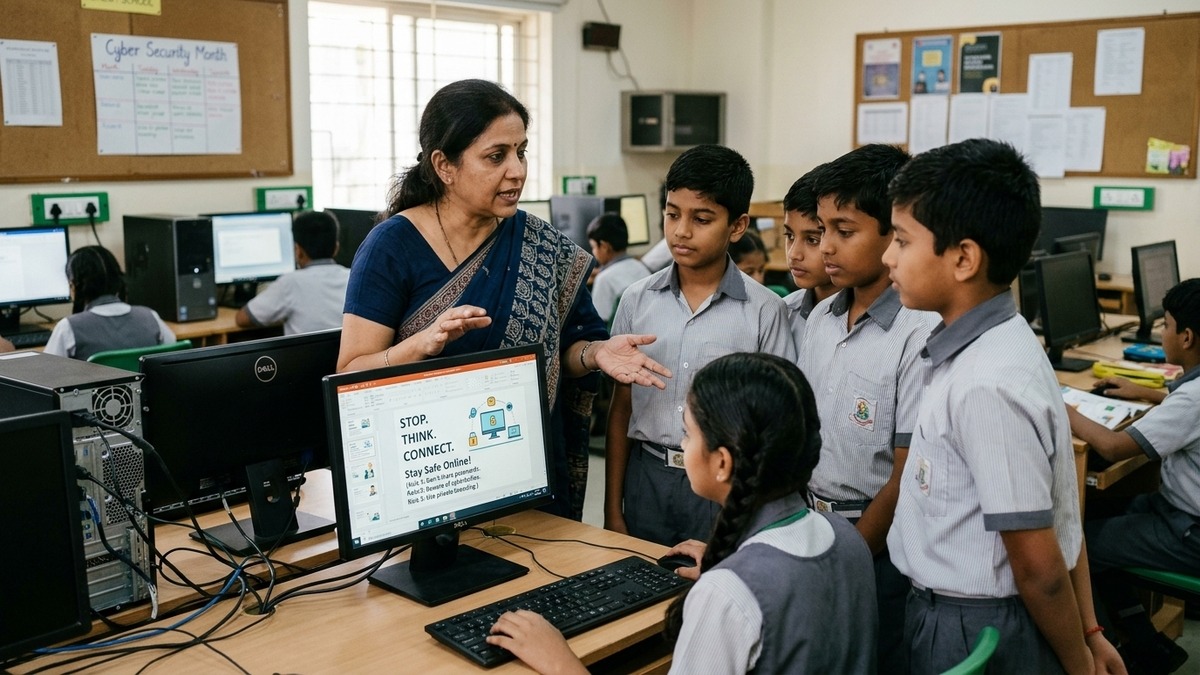
Teaching internet safety isn’t about scaring students. It’s about empowering them. Here’s how to do it practically:
Use parental controls. If you’re running a POD or learning centre, install content filters on your computers. Block adult sites, gambling, violence. Use software that tracks browsing history. Students should know they’re being monitored. Transparency works.
Create a digital citizenship curriculum. Dedicate time each week to online safety. Use real examples. Show them phishing emails. Demonstrate how easy it is to fake a website. Make it interactive. Let them spot the dangers themselves.
Teach them to verify sources. Not everything online is true. Wikipedia can be edited by anyone. News sites can be biased or fake. Teach students to cross-reference, check author credentials, and look for primary sources. This is critical thinking, not just internet safety.
Model good behaviour. Don’t check your phone constantly during class. Don’t share passwords. Don’t visit suspicious sites. Students learn by watching. Be the example.
Partner with parents. Send home simple guides on online safety. Explain what you’re teaching. Ask them to reinforce these habits at home. Consistency matters.
The Hardware Matters Too
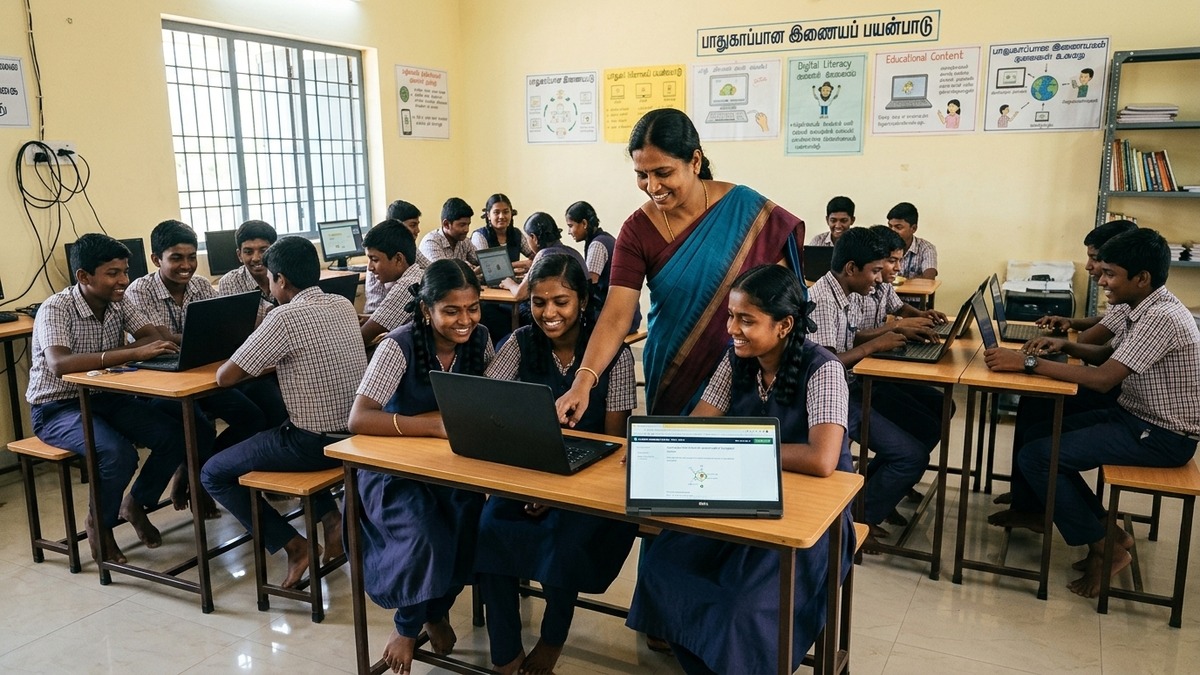
Here’s something most educators skip: the computer itself needs to be secure. Old, slow machines with outdated software are vulnerable to viruses and malware. When you’re teaching digital literacy, you need reliable hardware.
That’s where APNA PC comes in. For Rs.30,000, you get a complete bundle: Mini PC i3 7th Gen with 8GB RAM, 128GB SSD, monitor, keyboard, mouse, webcam, and headset. Plus education software and 3-year warranty with installation. It’s built for teaching. It’s built to last. It’s built to be secure.
Whether you’re setting up a POD at home or in your community, APNA PC gives you the foundation. Reliable hardware means fewer distractions, faster lessons, and better focus on what matters: teaching students safely.
Online Safety for Students Is Your Competitive Edge
Most tuition centres teach the same things. Same software. Same curriculum. Same results. You can be different. You can teach digital literacy that actually protects students.
Parents will notice. They’ll talk. They’ll refer you. Because you’re not just teaching skills. You’re teaching safety. You’re teaching wisdom. You’re teaching responsibility.
Check out our guide on smart classroom tools to see how technology can enhance your teaching. And read about digital literacy vs textbooks to understand why this matters now more than ever.
For more guidance, visit the India Ministry of Education for official recommendations on digital safety in schools.
Ready to start your own secure learning space? Start a Teach to Earn learning POD today and build a community where digital literacy and online safety go hand in hand.
Your students deserve better than trial and error. They deserve protection. They deserve you.