
Your Community Doesn’t Need a Building to Have a Library
Most people don’t realise that a digital library can start in someone’s living room with a single computer. You don’t need a fancy institution, a large budget, or permission from anyone. You need a computer, internet connection, and the will to share knowledge. That’s it. This is how real change happens in Indian communities right now.
A digital library is a collection of educational resources, e-books, videos, and learning materials stored on a computer and made accessible to your community. It’s not complicated. It’s not expensive. And it works. Whether you’re a community leader, educator, homemaker, or volunteer, you can set one up today. Here’s how.
Why Your Community Needs a Digital Library Right Now
Let’s be honest: most neighbourhoods don’t have access to quality books, courses, or learning materials. Libraries are far away. Books are expensive. Online resources require devices that many families can’t afford. A digital library solves all three problems at once.
When you create a community learning pod with a digital library, you’re not just sharing files. You’re creating a space where:
- Children can access textbooks and competitive exam preparation materials
- Adults can learn new skills through video courses
- Students can study without relying on expensive coaching classes
- Your entire neighbourhood has a shared knowledge hub
According to Wikipedia community learning, community-based learning increases literacy rates and skill development. Your digital library becomes the infrastructure for that.
Step 1: Get the Right Hardware
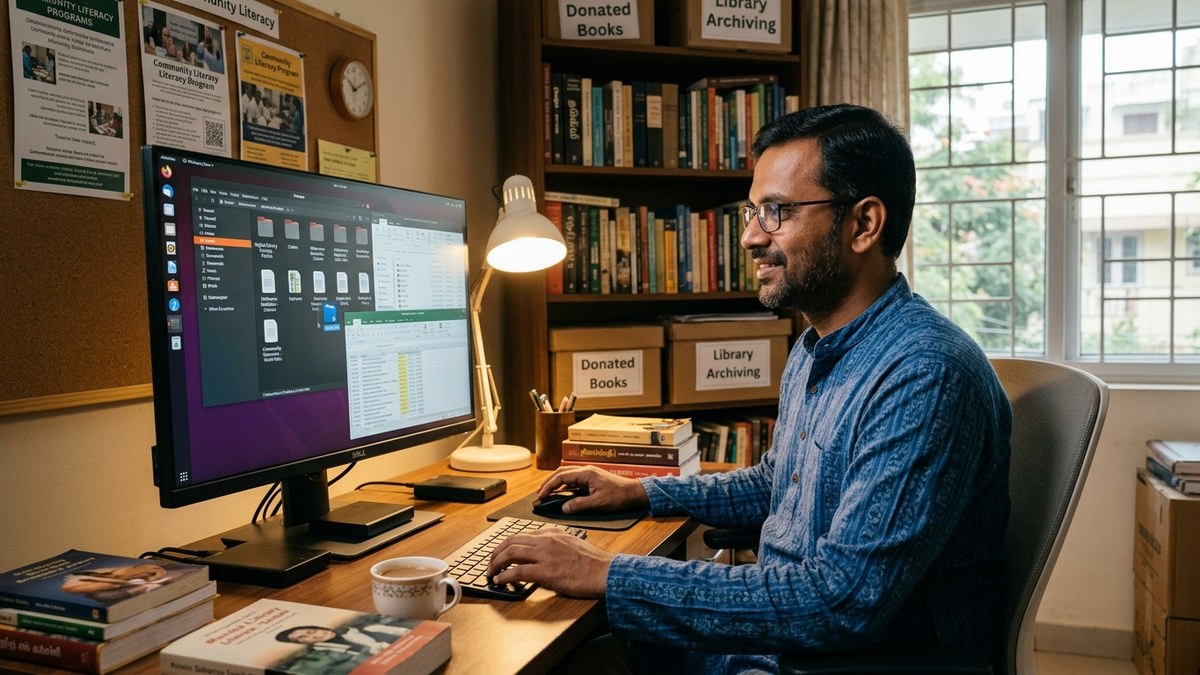
You need a computer that won’t break after six months. Here’s the truth: cheap computers fail. You lose your library, your community loses access, and trust disappears.
The APNA PC is built for exactly this purpose. It’s a complete bundle at Rs.30,000 that includes a Mini PC with i3 7th Gen processor, 8GB RAM, 128GB SSD, monitor, keyboard, mouse, webcam, and headset. It comes with education software pre-loaded and a 3-year warranty. Installation is included. This means your digital library has a reliable foundation.
Why this matters: A computer that crashes loses community trust instantly. APNA PC gives you reliability without the premium price tag.
Step 2: Choose Your Digital Resources Carefully
Don’t just download random files. Your digital library needs structure. Start with resources that your community actually needs:
- NCERT textbooks (free, legal, comprehensive)
- Khan Academy videos (downloadable, high quality)
- Project Gutenberg e-books (70,000+ free books)
- OpenStax textbooks (free, peer-reviewed)
- Local language content (YouTube channels, podcasts)
The APNA PC bundle comes with education software that helps you organize, categorize, and distribute these resources easily. You’re not managing chaos. You’re managing a system.
Step 3: Create a Schedule and Train Someone
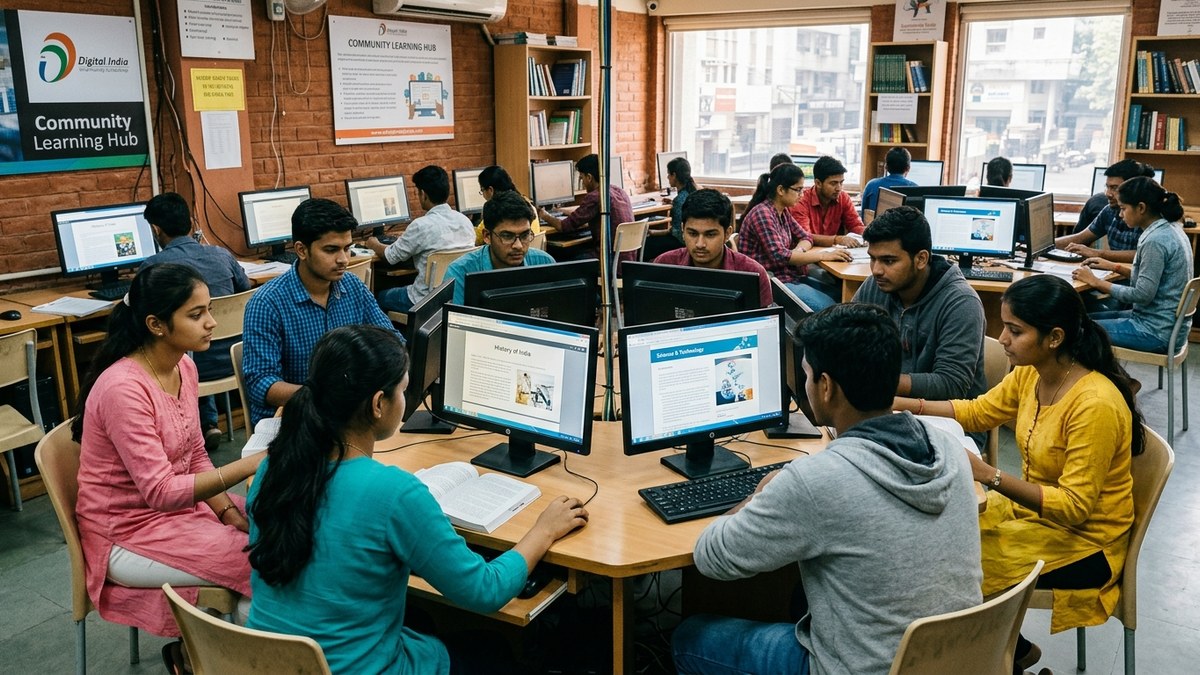
Most people don’t realise that a digital library needs a person, not just a computer. That person manages access, helps users navigate resources, and keeps the system running. This is where peer tutoring pods work so well. A trained educator or volunteer becomes the librarian.
Set specific hours. Monday to Friday, 4pm to 7pm. Saturday, 10am to 2pm. Consistency matters more than long hours. People need to know when they can access your digital library.
Train the librarian (or yourself) to:
- Help users search for resources
- Troubleshoot basic technical issues
- Track which resources are most used
- Add new materials based on demand
Step 4: Make It Accessible, Not Complicated
Here’s the truth: if your digital library requires a password, login system, or technical knowledge to use, it will fail. Keep it simple. Organize folders by subject and class level. Use clear naming. Make everything obvious.
A student should walk in, tell the librarian what they need, and get access in under five minutes. That’s the standard.
Step 5: Measure What’s Working
Track basic metrics:
- How many people visit each week?
- Which resources do they use most?
- Are they coming back?
- Are they bringing friends?
This data tells you what to add, what to remove, and whether your digital library is actually serving your community.
The Real Cost of Not Doing This
Every day without a digital library, your community loses access to knowledge. Children study with outdated materials. Adults can’t upgrade their skills. The gap between connected and disconnected communities grows wider.
UNESCO education research shows that community-based learning infrastructure is one of the fastest ways to improve literacy and skill levels. Your digital library is that infrastructure.
Start Today
You don’t need permission. You don’t need a committee. You need a computer, resources, and commitment. The APNA PC bundle gives you the reliable hardware. The rest depends on you.
Set up your digital library this month. Start with 50 resources. Add more as you go. Build the system that your community deserves.
Get APNA PC and launch your community digital library today.