
The Coding Club Reality Check: Why Government Schools Are Sitting on Gold
A coding club government school programme is the cheapest skills programme you will ever run. Your school already has a computer lab. Students sit there playing games or typing essays. Nobody teaches them to code. This isn’t a criticism. It’s an observation. Most educators don’t realise that a coding club in a government school isn’t a luxury project for tech-obsessed kids. It’s a pathway to real skills that employers actually want. And you can start one today without waiting for permission from three committees.
Here’s the truth: a coding club government school programme is rare across India because teachers assume they need expensive setups, advanced qualifications, or special government approvals. None of that is entirely accurate. What you need is clarity, basic equipment, and a structured plan. Let’s walk through exactly how to build this.
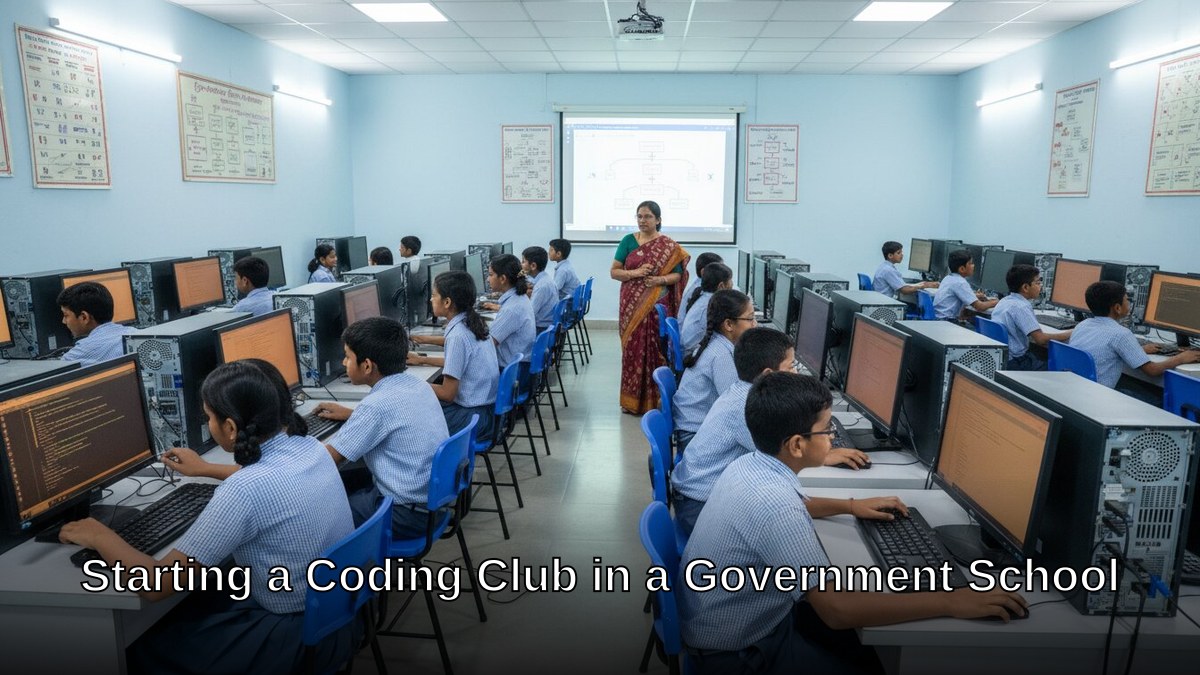
Step 1: Audit What You Already Have
Walk into your school’s computer lab right now. Count the machines. Check their specs. Are they running Windows? Linux? How old are they? Don’t panic if they’re 5-7 years old. They’ll run coding software fine.
- Minimum requirement: Intel i3 processor, 4GB RAM, 128GB storage
- Most government school labs have this or better
- If machines are weaker, block-based coding (Scratch, Blockly) still works
- Internet speed matters more than processor power
If your lab is genuinely outdated, don’t start from zero. The APNA PC bundle solves this completely. Rs.30,000 gets you a Mini PC (i3 7th Gen, 8GB RAM, 128GB SSD) plus monitor, keyboard, mouse, webcam, headset, education software, 3-year warranty, and installation. One machine becomes your demonstration station. Students learn by watching, then practice on existing lab computers. This is how coding club India school models work in resource-limited settings, and a coding club government school setup is no different.
Most people don’t realise that one good machine is enough to launch a coding club. You don’t need 30 identical setups.
Step 2: Curriculum and Tools for a Coding Club Government School Programme
Let’s be honest: if you start with Python or Java, you’ll lose 70% of students in week two. Beginner coding for school students means block-based languages first.
- Scratch (free, MIT-designed, visual blocks)
- Blockly (Google’s version, equally good)
- Code.org (structured curriculum, free)
- Move to Python only after students build confidence (Weeks 4-6)
The Central Board of Secondary Education (CBSE) now recognizes computational thinking as a skill. Your coding club aligns with this. Check the Central Board of Secondary Education (CBSE) website for updated curriculum guidelines.
Computer lab activities in a government school work best when they’re project-based. Not “write code to print numbers.” But “code a game where a character collects coins.” Students remember projects. They forget syntax.
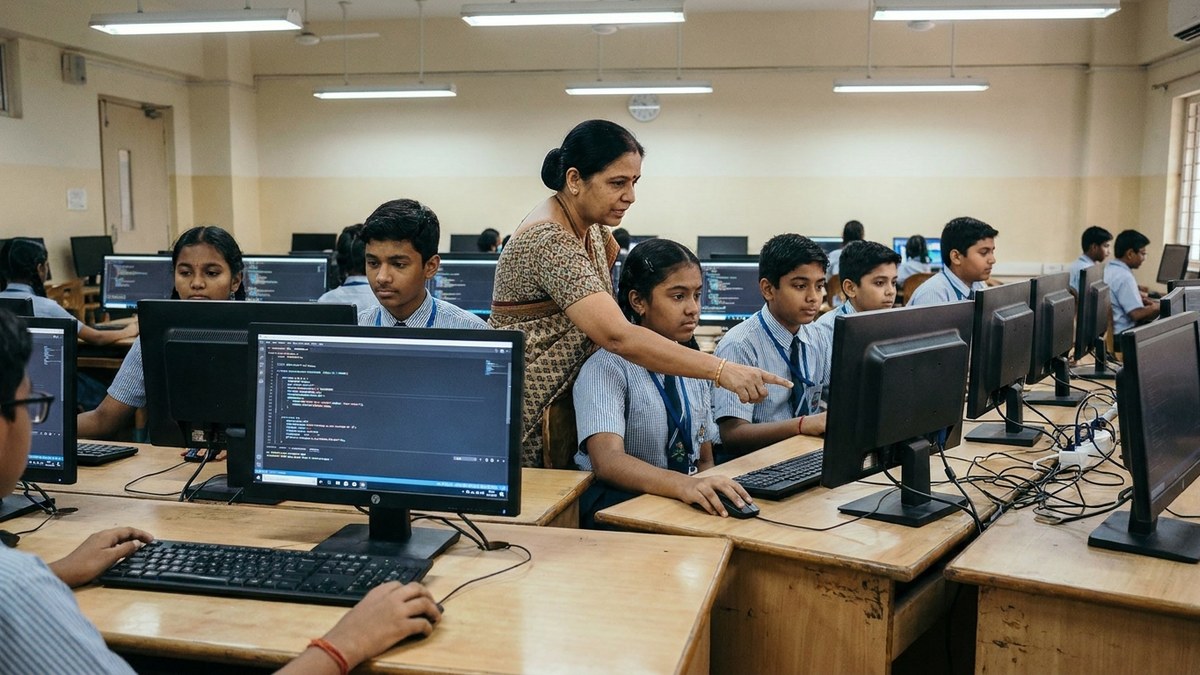
Step 3: Schedule and Rules for Your Coding Club Government School Setup
A coding club needs structure. Pick a specific time. Mondays and Thursdays, 3:30-4:30 PM. Not “whenever.” Students need consistency.
- Keep sessions to 45 minutes max (attention span real)
- Mix lecture (10 min) with hands-on coding (30 min) with showcase (5 min)
- Limit to 15-20 students per batch (manageable)
- Charge Rs.200-500 per month if it’s after-school (covers materials, electricity)
- Make it free if it’s during school hours (funding through school budget)
Here’s a provocative thought: free coding clubs in government schools have 40% dropout rates. Paid clubs (even small fees) have 85% retention. Money creates commitment. It’s not greed. It’s psychology.
Step 4: Build Your Point of Digital Learning
If you’re an educator or edupreneur running this from home or a community centre, you’re building a POD (Point of Digital Learning). This is different from a school club but uses the same methods.
A POD needs:
- 2-4 computers (APNA PC bundle is perfect for this)
- Basic furniture (tables, chairs, decent lighting)
- Internet connection (even 4G hotspot works)
- Monthly batch of 5-8 students
- Fees: Rs.1,500-2,500 per student per month
This model works for homemakers, senior citizens, and tuition teachers looking to diversify income. Coding for students India is growing. Parents pay for this. Read about skill-based learning in India to understand why this demand exists.
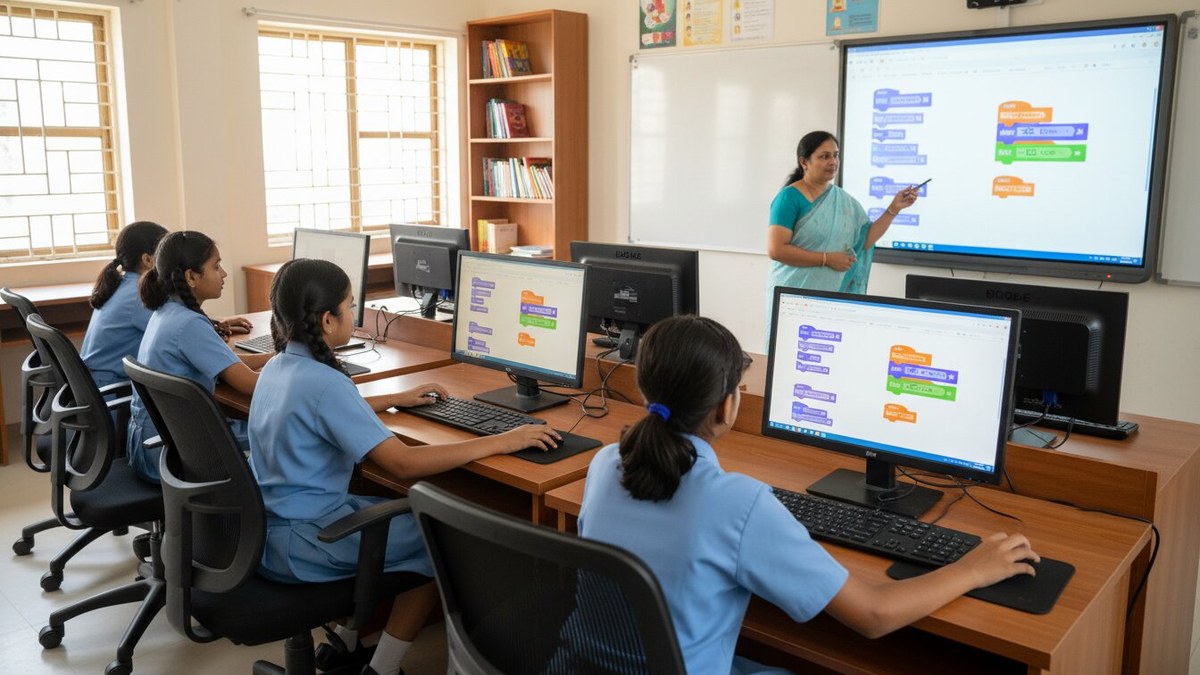
Step 5: Track Progress and Keep Students Engaged
Don’t just teach. Measure. Create a simple tracker:
- Week 1-2: Scratch basics (moving sprites, simple loops)
- Week 3-4: Interactive stories and games
- Week 5-6: Python introduction
- Week 7-8: Student projects (mini games, calculators)
End each month with a demo day. Students show their projects to parents. This creates accountability and pride. It also generates word-of-mouth for your coding club.
For management tips on running this as a structured program, check our guide on coaching institute management tips.
The Budget Reality
Starting a coding club in a government school or as a POD doesn’t require Rs.5 lakhs.
- APNA PC bundle: Rs.30,000 (one unit for demo)
- Existing lab computers: Free (already there)
- Software: Free (Scratch, Code.org, Python)
- Monthly supplies (printouts, certificates): Rs.1,000
- Your time: Priceless
Total startup: Under Rs.35,000. ROI if you charge students: 3-4 months.
Next Steps
You don’t need permission to start small. Pick 5 interested students. Run one session. See what works. Adjust. Scale.
If you’re thinking bigger, consider launching a full POD. We’ve trained hundreds of educators to do exactly this. Check how to start a Teach to Earn learning POD and turn this into a sustainable income stream.
The India Ministry of Education is pushing digital literacy. You’re not fighting the system. You’re riding it. Start your coding club government school edition this month, or in your own neighbourhood POD, and the results will speak for themselves. Your students are waiting.