
Your PDF Notes Are Stuck in 1995. Here’s How to Fix That.
Most tuition teachers have PDF notes sitting on their laptops. Students scroll through them like newspapers. No interaction. No engagement. If you want to convert PDF to digital worksheet format, everything changes. Your students start thinking, doing, and actually learning instead of passively skimming.
Here’s the truth: creating digital worksheets for teachers isn’t some fancy tech skill reserved for software engineers. It’s a practical, doable approach that will immediately change how your students engage with your content. Interactive teaching materials make students active participants, not passive spectators. And yes, you can do it on basic equipment.
Let’s talk about why this matters and exactly how to make it happen.
Why You Need to Convert PDF to Digital Worksheet Format
A static PDF is like serving food on a plate with no flavour. Technically it’s there. Technically it’s edible. But nobody gets excited about it.
When you convert PDF to digital worksheet format, you’re not just changing the file type. You’re fundamentally changing how your students interact with the material. A PDF to interactive worksheet transformation means you can add:
- Fill-in-the-blank spaces that force active thinking instead of passive reading
- Drag-and-drop elements that make learning feel like a game, not homework
- Instant feedback that tells students if they’re right or wrong immediately
- Clickable links that take students deeper into topics they find interesting
- Embedded videos or audio that explain concepts without you needing to be in the room
This isn’t about being fancy. This is about respect for your students’ attention span. They’re competing against TikTok, Instagram, and YouTube. A PDF can’t win that fight.
The government understands this too. Platforms like DIKSHA platform and initiatives under the Digital India initiative are pushing schools and educators toward interactive content. The shift is already happening. The question is whether you’ll lead it or get left behind.
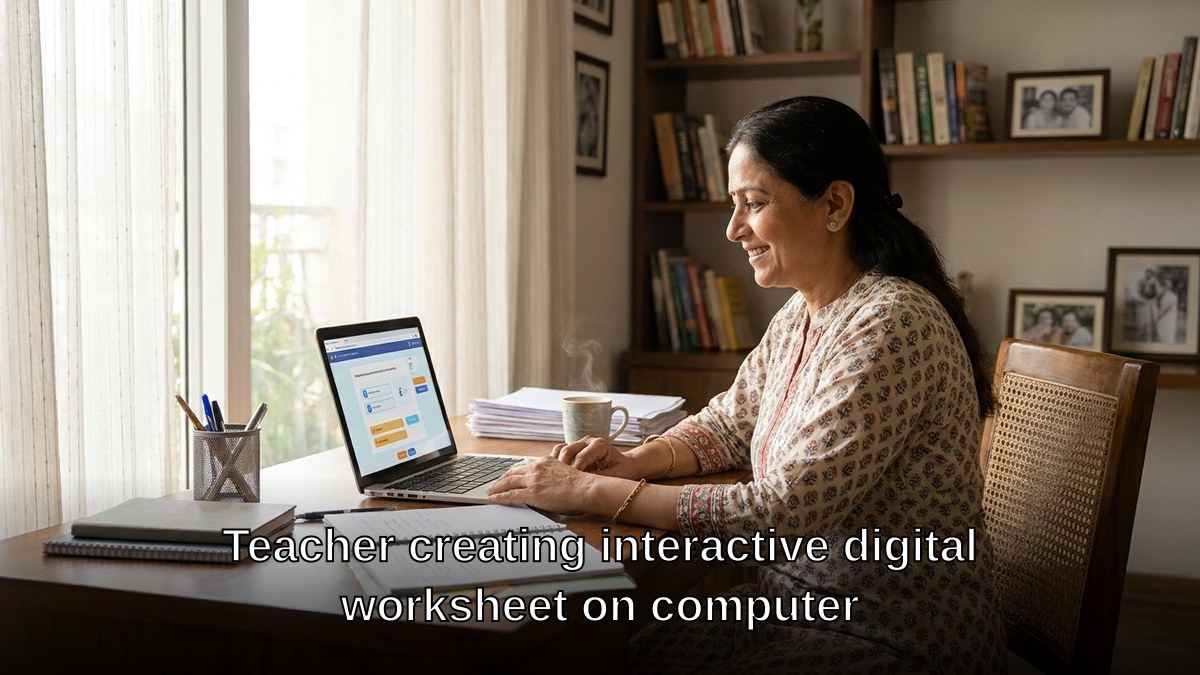
The Step-by-Step Process to Create a PDF to Digital Worksheet
Step 1: Choose Your Conversion Tool
You don’t need expensive software. Tools like Google Forms, Canva, or even Microsoft Word can turn your PDF content into interactive teaching materials. If you’re serious about this, platforms like Typeform or Jotform give you more control. Pick one and stick with it until you’re comfortable.
Step 2: Extract Your Content Thoughtfully
Don’t just copy-paste everything from your PDF. That defeats the purpose. Instead, identify the core concepts. Which ideas do students struggle with most? Which topics need reinforcement? Build your digital worksheets for teachers around those problem areas.
Step 3: Add Interactive Elements
This is where the magic happens. Replace passive reading with active doing. Use multiple-choice questions with explanations for wrong answers. Add matching exercises. Create fill-in-the-blank sections that test understanding, not just memory. When you convert PDF to digital worksheet with these elements, students actually retain what they learn.
Step 4: Test It Yourself First
Before your students see it, go through your PDF to interactive worksheet completely. Click every link. Answer every question. Check for typos. This takes 20 minutes but saves you from embarrassment and confusion later.
Step 5: Deploy and Track
Share your worksheet with students and monitor how they interact with it. Which questions are they getting wrong? Where are they spending the most time? Use this data to improve your next worksheet. Consider using tools for digital attendance tracking for tuition classes to see which students are actually completing the work.
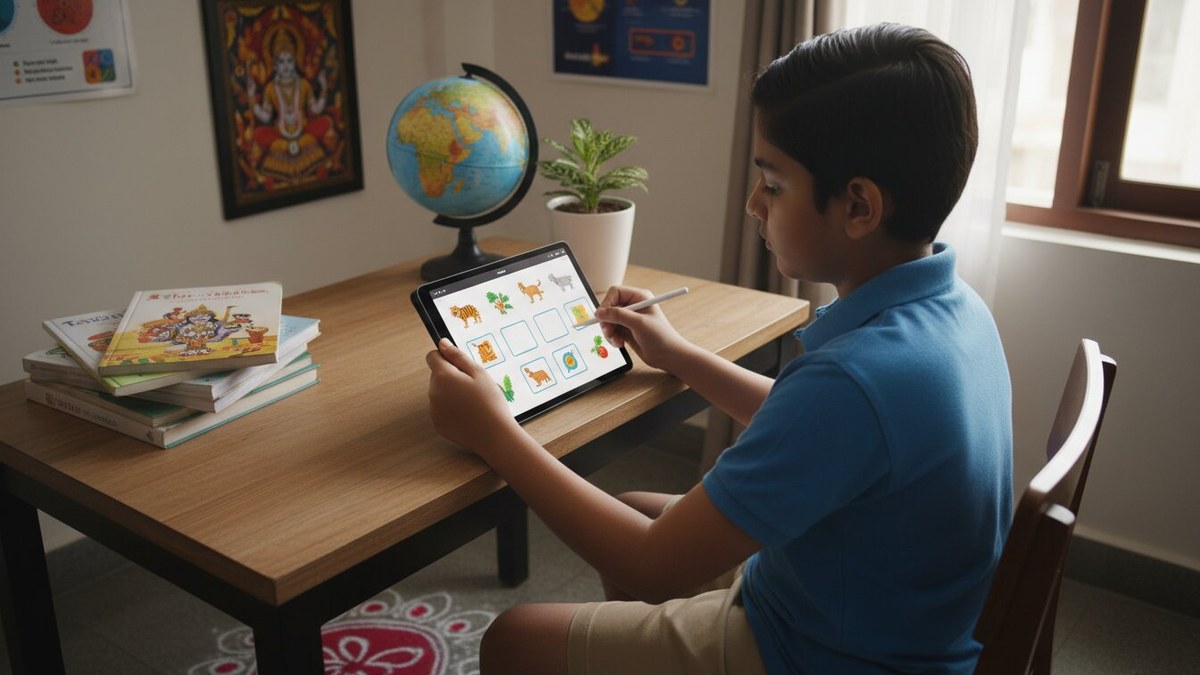
What Equipment Do You Actually Need?
Here’s where most people get stuck. They think creating a PDF to digital worksheet requires a high-end laptop and complicated software. Wrong.
You need three things: a computer with decent processing power, reliable internet, and the right tools. That’s it.
If you’re just starting out, a basic setup works fine. But if you’re running a Point of Digital Learning centre and planning to scale your digital worksheets for teachers, you need something reliable. The APNA PC bundle at Rs.30,000 gives you exactly what you need: an i3 7th Gen processor, 8GB RAM, 128GB SSD, monitor, keyboard, mouse, webcam, and headset. Everything bundled with 3 years warranty and installation. No surprises. No hidden costs.
That’s one laptop investment that covers your entire operation for three years. Most tuition teachers spend more than that on a single month of rent.

Your Next Move
When you convert PDF to digital worksheet format for your students, you’re investing in better learning outcomes. This isn’t optional anymore. It’s the baseline expectation. Students expect it. Parents expect it. And frankly, if you’re not doing it, someone else will.
Start small. Pick one PDF that your students struggle with most. Convert it this week. Share it with three students. Watch what happens. You’ll see the difference immediately.
If you’re serious about building a sustainable teaching business, this is non-negotiable. And if you want to build your teaching portfolio that attracts serious students and parents, interactive worksheets are your proof that you’re modern, organised, and actually invested in learning outcomes.
Ready to start? We can help you set up your Point of Digital Learning centre with the right equipment and support. Learn how to start your POD today and begin converting your teaching materials into engaging digital experiences.