
Why Your Child Needs a Student Portfolio Computer Right Now
Your child’s marks on a report card tell you one thing. A student portfolio tells you everything else.
Here’s the truth: colleges and employers don’t just want scores anymore. They want to see what your child can actually do. A student portfolio using a home computer is no longer optional. It’s the difference between getting noticed and getting lost in the crowd.
Most people don’t realise that building a digital portfolio doesn’t require expensive studios or professional equipment. You need three things: a decent home computer, basic software, and a clear plan. That’s it. And we’re going to show you exactly how to do it.
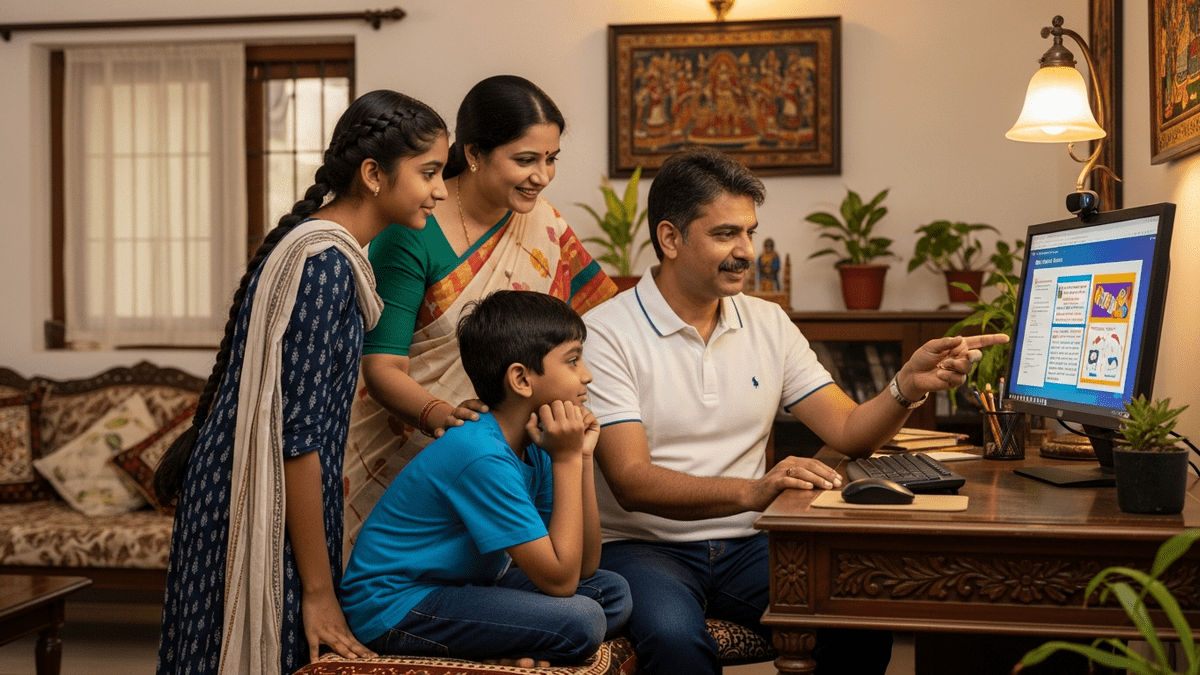
Let me be direct. If your child is in school right now and doesn’t have a portfolio, they’re already behind. Not because of grades. Because they’re not showing their real capabilities to the world.
What Is a Student Portfolio and Why Does It Matter
A student portfolio is a curated collection of your child’s best work. Essays. Projects. Artwork. Videos. Code. Whatever they create. It lives online or on a computer, accessible to teachers, colleges, or future employers.
Let’s be honest: one exam score is a snapshot. A portfolio is a full picture.
Think about this. When you hire someone, do you just look at their certificate or do you want to see what they’ve actually built? Same logic applies to education. A portfolio proves competence. It shows growth. It demonstrates creativity and persistence.
For students in India, this is especially powerful. Whether your child wants to study abroad, get into a competitive college, or start their own venture as an edupreneur vs tuition teacher, a portfolio opens doors that grades alone cannot.
Getting Started: The Right Tools and Setup
You don’t need a fancy laptop or a thousand rupees worth of software. You need a reliable home computer with enough power to handle multiple tasks at once.
Here’s what you need:
- A processor that doesn’t freeze when your child opens five browser tabs and edits a document simultaneously
- Enough storage for photos, videos, and projects without constantly running out of space
- Good RAM so editing software runs smooth, not choppy
- A monitor large enough to see details clearly
- A webcam and microphone for recording presentations and videos
Most families think they need to spend Rs.60,000 or Rs.80,000 on a computer. Wrong. APNA PC is a complete bundle at Rs.30,000. It includes a Mini PC with i3 7th Gen processor, 8GB RAM, 128GB SSD, monitor, keyboard, mouse, webcam, headset, education software, 3-year warranty, and installation. That’s everything you need to start building a student portfolio computer setup at home.
This is your Point of Digital Learning (POD). Your home learning hub. And it changes everything about how your child learns and showcases their work.
Building Your Child’s Portfolio Step by Step
Step 1: Choose Your Platform
Google Sites, Wix, or even a simple folder system on your home computer works. Start simple. Your child can upgrade later. The goal is to start now, not to wait for perfection.
Step 2: Collect and Organize Work
Every project matters. Science fair poster. English essay. Math problem solutions. Art project photos. Video presentation. Save everything with clear dates and titles. Organize into folders by subject or skill.
Step 3: Write Reflections
This is where portfolios become powerful. For each piece of work, your child writes 3-4 sentences about what they learned, what they struggled with, and how they improved. This reflection is what separates a portfolio from a folder of random files.
Step 4: Add Variety
Include different types of work. Written work. Visual work. Audio or video. Projects done alone. Projects done in groups. Assignments. Self-directed learning. This variety shows your child is a well-rounded learner.
Step 5: Update Regularly
A portfolio is not a one-time project. It’s a living document. Add new work every month. Remove old work that no longer represents your child’s abilities. Keep it fresh and current.
The Software and Resources You Actually Need
You don’t need to buy expensive Adobe subscriptions. Free tools work just fine for most students.
- Google Docs, Sheets, Slides for writing and presentations
- Canva for design work
- OBS Studio for recording videos
- GIMP for image editing
- Audacity for audio editing
The APNA PC bundle comes with education software included, so you’re already covered for most basic needs. No extra purchases required.
Check out resources like the DIKSHA digital learning platform for content ideas and the Digital India initiative for understanding how digital skills are becoming essential in India.
Why This Matters for Your Child’s Future
A student portfolio computer project isn’t just about looking good on an application. It teaches your child to take ownership of their learning. To reflect on their progress. To organize their thoughts. To present themselves professionally.
These are skills that matter in every career. Every college. Every opportunity.

If you’re running a tuition center or thinking about becoming an edupreneur, a portfolio system for your students is a game-changer. It sets you apart. It shows parents real progress. It helps students see their own growth.
Check our POD setup checklist to understand how to create a complete learning environment at home.
Start Today, Not Tomorrow
The best time to start a student portfolio was last year. The second best time is today.
You don’t need permission. You don’t need approval. You don’t need to wait for school to tell you to do this. Start with your home computer. Start with one piece of work. Start with one reflection.
Build momentum. Add more work. Show your child’s real capabilities to the world.
Ready to set up your home learning hub? Get APNA PC today and give your child the tool they need to build a portfolio that actually matters.