
What is an LMS? The Straight Answer
Most people don’t realise that a learning management system is simply software that organises teaching and learning in one place. It’s not magic. It’s not complicated. It’s a tool. An LMS (learning management system) lets you upload lessons, track student progress, assign homework, and communicate with learners all from one dashboard. That’s it. No mystery.
If you’re a tuition teacher running classes from home, an edupreneur building an online academy, or a senior citizen wanting to teach what you know, you need to understand what an LMS does. Because the right tool changes everything about how you work.
Here’s the truth: most Indian educators are still using WhatsApp groups and scattered files. They’re losing students’ assignments. They’re repeating explanations. They’re burning out. An LMS learning management system fixes this. It centralises everything.
Why Teachers Actually Need a Learning Management System
Let’s be honest. Teaching offline is messy. Student A submits homework via photo. Student B sends it by email. Student C forgets entirely. You have no record. Parents ask for progress reports and you scramble to remember who learned what.
An LMS solves this by creating a single, searchable record of everything:
- All course materials in one place (videos, PDFs, documents)
- Assignment submissions tracked with dates and scores
- Student progress visible in real time
- Automated reminders for deadlines
- Parent access to see their child’s performance
- Certificates generated automatically after course completion
Think about the learning process itself. When a student knows exactly what they need to do, when it’s due, and how they’re performing, they learn faster. An LMS makes this visible. No guessing. No excuses.
For homemakers starting a tuition centre at home, this means you can manage 20 students with the same effort it currently takes to manage 5. For senior citizens teaching craft or cooking skills, an LMS lets your students learn at their own pace while you sleep. That’s the power here.

Learning Management System Examples You Should Know
When people ask about LMS learning portal options, they usually think of big names. Google Classroom. Moodle. Teachable. But here’s what matters: not all of them work well for Indian educators with limited budgets and inconsistent internet.
Some popular learning management system examples:
- Google Classroom – Free, simple, works offline, but limited features
- Moodle – Powerful but needs technical knowledge to set up
- DIKSHA platform – The government’s learning portal, free for Indian educators
- Teachable – Great for selling courses but expensive
- Udemy for Business – Hosted solution but you lose control
Most of these require either a computer or a smartphone with solid internet. Most don’t work well offline. Most don’t come with the hardware you need to actually run them.
This is why APNA PC exists. It’s a complete bundle: the hardware (Mini PC with i3 processor, 8GB RAM, 128GB SSD) plus the software stack you need to run an LMS, all for Rs.30,000. Installation included. 3-year warranty included. You’re not buying a computer and an LMS separately. You’re buying a complete teaching solution.
Building Your Point of Digital Learning with an LMS
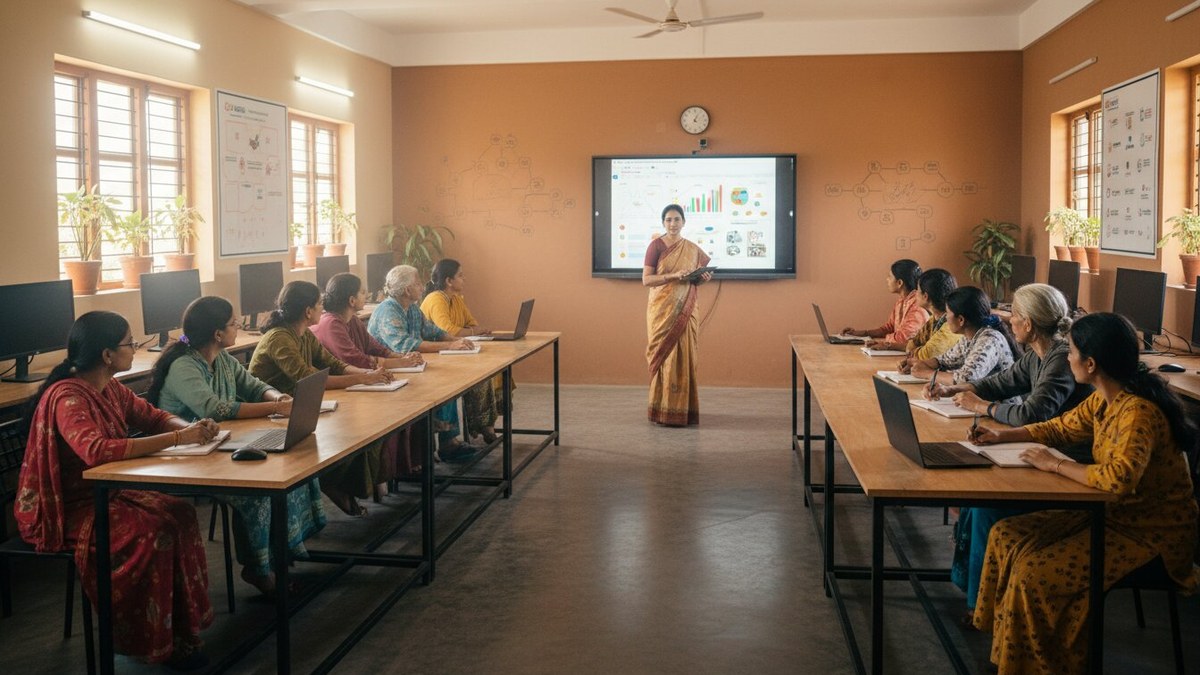
A POD (Point of Digital Learning) is a home or community learning centre run by a trained educator. It’s not a school. It’s not a coaching centre. It’s a learning hub. And an LMS is the backbone that makes it scalable.
If you’re thinking about starting a POD, an LMS lets you:
- Teach 30 students with 15 hours of your time instead of 45
- Offer multiple courses simultaneously without chaos
- Generate certificates that parents and employers actually recognise
- Track which teaching methods actually work for your students
- Scale to multiple instructors without losing quality
You can start small. One tuition batch. One skill course. One community centre. Then expand. The LMS grows with you.
Many educators we work with start with vocational courses after 12th because these attract students ready to pay. An LMS makes it easy to structure these courses properly, track completion, and generate certificates that employers trust.
Do You Actually Need an LMS?
Not everyone does. If you teach 3 students in your living room and know them personally, you might not need one yet. But if you’re serious about scaling, if you want to reduce your workload, if you want to build something that works without you being present every single hour, you need an LMS.
The question isn’t whether you need one. The question is whether you can afford not to have one while your competitors do.
Most Indian educators still haven’t adopted LMS technology. That’s your advantage. You adopt it now, you’re ahead for the next 5 years. Your students learn better. Your parents trust you more. Your business grows faster.
Ready to move beyond WhatsApp groups and scattered files? Start with digital literacy course for teachers to understand the basics. Then invest in the right hardware and software stack.
The APNA PC bundle gives you everything you need to start. Mini PC with all the specs required. LMS software pre-installed. Warranty. Support. Installation. No hidden costs. No setup headaches. You unbox it. You plug it in. You start teaching better.
Explore APNA PC and start your digital teaching journey today.