
Your Child’s Screen Time Is Out of Control (And You Know It)
Here is the truth: Most parents don’t realise that online safety tips for students aren’t just about blocking bad websites. They’re about building habits. Real habits. The kind that stick.
Your child is spending hours on digital learning platforms. DIKSHA, YouTube, WhatsApp groups, online tuition classes. Some of it is brilliant education. Some of it is pure distraction. And you’re sitting there wondering if they’re actually safe.
Let’s be honest. Digital learning safety isn’t a one-time conversation. It’s not a parental control app you download and forget. It’s a daily practice that starts with you understanding what your child is actually doing online.
This post will give you real, actionable online safety tips for students that work in Indian homes, in community learning centres, and everywhere in between.
Why Digital Learning Safety Matters Right Now
Your child’s school closed. Tuition moved online. Suddenly, the internet became the classroom. And with it came risks you never had to think about before.
Cyberbullying. Inappropriate content. Strangers in chat rooms. Screen addiction. Identity theft. Phishing scams targeting kids. These aren’t hypothetical problems. They’re happening in Indian homes every single day.
The problem isn’t the internet itself. The problem is that most parents and teachers don’t have a clear framework for safe online learning.
Here’s what works:
- Know what platforms your child uses. Not vaguely. Specifically. WhatsApp? YouTube? Google Classroom? Zoom? Each one has different safety settings. Most parents couldn’t name three.
- Set actual boundaries. Not “be careful online.” Real boundaries. Time limits. Device-free zones. Screen-free meals. These aren’t restrictions. They’re guardrails.
- Teach them to recognise threats. A link from an unknown sender. A request for personal information. A stranger asking to video call. Your child needs to know what to do.
- Monitor without invading. You don’t need to read every message. You do need to know who they’re talking to and what sites they’re visiting.
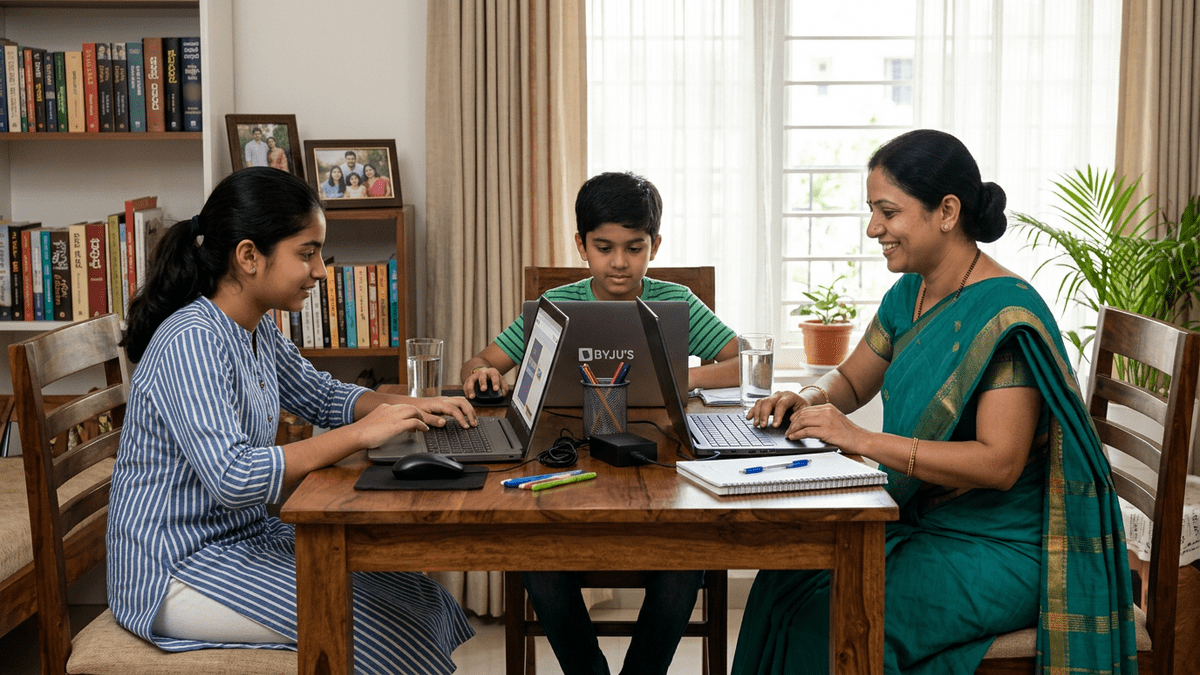
- Create a safe digital learning space for kids. That means the right device. The right setup. The right environment. Not a cramped corner with a 10-year-old laptop.
The 5 Non-Negotiable Online Safety Tips for Students
1. Strong passwords and two-factor authentication. Your child’s email is the gateway to everything. If someone hacks it, they can reset passwords for every other account. Make the email password long. Make it random. Make it impossible to guess. Then turn on two-factor authentication. Yes, it’s annoying. Yes, it’s necessary.
2. Never share personal information online. Full name. Address. Phone number. School name. These seem harmless. They’re not. A stranger can use these details to impersonate you, scam you, or worse. Your child needs to understand: the internet is public. Treat it that way.
3. Verify before clicking. Phishing emails look real. They have school logos. Bank logos. They sound urgent. “Verify your account now.” “Unusual activity detected.” Your child clicks. Game over. Teach them: hover over links. Check the actual URL. When in doubt, ask you first.
4. Understand what’s being shared. Every photo. Every comment. Every like. It’s data. It’s tracked. It’s sold. Platforms like YouTube, TikTok, and Instagram collect information about your child’s behaviour, interests, and location. Not because they’re evil. Because that’s their business model. Your child should know this.
5. Speak up if something feels wrong. A comment that’s mean. A request that’s weird. An adult asking for a photo. Most kids don’t tell their parents because they’re scared of getting in trouble. You need to create an environment where they feel safe reporting problems without judgment. That means no punishment for telling you the truth.
How to Track Your Child’s Digital Learning Progress Safely
Monitoring doesn’t mean spying. It means staying informed.
Most parents either do nothing or go overboard. They either let their child roam free or they install surveillance software that tracks every keystroke. Neither approach works.
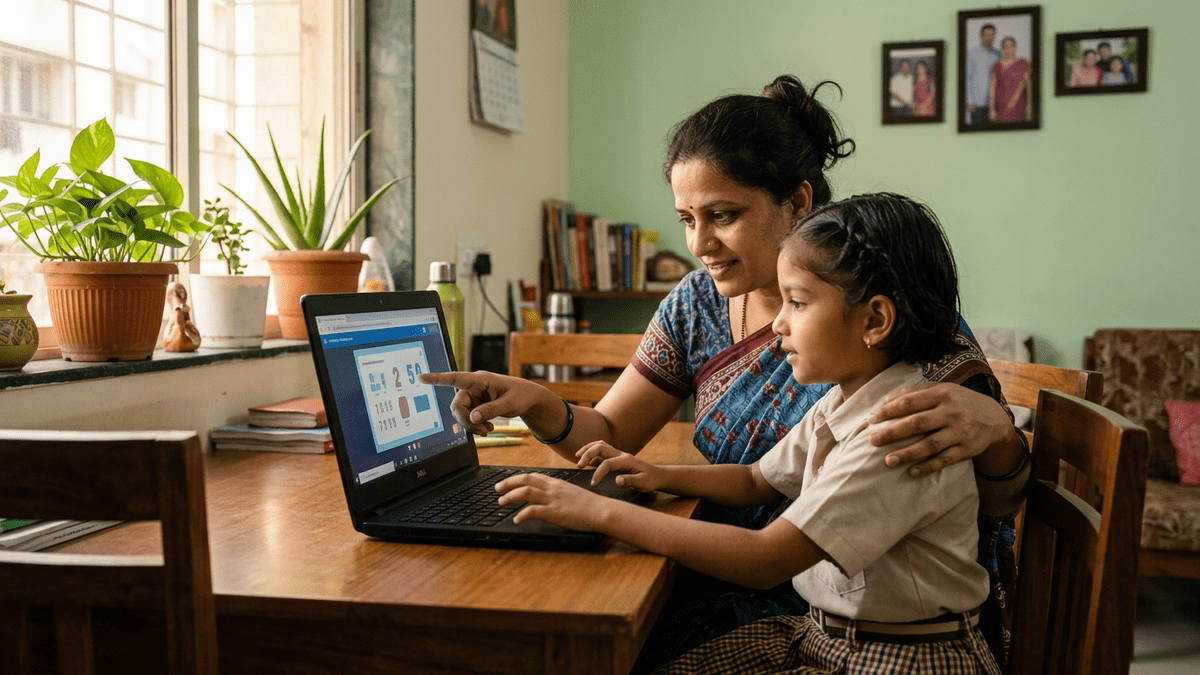
The middle ground? Regular check-ins. Ask your child what they learned today. Who they talked to. What websites they visited. Most importantly, listen to their answers without judgment.
Use parental control tools, but use them wisely. Set screen time limits. Block inappropriate sites. But tell your child what you’re doing and why. Transparency builds trust. Secrecy builds resentment.
If your child is learning at a Point of Digital Learning (POD) or community centre, ask the educator how they ensure safe online learning. What’s their policy on internet access? How do they supervise students? What training have they had? A good educator will have answers.
You can also track your child’s digital learning progress through the platforms they use. Most have parent dashboards. Use them.
The Role of Your Device and Your Environment
Here’s something most people don’t realise: safety starts with hardware.
A broken-down laptop with no security updates? That’s a target. Malware loves old devices. Hackers love outdated software.
A shared family computer with no restrictions? That’s chaos. Your child might accidentally download something dangerous. Or click on a link they shouldn’t.
An old monitor with no webcam cover? That’s a privacy risk.
The solution isn’t complicated. You need a reliable device. One that’s maintained. One that has proper security software. One that’s set up specifically for learning.
This is where APNA PC comes in. For Rs.30,000, you get a complete bundle. A Mini PC with i3 7th Gen processor, 8GB RAM, 128GB SSD. A monitor. Keyboard. Mouse. Webcam. Headset. Plus 3 years warranty and professional installation. Plus education software pre-loaded.
That’s not a luxury. That’s the foundation of safe online learning. Whether your child is learning from home or at a POD, they need a device that won’t let them down.
Most families try to save money by using old computers. Then they spend more money fixing viruses and malware. Then they spend even more money replacing the device when it finally dies. APNA PC removes that cycle.
What Teachers and POD Educators Should Be Doing
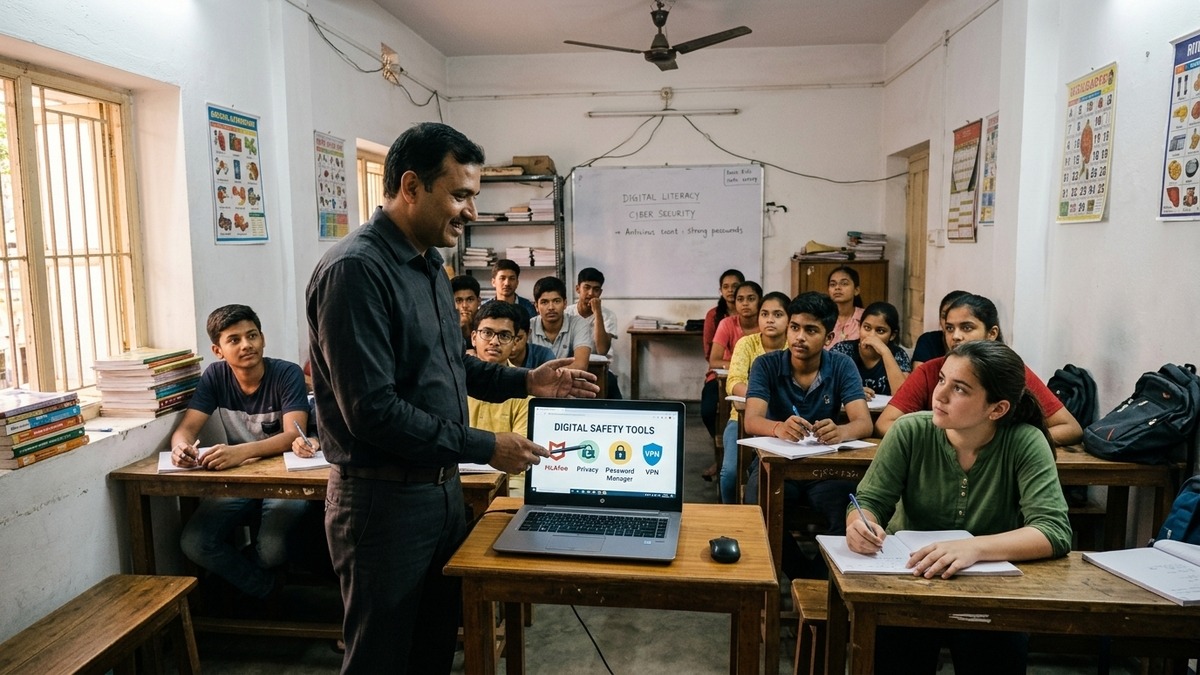
If your child is learning at a POD or through online tuition, the educator’s responsibility goes beyond teaching maths or English.
They should be teaching digital citizenship. How to behave online. How to recognise threats. How to protect personal information.
They should have clear policies. No sharing of student information. No inappropriate contact outside of class. No access to student data without parental consent.
They should be using platforms that are designed for education. Not Facebook. Not WhatsApp for official communication. Proper learning management systems with built-in safety features.
If your educator isn’t thinking about this, it’s time to have a conversation.
The Bottom Line
Online safety tips for students aren’t complicated. They’re just not optional.
Your child is growing up in a world where the internet is everywhere. You can’t protect them by keeping them offline. That’s not realistic. That’s not even possible.
What you can do is teach them. Guide them. Equip them with the right tools and the right mindset.
Start today. Have the conversation. Set the boundaries. Create the safe digital learning space for kids they deserve.
And if you’re serious about this, invest in the right device. Get APNA PC today. It’s the single best thing you can do to ensure your child’s digital learning is both productive and safe.
Your child’s future depends on it.