
Your Age Is Not Your Obstacle. Your Mindset Is.
Here is the truth: Most senior citizens in India believe digital skills are for the young. They are wrong. Dead wrong. In 2026, digital literacy is not a luxury. It is survival. Whether you want to video call your grandchildren abroad, access your bank account, book a doctor appointment, or simply stay independent, digital skills for senior citizens are no longer optional.
The government’s MeitY Digital India portal has pushed technology into every corner of Indian life. Your pension. Your healthcare. Your shopping. Everything is moving online. Staying offline is not peaceful retirement. It is forced isolation.
But here is what stops most seniors: fear, not ability. And a lack of proper tools and guidance.
Key Takeaways
- Digital skills for senior citizens are practical, not technical: video calling family, online banking, booking appointments, reading news and staying safe from fraud.
- Pensions, healthcare, banking and shopping are all moving online, so staying offline increasingly means forced isolation rather than a quiet retirement.
- The usual barrier is fear and lack of proper tools and guidance, not ability; seniors learn faster when the learning has a clear purpose.
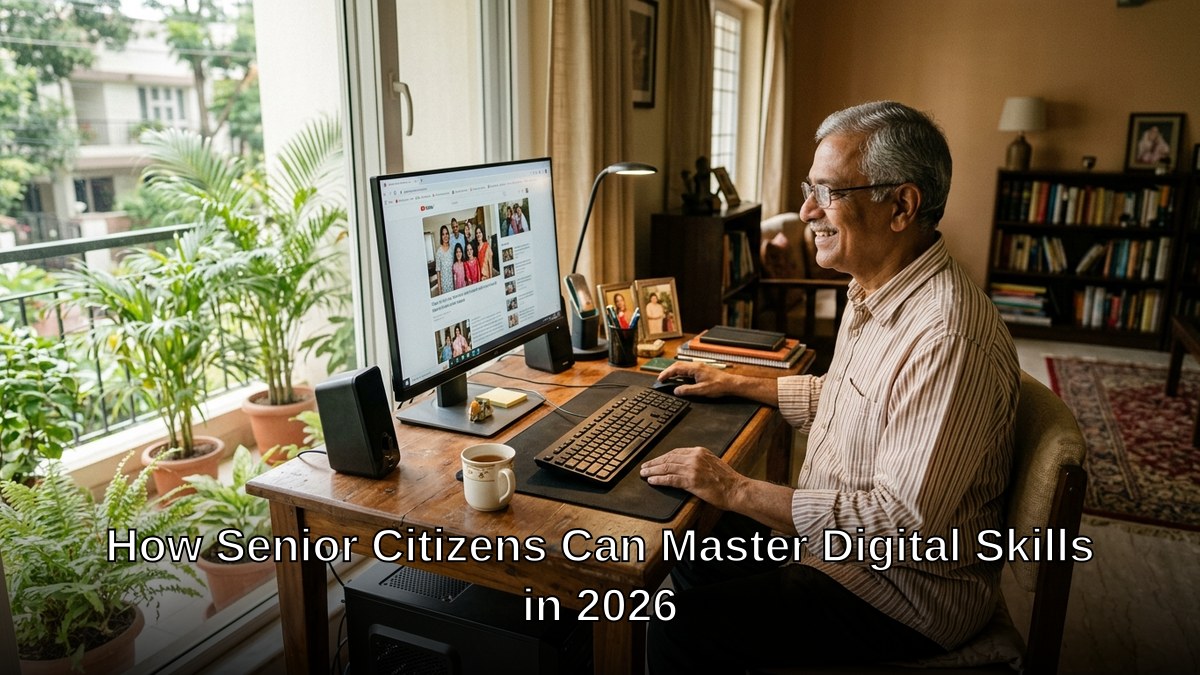
- A smartphone screen is small and tiring, so a real computer with a larger monitor and proper keyboard makes learning and daily tasks much easier.
- Seniors learn best at home or in small community groups with a patient trained educator who does not skip steps, and safety training against scams should be part of it.
Why 2026 Is The Year You Must Act
Let us be honest: waiting will only make it harder. Every government service, every bank, every hospital is digitizing faster. Your children and grandchildren cannot hold your hand forever. You need to take control.
Digital skills for senior citizens are not about becoming a tech expert. They are about:
- Video calling family members
- Checking email and messages
- Online banking and bill payments
- Booking appointments and transportation
- Accessing news and entertainment
- Staying safe from online fraud
Most people do not realise that senior citizens learn technology faster when they have a clear purpose. You are not learning for learning sake. You are learning to stay connected. To stay independent. To stay relevant in your own life.
The Digital India initiative on Wikipedia shows how millions of Indians have already made this shift. Your turn.
The Real Barrier: Equipment, Not Effort
Most senior citizens fail at digital literacy because they lack three things: a proper computer, clear instruction, and a safe learning environment.
A smartphone is not enough. The screen is too small. The typing is painful. Your eyes tire quickly. You need a real computer with a larger monitor, proper keyboard, and comfortable setup.
This is where APNA PC changes everything.
APNA PC is a complete bundle designed for Indian homes and learning centres. For Rs.30,000, you get:
- Mini PC with i3 7th Gen processor, 8GB RAM, 128GB SSD
- Monitor, keyboard, mouse, webcam, and headset
- Education software pre-loaded
- Professional installation at your home
- 3-year warranty and support
This is not a toy. This is a proper learning machine. Fast enough for video calls. Reliable enough for banking. Safe enough for your needs.
Learning At Your Pace, In Your Space
Senior citizens learn best in two environments: at home or in small community groups. Not in crowded classrooms. Not with teenagers rushing around you.
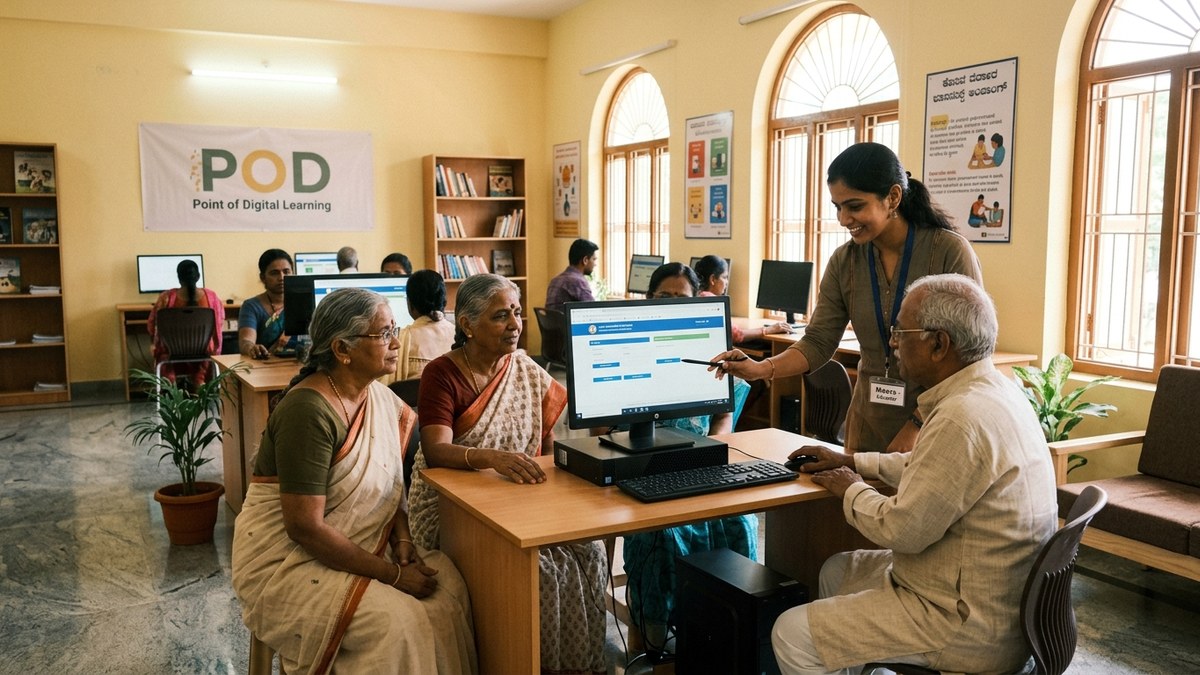
A Point of Digital Learning (POD) is a home or community learning centre run by a trained educator. It is patient. It is personal. It moves at your speed.
With APNA PC and proper guidance, you can:
- Learn without embarrassment or time pressure
- Ask questions repeatedly without judgment
- Practice skills until they become natural
- Build confidence before moving to complex tasks
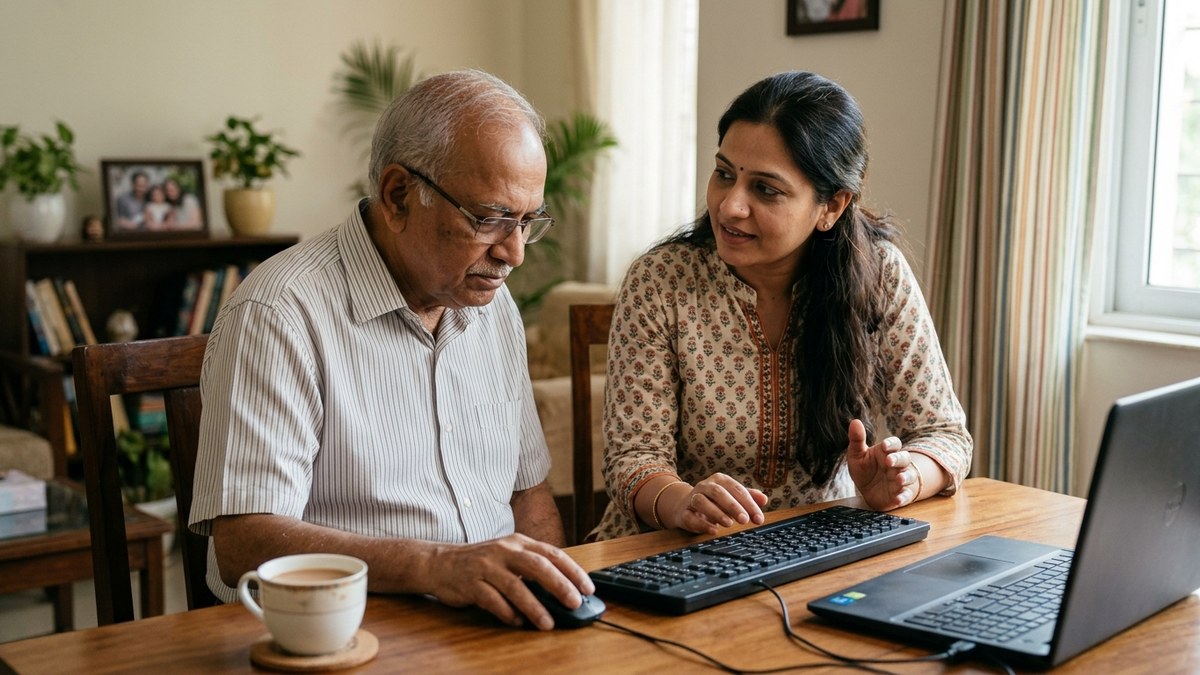
Your grandchild cannot teach you. They are too fast. Too impatient. They skip steps. You need someone trained to teach beginners. Someone who remembers what it feels like to not know.
Safety First. Always.
You have heard the stories. Senior citizens losing money to scams. Clicking wrong links. Sharing passwords. Falling for fake offers.
This is not because seniors are foolish. It is because you did not grow up with these dangers. You were taught to trust. To be helpful. To respond to requests.
Digital literacy means learning not just how to use technology, but how to stay safe. Check out our guide on online safety tips for Indian students to understand the basics. Many of these apply to you as well.
A trained educator at a POD will teach you red flags. Fake messages. Suspicious links. How to verify before clicking. How to protect your money and your identity.
Start Now. Not Tomorrow.
You have time. You have capability. What you need is the right setup and the right support.
APNA PC gives you the hardware. A POD gives you the guidance. Together, they give you independence.
Your grandchildren are waiting to video call you. Your bank account needs you to manage it. Your doctor wants to send you appointment reminders online. Your life is moving digital whether you are ready or not.
The question is not whether you can learn digital skills. The question is why you are still waiting.
Get your APNA PC today and start your digital journey. Invest Rs.30,000 now to gain independence for the next 3 years and beyond.
Also explore what essential digital skills every student needs so you can help your grandchildren stay safe online too.
Frequently Asked Questions About Digital skills for senior citizens
Is it too late for a senior citizen to learn digital skills?
No. Age is not the obstacle; fear and lack of the right setup usually are. Seniors often learn faster than expected when the goal is concrete, like video calling grandchildren or paying a bill online.
What digital skills should a senior citizen learn first?
Start with video calling, checking messages and email, online banking and bill payments, booking appointments and transport, and recognising online fraud. These cover most daily needs and build confidence for anything more advanced.
Is a smartphone enough for a senior to learn on?
A smartphone is limited. The screen is small, typing is hard and eyes tire quickly. A computer with a larger monitor, a proper keyboard and a comfortable setup makes learning and tasks like banking far easier.
Can my grandchild teach me digital skills?
They can help, but they often move too fast and skip steps. A trained educator who teaches beginners, repeats things without judgement and lets you practise at your pace usually works much better.
How do seniors stay safe from online scams?
Learn the red flags: messages creating urgency, links from unknown senders, requests for passwords or OTPs, and offers that seem too good. Never share an OTP, verify before clicking, and ask a trusted person or educator when unsure.
The Digital India programme, run by MeitY, aims to make digital services and access available to all citizens, including older people.