
The Real Problem With Learning Pods in India
Most people don’t realise that setting up a home learning pod doesn’t require fancy infrastructure or deep pockets. You’ve heard the stories. Expensive tutoring centres with glass walls and air conditioning. Coaching classes that charge Rs.5,000 per month per student. Digital platforms that demand subscriptions you can’t afford. Here is the truth: a home learning pod setup can start with what you already have, plus one smart investment.
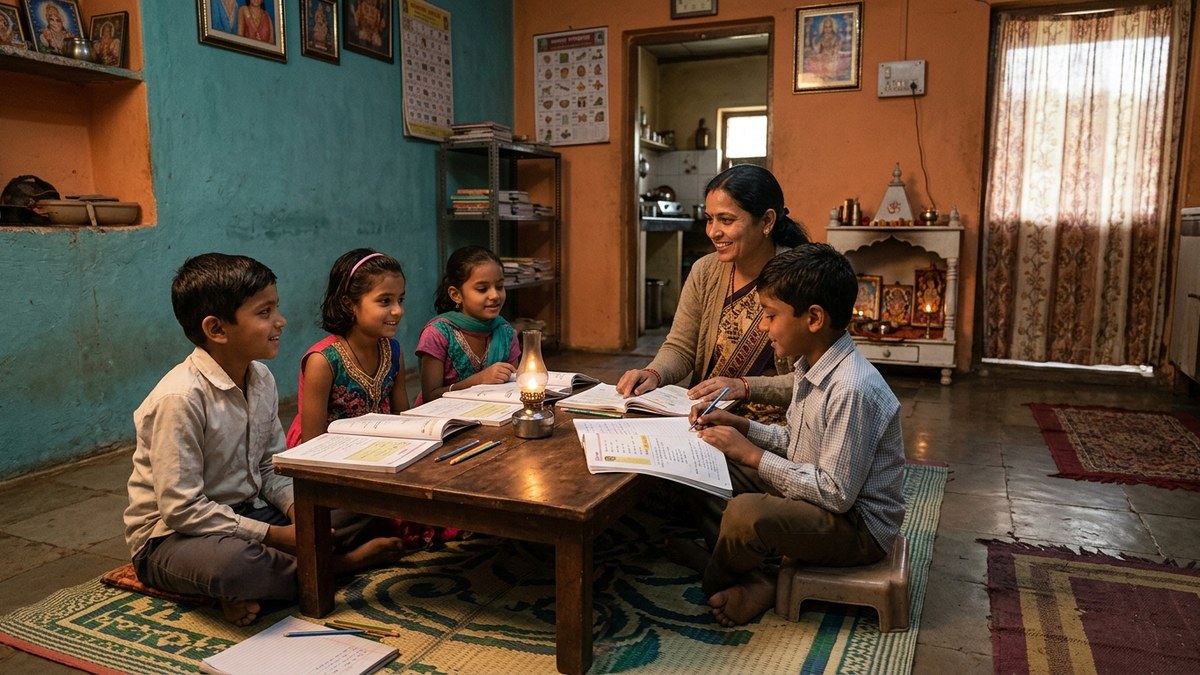
A learning pod is a Point of Digital Learning (POD) – a home or community centre where a trained educator teaches a small group of students using proper technology and structured curriculum. It’s not complicated. It’s not expensive. And it’s exactly what Indian families need right now.
Whether you’re a homemaker wanting to earn while educating your community, a retired teacher with knowledge to share, or an edupreneur scaling your tuition business, a budget learning pod at home is your answer. Let’s walk through how to do this without burning through your savings.
Start With What You Have, Add What Matters
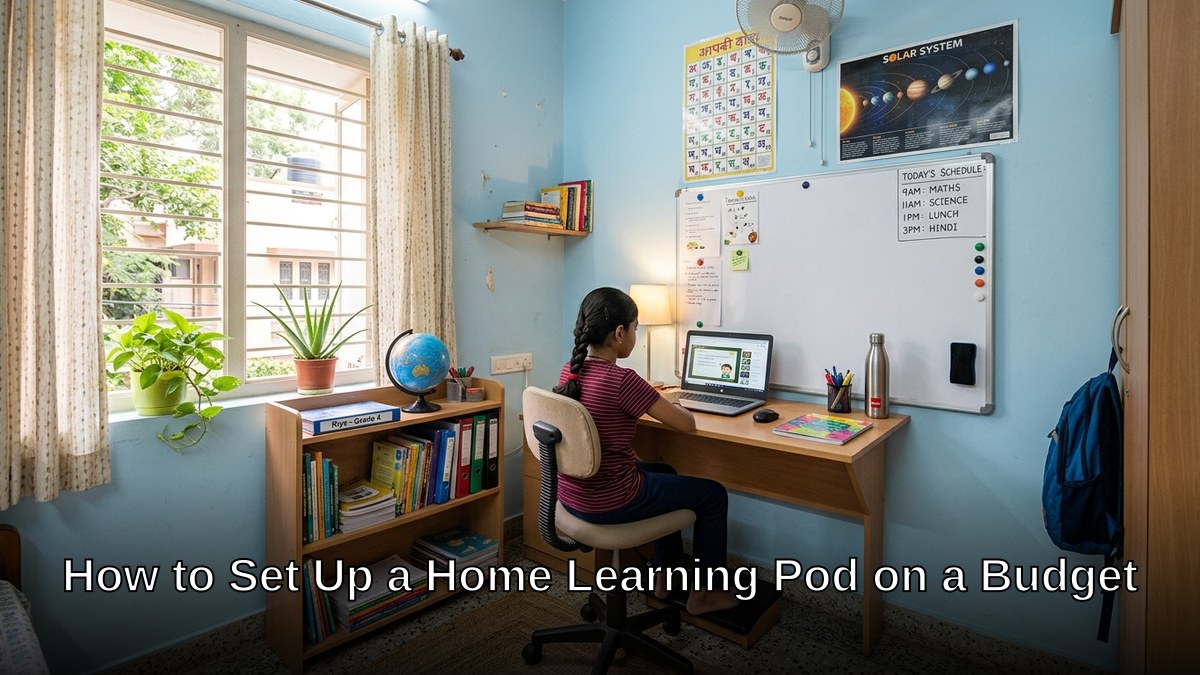
Your living room. Your bedroom. Your small office space. That’s your classroom. You don’t need 500 square feet. You need 150-200 square feet. Clean, well-lit, with good ventilation. That’s it.
Now the question everyone asks: what about technology?
Let’s be honest: you need a computer. Not a fancy laptop that costs Rs.80,000. Not a tablet that limits what your students can do. You need a reliable system that runs educational software, connects to the internet, and lasts for years without constant repairs.
This is where most people fail. They either:
- Skip technology altogether and wonder why they can’t compete
- Buy expensive laptops and drain their startup budget
- Buy cheap systems that crash after six months
There’s a third way. The APNA PC bundle. Rs.30,000 for everything: a Mini PC (i3 7th Gen, 8GB RAM, 128GB SSD), monitor, keyboard, mouse, webcam, headset, education software, 3-year warranty, and installation. This isn’t a compromise. This is a complete home learning pod setup that works.
Why APNA PC specifically? Because it’s built for exactly this purpose. The education software is pre-loaded. The hardware is proven. The warranty covers you for three years. You’re not guessing. You’re not hoping. You’re starting with infrastructure that actually works for a learning pod.
Your Budget Learning Pod Setup: Step by Step
Step 1: Prepare Your Space
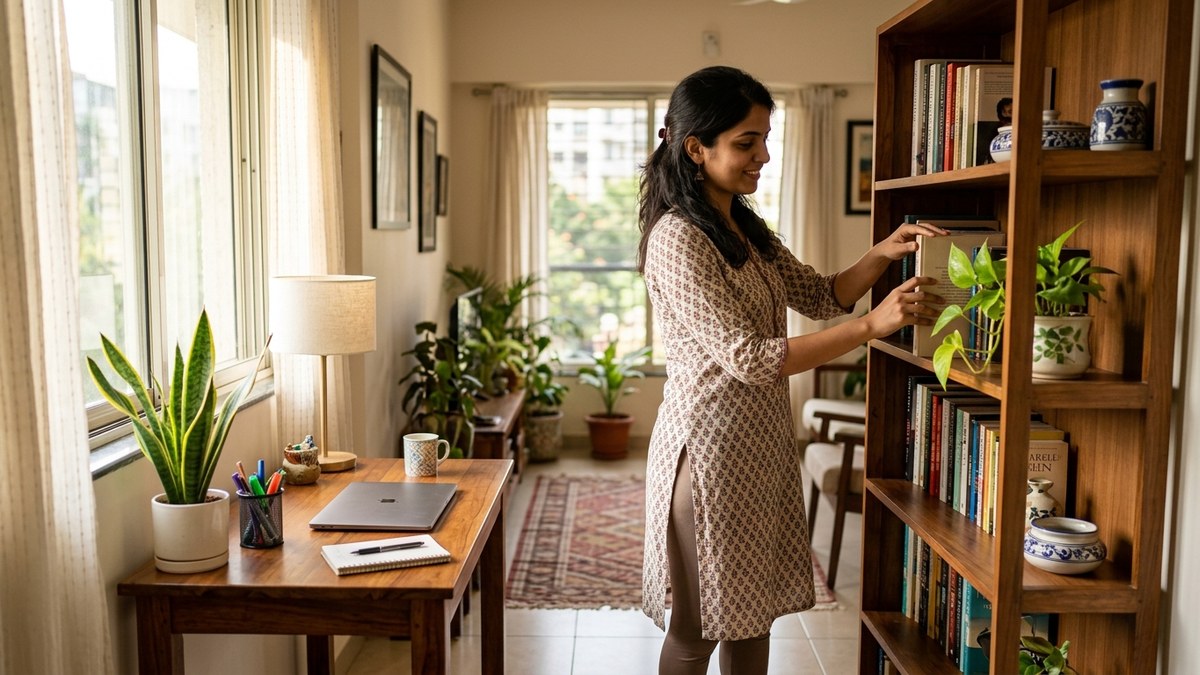
Paint the walls if they’re dingy. Get a whiteboard (Rs.500-1,000). Add a small bookshelf. Arrange chairs in a semi-circle, not rows. This isn’t a school classroom. It’s a learning space. Personal. Focused. Warm.
Step 2: Get the Technology Right
This is non-negotiable. The APNA PC bundle gives you everything at Rs.30,000. You’re not spending more on individual pieces. You’re not hunting for deals. It’s one investment, one delivery, one setup.
Step 3: Create Your Curriculum
Align with the Central Board of Secondary Education if you’re teaching school subjects. Use the education software that comes with APNA PC. Plan your sessions. Know your learning outcomes. This separates a real learning pod from a tuition centre.
Step 4: Set Your Pricing
Charge Rs.2,000-3,500 per student per month for group classes (8-12 students). Your costs are low. Your margins are healthy. Your students get quality education at 40% less than traditional coaching centres.
Step 5: Run Your Pod Professionally
Track attendance. Send progress reports. Use the software to track learning outcomes. Parents will pay more for accountability. This is how you scale from one pod to multiple pods.
Why This Works Right Now
The Digital India initiative has made internet access common even in tier-2 and tier-3 cities. Parents are hungry for alternatives to expensive coaching centres. Teachers are looking for ways to earn without commuting. The infrastructure is ready. The demand is real. The only missing piece was affordable technology.
A home learning pod setup on a budget isn’t a compromise anymore. It’s the smart move. It’s what’s working in Bangalore, Delhi, Pune, and now spreading to smaller cities.
Most people don’t realise that your first learning pod can be profitable within 90 days if you do it right. Twelve students at Rs.2,500 per month is Rs.30,000 in revenue. Your costs are Rs.3,000-5,000 (space, internet, utilities). Your profit is Rs.25,000. That’s Rs.300,000 per year from your home.
The One Investment That Changes Everything
The APNA PC isn’t just a computer. It’s your entry ticket into the edupreneurship space. It’s the difference between running a tuition centre and running a professional learning pod. It’s the reason you can charge premium fees and deliver premium results.
You could spend Rs.30,000 on a laptop that’s underpowered. Or Rs.50,000 on a system that’s overkill. Or Rs.30,000 on APNA PC, which is exactly right for a home learning pod setup.
Here is the truth: the barrier to starting isn’t money anymore. It’s decision. Are you going to keep talking about starting a learning pod, or are you going to actually do it?
Your space is ready. Your market is ready. Your technology is ready. All that’s missing is you taking the first step.
Ready to launch your learning pod? Check out our home computer lab setup guide for detailed technical setup instructions. Or dive deeper into our coaching class from home guide for the complete business framework.
Then take action. Start your Teach to Earn learning pod today.