
The Rs.50,000 Smart Classroom Myth (And How to Smash It)
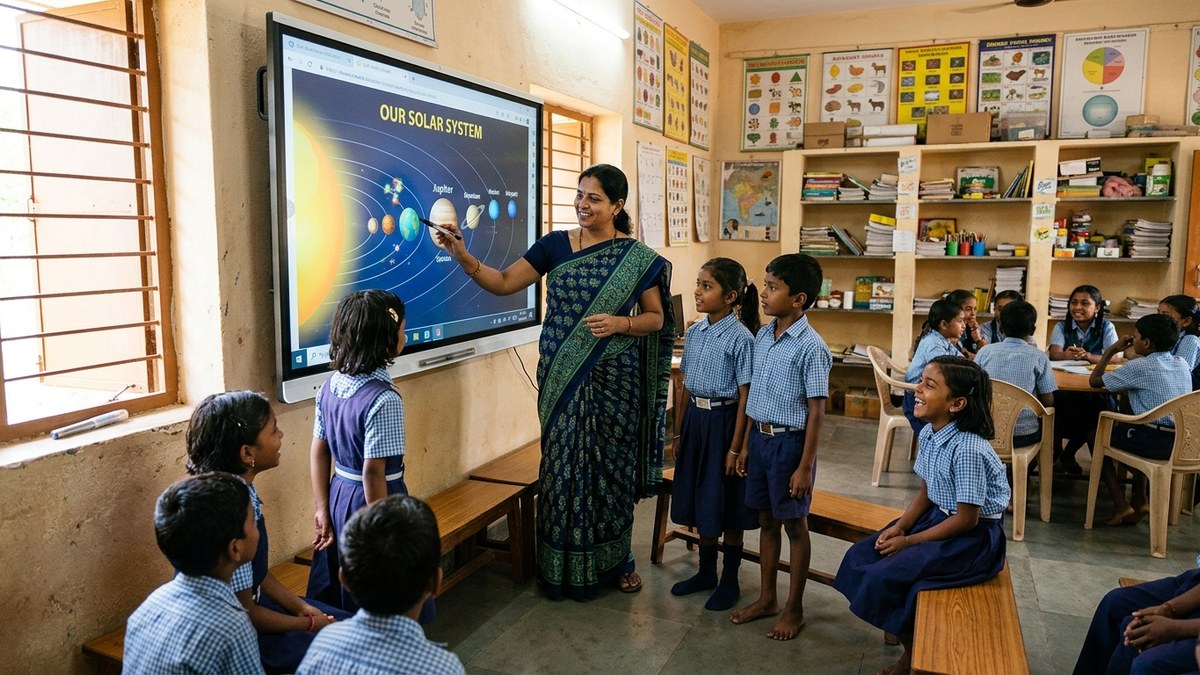
Most people don’t realise that you don’t need a fancy corporate setup to run a world-class digital classroom in India. You need clarity, the right tools, and about Rs.50,000. That’s it. Whether you’re a homemaker starting a tuition centre, a senior citizen teaching your grandkids, or an edupreneur building your coaching empire, a smart classroom setup India is no longer a luxury. It’s the baseline. And it’s affordable.
Here’s the truth: traditional classrooms are bleeding students. Parents want their kids learning on screens. Students expect interactive lessons. Teachers who don’t adapt get left behind. But the barrier isn’t intelligence or passion. It’s the price tag. Until now.
Let me walk you through exactly how to set up a smart classroom under Rs.50,000 that actually works.
Key Takeaways
- A functional smart classroom under Rs.50,000 is achievable by prioritizing a reliable PC setup over flashy extras.
- Software choices (free/open-source education tools) matter as much as hardware for keeping costs down.
- Education research consistently links well-integrated classroom technology, not just its presence, to better learning outcomes.
- Budget should be split deliberately: core hardware first, then software, then optional extras with what remains.
The Hardware Foundation: APNA PC
Stop looking for expensive alternatives. The APNA PC is your answer. Rs.30,000 gets you a complete bundle that includes a Mini PC (i3 7th Gen processor, 8GB RAM, 128GB SSD), monitor, keyboard, mouse, webcam, and headset. Plus installation and 3 years of warranty. This isn’t a compromise. This is the smart move.
Why APNA PC specifically? Because it’s built for India. It handles video conferencing without lag. It runs education software smoothly. It doesn’t overheat in summer. And it comes with support that actually answers your calls.
- Mini PC i3 7th Gen (compact, reliable, runs everything you need)
- 8GB RAM (handles 15-20 students in a live session)
- 128GB SSD (fast boot, fast everything)
- Complete peripherals included (no hidden costs)
- 3-year warranty (peace of mind)
- Installation support (they set it up for you)
That leaves you Rs.20,000 for everything else. Smart allocation matters here.
The Software Stack: Education First, Bells and Whistles Second
Don’t get seduced by fancy software with 500 features you’ll never use. The APNA PC bundle comes with education software built in. That’s your starting point. Here’s what you actually need:
- Video conferencing tool: Google Meet or Zoom (free tier works fine for 20-30 students)
- Content delivery: Google Classroom or Microsoft Teams (organise materials, track assignments)
- Interactive whiteboard: Many education platforms offer this built-in
- Assessment tools: Google Forms for quick quizzes (free, effective, instant feedback)
The DIKSHA digital learning platform is also excellent and completely free. It’s built by the Indian government specifically for Indian educators. Use it.
Let’s be honest: most teachers spend money on software they never fully explore. Start with what’s included. Add only what you actually need. Your students don’t care about fancy graphics. They care about learning. Keep it simple.
The Remaining Rs.20,000: Smart Choices
You’ve spent Rs.30,000 on APNA PC. Now allocate the rest wisely:
- Projector or large display: Rs.8,000-10,000 (crucial for classroom visibility)
- Internet upgrade: Rs.1,000-2,000 per month (5 Mbps minimum, 10 Mbps ideal)
- Basic furniture: Rs.5,000-7,000 (proper seating matters for focus)
- Backup power supply: Rs.3,000-4,000 (inverter or UPS for power cuts)
That’s your smart classroom setup India framework. No waste. No unnecessary upgrades.
Why This Works for Your Point of Digital Learning
Whether you’re running a home tuition setup or a community learning centre (what we call a Point of Digital Learning or POD), this setup transforms everything. Your students get professional-grade instruction. You get scalability. Your parents see measurable results.
Think about it: you can now take 15 students instead of 5. You can offer online and offline hybrid classes. You can record lessons for students who miss sessions. You can send assignments digitally and grade them in half the time.
This is how you compete with big coaching centres. Not by having bigger budgets. By being smarter with money.
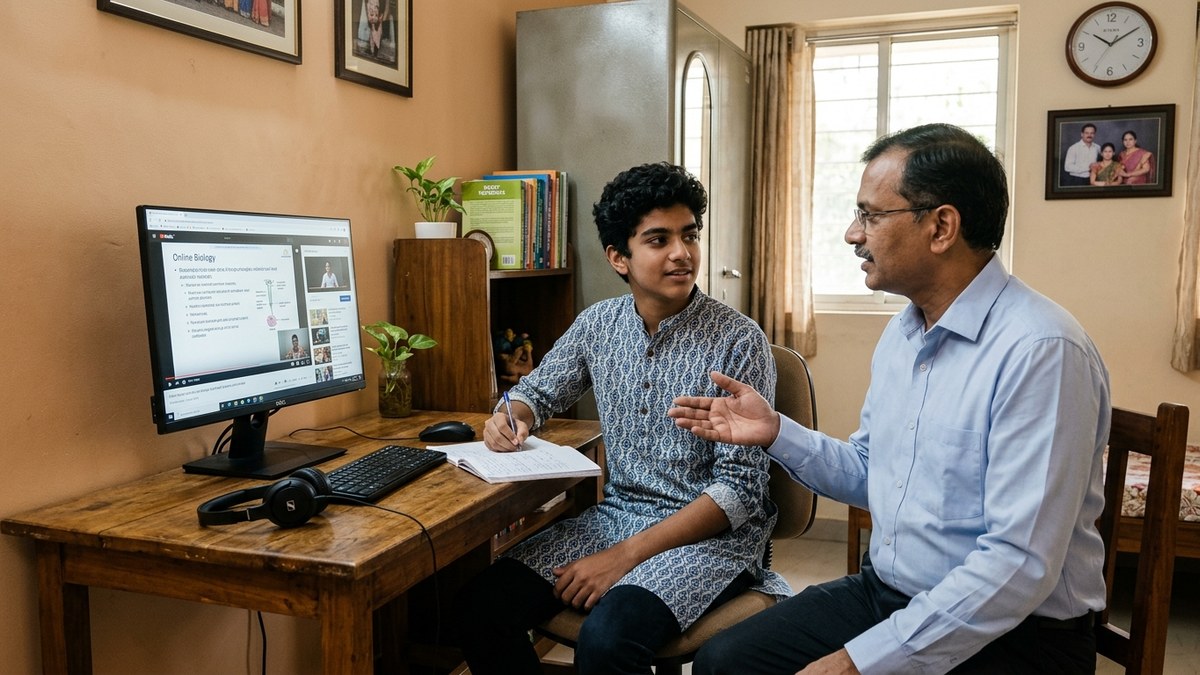
Why the setup matters more than the price tag: reviews of EdTech deployments (including work compiled by organizations like EdTech Hub) have repeatedly found that technology only improves outcomes when it is actually used well by trained teachers with reliable devices — spending more on hardware without a usable setup rarely moves the needle on its own.
The Real ROI: Money and Impact
Let’s talk numbers. If you’re running tuition classes, a smart classroom lets you charge 20-30% premium. Rs.500 per student becomes Rs.650. With 15 students, that’s Rs.1,950 extra per month. Your APNA PC pays for itself in 15-16 months. Everything after that is profit.
But the real return isn’t just money. It’s student outcomes. Classes with digital tools see 25-40% better retention rates. Parents see results. They refer more students. Your business grows. Your reputation strengthens.
Most people don’t realise that going digital with coaching classes isn’t a cost. It’s an investment with guaranteed returns. But only if you do it right. And doing it right means starting with a solid foundation like APNA PC.
Frequently Asked Questions
Is it really possible to set up a smart classroom under Rs.50,000?
Yes, by prioritizing a dependable PC and projector/display combination and using free or low-cost education software instead of premium subscriptions, schools can build a functional smart classroom within this budget.
What is the single most important item in the budget?
A reliable computer (like APNA PC) that can run classroom software smoothly without constant breakdowns — an unreliable PC undermines every other investment in the room.
Do I need expensive interactive whiteboards for a smart classroom?
No. A good projector or large display paired with a stable PC delivers most of the teaching benefit at a fraction of the cost of a dedicated interactive whiteboard system.
How much of the budget should go to software?
Software costs can be minimized significantly by choosing free and open-source education tools first, reserving paid subscriptions only for tools that clearly add value your free options can’t match.
Can this setup work in a school with unreliable electricity?
Yes, with planning — pairing the PC setup with a basic UPS or inverter backup keeps a lesson from being derailed by short power cuts, which is common in many parts of India.
Getting Started: Your Next Steps
Here’s what you do today:
- Check your internet speed (speedtest.net)
- Measure your classroom space (you need at least 100 sq ft)
- Order your APNA PC bundle
- Get it installed within a week
- Start your first digital class
Don’t wait for the perfect moment. It doesn’t exist. Your competition isn’t waiting. Parents aren’t waiting. Students aren’t waiting. The time to set up a smart classroom is now.
If you’re serious about starting a home tutoring business or scaling your existing one, this is your foundation. And if you’re already running classes, this is how you stay relevant.
The barrier to entry has fallen. The excuse has vanished. Now it’s just execution.
Get your APNA PC bundle today and set up your smart classroom this week.
For more context on how education is evolving in India, check out this overview on Education in India.