
Your Tuition Centre Deserves a Website. Here’s Why You’re Not Building One.
Most people don’t realise a professional online presence isn’t a luxury anymore. It’s basic survival for tuition teachers. Parents search online first, compare options, and shortlist. If your tuition centre isn’t on the internet, you’re invisible to half your potential students.
Here’s the truth: you don’t need a web designer or lakhs of rupees. A Google Sites tuition centre website is free, simple, and powerful enough to turn enquiries into admissions. In this post, we’ll show you exactly how to build one, step by step.
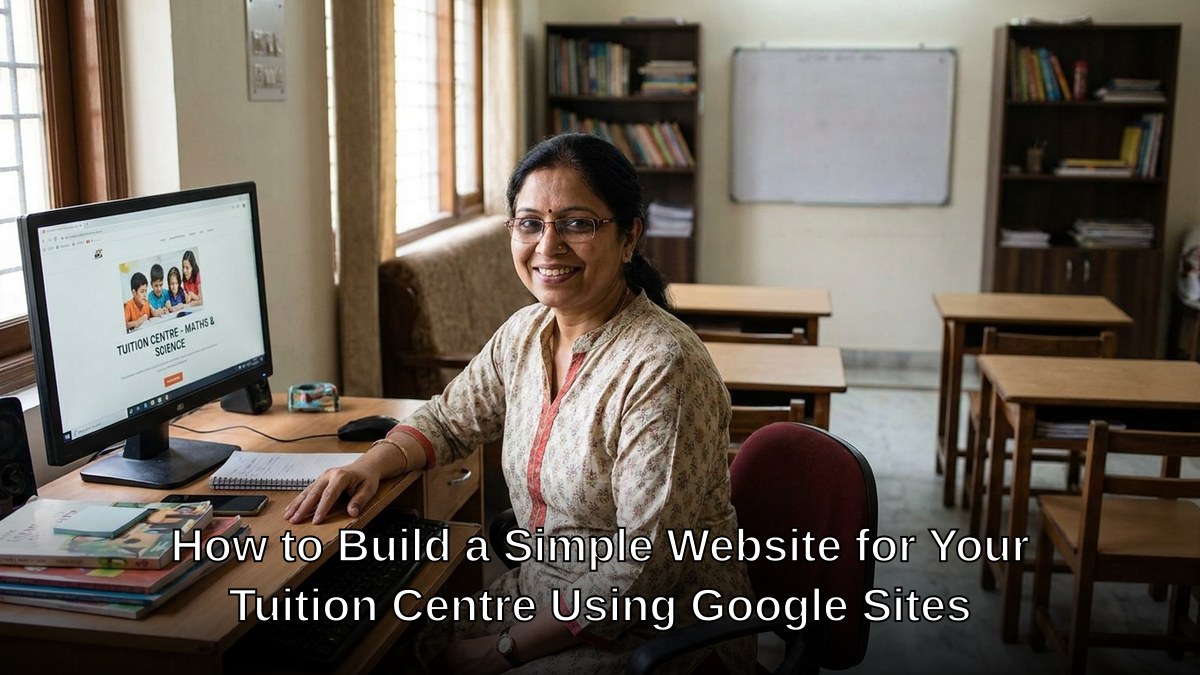
Why Google Sites? Because It Actually Works for Tuition Teachers
Let’s be honest: most tuition teachers avoid building websites because they think it’s complicated. It isn’t. Google Sites removes every excuse.
- Completely free. No monthly hosting fees. No domain costs if you’re starting out.
- No coding required. Drag, drop, publish. That’s it.
- Mobile-friendly automatically. Your website looks good on phones without extra effort.
- Built-in SEO basics. Google rewards websites built on Google’s own platform.
- Integrates with Google Forms. Collect enquiries directly from your website.
Whether you’re running a POD (Point of Digital Learning) from your home or managing a larger tuition centre, Google Sites gives you professional credibility without the complexity. This is how you get a free website for tuition classes without spending a rupee.
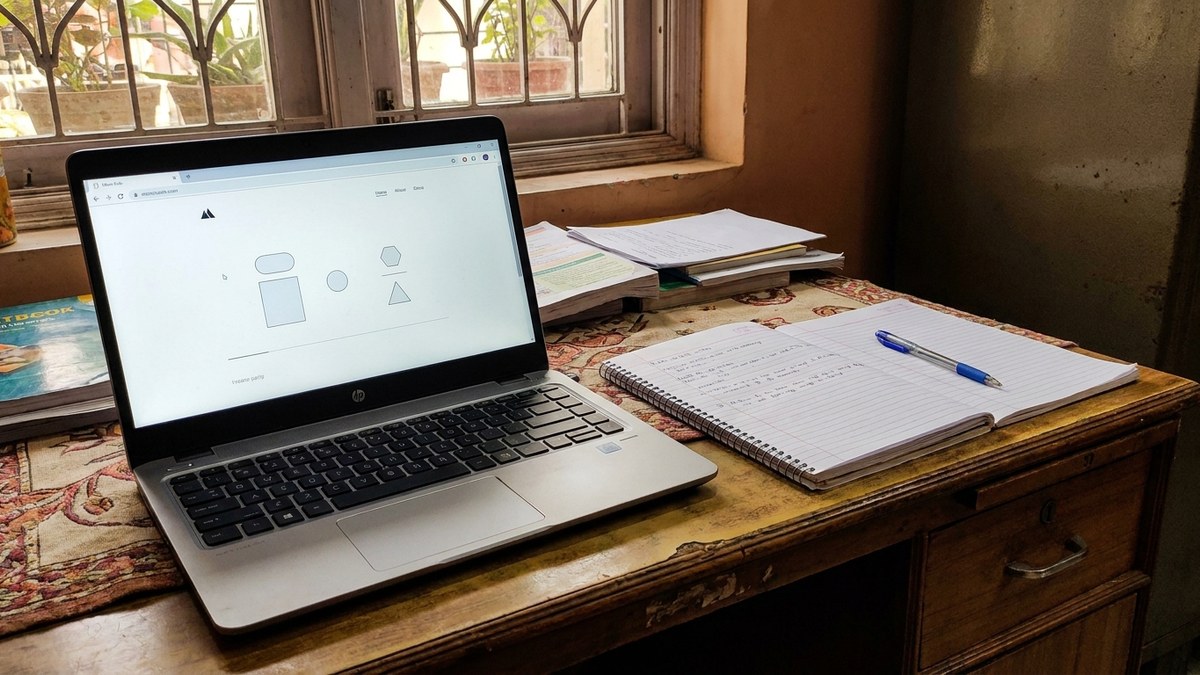
Building Your Google Sites Tuition Centre Website in 5 Steps
Step 1: Start with a Google Account. If you use Gmail, you already have everything you need. Go to sites.google.com and click “Create.”
Step 2: Choose a Template or Start Blank. Google Sites offers education-specific templates. Pick one or start blank. Blank gives you more control.
Step 3: Add Essential Pages. Your website needs these pages minimum:
- Home page with a clear headline about what you teach
- About page with your qualifications and teaching philosophy
- Subjects/Classes page listing what you offer and fees
- Contact page with an enquiry form
- Testimonials page (add these as you get them)
Step 4: Write Copy That Sells. Don’t write like a textbook. Write like you’re talking to a parent. “We help Class 10 students score 95+ in Mathematics” beats “We provide comprehensive mathematics education.” Be specific about results.
Step 5: Add Your Contact Details and a Contact Form. Use Google Forms embedded directly into your website. Every enquiry lands in your inbox automatically.

What Should Your Google Sites Tuition Centre Website Actually Say?
Your homepage needs to answer three questions in the first 10 seconds:
- What subjects do you teach?
- Who should join (Class 5-10? JEE prep? NEET coaching)?
- How do people contact you?
Add a photo of your teaching space. Add a photo of yourself. Parents want to know who they’re trusting with their child’s education. Transparency builds confidence.
List your qualifications clearly. If you’ve trained educators in government job computer tests or use open source software for teaching, mention it. These details matter to parents.
Include testimonials. Even two or three real quotes from students or parents are worth more than empty promises. “Scored 92% after 6 months” is powerful. “Great teaching” is forgettable.
The Hardware Question Nobody Talks About
Here’s what most tuition teachers miss: a website is only part of the equation. You also need reliable hardware to manage enquiries, create online content, and potentially run online classes.
If your laptop crashes or your internet is slow, you lose students. That’s not acceptable anymore. Consider investing in APNA PC, a complete bundle designed for educators. For Rs.30,000, you get a Mini PC with i3 7th Gen processor, 8GB RAM, 128GB SSD, plus monitor, keyboard, mouse, webcam, and headset. Add education software and a 3-year warranty. That’s your entire digital infrastructure sorted.
A POD running smoothly needs solid equipment. Your Google Sites tuition centre website is the front door. Your hardware is the foundation.
After You Build Your Website
Don’t just build your Google Sites tuition centre website and forget it. Update it monthly. Add new testimonials. Update your fee structure. Show that you’re active and engaged.
Share your website link on WhatsApp with current students. Ask them to refer friends. A website that gets referral traffic converts faster than a website that sits alone.
Track enquiries. If you’re getting 10 enquiries a month but only converting 2, something’s wrong with your follow-up, not your website.
Most people don’t realise that building a Google Sites tuition centre website takes 2-3 hours max. The return on that time investment is enormous. Parents find you. They learn about you. They contact you. All while you’re teaching.
Stop making excuses. Your tuition centre deserves visibility. Build your website today and pair it with APNA PC, the Rs.30,000 complete bundle, to run your POD professionally.
For context on how education in India is evolving, check out the Wikipedia article on education in India and the Ministry of Education website for official guidelines.