
Your students are stuck in 2015 while you’re trying to teach in 2026. The gap isn’t their fault. It’s yours if you’re not using the right tools.
Here is the truth: most Indian teachers still rely on WhatsApp groups, printed worksheets, and chalk. Meanwhile, Google has handed you an entire arsenal of free tools that can transform how you teach. Not someday. Right now. The question isn’t whether these tools work. The question is why you’re not using them yet.
Let’s be honest. You don’t need expensive software. You don’t need fancy learning management systems costing lakhs per year. Google tools for Indian teachers are genuinely free, genuinely powerful, and genuinely underused. Whether you run a tuition centre, coaching class, or teach from home as a POD (Point of Digital Learning), these five tools will change your game.
Key Takeaways
- The most useful free Google tools for Indian teachers are Classroom, Forms, Docs, Sheets, Slides and Meet, and they work together without any licence cost.
- Google Classroom organises assignments and submissions, and Forms auto grades quizzes and fills marks into Sheets.
- Many of these tools work offline or on weak connections, which helps students in areas with patchy internet.
- Setting up quizzes, marksheets, lesson slides and reports is practical on a computer and awkward on a phone.
- A single Google account gives a teacher a full digital classroom for the price of the hardware alone.
Google Classroom: The Foundation
Google Classroom is where your teaching goes digital without the chaos. Create a class. Share assignments. Track submissions. Done. Your students access it from any device. No downloading apps. No complicated logins.
Most people don’t realise that Classroom integrates with Google Forms, Docs, and Sheets automatically. You create a test in Google Forms. Students submit answers. Grades populate instantly. You save hours every week. For coaching class owners managing multiple batches, this alone justifies going digital.
The mobile app works offline too. Your student in a village with spotty internet can download assignments, complete them offline, and sync when connected. That’s not a feature. That’s essential for India.
Google Forms: Your Data Machine
Forget printed test papers. Google Forms lets you create assessments that grade themselves. Multiple choice. Short answer. Matching. All tracked automatically.
- Create unlimited quizzes and surveys for free
- See response analytics instantly
- Identify which topics your students struggle with
- Export data to Google Sheets for deeper analysis
Here’s what separates good tutors from great ones: they use data. Forms give you that data without extra work. You’ll know within minutes which students need extra help on which topics. That’s precision teaching.
Google Meet: Your Virtual Classroom
Video calls aren’t new. But Google Meet is built for teaching. Screen sharing for demonstrations. Breakout rooms for group work. Recording for students who miss class. All free. All reliable.
Run a live session from your home. Share your screen while solving problems. Students ask questions in real time. Record it. Students watch again later. One session, infinite value.
Most people don’t realise that Meet works on any device. Your student in a small town with a basic Android phone can join your class. You’re not excluding anyone based on their device.
Google Sheets: Attendance and Progress Tracking
Stop maintaining physical registers. Google Sheets is your attendance book, grade book, and progress tracker combined. Update it once. Access it anywhere. Share specific sheets with parents to show progress.
Create formulas that calculate averages automatically. Flag students falling behind. Send alerts to parents. All from one spreadsheet. That’s efficiency.
Google Drive: Your Secure Library
Store every resource you create. Lesson plans. Question papers. Videos. Presentations. Everything organized, backed up, accessible from anywhere. Share folders with students or colleagues. Control who sees what.
You’ll never lose a file again. You’ll never need to email documents. Everything lives in one place.
Why These Google Tools Matter for Indian Teachers
Check out the best digital classroom tools available today. Most are expensive. Most are complicated. Google’s tools are neither. They’re designed for scale. They work in low bandwidth. They’re free forever.
The DIKSHA digital learning platform and resources from the India Ministry of Education complement these tools perfectly. You’re not working alone. The entire Indian education system is moving digital.
The Hardware Reality
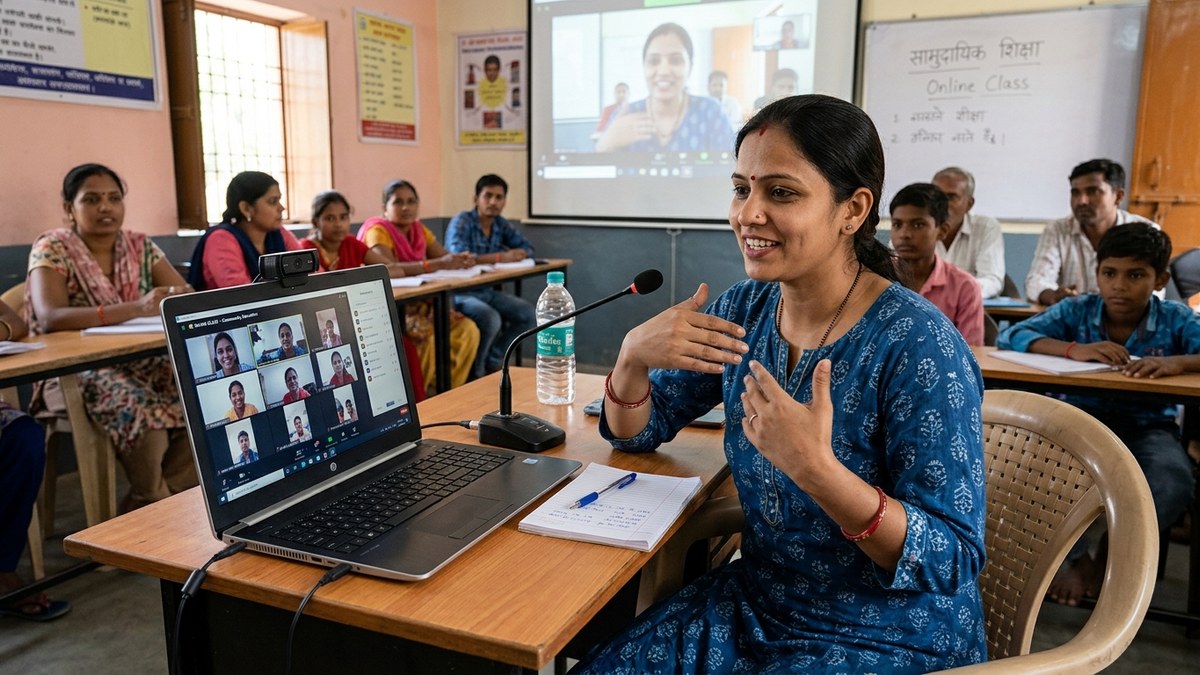
Here’s where most teachers stumble. You have great tools but mediocre equipment. A slow laptop. A terrible webcam. Laggy internet setup. Your students see pixelated video. Your screen shares freeze. Your credibility drops.
You need one thing: reliable hardware. The APNA PC bundle solves this completely. Rs.30,000 gets you a full system. Mini PC with i3 7th Gen processor. 8GB RAM. 128GB SSD. Monitor. Keyboard. Mouse. Webcam. Headset. Three year warranty. Professional installation.
That’s not an expense. That’s an investment that pays for itself in your first month of online classes. Run Google Meet smoothly. Stream without buffering. Record without crashes. Your students get the professional experience they deserve.
Start Today. Not Tomorrow.
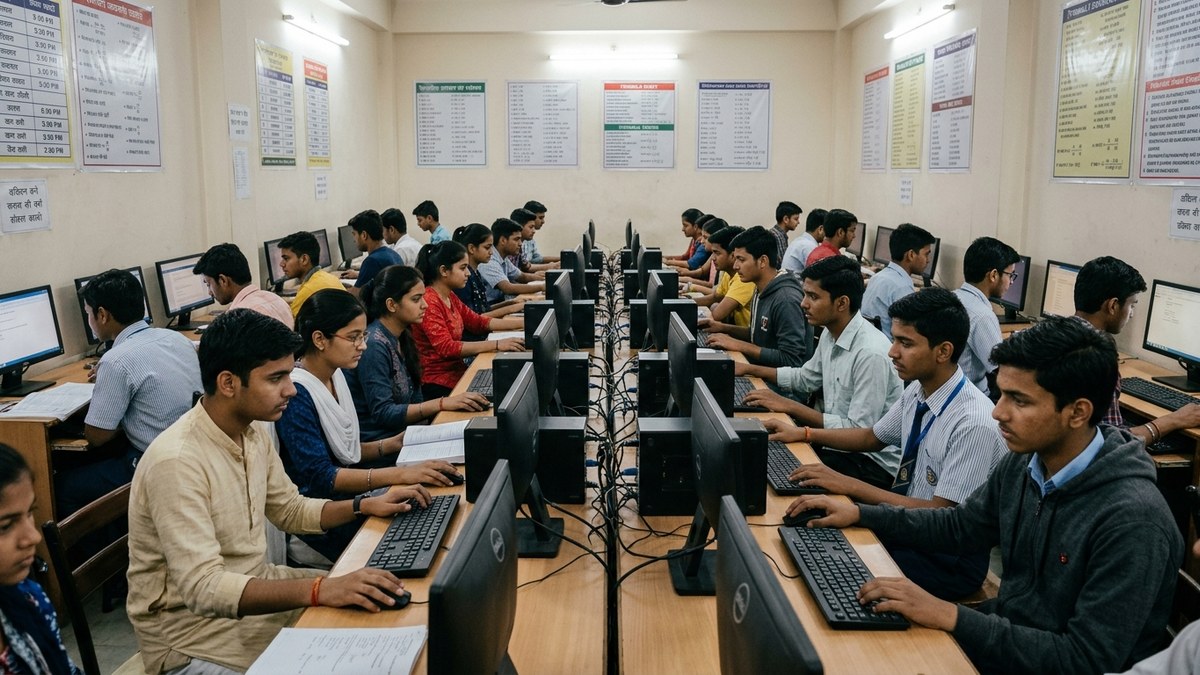
You don’t need permission. You don’t need training from a fancy institute. You don’t need to wait for your school or coaching centre to “go digital.” Start using Google Classroom today. Create your first Google Form. Host your first Google Meet. Your students will thank you. Your results will speak for themselves.
If you’re serious about scaling your teaching into a real business, if you want to run a proper coaching class or community POD, you need the complete package. The tools. The hardware. The support.
Start a learning POD with TeachToEarn and get everything you need. Or upgrade your setup with APNA PC right now.
The tools are free. Your success isn’t guaranteed. But your failure to use them is.
Frequently Asked Questions About Free Google tools for Indian teachers
Which free Google tools should an Indian teacher start with?
Start with Google Classroom to organise assignments, then add Google Forms for quizzes that grade themselves. After that, Docs and Slides for material, Sheets for marks, and Meet for live or missed classes. All are free with one Google account.
Are Google tools for teachers really free?
Yes. Google Classroom, Forms, Docs, Sheets, Slides and Meet are free with a standard Google account. Schools can also get Google Workspace for Education at no cost, which adds admin controls and more storage.
Do Google Classroom and Forms work without good internet?
They handle weak connections well. The Classroom mobile app lets students download assignments, work offline, and submit when back online. Teachers can prepare Forms and Docs offline too and sync later.
Can a teacher run everything from a phone?
The phone apps are useful for quick checks and grading, but building quizzes, slides, marksheets and reports is much faster on a computer. A shared classroom or home computer makes these tools genuinely time saving.
Is Google Forms good enough for real class tests?
For objective and short answer tests, yes. Forms auto grades multiple choice and fills scores into Sheets, saving hours each week. For long written answers you still mark manually, but you can collect them through Classroom.
Google offers Google Workspace for Education to schools worldwide at no cost, including tools for assignments, quizzes and online classes.