
Your Students Are Already Online. Are You?
Here is the truth: Most Indian teachers still treat digital tools like optional extras. They’re not. In 2026, a teacher without Google tools is like a doctor without a stethoscope. Not completely useless, but missing half the job.
You don’t need to buy expensive software or fancy learning management systems. Google tools for teachers are free, powerful, and already trusted by millions of educators worldwide. Whether you run a tuition centre, manage a POD (Point of Digital Learning), or teach in a school, these tools will transform how you work. No hedging. No excuses.
Google Classroom: Stop Using WhatsApp Groups
Let’s be honest: WhatsApp groups are chaos. Assignments get lost. Parents message at 2 AM. Notifications pile up like garbage.
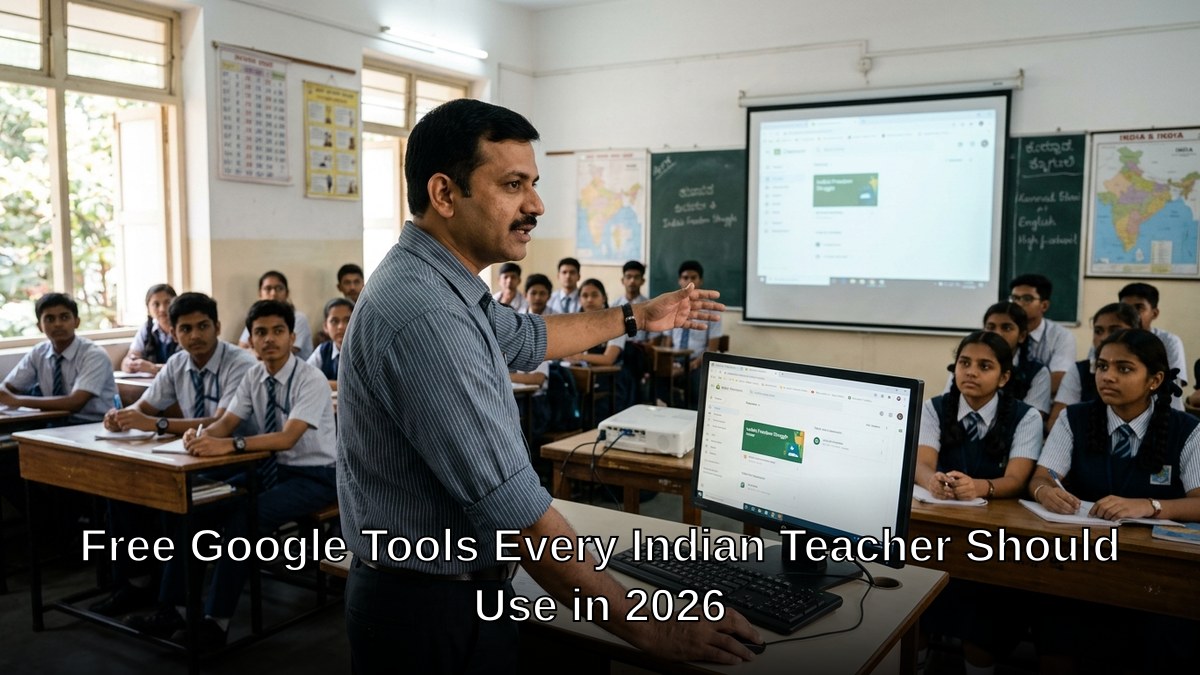
Google Classroom fixes this. It’s a dedicated space where you post assignments, share materials, and collect student work. Students submit on time or late (you see both). You grade digitally. Parents get notifications about actual progress, not random messages.
Why it matters for Indian teachers:
- Works on any phone or computer
- Offline mode means it works even with spotty internet
- Automatic grading for multiple choice questions saves hours
- Integration with Google Forms for instant quizzes
- Free forever, no credit card needed
If you run a POD or tuition centre, Classroom becomes your central hub. Students know exactly what to do. You know exactly what they’ve done. Simple.
Google Forms: Your New Assessment Tool
Most people don’t realise how powerful Google Forms is for teachers. You can create quizzes, surveys, and tests in minutes. The platform automatically grades objective questions and shows you analytics instantly.
Want to know which concept your class struggled with? Google Forms tells you in seconds. No manual counting. No confusion.
Real use cases:
- Pre-class knowledge checks before teaching new topics
- Post-class quizzes to track learning
- Parent feedback forms to understand concerns
- Student attendance tracking (yes, really)
- Homework submission and auto-grading
For educators running digital skills programs or preparing students for competitive exams, Forms becomes your daily tool. Check out our guide on best AI tutoring apps to see how Forms complements other platforms.
Google Meet: Free Video Conferencing That Actually Works
Forget Zoom subscriptions. Google Meet is built into every Google account and works flawlessly for Indian internet speeds. You can host classes for up to 24 hours straight (yes, really) completely free.
Record every session automatically. Share your screen. Use virtual backgrounds. Mute disruptive students. It’s all there.
For POD operators: Host live classes from your learning centre. Invite students from multiple locations. Record for students who miss the session. One tool. Infinite reach.
Google Drive: Your Unlimited Cloud Storage
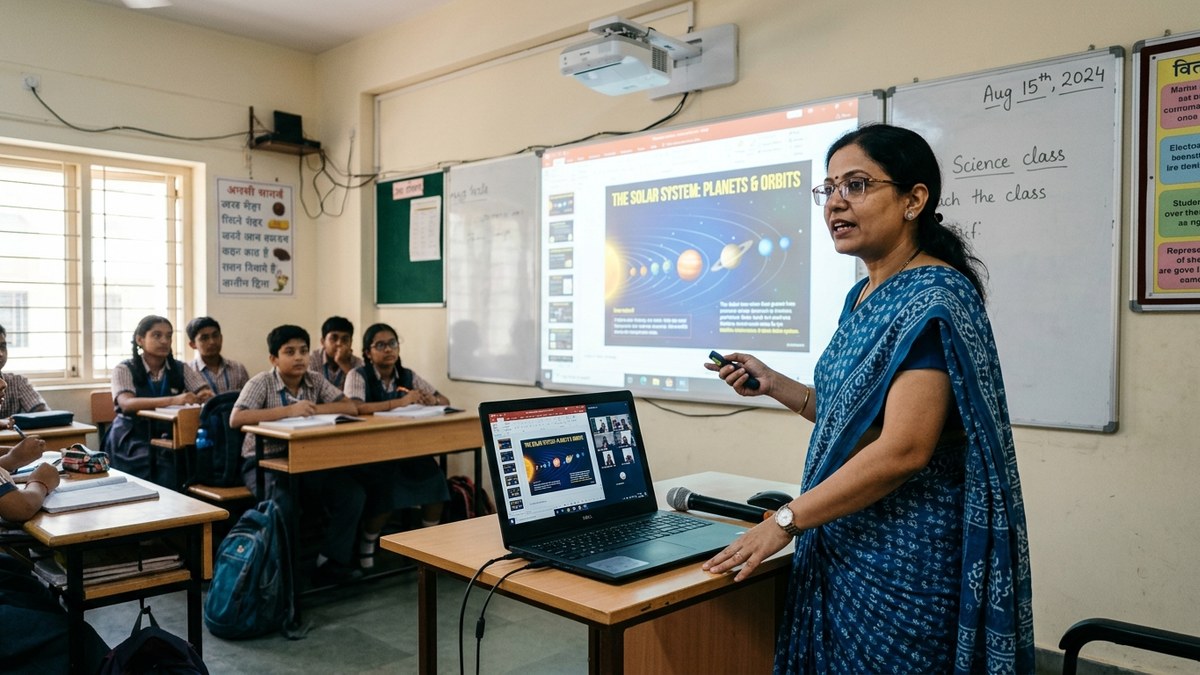
Stop emailing files. Stop carrying USB drives. Google Drive gives you 15GB free storage for everything: lesson plans, student work, teaching videos, research papers.
Share folders with colleagues. Collaborate in real-time. Version history means you never lose important documents. Access from any device, anywhere.
For teachers managing multiple batches or POD centres, Drive becomes your digital filing cabinet. Organized. Secure. Always available.
Google Sheets: Track Everything
Attendance. Grades. Student progress. Parent contact information. Budget tracking for your tuition centre. Google Sheets handles it all.
Create templates once, reuse forever. Share read-only versions with parents so they see their child’s progress. Use formulas to calculate percentages automatically. No manual math. No errors.
Google Docs: Collaborative Writing Made Easy
Stop collecting handwritten assignments. Create a Google Doc. Share it with students. They write directly. You comment in real-time. They see your feedback instantly. They revise. You see the changes.
This is how modern teaching works. This is how you prepare students for the professional world. See more on digital skills for Indian students.
Making It All Work: You Need the Right Setup
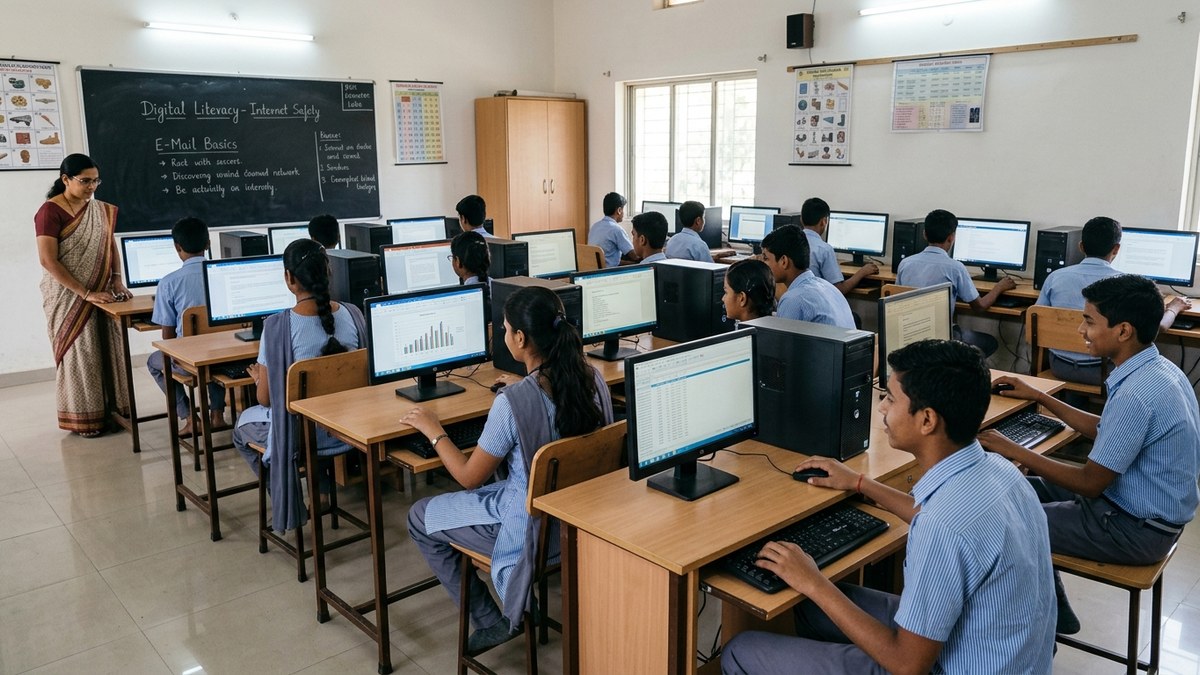
Here’s what most teachers miss: these tools are only powerful if you have a reliable computer and internet connection. A smartphone isn’t enough. You need a proper workstation.
This is where APNA PC comes in. Rs.30,000 gets you a complete bundle: Mini PC (i3 7th Gen, 8GB RAM, 128GB SSD), monitor, keyboard, mouse, webcam, headset, education software, 3-year warranty, and installation. Everything you need to run a digital classroom or POD.
No more “I can’t teach online because my computer is too old.” No more “My internet is too slow for video calls.” APNA PC solves both problems. One investment. Professional setup. Years of reliability.
Your Next Step
Start today. Pick one Google tool. Master it. Then add another. Within a month, you’ll wonder how you ever taught without them.
The Digital India initiative is pushing educators to go digital. Don’t get left behind. Learn more about teaching methods on Wikipedia and how they’re evolving.
Ready to set up your digital classroom properly? Get APNA PC today and start teaching like it’s 2026.