
Most Indian schools are still running on systems designed for 1995. Dusty registers, photocopied worksheets, communication via chalkboards. Meanwhile, your students are growing up in a world that runs on cloud collaboration. If you have not explored google for education tools yet, you are already behind.
Google Workspace for Education is not just another tool. It is the infrastructure that separates thriving learning institutions from struggling ones. If you are running a school, tuition centre, or a Point of Digital Learning (POD), this guide walks you through everything you need to know about making it work in your context.
What Is Google for Education and What Does It Include?
Google Workspace for Education is a free (or premium) suite of cloud-based tools designed specifically for schools. It includes Gmail, Google Classroom, Google Drive, Docs, Sheets, Meet, and more, all integrated into one ecosystem.
For Indian schools, this means:
- No server maintenance nightmares
- Real-time collaboration between teachers and students
- Secure data storage (your exam papers will not disappear)
- Accessibility from anywhere (home, school, community learning centre)
The Indian government’s Digital India initiative is pushing schools toward digital adoption at every level. Google for education tools fit right into that vision.
Why Indian Schools Are Finally Waking Up to Google for Education
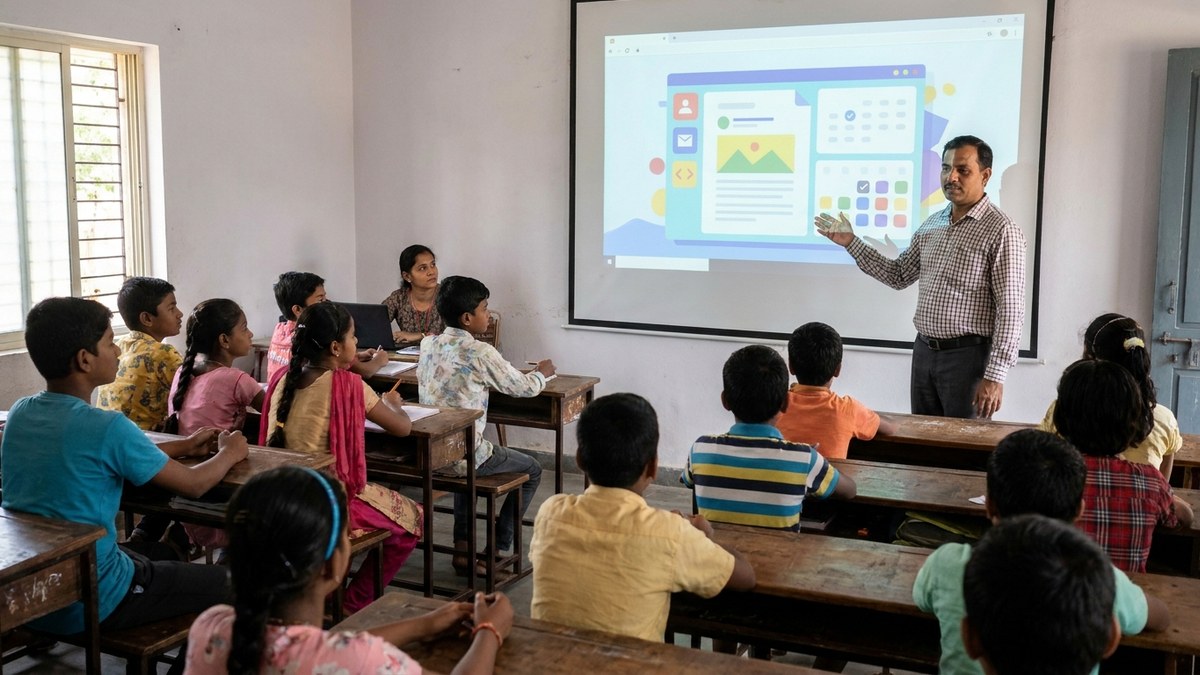
The pandemic forced change. But here is what is happening now: schools that adopted Google Workspace early are running circles around traditional institutions. Teachers in tier-2 and tier-3 cities are using Google Classroom to reach 500+ students simultaneously.
Tuition teachers running PODs (Points of Digital Learning) from their homes are managing student portfolios better than schools with IT departments. According to UNICEF India education data, millions of Indian children still lack access to quality digital learning. This is exactly the gap that informed educators with the right tools can fill.
The shift is not coming. It is already here.
Google Classroom: Where Teaching Actually Happens
Google Classroom is where this entire ecosystem comes alive for Indian educators.
For Teachers:
- Create assignments with due dates
- Attach resources (PDFs, videos, links)
- Grade work directly in the platform
- Give feedback in real-time
- Track attendance and participation
For Students:
- Access all materials in one place
- Submit work digitally
- See grades and feedback immediately
- Collaborate on group projects
For Administrators:
- Monitor all classrooms from one dashboard
- Track adoption rates and usage
- Generate reports for management
- Ensure compliance and data privacy
Setting Up Google Workspace for Your School
Most Indian schools start free. Here is the practical setup path:
Step 1: Choose Your Plan. Google Workspace for Education Fundamentals (free tier) gives you Gmail, Classroom, Drive, and Meet. The paid Standard tier adds advanced security and analytics.
Step 2: Register a Domain. You need a school domain (schoolname.edu.in or schoolname.in). Cost: Rs.500 to Rs.1000 per year.
Step 3: Admin Setup. Visit the Google Admin Console, add your school information, and create teacher and student accounts. Google provides free training materials.
Step 4: Configure Security. Enable two-factor authentication, set password policies, and control which apps students can access. This takes 2-3 hours. Do it right the first time.
The Hardware Reality: Making It Work at Rs.30,000
Here is where most schools fail: they adopt the platform but keep using decade-old computers.
Let’s be honest: if your school is still running old processors with 4GB RAM, you will face slow loading times, video lag during Google Meet classes, student frustration, and teachers giving up on the tools entirely.
For a school running 5 computer labs with 5 workstations each, the total comes to Rs.1,50,000. Per-seat cost: Rs.6,000. Compare that to traditional desktops at Rs.40,000+ each.
For POD operators (home-based learning centres), one complete setup is your entire infrastructure investment. You can run Google Meet sessions, manage digital assignments through Google Classroom, maintain student portfolios, and present a professional setup for video calls.
Real Results: What Indian Schools Are Seeing
Most people do not realise how quickly the ROI adds up. Schools that have made the switch report:
- Over 90% teacher adoption of Google Classroom within 6 months
- Parent engagement increasing threefold through digital grade access
- Administrative paperwork reduced by 40%
- Zero IT maintenance costs on the free Google tier
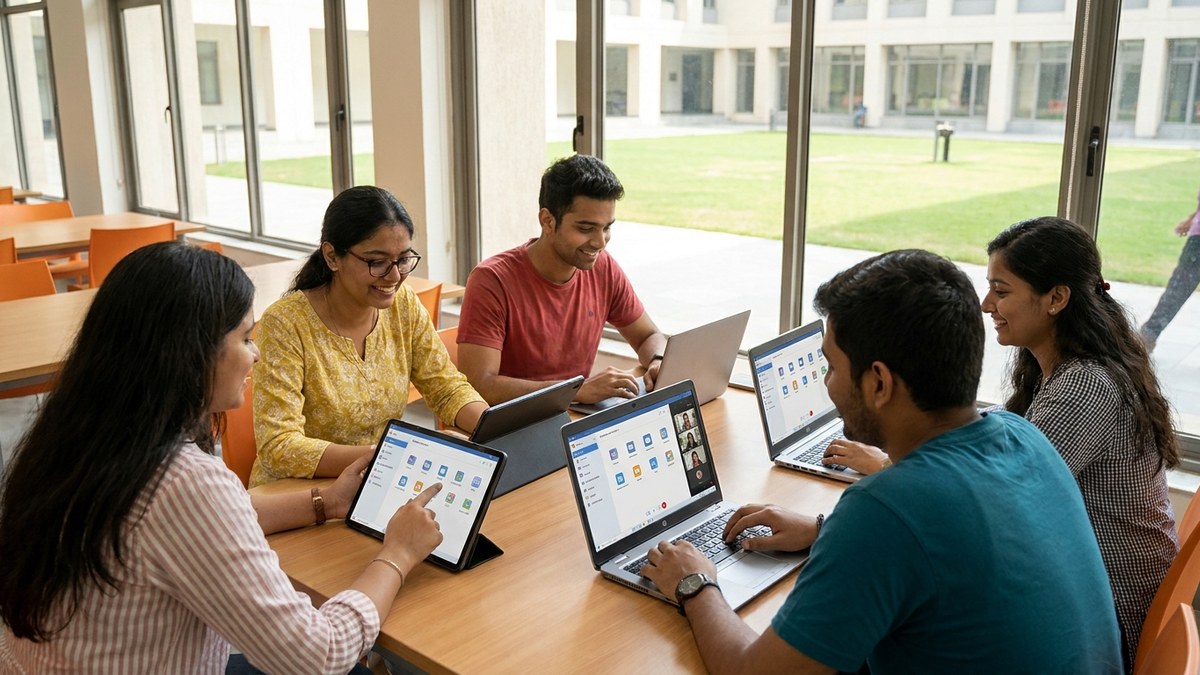
For students managing heavy academic loads, pairing these tools with a solid study timetable for students creates a structured digital learning environment that actually works. And for those planning to study abroad, familiarity with Google Workspace is practically a prerequisite since most international universities use it daily.
Your Action Plan This Week
Stop overthinking this. Here is what you do:
- Monday: Visit workspace.google.com/education and explore the free tier
- Tuesday: Register your school domain
- Wednesday: Set up your Admin Console and create accounts
- Thursday: Calculate your hardware needs
- Friday: Run your first Google Classroom session
Google for education is not the future. It is the baseline. Everything else is catching up. The schools that act this month will be the ones setting the standard for the next decade.