
Your Computer Home Learning Setup Doesn’t Need To Cost A Fortune
Here’s the truth: most Indian homemakers, senior citizens, and tuition teachers think they need a fancy laptop to set up proper home learning. They don’t. What they need is the right computer home learning setup that actually works for their students, their budget, and their space.
Whether you’re running a Point of Digital Learning centre in your community or helping your grandchild prepare for board exams, choosing the right computer matters. But “right” doesn’t mean expensive. It means practical, reliable, and built for learning.
Let’s be honest: most people don’t realise that a desktop computer beats a laptop for home learning every single time. Better cooling. Bigger screen. Easier repairs. More software options. And significantly cheaper.
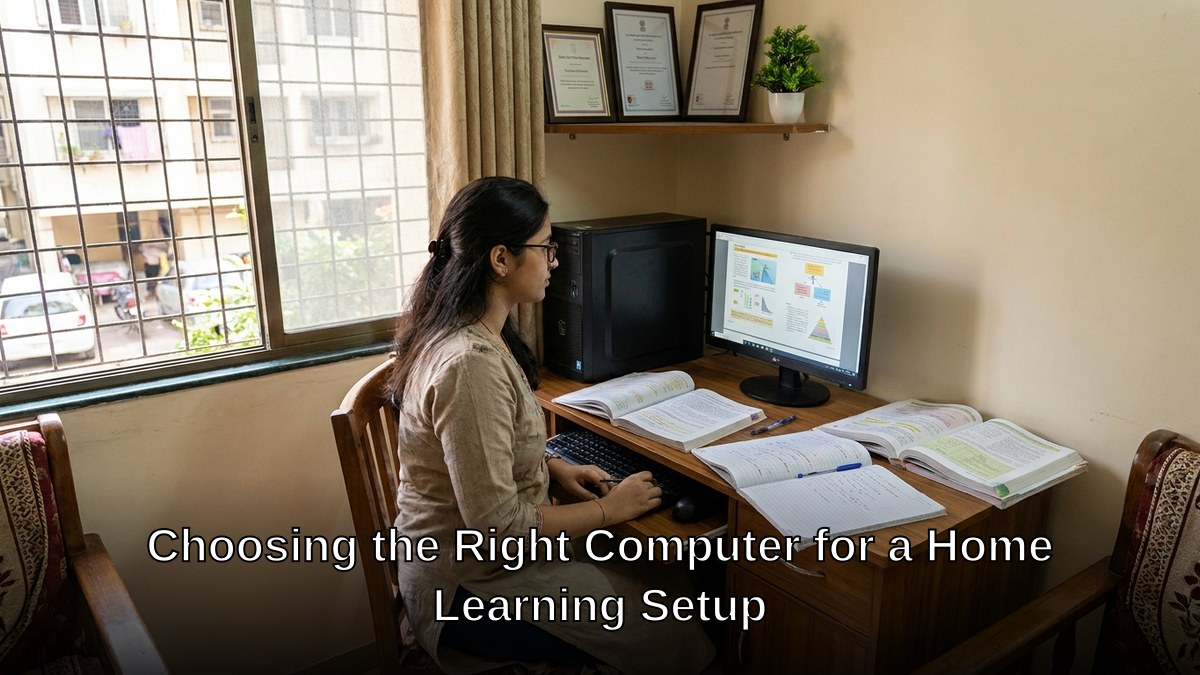
What Makes A Computer Home Learning Setup Actually Work
Stop thinking about gaming specs or office workstations. Educational computing has different needs.
Your computer for students needs to handle:
- Video conferencing without lag (Zoom, Google Meet, Microsoft Teams)
- Educational software from the Central Board of Secondary Education and the DIKSHA digital learning platform
- Document creation and spreadsheets
- Screen sharing and recording lessons
- Multiple browser tabs without freezing
That’s it. You don’t need a gaming GPU. You don’t need 16GB RAM. You need stable performance, reliability, and a setup that lasts.
Most people don’t realise that an i3 processor with 8GB RAM handles all of this perfectly. Add a 128GB SSD and you’ve got speed. Add a decent monitor, keyboard, mouse, and webcam, and you’ve got a complete learning environment.

The Best Computer For Students: Desktop Wins Every Time
Let’s challenge the laptop myth. Yes, laptops are portable. But for home learning setups, they’re a compromise.
Desktops give you:
- Better cooling – No thermal throttling during long study sessions
- Larger displays – Less eye strain for students reading textbooks and taking notes
- Upgradeable components – Add more RAM or storage later without buying a new machine
- Proper ergonomics – Separate keyboard and mouse prevent repetitive strain injury
- Lower cost – Same performance as a laptop costs 40% less in a desktop
A student laptop India retailers push costs 45,000 rupees and becomes outdated in 3 years. A proper desktop setup costs 30,000 rupees and runs strong for 5 years.
Here’s what matters for your home learning computer: processing power that doesn’t quit, storage that holds your educational files, and a warranty that actually protects you when something goes wrong.
What You Actually Need In Your Setup
Stop buying random pieces. Buy a complete bundle designed for learning.
Your computer home learning setup should include:
- Mini PC with i3 7th generation processor or better
- 8GB RAM minimum
- 128GB SSD for speed
- 21-inch or 24-inch monitor (not tiny screens)
- USB keyboard and mouse
- Webcam with microphone
- Headset for clear audio
- Pre-installed education software
- 3-year warranty with on-site support
- Professional installation
Most people don’t realise that buying these separately costs 15% more and leaves you with compatibility headaches. A bundled solution from a learning-focused provider saves money and stress.
Making Your Budget Work
You have options. Here’s what different budgets get you:
Under 25,000 rupees: Used desktop with basic specs. Risky warranty situation. Might need repairs soon.
25,000 to 35,000 rupees: New desktop with solid specs, warranty, and support. This is the sweet spot for home learning.
Above 40,000 rupees: You’re overspending. That money could buy two setups or fund computer lessons for beginners for your students.
The Digital India initiative has made quality computing accessible. Use that. Don’t throw money at unnecessary specs.
Installation And Support Matter More Than You Think
Let’s be honest: most homemakers and senior citizens don’t want to fiddle with cables and driver installations. They want it working on day one.
Professional installation means:
- Everything connected properly
- Software pre-configured and tested
- Your first video call works immediately
- No wasted time troubleshooting
Add a 3-year warranty with on-site support. When something breaks (and something will), a technician comes to you. You don’t ship a computer across India and wait two weeks.
This isn’t luxury. This is practical protection for your investment.
Setting Up Your Point Of Digital Learning
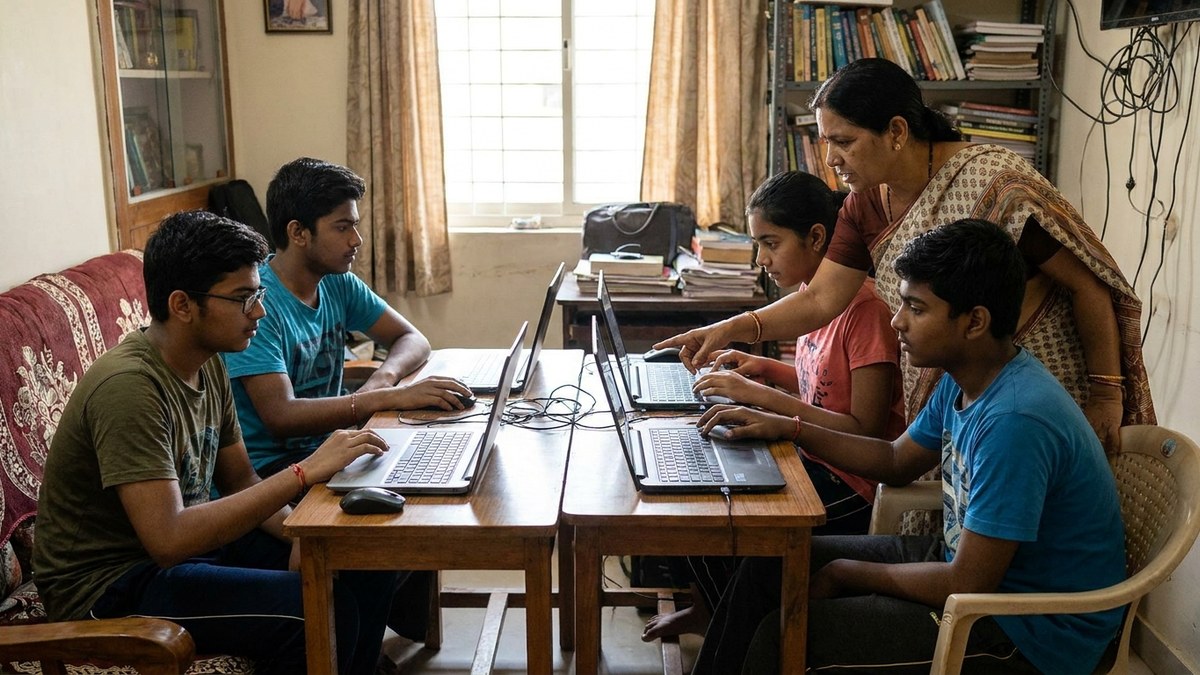
If you’re running a POD (Point of Digital Learning) in your community, scale this approach. Buy three or four identical units instead of one. Identical specs mean easier troubleshooting. Bulk purchasing saves 10-15% per unit.
Your students benefit from consistency. Teachers know exactly what software works on which machine. Maintenance becomes predictable.
Create a simple rotation schedule. One machine gets serviced while others run. Keep spare parts on hand. Document everything.
Most people don’t realise that running a successful learning centre isn’t about having the newest technology. It’s about having reliable technology that your trained educators know how to use.
Check resources like the AI quiz generator for teachers to maximize what your setup can do educationally.
The Real Cost Of Getting It Wrong
Buy a cheap computer with no warranty. It breaks in month four. You lose teaching time. Your students fall behind. You buy another computer. Total wasted money: 50,000 rupees.
Buy the right setup with proper support. It runs for five years. Your students never miss a lesson. Total investment: 30,000 rupees.
The math is simple. Cheap costs more.
Your computer home learning setup is an investment in consistency, not just a purchase of hardware. Choose accordingly.
Ready to set up properly? Explore complete bundles designed specifically for home learning and Points of Digital Learning. Get everything you need, installed and ready, with support that actually stands behind the product.
Check out APNA PC: the complete home learning computer bundle at Rs.30,000