
Your Teaching Setup Doesn’t Wait for Perfect Tech
Here’s the truth: most Indian teachers and coaching institute owners keep sitting on the fence about edtech apps. They think they need everything at once. They don’t. One laptop, one solid app, and thirty days of honest use will teach you more than six months of research.
Walk into any coaching centre in Bangalore or a tier-2 town and you will see teachers juggling WhatsApp groups, Google Forms, and whatever free tool they found last week. It works, sort of. But it is chaotic. Students are confused, attendance records are scattered, and fees are tracked in a notebook from 2015.
This post cuts through the noise: which edtech apps actually matter for Indian teachers, how to start small, and why APNA PC is the backbone that makes the whole thing run.
What Edtech Apps Actually Do (And What They Don’t)
Let’s be honest: they aren’t magic. They won’t teach your students for you, and they won’t turn a weak lesson into a strong one. What they do is narrower and far more useful. They save you time, keep records straight, and let students learn at their own pace.
A good tool does four things well:
- Delivery: your content reaches students on a phone or laptop, anytime.
- Tracking: you know who attended, who submitted homework, who is struggling.
- Communication: no more scattered messages. Everything lives in one place.
- Assessment: quick quizzes that hand you data, not just marks.
The best edtech apps for teachers cover those four jobs without asking you to code or lose an evening to setup. That is the bar. Anything else is a distraction.
Government Tools And Free Options Worth Using First
Before you pay for anything, know what is already free and genuinely good. The government has built tools for Indian classrooms.
DIKSHA digital learning platform is the big one. It is backed by the Ministry of Education, used by millions of students, and lets you upload your own content, create classes, and track progress. Zero subscription cost. The catch is time: you have to sit and learn it, and the effort pays back within months.
Google Classroom is free and works anywhere with a decent connection. Zoom and WhatsApp are tools every teacher already carries in their pocket. That is the point. Master the free layer first, then add paid layers.
Most people don’t realise a free tool fails the moment your internet fails. In small towns that happens often. So pick tools that cache work locally or run offline. This is not a nice-to-have. It decides whether the class continues or stops.
The Edtech Apps You Actually Need To Start
Not ten apps. Not twenty. Four categories, one app each to begin with.
Attendance and fees. This is where small coaching centres quietly lose money and credibility. A notebook does not cut it. Use software that marks attendance, records fee payments, and sends automatic reminders. School management software for tuition centres is built for exactly this, and it costs less than a single month of leaked fees.
Content creation. Stop spending three hours building a slide deck that looks like it came from 2009. AI tools now turn rough notes into a clean presentation in minutes. Best AI presentation maker tools for teachers will show you what is available. Students notice polish. You get your evenings back.
Assessment. Google Forms is free and does the job. Quizizz and Kahoot make it interactive, and students actually enjoy them. You get instant data on who understood what, which is worth more than any mark sheet.
Worksheets and practice. Handwriting worksheets every night is clerical work. AI generators produce custom problems in seconds, pitched at the right level. Your time goes back to coaching, which is the part only you can do.
The Reality Check: Internet, Subscriptions, Small-Town India
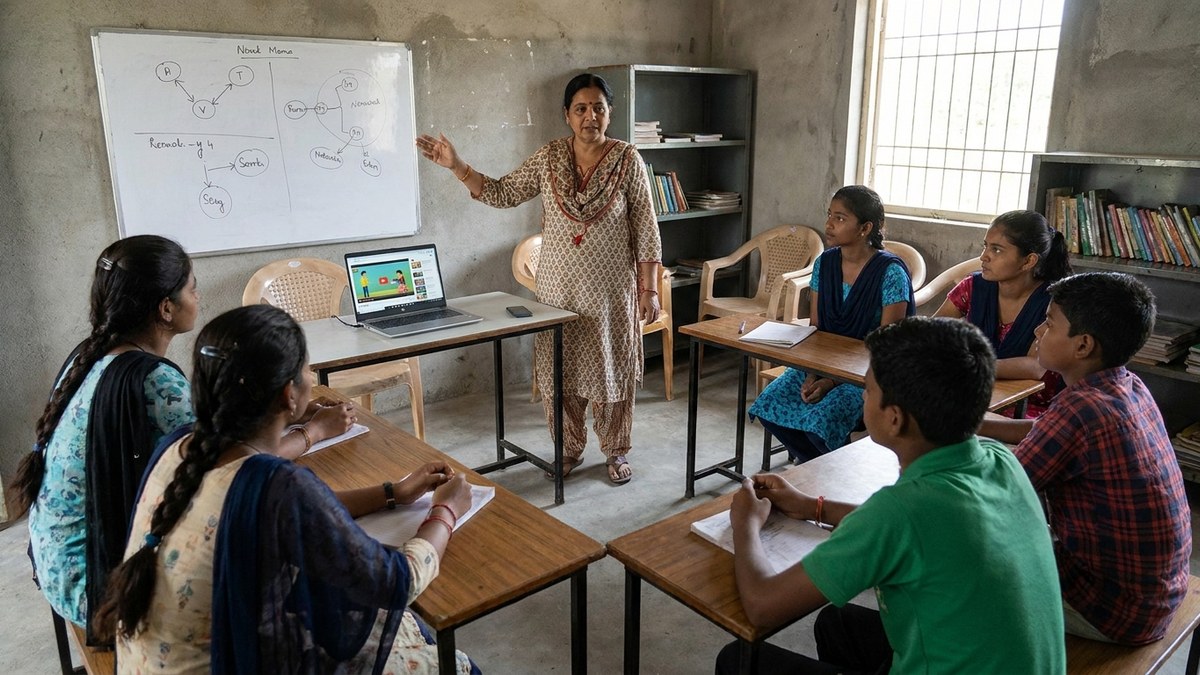
Most app reviews are written in metros with fibre broadband. They skip the reality of Rajasthan, Bihar, or the outskirts of Pune.
Premium tools cost money, and subscriptions stack up fast. A teacher running five paid services can easily spend Rs. 5,000 to Rs. 15,000 a month. Split across fifty students, that is Rs. 100 to Rs. 300 per student per month. In a small town, that is real money, and parents are counting every rupee.
Connectivity is uneven outside the metros. So choose edtech apps that sync when the network returns but keep working when it drops. Avoid anything that demands constant video streaming. Avoid anything a teacher cannot learn in a weekend.
The subscription trap is real. You start with one app, add two more, and end up paying for five you half use. Do the opposite. Commit to one tool for three months, learn it inside out, then decide if you need another.
How A Coaching Institute Should Start This Week
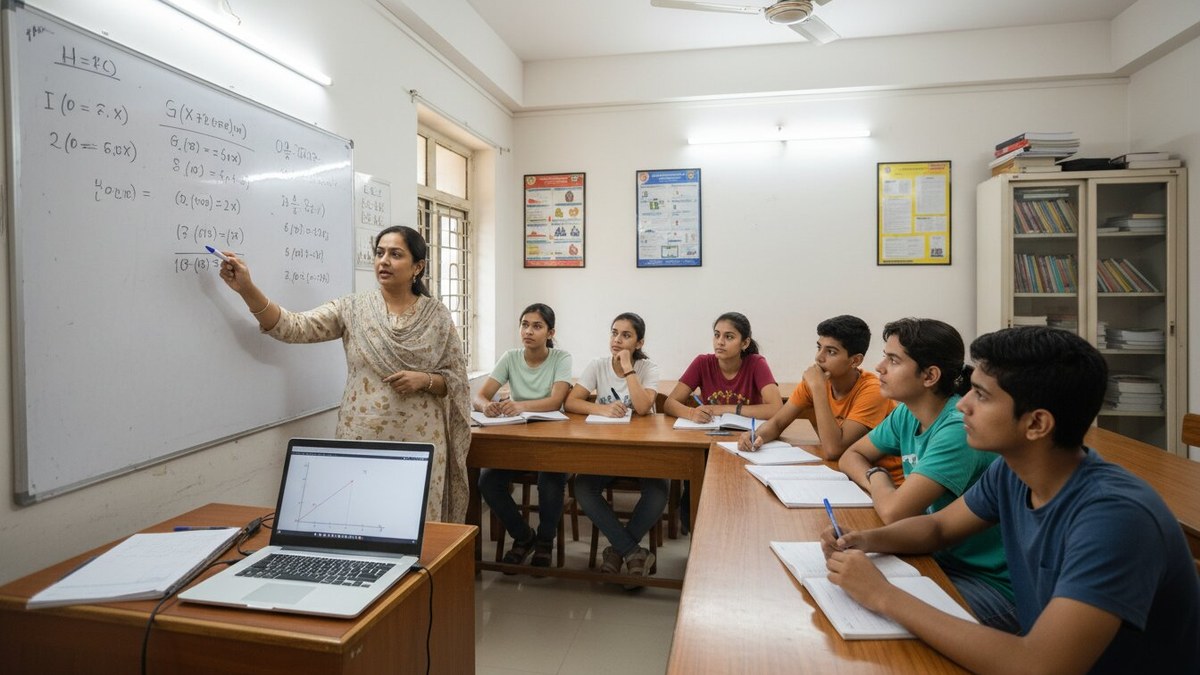
You do not need a fancy setup. You need a sequence.
Week 1: pick one tool, Google Classroom or DIKSHA. Set up a single class, upload one topic, invite five students. Watch what breaks.
Week 2: add attendance tracking, even a simple sheet or a free app. Know exactly who shows up and who quietly disappears.
Week 3: run your first quiz through Google Forms. Send it out, collect results, look at the pattern of wrong answers instead of the total score.
Week 4: review honestly. Did it save time? Did students engage more? If yes, scale it. If no, drop it and try one different tool.
That is how real adoption happens. Small, steady steps, one month at a time. Most coaching centres that fail at technology tried to install everything in one weekend.
The Real Edge: Hardware Meets Software
Apps are software, and software needs hardware. This is where most small centres collapse. An old, slow machine freezes halfway through a lesson. Students are watching. The screen hangs. Trust disappears.
You need a machine that boots fast, handles several browser tabs, runs video calls without stutter, and keeps going for years. APNA PC is built for exactly that. A complete bundle at Rs. 30,000 with an i3 7th Gen processor, 8GB RAM, 128GB SSD, monitor, keyboard, mouse, webcam, and headset, plus three years of warranty and installation. It is the stable base for every app you run.
A Point of Digital Learning, or POD, running on this setup can serve an entire community. One educator, one reliable machine, several tools, real results.
Your Start-This-Week List
- Install Google Classroom or open DIKSHA. Create one class today.
- Invite three students and upload one lesson.
- Set up a free attendance tracker on your phone or laptop.
- Build one short quiz and send it to the group.
- Read the free material at India Ministry of Education and reuse what fits your subject.
- Go through the findings at UNESCO education research for data on what genuinely improves learning outcomes.
Five tasks, one week. By Sunday you will understand your setup better than most coaching centres in your city. If you want the full picture, from software to a working learning centre, look at the APNA PC bundle on teachtoearn.in. Start with one tool. Add the machine when the tool proves itself.