
The CBSE training portal is the official platform where CBSE-affiliated teachers register, access mandatory professional development courses, and earn completion certificates. To register, you need your CBSE affiliation details, email and a valid ID. This guide walks you through every step of registration, course selection, completion and certification on the portal.
What is the CBSE training portal?
The CBSE training portal is an online learning management system run by the Central Board of Secondary Education to deliver teacher training courses to educators in CBSE schools across India. It hosts courses on pedagogy, subject-specific content, assessment methods, student welfare and digital literacy. Teachers complete these courses to meet mandatory professional development requirements and receive certificates recognised by CBSE and state education boards.
The portal is part of India’s broader push to strengthen teacher capability. The Digital Education Portal (DSel) and CBSE training initiatives work together to ensure educators have access to quality, affordable upskilling resources. Whether you teach in a metro school or a small town, the portal lets you learn at your own pace from home.
How do you register on the CBSE training portal?
Registration takes a few minutes and requires basic information. Follow these steps:
- Visit the CBSE official website. Go to CBSE’s main site and locate the teacher training or professional development section. Look for a link labelled “CBSE Training Portal” or “Teacher Learning Platform”.
- Click “Register” or “New User.” You will see a registration form asking for your name, email address, phone number, school name and CBSE affiliation code.
- Enter your school’s CBSE affiliation number. This is a unique code issued to your school by CBSE. If you do not have it, ask your school principal or check your school’s official documents.
- Create a username and password. Choose a strong password with uppercase letters, numbers and special characters. Write it down or save it securely.
- Verify your email. CBSE will send a verification link to your registered email. Click the link within the timeframe provided to activate your account.
- Log in and complete your profile. Add your subject, grade level, teaching experience and any other required fields. This helps the portal recommend relevant courses.
- Agree to the terms and conditions. Read and tick the checkbox confirming you accept the portal’s policies, then submit.
Once verified, your account is live and you can browse courses immediately.
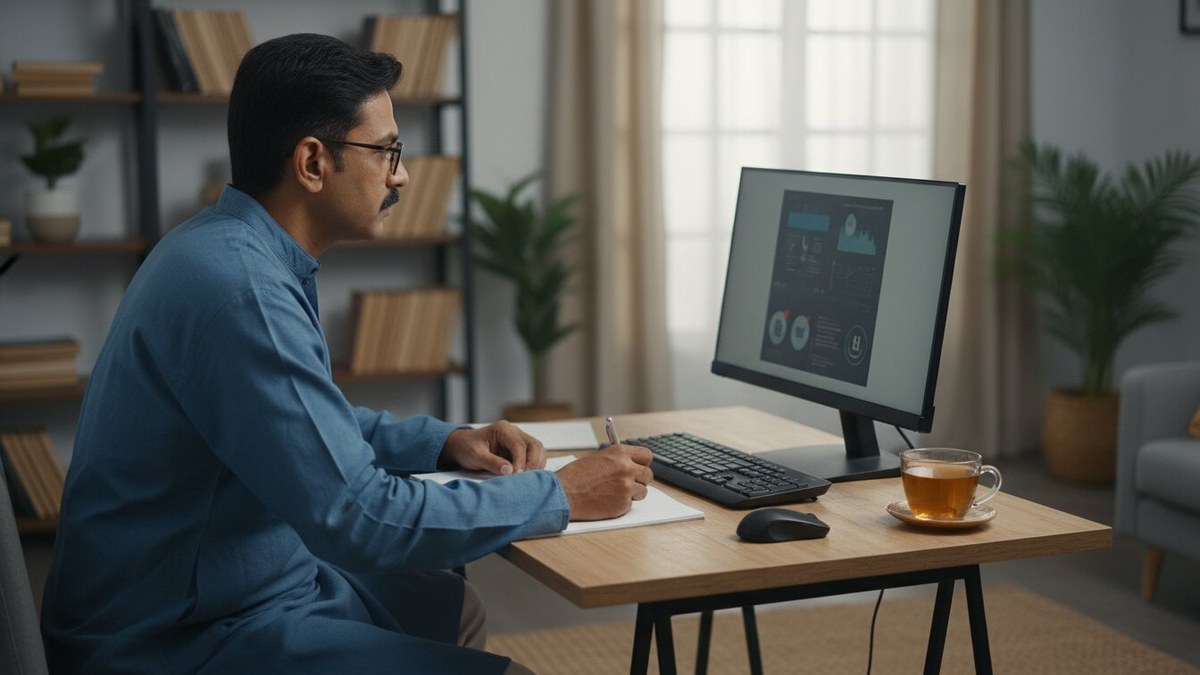
How do you find and enrol in courses?
After login, you will see a dashboard showing available courses. Courses are grouped by subject, grade level and theme. Here is how to choose and enrol:
- Browse the course catalogue. Filter by subject (Math, Science, English, Social Studies, etc.), grade level (Primary, Secondary, Senior Secondary) or topic (pedagogy, assessment, digital tools, student welfare).
- Read the course description. Each course shows the duration, learning outcomes, instructor name and a brief syllabus. Check that it matches your teaching context.
- Click “Enrol” or “Register for Course.” Some courses are open; others have fixed start dates. You will see the enrolment status immediately.
- Access course materials. Once enrolled, you can view videos, download PDFs, read articles and access discussion forums. Materials are available throughout the course period.
- Track your progress. The dashboard shows completion percentage, time spent and quiz scores. Work through all modules before the course end date.
Most CBSE courses are free or heavily subsidised for teachers in affiliated schools. Check the portal for current pricing on any premium courses at the point of enrolment.
How do you complete courses and earn certificates?
Completion requires active engagement with course content and passing assessments. Here is the typical workflow:
- Watch videos and read materials. The portal tracks time spent on each module. You must engage with the required course hours to be eligible for certification.
- Attempt quizzes and assignments. Most courses include short quizzes after each module and a final assignment or exam. You must meet the passing score specified by the course to pass.
- Participate in forums or activities. Some courses ask you to post reflections, share classroom examples or comment on peers’ work. These are graded on completion.
- Submit the final project or assessment. Near the course end, submit any capstone project, lesson plan or written reflection as instructed.
- Wait for evaluation. Instructors or automated systems grade your work within the timeframe stated. You will receive feedback via email.
- Download your certificate. Once you pass, your certificate appears in the “My Certificates” section of your dashboard. You can download it as a PDF and print it.
Certificates are dated and include your name, course title, duration and completion date. They are valid across CBSE schools and most state education departments.
What tips help you succeed on the CBSE training portal?
To get the most from your training, plan ahead and stay consistent. Set a weekly schedule, for example, a few hours every Wednesday and Saturday, rather than cramming at the last minute. This helps retention and reduces stress.
Use a desktop or laptop with a stable internet connection. Mobile access is available but videos and PDFs load faster on a larger screen. If your internet is slow, download course materials when you have a strong signal and review offline.
Take notes as you learn. Jot down key concepts, teaching strategies or examples you can apply in your classroom. This active engagement improves learning and gives you ideas to try immediately with your students.
If you get stuck, reach out to course instructors or the portal’s support team via email or the help section. Most queries are answered within a day or two. Do not wait until the last day of the course to ask for help.
Beyond the official portal, you can strengthen your teaching practice with AI tools to create digital worksheets, modern methods to grade assignments efficiently, and strategies for supporting students with dyslexia. These complement your CBSE training and help you apply new skills in real classrooms.
What should you do if you face registration or login problems?
If you forget your password, click “Forgot Password” on the login page. Enter your registered email and CBSE will send a reset link. Check your spam folder if you do not see the email within a few minutes.
If your registration is rejected, the most common reason is an incorrect CBSE affiliation code. Verify the code with your school office and try again. Some schools have multiple codes; use the one listed on your school’s official letterhead.
If the portal is slow or crashes, it may be due to high traffic during peak registration periods, usually in August, September and January. Try logging in during off-peak hours, early morning or late evening, when fewer users are online.
If you are a tuition teacher or run a home-based learning centre, check whether your setup qualifies for CBSE teacher training access. Some states offer training to non-school educators; contact your state’s CBSE coordinator to confirm eligibility. You can also use AI tools to guide student research and deepen learning beyond formal training.
Why does CBSE training matter for your career?
Completing CBSE-approved courses strengthens your credentials and keeps you updated on curriculum changes, assessment reforms and pedagogical best practices. Schools often prioritise teachers with active professional development records during appraisals and promotions.
Training also builds confidence. Learning new strategies in the classroom makes you a more effective educator. Your students benefit directly from your improved skills and updated knowledge.
If you plan to start your own learning centre or POD (Point of Digital Learning), CBSE training gives you a foundation in pedagogy and curriculum design. Many educators use these certificates to build credibility with parents and students when launching community-based education initiatives.
Frequently Asked Questions
Is the CBSE training portal free for all teachers?
Yes, most courses on the CBSE training portal are free for teachers in CBSE-affiliated schools. A small number of premium or specialised courses may charge a fee, clearly displayed at enrolment. Teachers in non-affiliated schools may have limited access or be charged a subscription fee. Check the portal for current pricing details.
How long does it take to complete a course and get a certificate?
Most courses take several weeks to complete, spread over a structured period. You can work at your own pace within the course timeline. Once you finish and pass assessments, you receive your certificate within a week. Some shorter courses take less time to complete.
Can I use CBSE training certificates for promotions or salary increments?
Yes. CBSE training certificates are recognised by CBSE schools and most state education departments. Many schools count professional development hours towards career advancement and increments. Check your school’s promotion policy or ask your principal how certificates are credited to your record.
What if I cannot complete a course before the end date?
Contact your course instructor or the portal support team before the deadline. Some courses allow extensions if you request in advance. If you miss the deadline, you can re-enrol in the next batch, usually available within a few months.
Do I need special software or equipment to access the CBSE training portal?
No. You need only a computer or tablet with an internet browser and a stable internet connection. A basic laptop is sufficient. If your device is older or your internet is slow, consider upgrading to a reliable system like APNA PC, which comes pre-loaded with educational software and supports online learning effectively.
Getting started on the CBSE training portal is straightforward, and the investment in your professional growth pays off in better teaching outcomes and career opportunities. Explore APNA PC for your classroom to ensure you have a reliable, affordable device ready for training courses and digital teaching tools.