Digital literacy is the ability to find, understand, create and share information using digital devices and the internet safely and effectively, a skill that defines digital literacy definition and example for educators worldwide. For example, a homemaker who learns to use a computer to access online banking, video call family members, or create a simple document has gained digital literacy skills. This article explains what digital literacy means, why it matters for educators and learners, and how you can build these skills to run a successful learning centre.
What is digital literacy?
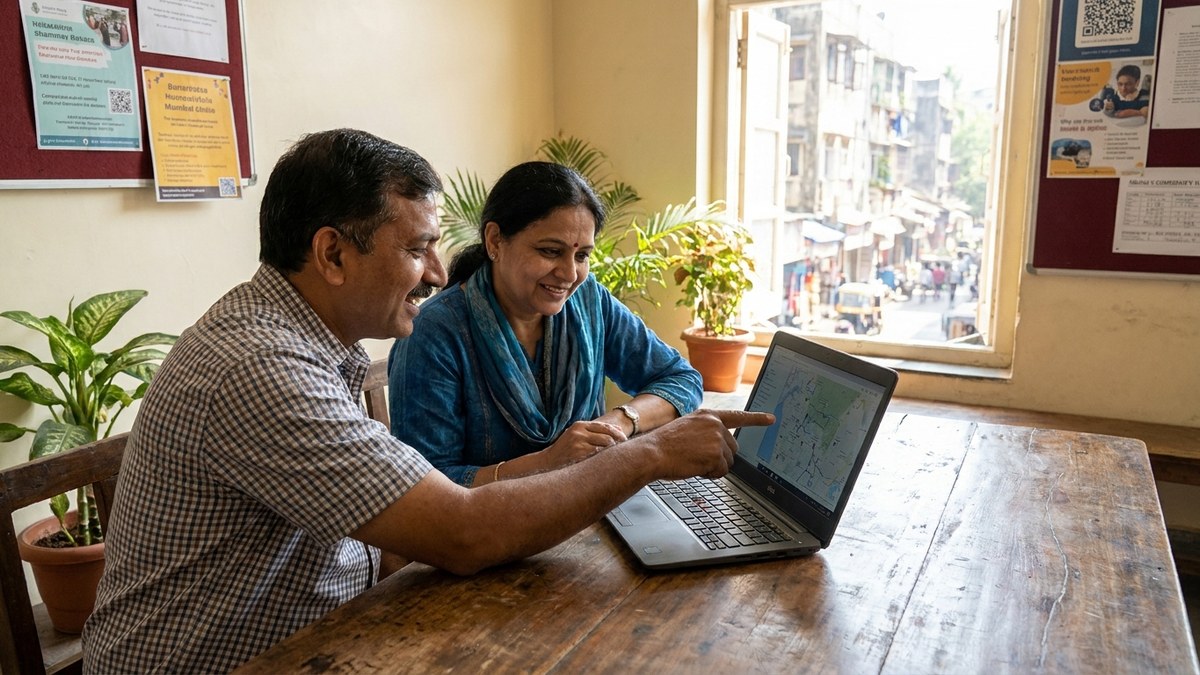
Digital literacy is the set of skills needed to use computers, smartphones, tablets and the internet to perform everyday tasks. It goes beyond just knowing how to switch on a device. True digital literacy means you can search for reliable information online, use email and messaging apps, create and edit documents, understand online safety, and know when and how to ask for help if something goes wrong.
For educators, whether you are a tuition teacher, homemaker, or senior citizen starting a learning centre, digital literacy is no longer optional. Your students expect you to guide them through online learning platforms, video calls, and digital assignments. The Government of India’s Digital India initiative has made digital access a priority, and learning these skills positions you to serve your community better.
Why do educators need digital literacy basics?
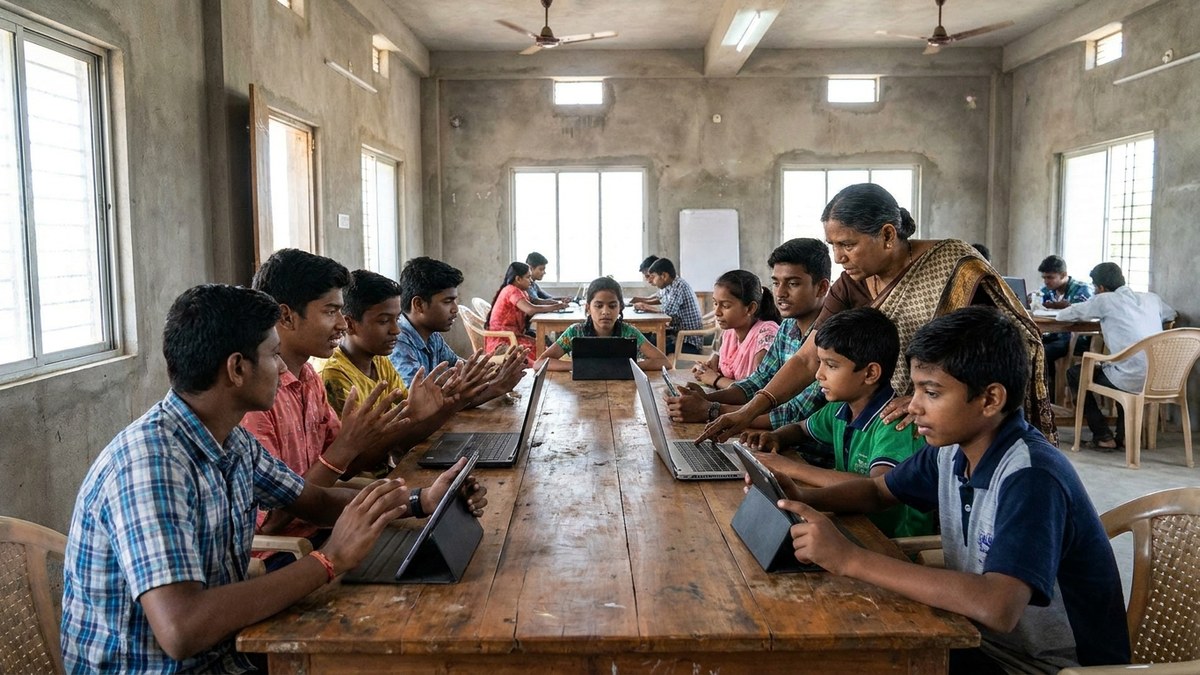
When you understand digital literacy basics, you can teach with confidence and help your students avoid common mistakes. A tuition teacher who knows how to use a learning management system can track student progress. A homemaker running a POD can communicate with parents via email and WhatsApp, manage attendance records, and even teach coding basics to children using free tools.
Digital skills also help you earn more. Many aspiring edupreneurs struggle because they cannot set up online classes, create digital marketing content, or manage online payments. Once you master these basics, you open doors to teaching students beyond your neighbourhood, running hybrid classes, and building a sustainable income.
Teacher training courses in India now include digital components, and many educational bodies expect educators to have at least basic computer skills. Starting early gives you a competitive edge.
What are the core digital skills you need?
Digital literacy includes several layers of skill. Here are the most important ones for educators:
- Device operation: Turning on a computer, using a keyboard and mouse, navigating menus, and opening and closing applications.
- Internet browsing: Using a web browser to search for information, understanding URLs, and identifying trustworthy websites.
- Email and messaging: Creating an email account, sending and receiving messages, attaching files, and using messaging apps like WhatsApp.
- Document creation: Using tools like LibreOffice to write, format and save documents, spreadsheets and presentations.
- Online safety: Creating strong passwords, recognizing phishing scams, protecting personal information, and teaching children about online dangers.
- Video communication: Using Zoom, Google Meet or similar platforms to conduct live classes and parent meetings.
- Basic troubleshooting: Knowing when to restart a device, clearing browser cache, and when to ask for technical support.
How can you see digital literacy in action?
Consider a homemaker in a metro city who decided to start a learning centre for neighbourhood children. At first, she was nervous about using computers. She took an online course and learned to use email, video calling and document editing. Within months, she was running homework help sessions on Google Meet, sending progress reports to parents via email, and maintaining attendance records on her laptop.
Or think of a retired teacher who wanted to teach senior citizens how to use computers. By learning digital skills himself, how to create simple presentations, use YouTube to find educational videos, and set up a basic website, he attracted students to his POD. His income grew, and his students gained confidence with technology.
These are real scenarios that play out in communities across India. CBSE training and certification courses now offer modules on digital teaching, making it easier for educators to upskill.
How do you start building your digital literacy?
You do not need to become a software engineer. Start with these steps:
- Get access to a computer: Invest in an affordable device. The APNA PC bundle includes a mini PC with Intel Core i3 7th Gen processor, 8GB RAM, 128GB SSD, plus monitor, keyboard, mouse, webcam and headset. It comes pre-loaded with free tools like LibreOffice for documents, Scratch for coding basics, and Audacity for audio editing. The bundle includes a 3-year warranty and installation.
- Take structured training: Look for free or low-cost online courses on platforms like YouTube or government websites. Many cover email, internet safety and basic productivity tools.
- Practice daily: Spend 30 minutes each day using your computer for simple tasks: sending emails, watching educational videos, or creating a document.
- Learn from peers: Join a learning community or POD where you can ask questions and share what you learn.
- Teach what you know: The best way to solidify your skills is to teach them to someone else, a family member, a student, or a neighbour.
How does digital literacy help your learning centre?
If you are running or planning to start a POD, digital literacy is your foundation. You need to manage student records, communicate with parents, source learning materials online, and possibly teach digital skills to your students. Homework help platforms now expect educators to guide students through digital resources, not just textbooks.
An APNA PC bundle gives you the hardware and software you need. It runs Zorin OS or Windows, includes pre-loaded educational software like LibreCAD for design, Blender for 3D modelling, and Apni Prerna for student safety monitoring. With a 3-year warranty and installation included, you can focus on teaching, not worrying about technical failures.
Many PODs across Indian states are already using affordable computers to deliver learning. Your students will expect the same standard.
What digital skills do different educator roles need?
Your digital needs vary by role. A tuition teacher might prioritize video teaching tools and online assessment platforms. A homemaker starting a POD needs email, document management and student tracking. An aspiring edupreneur should also learn basic digital marketing and online payment systems. Career counselling guides now recommend digital skills as a must-have for anyone in education.
The good news: all these skills build on the same foundation. Once you can use a computer confidently, you can learn specialized tools quickly.
What are common myths about digital literacy?
Many people think digital literacy means you must be young or naturally tech-savvy. This is false. Senior citizens, homemakers and others have successfully learned digital skills in weeks. Another myth: you need an expensive computer. An affordable bundle like APNA PC proves you do not.
A third myth: digital literacy is only for IT professionals. In reality, teachers, tutors, students and community leaders all benefit from these skills. Digital literacy is as important as reading and writing for educators and learners today.
Frequently Asked Questions
What is the simplest way to start learning digital literacy?
Start with a computer or laptop, an internet connection, and a free online course. Focus on one skill at a time: email, then web browsing, then document creation. Practice daily for 20-30 minutes. Many government websites and YouTube channels offer free tutorials in Indian languages.
Can I teach digital literacy to my students if I am still learning?
Yes. You do not need to be an expert. Learn one skill, practise it, then teach it to your students. This approach builds your confidence and shows students that learning is a lifelong process. Many successful POD educators started this way.
How much does it cost to set up a digital learning centre?
An APNA PC bundle is an affordable investment that includes all hardware and pre-loaded software you need. Add an internet connection and basic training (many free online options available). Your total startup cost is manageable for a functional learning space.
What software should I use for teaching online?
Free tools like Google Meet, Zoom (free tier), LibreOffice and YouTube are reliable. The APNA PC comes with Scratch for coding, LibreCAD for design and Audacity for audio, all free and powerful for education. Choose tools based on what your students need to learn.
Is digital literacy the same as coding or IT skills?
No. Digital literacy is the foundation: using computers, the internet and basic software safely. Coding and IT skills are advanced specializations that build on digital literacy. You can teach digital literacy without knowing how to code.
Visit the APNA PC product page to learn more about our affordable education bundle and start your digital learning journey today.