
A digital literacy PDF is a downloadable document that teaches basic computer and internet skills to learners of all ages. Free digital literacy PDFs help Indian teachers, tutors, and community educators introduce students to technology without buying expensive textbooks. This article covers where to find quality free resources, how to use them in your classroom or learning centre, and tools that support digital literacy teaching.
What is a Digital Literacy PDF?
Digital literacy PDFs are structured guides that cover skills like using email, navigating websites, online safety, and basic software. For Indian teachers and edupreneurs running home-based learning centres or PODs, these resources are cost-effective ways to build technology confidence in students who may have never touched a computer.
The Digital India Programme by the Ministry of Electronics and Information Technology emphasises digital skills for all citizens. Free PDFs align with this goal and let you teach without waiting for school budgets or institutional approval. Whether you tutor one student or run a community learning centre, a good digital literacy PDF saves preparation time and ensures consistent, structured learning.
Where Can You Find Free Digital Literacy PDF Resources?
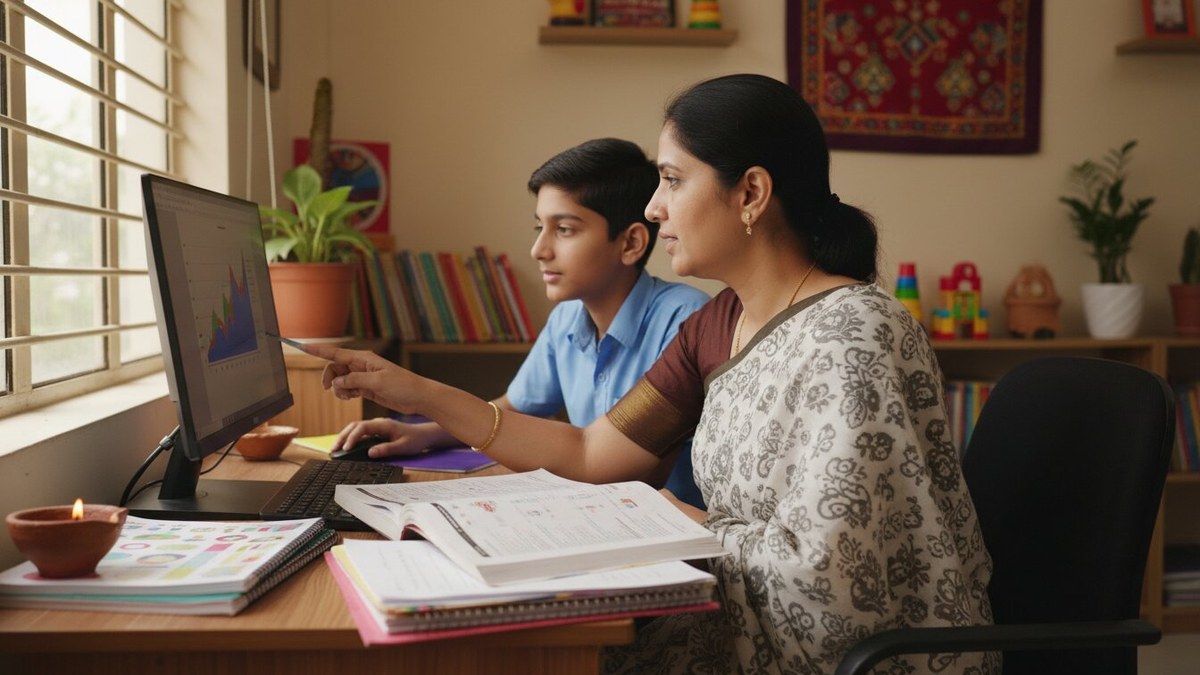
Several trusted sources offer free, high-quality digital literacy materials for Indian educators:
- Government and NGO portals: NASSCOM, Digital Empowerment Foundation, and state education departments publish free guides. Search your state’s education portal for downloadable digital literacy modules.
- UNESCO and UN agencies: UNESCO offers free digital literacy toolkits designed for developing countries, available in English and regional languages.
- Open-source education platforms: Khan Academy, Coursera, and edX provide free course materials and downloadable PDFs on digital skills.
- Teacher networks: Groups like Apni Pathshala and community educator forums share vetted, free resources tailored to Indian classrooms.
- Library and archive sites: Internet Archive, Project Gutenberg, and OpenStax host thousands of free educational PDFs.
Start by visiting your state’s education department website or the Digital India Programme portal. Many resources are free to download and share with students.
How Do You Use Digital Literacy PDFs in Your Classroom or POD?
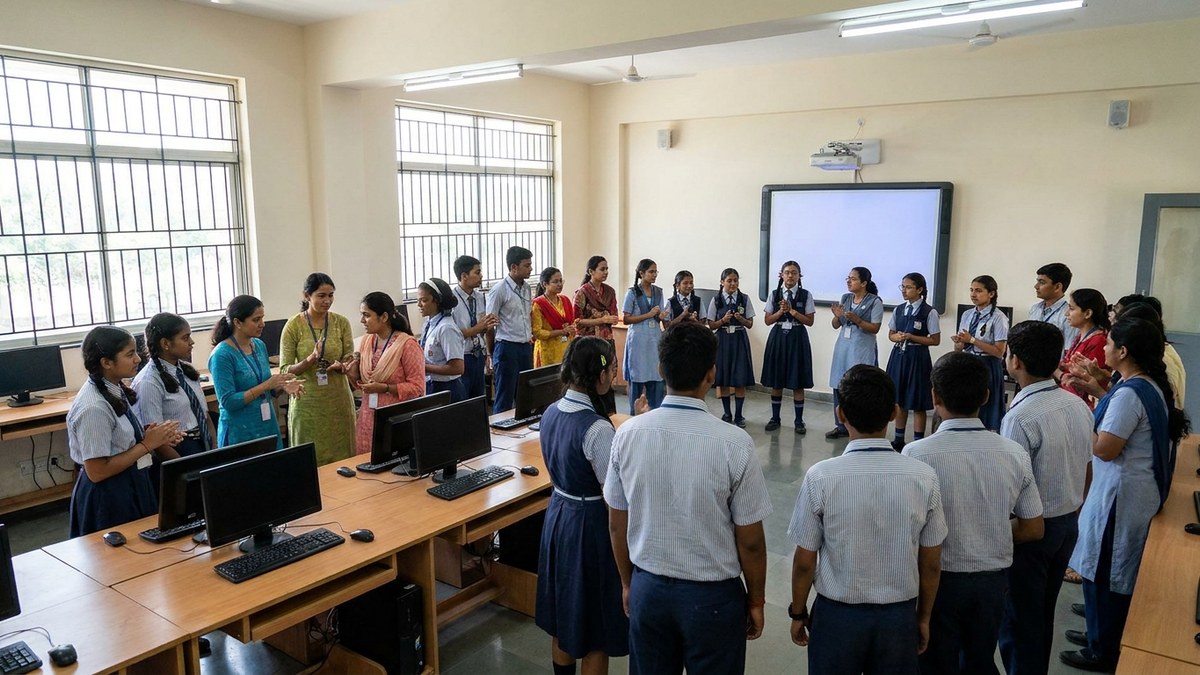
A digital literacy PDF works best when you adapt it to your learners’ needs. Here is a practical approach:
- Read the PDF first. Understand the content, length, and difficulty level before assigning it to students.
- Break it into small lessons. Don’t hand over a large PDF at once. Extract 2 to 3 key topics per week and teach them step-by-step.
- Use a computer or APNA PC for live demo. Show each skill on screen while students watch. APNA PC comes with pre-loaded software like LibreOffice and Scratch, which many PDFs reference.
- Print key pages. For students without home internet, print the most important sections so they can study offline and practise in your POD.
- Create simple worksheets from the PDF. Turn PDF content into fill-in-the-blank exercises or quizzes to check understanding.
- Practise hands-on. After teaching from the PDF, let students sit at a computer and repeat the steps themselves.
- Track progress. Note which skills each student has mastered and which need more time.
The goal is not to rush through the PDF but to help students build real, usable skills. Combine the PDF with live teaching and hands-on practice for best results.
What Topics Are Covered in Quality Digital Literacy PDFs?
Quality digital literacy PDFs typically include these sections:
- Computer basics (keyboard, mouse, screen, file management)
- Internet fundamentals (browsers, search engines, URLs)
- Email and online communication
- Online safety and password security
- Introduction to productivity software (word processors, spreadsheets)
- Basic coding or digital creation (using free tools like Scratch)
- Digital rights and responsible internet use
Choose PDFs that match your students’ age and prior experience. A PDF for Class 3 students should focus on computer parts and basic mouse skills. A PDF for Class 8 or adult learners can cover email, search skills, and online safety in depth. Career counselling resources often recommend digital literacy as a foundation skill for all students.
How Can You Create Your Own Digital Literacy PDF?
If existing PDFs don’t match your students’ needs, you can create a simple one:
- Start with one skill. Pick one topic, such as “How to Use Email” or “How to Search Safely Online”.
- Write clear, short steps. Use simple language and number each step. Include a screenshot or diagram if possible.
- Add a practice task. Tell students what to do after they read (e.g., “Create a new email account” or “Search for your school online”).
- Use free tools. Write in Google Docs, Canva, or LibreOffice (which comes on APNA PC), then export as PDF.
- Test with one student first. Ask a learner to follow your PDF and tell you if any steps are unclear.
- Share with other educators. Upload to your POD’s shared folder or a teacher network so others can use and improve it.
Your own PDF doesn’t need to be perfect. It just needs to be clear, relevant to your students, and easy to follow. Homework help guides can inspire the format and language you use in your own materials.
What Tools Support Digital Literacy Teaching?
To teach digital literacy effectively, you need a reliable computer and software. APNA PC is designed for this purpose and includes a complete bundle with a mini PC (Intel Core i3 7th Gen, 8GB RAM, 128GB SSD), monitor, keyboard, mouse, webcam, and headset. The bundle includes a 3-year warranty and installation.
APNA PC comes pre-loaded with software that aligns with digital literacy teaching: Scratch for coding, LibreOffice for productivity, Blender for design, VS Code for programming, and Audacity for audio editing. It also includes Apni Prerna, a student safety and monitoring tool. This means you don’t need to buy or install software separately; everything is ready to use with your digital literacy PDFs.
Many PODs across 21 states in India use APNA PC to deliver digital literacy lessons. Over 30,000 hours of learning have been delivered using this setup, showing that affordable, well-equipped computers make teaching easier and more effective. Teacher training courses can help you develop skills to teach digital literacy alongside other subjects in your learning centre.
Frequently Asked Questions
Are free digital literacy PDFs good enough for teaching?
Yes, many free PDFs are high-quality and created by government bodies, NGOs, and universities. The key is to choose ones from trusted sources, adapt them to your students’ level, and combine them with hands-on practice. Free doesn’t mean poor quality if you select carefully.
Can I use digital literacy PDFs for students of all ages?
Yes, but choose the right PDF for each age group. Young children need PDFs with large text and simple steps. Teenagers and adults can handle more complex topics like coding or online business skills. Many sources offer age-appropriate versions.
What if my students don’t have computers at home?
Teach all lessons in your POD or learning centre where students can use a shared computer. Print key pages from the PDF so students can study offline. This is common in India and works well if you have one reliable computer in your teaching space.
How often should I update my digital literacy materials?
Review your PDFs every 6 months and update them if software or websites have changed significantly. Technology moves fast, so outdated screenshots or steps confuse learners. Keep materials current without needing to rewrite everything.
Can I charge students for teaching from free digital literacy PDFs?
Yes. Free PDFs are free to download and use, but your time, teaching skill, and computer setup are not free. You can charge a reasonable fee for lessons. Many tutors charge fees for digital literacy classes in India.
Start Teaching Digital Literacy Today
Discover how APNA PC supports digital literacy in your classroom and equips you with all the software and tools you need to teach from free PDFs effectively.