
Your Child Is Online Right Now. Are They Safe?
Here’s the truth: child online safety India isn’t just about blocking websites. It’s about creating a secure digital environment where your child can learn, grow, and explore without predators, scammers, or inappropriate content getting in the way. Whether you’re a homemaker worried about screen time, a senior citizen helping grandchildren study, a tuition teacher shifting online, or an edupreneur building a learning centre, this guide is for you.
Let’s be honest. Most parents set up a laptop, hand it to their child, and hope for the best. That’s not a strategy. That’s a gamble.
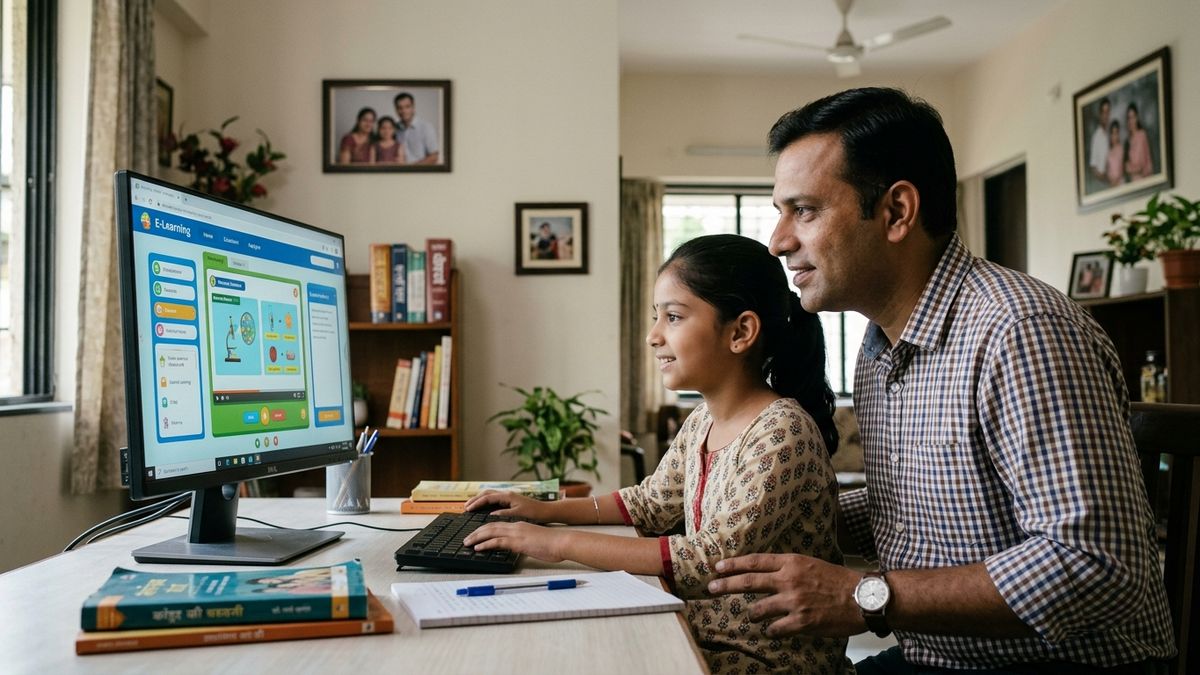
Why Digital Learning Safety Matters Right Now
India’s digital learning explosion has been rapid. Platforms like DIKSHA digital learning platform and the Digital India initiative have made education accessible. But accessibility without security is dangerous.
Your child’s device isn’t just a study tool. It’s a gateway to their personal data, their location, their behaviour patterns, and their vulnerabilities. Cybercriminals know this. Predators know this. Data brokers know this.
- Over 60% of Indian children have experienced some form of online harassment or inappropriate contact
- Malware targeting educational apps has increased by 300% in the last two years
- Phishing attacks on students have become sophisticated, mimicking school portals and payment gateways
- Screen addiction is affecting sleep, posture, and concentration in children as young as five
This isn’t fear-mongering. This is reality. And you need to act on it.
Step 1: Start With Hardware You Can Trust
You cannot build safety on shaky foundations. A cheap, virus-prone laptop is a liability, not an asset. Your child’s study device needs to be reliable, secure, and built to handle digital learning without constant crashes, slowdowns, or security breaches.
This is where APNA PC comes in. At Rs.30,000, the complete bundle includes everything: education software pre-installed, 3-year warranty, professional installation, and hardware that actually works. Mini PC with i3 7th Gen processor, 8GB RAM, 128GB SSD, monitor, keyboard, mouse, webcam, and headset. No compromises. No hidden costs.
Why does this matter for child online safety India? Because a secure device is your first line of defense. When your child studies on APNA PC, you’re not just buying a computer. You’re buying peace of mind.
Step 2: Use Safe Study Apps and Verified Platforms
Not all apps are created equal. Many popular apps collect excessive data. Some have weak encryption. Others are outright scams dressed up as educational tools.
When choosing safe study apps:
- Check permissions. Does a math app really need access to your child’s contacts, photos, and location? No. If it asks for unnecessary permissions, delete it.
- Verify the publisher. Use only official app stores. Download directly from school or institution websites when possible.
- Read reviews carefully. Look for patterns. If dozens of parents report data breaches or inappropriate content, don’t download it.
- Enable parental controls. Most devices allow you to restrict app installation, screen time, and content access. Use them.
- Avoid free apps with no clear revenue model. If you’re not paying for the app, you’re paying with your child’s data.
Stick to government-backed platforms and established educational institutions. These have accountability and oversight.
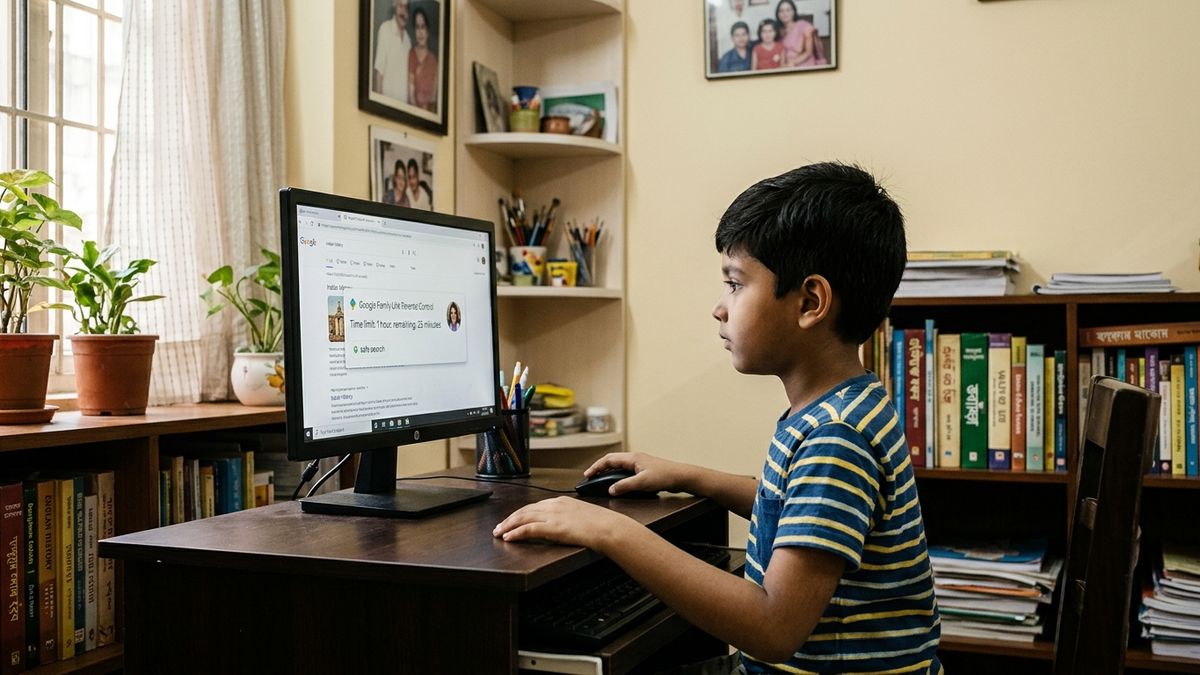
Step 3: Set Up Physical and Digital Boundaries
Digital learning safety starts in the real world. Where does your child study? Who can see the screen? Is there privacy? Is there supervision?
The ideal setup:
- Study area in a common room, not a locked bedroom. You need visibility without hovering.
- Screen positioned so you can see it without being intrusive.
- No devices during meals, before bedtime, or in bedrooms.
- Clear rules about what websites and apps are allowed.
- Regular check-ins about who they’re talking to online.
If you’re a tuition teacher or running a Point of Digital Learning (POD) centre, these rules are non-negotiable. Every child studying at your centre should have supervised access in a secure environment with proper equipment.
Step 4: Teach Your Child to Recognize Threats
You won’t be there every moment. Your child needs to know the dangers and how to respond.
Talk to them about:
- Never sharing passwords, even with friends
- Recognizing phishing emails that pretend to be from schools or payment platforms
- What to do if someone sends inappropriate messages or asks for photos
- The difference between public and private information
- How to report cyberbullying or suspicious activity
Make these conversations normal, not scary. Frame it as “smart awareness,” not “danger lurking everywhere.”
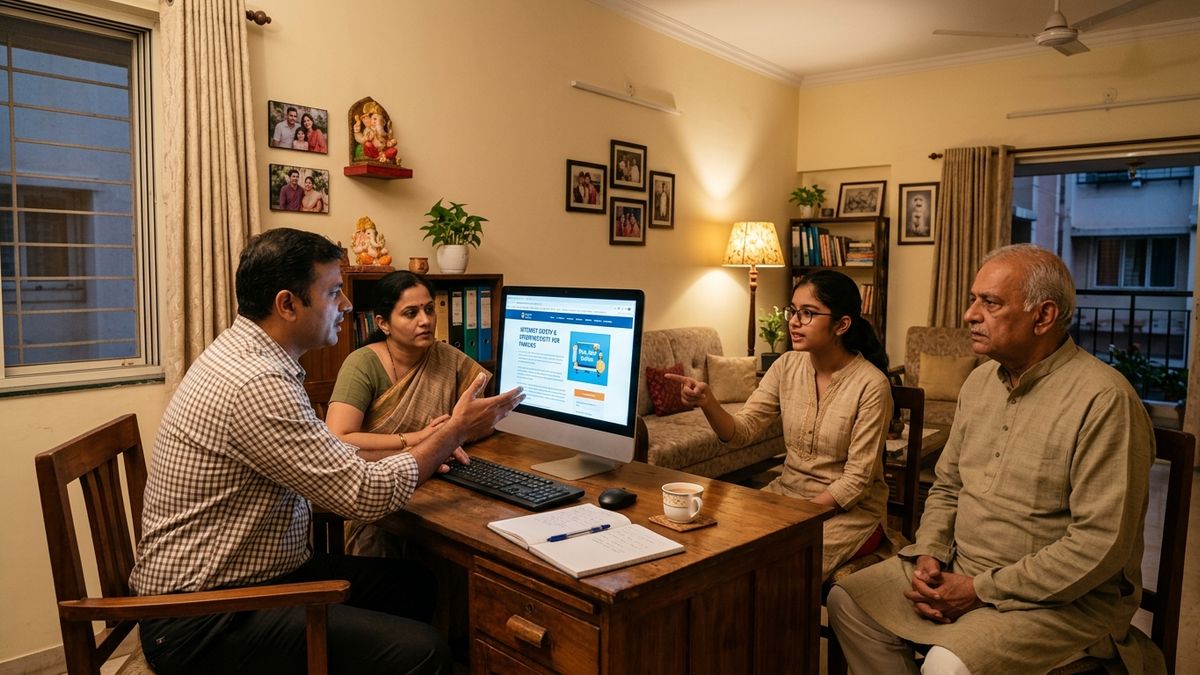
Step 5: Monitor Without Micromanaging
There’s a line between protection and invasion of privacy. Your goal is to catch problems early, not to spy on every keystroke.
Use monitoring tools that track:
- Which websites are visited and for how long
- Screen time patterns
- App usage
- Unusual activity or downloads
Review reports weekly. Look for red flags: sudden increase in late-night browsing, new apps you don’t recognize, or visits to sites that don’t match their studies. Then have a conversation, not an interrogation.
Step 6: Stay Updated on Threats and Tools
The threat landscape changes constantly. New scams emerge. New vulnerabilities are discovered. New apps become popular and then get exposed for data harvesting.
You need to stay informed. Follow online safety tips for students from trusted sources. Join parent groups. Talk to other teachers and educators. If you’re senior citizens learning computers at home, ask your grandchildren’s schools for safety guidelines.
Knowledge is your best defense when it comes to child online safety India.
The APNA PC Advantage for Safe Digital Learning
Building a secure digital learning environment requires the right foundation. APNA PC isn’t just a computer. It’s a complete, pre-configured solution designed for Indian families and educators.
At Rs.30,000, you get hardware that’s secure, software that’s verified, and support that’s reliable. Installation included. Warranty for three years. No surprises. No hidden costs. No compromise on your child’s safety.
Whether you’re setting up a home study space or launching a Point of Digital Learning centre, APNA PC gives you the tools to create an environment where children can learn without risk.
Your Next Step
Child online safety India isn’t a one-time setup. It’s an ongoing commitment. Start today by auditing your current setup. Are your devices secure? Are your apps verified? Do your children know the rules? Are you monitoring appropriately?
If you’re ready to build a proper digital learning environment, whether at home or as a learning centre operator, start your Point of Digital Learning centre with TeachToEarn. We provide the tools, training, and support to create safe, effective learning spaces.
Your child’s safety online isn’t negotiable. Make the right choice today.