
Your child is online right now. Probably. And you have no idea what they’re doing.
Here’s the truth: most Indian parents treat online safety like they treat their WiFi password—they know it matters, but they haven’t really thought about it. We scroll through WhatsApp groups sharing horror stories about cyberbullying and predators, then hand our kids a smartphone and hope for the best. That stops today.
Online safety for students isn’t about fear. It’s about knowledge. It’s about creating a home where your child can learn, explore, and grow without becoming another statistic. Whether you’re a homemaker managing your child’s screen time, a senior citizen helping grandchildren navigate the internet, or a tuition teacher running a Point of Digital Learning centre, this guide is for you.
The Real Risks: Stop Pretending They Don’t Exist
Let’s be honest: child internet safety India isn’t getting better on its own. Your child faces real threats. Cyberbullying. Inappropriate content. Predators who know exactly how to manipulate young minds. Data theft. Gaming addiction that destroys sleep and grades.
Most people don’t realise that the average Indian child spends 4-5 hours online daily—often unsupervised. That’s not judgment. That’s reality. You’re working. You’re managing the household. You can’t watch them every second.
But you can be smart about it.
According to student safety research (Wikipedia), the biggest threats come from:
- Unmoderated social media exposure
- Clicking malicious links that steal passwords and personal data
- Sharing too much personal information with strangers
- Spending hours on addictive apps instead of studying
- Accessing age-inappropriate websites
Sound familiar? You’ve probably worried about at least three of these.
How to Keep Kids Safe Online: The Practical Blueprint
1. Set Clear Rules, Then Enforce Them
Not suggestions. Rules. Your house, your WiFi, your rules. No devices in bedrooms after 9 PM. No social media before homework is done. No clicking links from unknown sources. No sharing passwords, addresses, or phone numbers online. Write them down. Post them. Make your child sign off on them.
This isn’t authoritarian. This is parenting.
2. Use Parental Controls Seriously
Your smartphone and laptop have built-in parental control features. Use them. Google Family Link. Apple Screen Time. Windows Parental Controls. They’re free. They work. They show you what your child is doing without being creepy about it.
3. Create a Safe Learning Environment
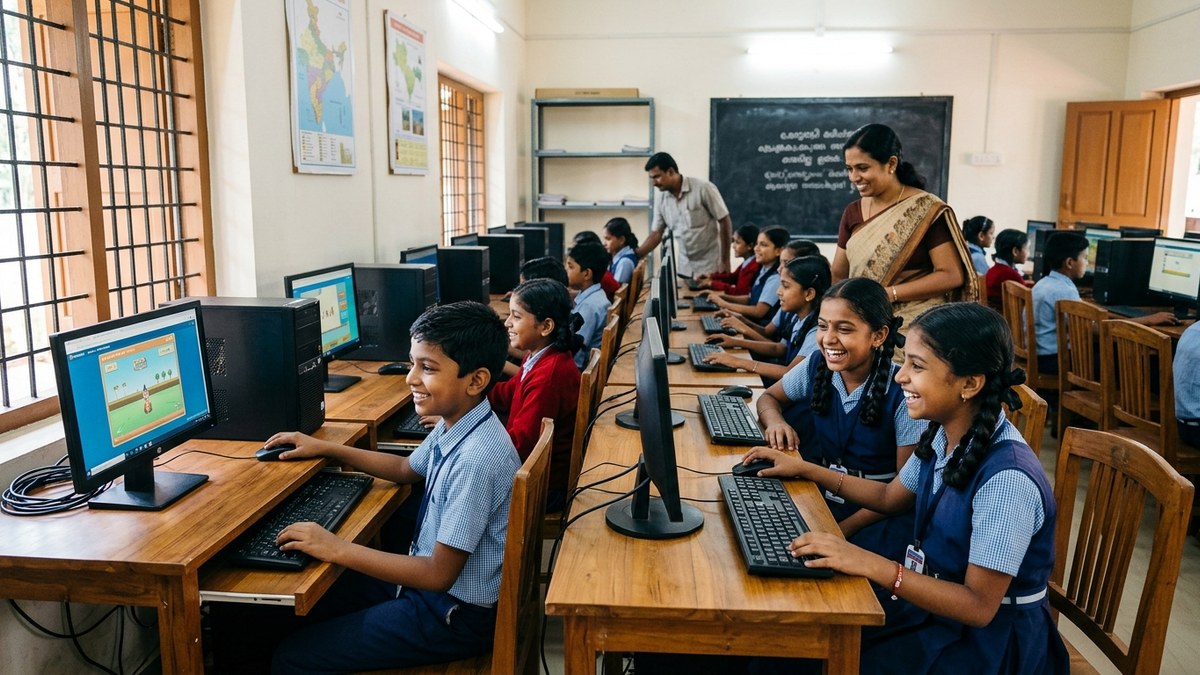
The best way to keep kids safe online is to give them a proper setup. A dedicated, supervised space for learning. Not their bedroom. Not hidden away. The family computer room. The living room. Somewhere you can see the screen.
This is where APNA PC makes sense. A complete bundle education software, Mini PC with i3 7th Gen processor, 8GB RAM, 128GB SSD, monitor, keyboard, mouse, webcam, headset, 3-year warranty, and professional installation all for Rs.30,000. Set it up in your Point of Digital Learning centre or your home. One investment. Proper equipment. Better focus. Fewer distractions.
4. Teach Digital Literacy
Your child needs to understand how the internet works. How to spot fake news. How to identify phishing scams. How to protect their password. How to say no to strangers online. This isn’t optional. This is survival.
If you’re a homemaker looking to earn while teaching these skills, check out digital literacy for homemakers. You can teach other children in your community and build a real income stream.
5. Know What They’re Doing
Don’t spy. But do stay informed. Ask your child about their day online. What videos are they watching? Who are they talking to? What games are they playing? Make it a conversation, not an interrogation.
6. Introduce Free AI Tools Responsibly
AI is here. Your child will use it. Instead of banning it, teach them to use it wisely. Check out free AI tools for students that can actually help with learning instead of replacing it.
7. Stay Updated With Official Guidelines
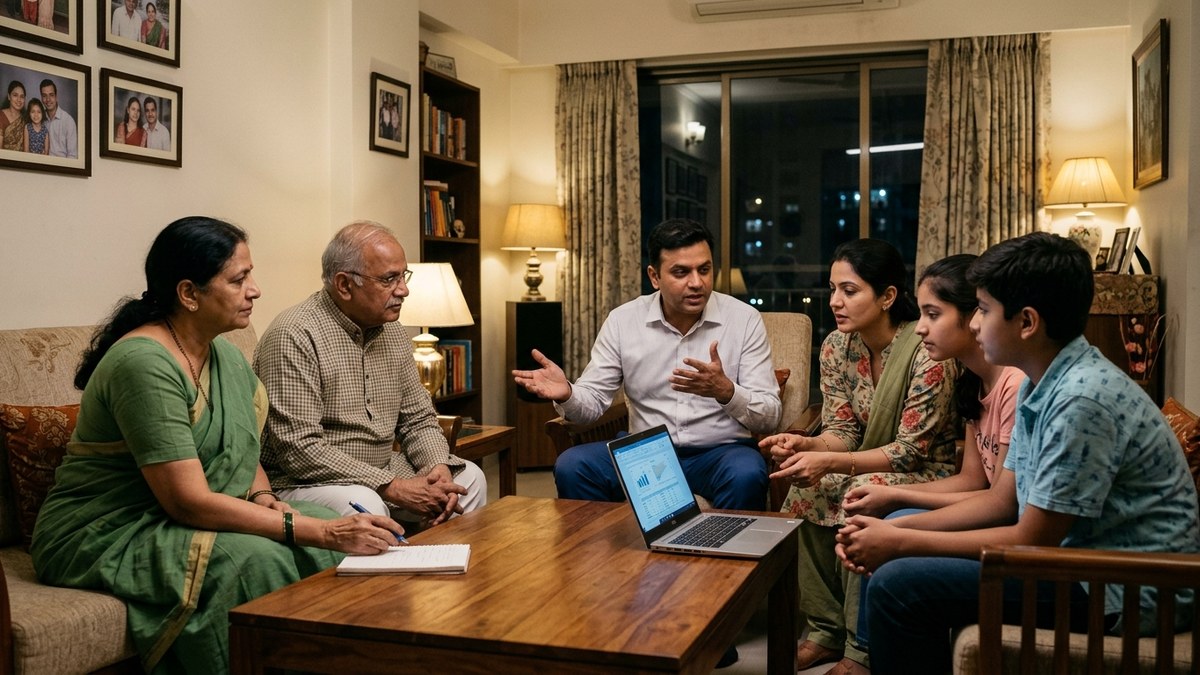
The India Ministry of Education regularly releases guidelines on child online safety. Read them. Share them with other parents. Stay informed about what’s changing in the digital landscape.
The Bottom Line: Online Safety for Students Starts With You
Online safety for students isn’t complicated. It’s about three things: rules, supervision, and education. Set boundaries. Create a safe space. Teach your child to think critically.
You don’t need to be a tech expert. You just need to care enough to act.
If you’re running a tuition centre or a Point of Digital Learning space, investing in proper equipment like APNA PC shows your students and their parents that you take their safety and learning seriously. It’s not just about having computers. It’s about having the right setup that minimizes distractions and maximizes learning.
Ready to create a safer, smarter learning environment? Explore APNA PC today.