Digital literacy skills are the ability to find, understand, create and share information using digital devices and the internet safely and effectively. In 2025, these skills are no longer optional, they are essential for every student to succeed in school, college and work. This article covers the core digital literacy skills students need, why they matter, and how to build them.
What are digital literacy skills?
Digital literacy is the knowledge and ability to use computers, tablets, smartphones and the internet to access, evaluate, create and communicate information. It includes typing, searching online, using software, understanding online safety, and knowing how to spot false information.
Digital literacy goes beyond just knowing how to switch on a device. It means understanding how to use technology as a tool to solve problems, learn new things and work with others. A digitally literate student can use a search engine to find reliable sources, use a word processor to write an essay, and understand the risks of sharing personal information online.
Why do students need digital literacy skills in 2025?
Schools and colleges now expect students to submit assignments online, attend virtual classes and use digital tools for research. Employers across India are hiring for roles that require comfort with computers, data entry, online communication and software use. Students without these skills fall behind in their studies and miss job opportunities.
The Indian government has recognised this need. DIKSHA (Digital Infrastructure for Knowledge Sharing) provides free online learning resources to students across India, and the Ministry of Education promotes digital learning in schools. However, access to devices and quality teaching remains uneven, especially in rural areas and low-income households.
What are the core digital literacy skills every student needs?
The following skills form the foundation of digital literacy in 2025:
- Basic computer operation: Turning on a device, using a keyboard and mouse, opening and closing applications, and understanding file storage.
- Internet search and research: Using search engines effectively, identifying reliable sources, and avoiding misinformation.
- Word processing and document creation: Writing, formatting and saving documents using tools like LibreOffice or Microsoft Word.
- Online communication: Sending emails, using video calls, and collaborating with others through shared documents.
- Data and information literacy: Understanding how to read charts, graphs and data, and recognising patterns in information.
- Online safety and privacy: Protecting personal information, recognising phishing scams, using strong passwords and understanding digital footprints.
- Creative digital skills: Using design tools, creating presentations, editing images or videos, and coding basics.
How can students develop digital literacy skills at home?
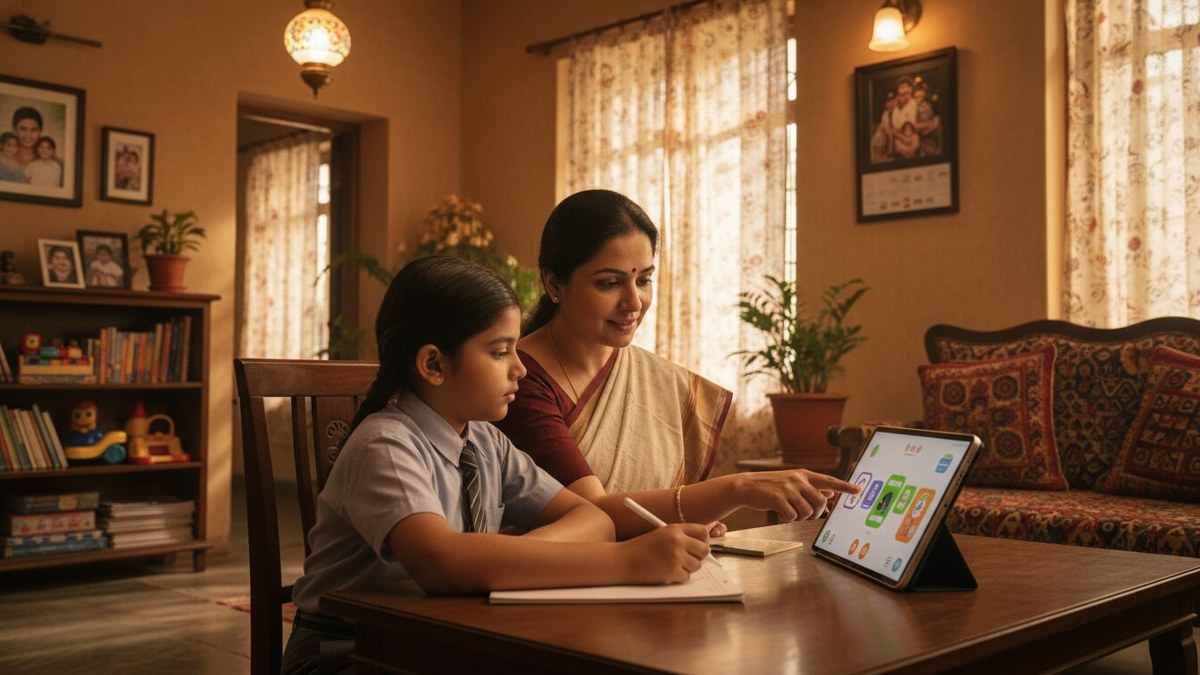
Parents and students can build these skills without expensive courses. Start with free resources: many websites offer tutorials on typing, spreadsheets and online safety. Encourage your child to use digital tools for schoolwork, not just entertainment. Set time limits and monitor online activity to keep learning safe.
Practice is key. Ask your child to research a topic online, write a report in a word processor and present it using slides. These everyday tasks build confidence and competence. Free digital literacy PDFs and guides are available online to help you understand what skills matter and how to teach them.
How do teachers build digital literacy in the classroom?
Teachers play a crucial role in building student digital literacy. Effective educators integrate technology into lessons, not as a distraction, but as a learning tool. AI teaching tools and digital resources help students learn coding, design and problem-solving in engaging ways.
However, many teachers in India lack training in digital tools. Free AI tools for teachers make it easier to create interactive lessons, track student progress and provide personalised feedback. When educators have the right support, students gain stronger digital skills and better learning outcomes.
How can community learning centres support digital literacy?
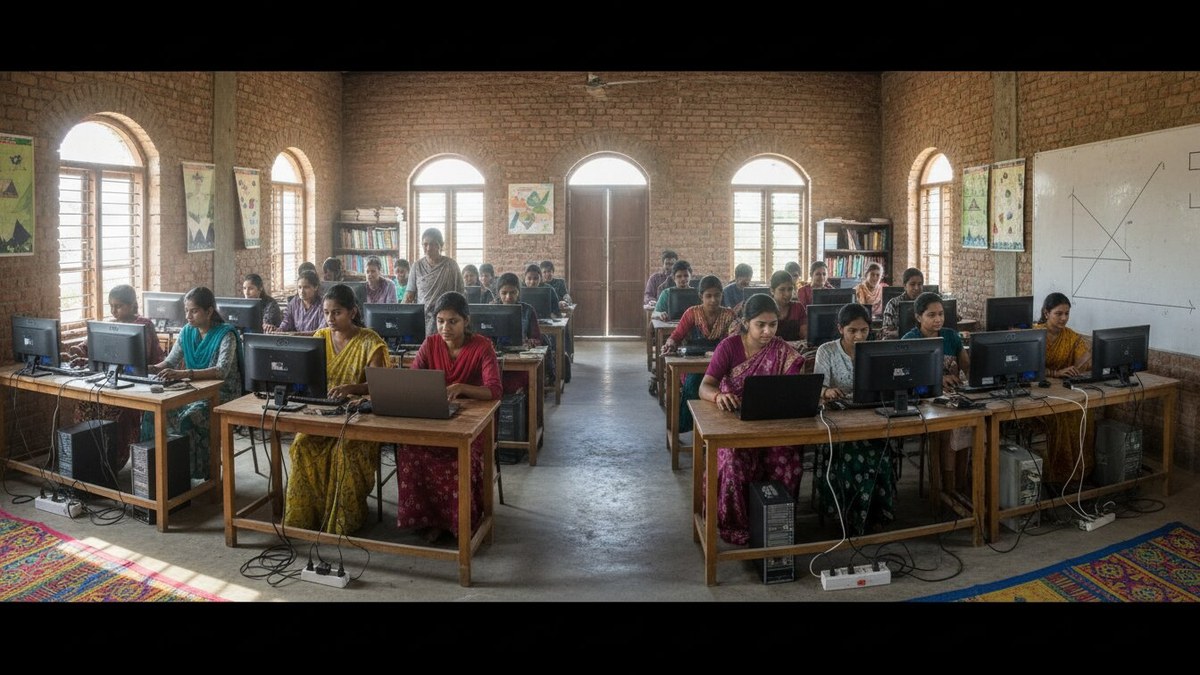
Digital literacy thrives in communities where people learn together. In many Indian towns and villages, community learning centres called PODs (Points of Digital Learning) are helping students and adults build these skills in safe, affordable spaces. These centres provide access to computers, trained educators and peer learning.
A POD might run classes on coding, digital marketing, online safety or basic computer skills. Students learn at their own pace, and educators earn an income by running these programmes. This model makes digital literacy accessible to families who cannot afford private tuition or expensive devices. If you are an educator, homemaker or community leader interested in starting a POD, you can access affordable computers and training to serve your neighbourhood.
What affordable tools are available for digital learning?
One barrier to digital literacy is the cost of computers. Many students and learning centres struggle to access devices that meet their needs. APNA PC offers a complete bundle that includes a mini PC with Intel Core i3 processor, 8GB RAM, 128GB SSD, monitor, keyboard, mouse, webcam and headset. The bundle includes education software like Scratch, LibreOffice, LibreCAD, Blender, VS Code, Arduino IDE and Audacity, tools used in schools and coding bootcamps worldwide.
APNA PC comes with Apni Prerna, student safety and monitoring software that helps educators and parents ensure safe learning. The device runs Zorin OS or Windows, includes a 3-year warranty and installation support. For PODs and learning centres, APNA PC makes it affordable to set up a space where multiple students can learn digital skills together. For families, it provides a reliable device for schoolwork, coding practice and online learning. Check the current price and specifications on the APNA PC product page.
How can you create a digital literacy action plan?
Start small and build gradually. If you are a student, set a goal: learn one new digital skill each month. If you are a parent, dedicate time each week to explore digital tools with your child. If you are an educator, identify which digital skills your students need most and find free resources to teach them.
Track progress. Use a simple checklist to mark skills as your child or students master them. Celebrate wins: learning to code a simple game, creating a presentation or using a design tool is real progress. Digital literacy develops over time as skills evolve with changing technology.
Frequently Asked Questions
What is the difference between digital literacy and computer skills?
Computer skills are the ability to use specific software or devices. Digital literacy is broader, it includes computer skills plus the ability to think critically about information online, stay safe, and use technology to solve real problems. A digitally literate person can adapt to new tools and platforms, not just follow memorised steps.
Can adults learn digital literacy skills?
Yes. Digital literacy is for all ages. Many adults, including homemakers and senior citizens, are learning these skills to stay connected, find work or teach others. Community learning centres and online courses offer programmes designed for adult learners at their own pace and comfort level.
How long does it take to become digitally literate?
Basic digital literacy, using email, searching the web, typing and online safety, takes several weeks of regular practice. Advanced skills like coding or graphic design take months or years. The key is consistent practice and real-world application, not just theory.
Are digital literacy skills the same in every country?
Core skills like typing, searching and online safety are universal. However, the tools and platforms used vary by region and context. In India, students may learn to use DIKSHA for education resources or Apni Prerna for safe learning, while other countries use different platforms. The principle remains the same: understanding how to use technology responsibly and effectively.
What should I do if I don’t have a computer at home?
Many schools now provide computer labs and digital learning time. Public libraries, community centres and PODs also offer free or low-cost access to devices. If you are an educator or community leader, you can start a POD with affordable computers to serve your neighbourhood and earn an income.
Digital literacy is no longer a luxury, it is a necessity for every student in 2025. Whether you are learning for school, work or personal growth, start today. Explore APNA PC to set up an affordable learning space or equip your home with the tools you need to build strong digital skills.