A course certificate tells a parent that a learner reached the finish line. It does not show whether that learner can explain an audience, improve a message, or spot a misleading claim. For that, you need work you can open and discuss.
A TeachToEarn POD can bridge this gap with a small, supervised digital marketing project. Instead of racing through another playlist, learners build a sample campaign, explain their choices, and revise it after feedback. APNA PC can serve as the learning proof station where those drafts, decisions, and improvements stay together.
The aim is not to promise freelance income. It is to make a useful skill visible before anyone mistakes course completion for professional readiness.
Give the Campaign a Realistic Brief, Not a Real Client
Start with a fictional community event: a Saturday book exchange. It is familiar, easy to understand, and does not require children to handle customer information or advertising accounts. Clearly label the assignment as a practice project, not a live offer.
Ask learners to define who the event serves, what visitors need to know, and what action the message should encourage. A parent looking for affordable books needs different information from a student hoping to exchange a favourite novel. Choosing one audience makes the writing more focused.
Keep the brief to one page. Include a made-up venue, an example date, the intended audience, and three details every message must contain. Set a boundary: no invented testimonials, unsupported promises, or copied photographs. The educator checks the brief before production begins.
You now have something more useful than an instruction to “make a nice post.” You have a communication problem with clear conditions for success.
Build Three Assets That Reveal Different Skills
Use the computer session to create a short event announcement, a simple information page, and a planning sheet. These can remain ordinary documents; a paid design subscription or public website is not essential.
The announcement tests concise writing. Can the learner explain the event without hiding the important details behind enthusiastic language? The information page tests organisation. Can a reader quickly find what to bring, where to go, and how the exchange works?
The planning sheet tests judgment. Ask the learner to propose two ways to reach the chosen audience and explain why each might fit. A notice shared through an approved school channel may make more sense than a paid advertisement for this exercise.
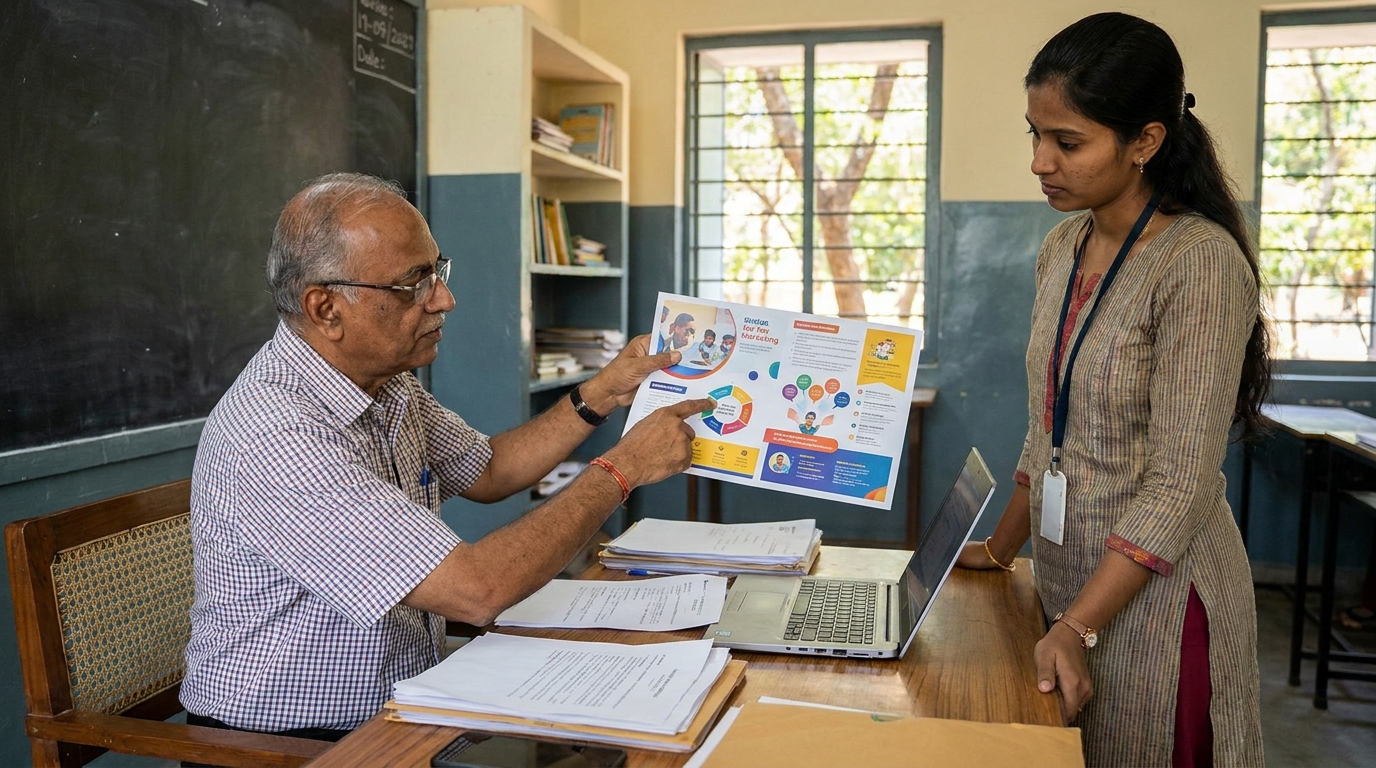
Save the first versions before correcting anything. Then ask another learner to read the materials and identify one unanswered question. If the announcement says “bring your books” but never explains acceptable condition, that is a genuine revision opportunity. The portfolio should show how the learner resolved it.
Let AI Suggest Alternatives Without Taking Over
AI can help learners compare approaches, but the educator should set the rules first. Use an age-appropriate tool under its applicable terms, with adult supervision where required. Do not enter student identities, parent contact details, private school records, or real customer data.
A useful prompt is: “Suggest three clearer openings for this fictional book-exchange announcement. Keep the event details unchanged and explain how the tone differs.” The learner then chooses, adapts, or rejects the suggestions.
Ask for a short decision note: “I kept this opening because it explains the exchange immediately. I removed the claim that everyone would find their favourite book because we cannot guarantee that.” This note reveals more understanding than polished copy alone.
Check every AI-generated detail against the original brief. If the tool adds free refreshments or a prize, remove it unless the assignment actually includes those details. The lesson is not simply how to generate text. It is how to stay responsible for the text you use.
Use APNA PC as the Campaign Evidence Desk
Create a project folder with the brief, first drafts, feedback, revised assets, and a short reflection. Use simple filenames that show the sequence. Keep learner folders access-controlled and avoid displaying other students’ work during a family review.
This is a proposed way to organise learning on APNA PC, not a claim that a computer automatically produces a portfolio. The educator still chooses suitable software, checks accessibility needs, and plans reliable storage and backups.
For a POD with shared computer access, rotate practical roles: one learner drafts, one checks the brief, and one tests whether the message is understandable. Switch roles so the most confident typist does not become the only active participant.
End each session with a saved output and a one-sentence explanation of the next change. When the next session starts, the learner can resume from evidence rather than trying to remember what happened.
Run a Parent Demo That Tests Understanding
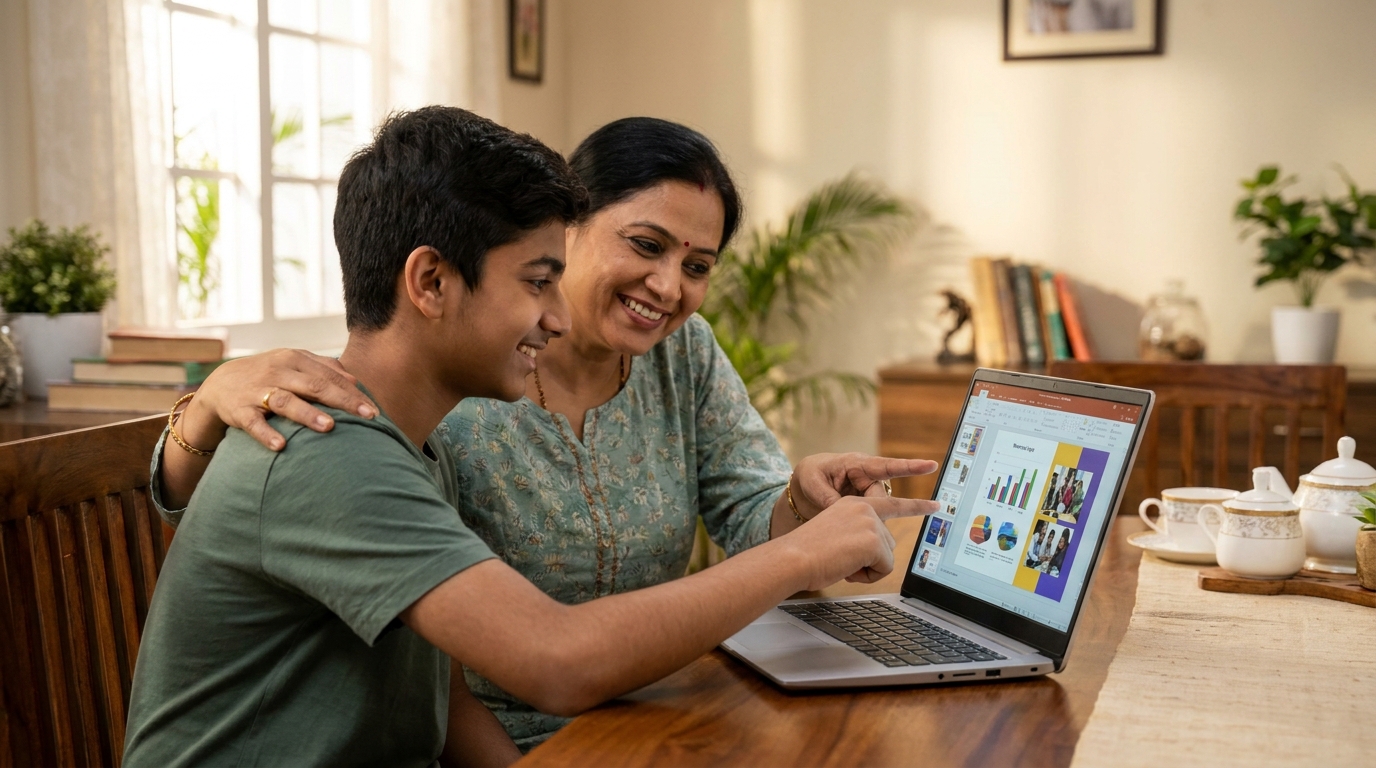
Invite the parent to a short review after the revised campaign is ready. Let the learner open the original announcement, explain the feedback, and show the improved version. The educator should support the conversation without answering every question.
Ask three practical questions: Who is this message for? What did you change? What would you check before publishing it? A learner who can answer these has something concrete to discuss, even if the design is still basic.
Track progress against the same small rubric before and after revision: accurate details, audience fit, clear next action, and independent explanation. Record whether each task was completed independently, with a prompt, or with substantial support. These observations are more meaningful than counting how many graphics were produced.
For school leaders and Apni Pathshala edupreneurs, this also creates a modest transformation record: completed projects, visible revisions, and changing support needs. Do not turn practice results into claims about guaranteed jobs, income, or school-wide improvement. Keep family feedback private unless you have appropriate permission to share it.
Plan Your First Portfolio Session This Week
Choose one learner group, one fictional brief, and a date for a parent demonstration. Check your existing computer access before purchasing equipment. If you are planning a dedicated learning station, explore APNA PC at https://www.teachtoearn.in/apna-pc/ and review the current offering against your space, software, and support needs.
Learn more about how the Digital India initiative is expanding digital access across the country, and explore DIKSHA for free digital learning resources that complement your teaching programme.
Do this before enrolling learners in another course so you already know where their practical work will be created, saved, and reviewed. A small project is enough to begin; public posting and paid advertising can wait.
The strongest portfolio is not a folder of perfect-looking outputs. It is a record of choices a learner can explain, corrections they can defend, and skills a parent can actually see.
The India Ministry of Education encourages digital skills training as part of the national education framework.