
Your Typing Speed Is Holding You Back (And You Don’t Even Know It)
Here’s the truth: Most people don’t realise that poor typing skills are costing them hours every week. For Indian students, homemakers learning digital skills, senior citizens discovering computers, and tuition teachers managing online classes, slow typing isn’t just frustrating. It’s a barrier to everything else you want to do online.
You don’t need expensive software. You don’t need to pay monthly subscriptions. The best free typing practice tools for Indian students are already out there, waiting for you to use them. Let’s be honest: if you’re serious about building digital literacy skills for career growth, typing speed matters more than you think.
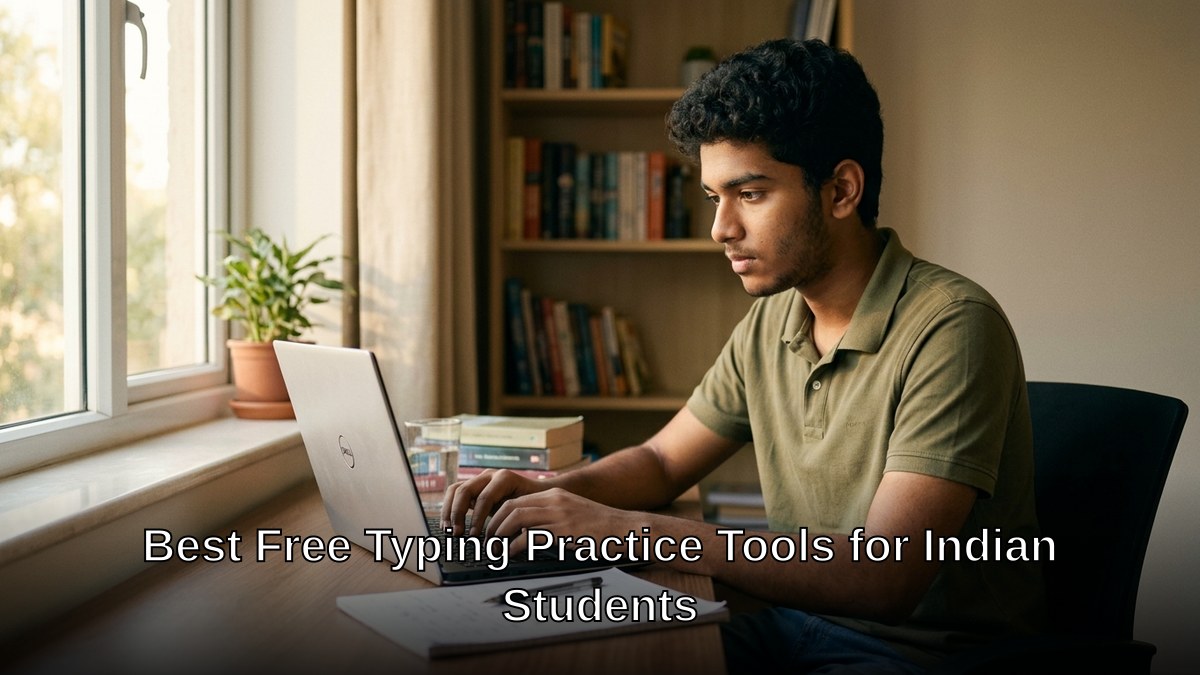
The Best Free Typing Practice Tools Available Right Now
Stop wasting time on mediocre typing tutors. These platforms actually work, and they’re completely free.
- TypingMaster – Real-time feedback as you type. Shows your mistakes instantly. The accuracy tracking is brutal but honest. Most people don’t realise how many errors they make until they see the data.
- Nitro Type – Gamified typing lessons. Students actually enjoy this. You earn virtual currency while improving your typing speed test performance. Indian students respond well to the competitive element.
- Keybr.com – Minimalist. No distractions. Just you and the keyboard. Builds muscle memory faster than anything else on this list. The algorithm adapts to your weak keys.
- TypeRacer – Turn typing into a racing game. Multiplayer mode means you’re competing with real people. Indian students love the social element.
- Monkeytype – Advanced typing test India tool. Highly customizable themes and typing modes. Perfect for serious learners who want to track progress obsessively.
- Ratatype – Structured lessons with certificates. Indian educators recommend this because it feels official. The progress tracking keeps learners motivated.
Each tool has a different strength. Keybr builds fundamentals. TypeRacer keeps you engaged. Ratatype gives you certification. The secret is using all of them, not just one.
Most people don’t realise that typing speed directly impacts your ability to take notes, write emails, fill forms online, and manage digital work. For homemakers transitioning to online businesses or senior citizens learning to communicate with grandchildren, typing speed is foundational.
Why Indian Students Need This Skill Right Now
Let’s be honest: online education in India is here to stay. Whether your child is in school, college, or taking online courses, they’re typing every single day. Entrance exams have online components. Job applications require speed. Digital communication is non-negotiable.
Tuition teachers managing multiple online classes know this reality. You’re typing student feedback, sending messages, managing schedules. Slow typing means wasted time. Edupreneurs running Point of Digital Learning centres need students with basic computer competency, and typing is where that starts.
The Ministry of Education India recognises digital skills as essential. Check their latest guidelines at education.gov.in to see how typing fits into the broader digital literacy framework.
Here’s what most people don’t realise: you can improve typing speed dramatically in 30 days with consistent practice. Not weeks. Not months. Thirty days of 15-minute daily sessions will show measurable results.
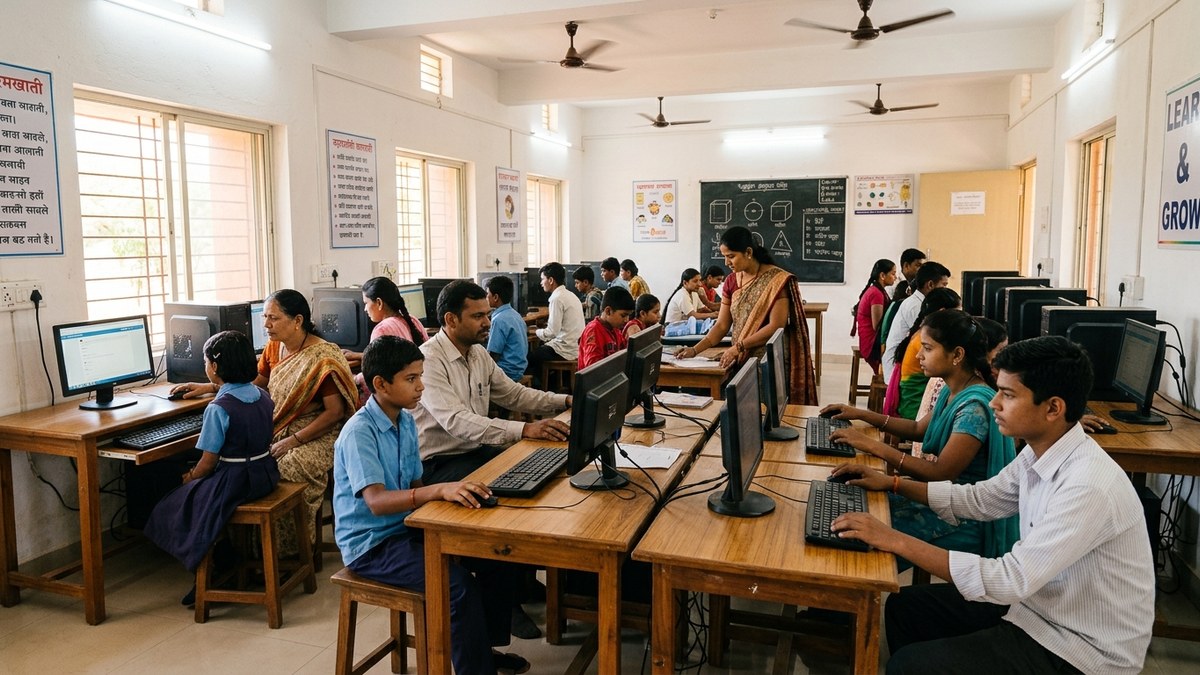
Making It Stick: A Practical Strategy
Free tools are only useful if you actually use them. Here’s the system that works:
- Week 1-2: Use Keybr.com for 15 minutes daily. Focus on accuracy, not speed. Build muscle memory.
- Week 3: Switch to TypeRacer or Nitro Type. The gamification keeps you from getting bored.
- Week 4: Test yourself on Monkeytype or Ratatype. See your actual typing speed test India results.
- After 30 days: Pick one tool and use it 3-4 times weekly to maintain your speed.
The key is variety. Your brain adapts quickly. Switching between tools keeps the challenge fresh.
For tuition teachers, this is a perfect supplementary activity for students. Spend 10 minutes on typing practice at the start of each session. By semester end, your students will have significantly improved digital literacy.
For edupreneurs running a Point of Digital Learning centre, offering free typing practice sessions builds community trust. You’re not selling anything. You’re solving a real problem. Students tell their parents. Parents refer friends. That’s how a sustainable business grows.
Senior citizens and homemakers often feel intimidated by computers. Typing practice removes that barrier. Once you can type confidently, everything else becomes possible. Online banking. Video calls with family. Email. Shopping. The digital world opens up.
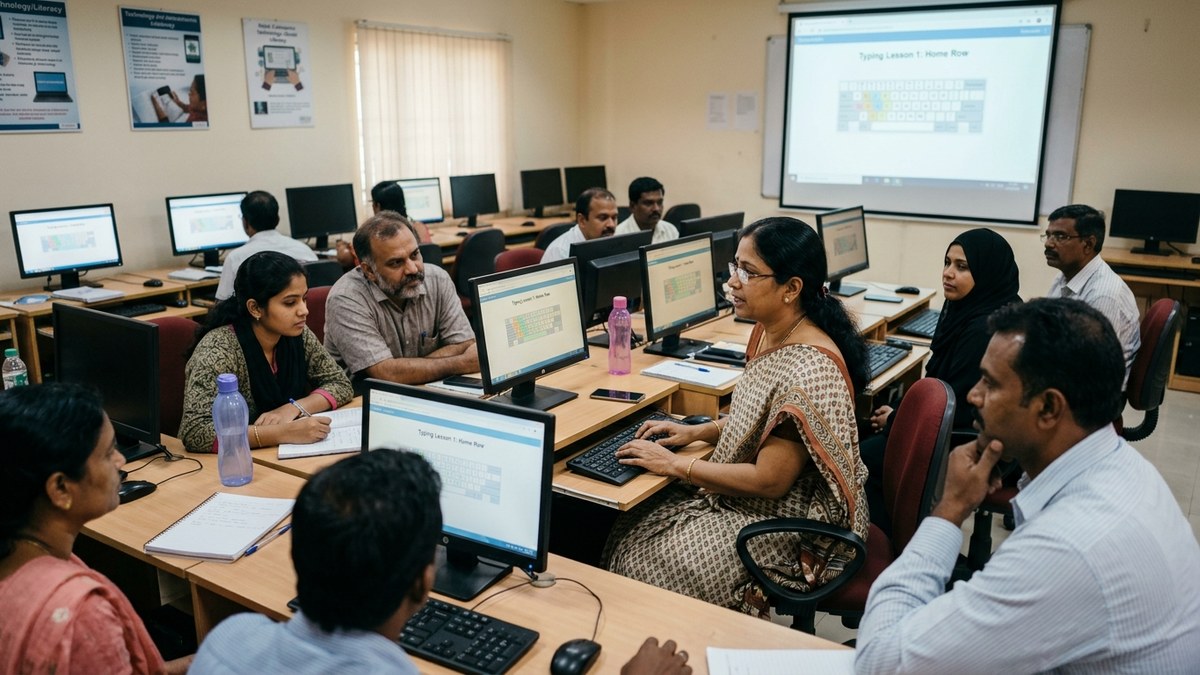
The Hardware Question: Do You Need a Better Computer?
Most people don’t realise that you don’t need an expensive laptop or computer for typing practice. Any device with a keyboard works. But here’s the reality: if you’re running a Point of Digital Learning centre or you’re serious about learning, you need reliable hardware.
This is where APNA PC changes everything. For Rs.30,000, you get a complete bundle: education software, 3-year warranty, professional installation, and actual hardware. A Mini PC with i3 7th Gen processor, 8GB RAM, 128GB SSD, monitor, keyboard, mouse, webcam, and headset. Everything you need to teach or learn typing properly.
Compare that to buying a laptop. APNA PC is half the price and comes with support. No hidden costs. No surprise repairs. Just reliable equipment that works.
Check out APNA PC to see if this is the right solution for your learning centre or home setup.
For budget smartphones for students, typing on a screen is inefficient. You need a proper keyboard. APNA PC solves this completely.
Let’s be honest: investing in proper equipment shows you’re serious about learning. Your students notice. Your family notices. You notice. The quality of practice improves when you have the right tools.
One More Thing: Learn Typing Free, But Learn It Right
The tools are free. Your time isn’t. Make every minute count. Set a goal. Track your progress. Don’t jump between tools randomly. Follow a system.
Most people don’t realise that typing is a foundational skill that unlocks everything else. Once you can type at 60+ words per minute with accuracy, you stop thinking about the keyboard and start thinking about your ideas. That’s when real learning happens.
Whether you’re a student, homemaker, senior citizen, tuition teacher, or edupreneurs, this skill matters. Start today. Pick one tool. Commit to 15 minutes daily. In 30 days, you’ll be surprised at how much faster you’ve become.
For more on building essential digital skills, explore Student resources and check what the Ministry of Education India recommends for digital literacy programs.
Ready to take your typing speed seriously? Start with the free tools today. When you’re ready to build a proper learning environment, explore APNA PC and see how the right hardware transforms your learning journey.