
The Interactive Whiteboard Classroom Question Nobody’s Asking the Right Way
You’re standing in a tuition centre or learning space, staring at two options: an interactive whiteboard or a smart board. Both promise to digitize your classroom. Both cost money. Both sit there looking impressive. But here’s the truth: most teachers in India are choosing based on what looks fancier, not what actually works.
Let’s be honest. The interactive whiteboard classroom debate isn’t really about technology. It’s about whether you understand what your students actually need to learn better. Before you spend 50,000 rupees or more on either option, you need to know the real difference and which one fits your Point of Digital Learning, your budget, and your teaching style.
Most people don’t realise that an interactive whiteboard and a smart board aren’t the same thing. They sound similar. They look similar. But they work differently, cost differently, and deliver results differently. This post breaks down which one makes sense for your Indian classroom or home learning centre.
What’s Actually Different Between Them
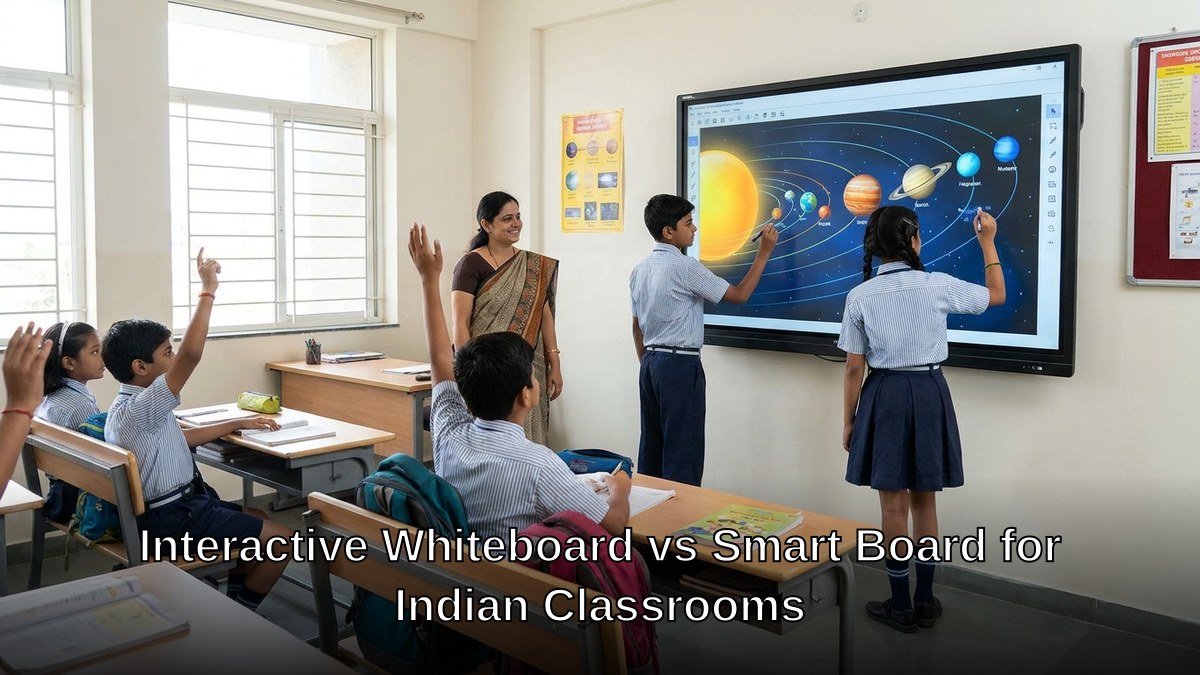
An interactive whiteboard is a large touch-sensitive display that connects to a projector and computer. You write on it with a stylus or your finger. It responds to touch. Students can come up and interact with content directly. It’s tactile. It’s immediate.
A smart board is technically a type of interactive whiteboard, but the term usually refers to branded systems like SMART Board. These are all-in-one units. Built-in projector. Built-in computer sometimes. Proprietary software. Premium pricing. More bells and whistles.
Here’s what matters for your decision: an interactive whiteboard classroom works through touch and gesture. A smart board works the same way but often locks you into one company’s ecosystem and pricing model.
For tuition teachers and homemakers starting learning centres in India, this distinction changes everything about your budget and flexibility.
The Real Costs (Not Just the Price Tag)
An interactive whiteboard setup runs you 25,000 to 45,000 rupees depending on screen size and brand. You need a projector, a computer, the board itself, and installation.
A smart board starts at 60,000 and goes up to 2,50,000 rupees for premium models. The software subscriptions add another 5,000 to 15,000 rupees yearly.
But here’s what most edupreneurs miss: the real cost isn’t the equipment. It’s what happens when that equipment breaks, needs updates, or becomes outdated. An interactive whiteboard lets you swap components. Replace the projector. Upgrade the computer. Keep using the board. A smart board? You’re often locked into their service centres and replacement cycles.
Most people don’t realise that your computer choice matters as much as the board itself. A slow, outdated PC will make any interactive whiteboard classroom feel sluggish and frustrating. That’s why a complete bundle like APNA PC (Rs.30,000 with Mini PC i3 7th Gen, 8GB RAM, 128GB SSD, monitor, keyboard, mouse, webcam, headset, education software, 3-year warranty, and installation) actually makes more sense than buying boards separately. You get a system that works together from day one.
Which One Actually Improves Learning Outcomes
Let’s cut through the marketing. Does an interactive whiteboard classroom improve how students learn? Yes. Does a smart board improve learning more? Not necessarily.
The research on Education in India shows that student engagement depends on teacher skill, content quality, and interaction frequency. Not the brand of the board.
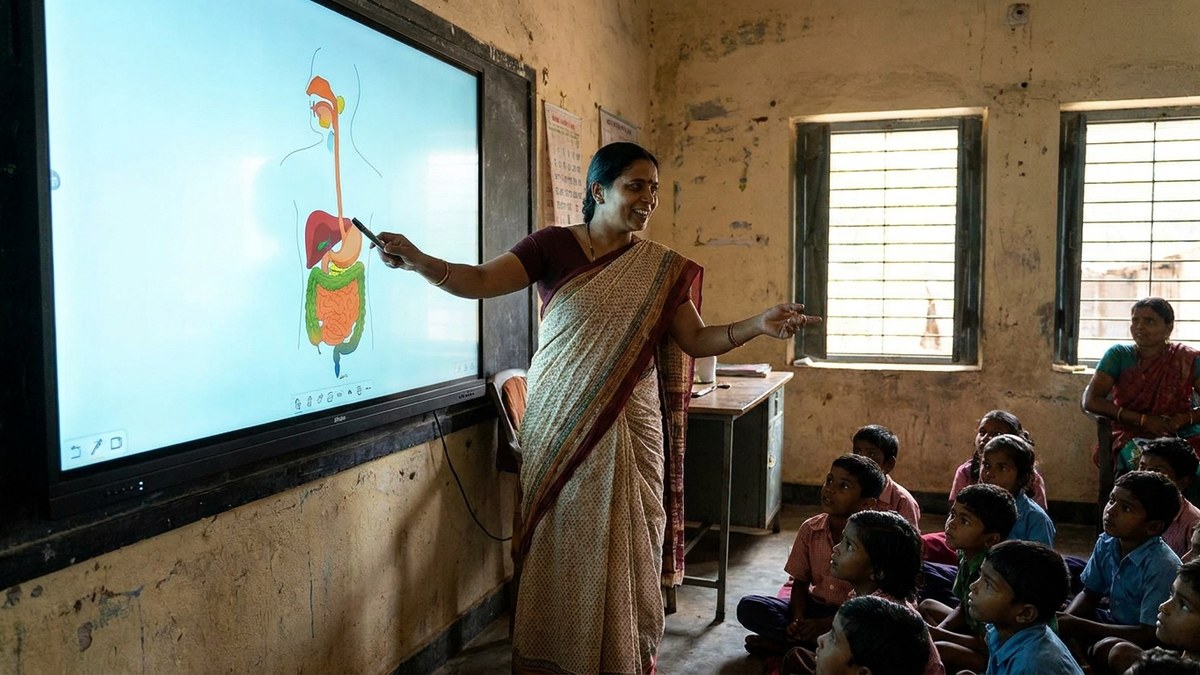
What matters is whether your students can touch, manipulate, and interact with content. Both interactive whiteboards and smart boards do this. Both let you show videos, diagrams, and interactive lessons. Both support reading comprehension strategies through visual annotation and highlighting.
The difference appears in specific scenarios. If you’re teaching math and need to draw shapes, rotate them, and have students manipulate them in real-time, an interactive whiteboard works perfectly. If you’re running a senior citizen learning centre and need simple, intuitive software with minimal training, a smart board’s pre-built applications might feel easier initially. But that ease comes at a cost.
For tutors running a Point of Digital Learning from home, an interactive whiteboard classroom setup gives you flexibility. You can use open-source software. You can install education tools freely. You can adapt quickly when a student needs something different.
The Setup Reality for Indian Educators
Here’s where most decisions go wrong. Educators see a smart board in a fancy school and assume they need the same thing. They don’t account for their actual classroom size, student count, or teaching method.
A homemaker starting a learning centre in a 200-square-foot room doesn’t need a 75-inch smart board. A 55-inch interactive whiteboard classroom setup does the job better and costs half as much.
A senior citizen teaching neighbourhood kids doesn’t need proprietary software that requires annual subscriptions. Open-source alternatives paired with a standard interactive whiteboard work fine.
A tuition teacher working with 15-20 students needs visibility and responsiveness. An interactive whiteboard delivers both without the premium pricing.
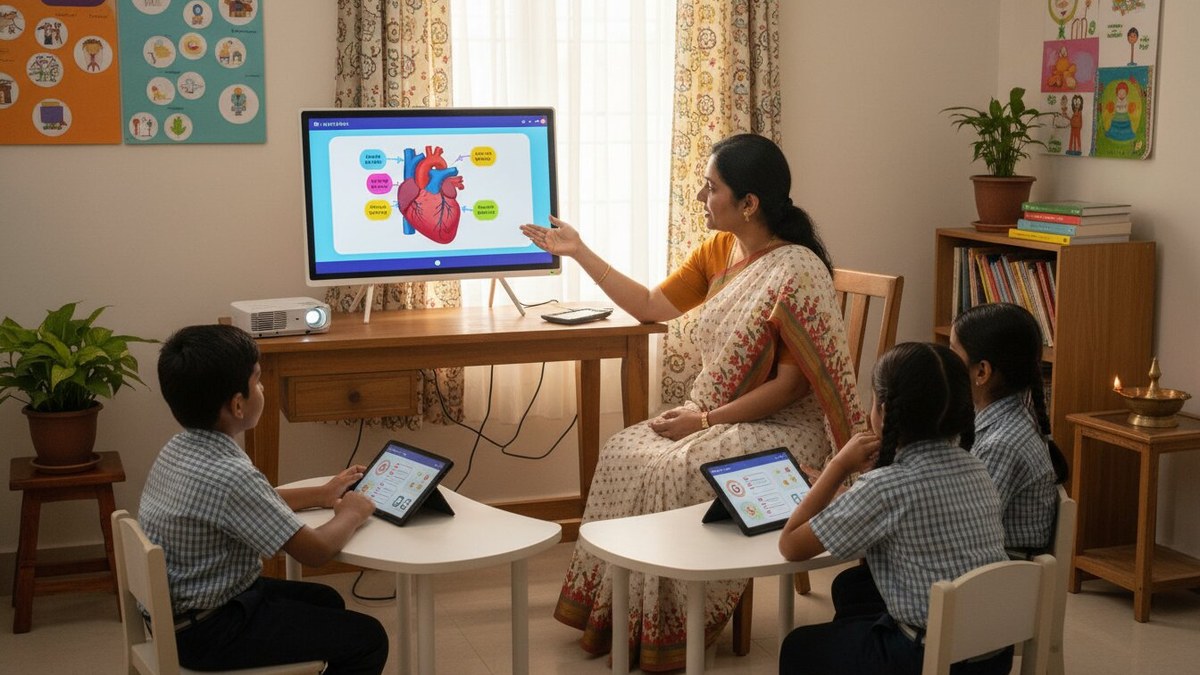
The installation matters too. Most smart boards require professional installation, wall mounting, and cable management. An interactive whiteboard setup is simpler. Projector. Stand or wall mount. Board. Computer. Cables. You can often set this up yourself or with basic technical help.
What About Durability and Support
Interactive whiteboards from established brands last 7-10 years with basic maintenance. Touch surfaces wear eventually, but replacement is straightforward.
Smart boards last similarly, but replacement parts are harder to source in India. You’re often dependent on authorized dealers. Repair costs are higher.
Most people don’t realise that warranty matters hugely in India. Many interactive whiteboard sellers offer 2-3 year warranties. Smart board warranties are often 1 year, with extended warranties sold separately.
For edupreneurs and homemakers, this is critical. You can’t afford extended downtime. You need a vendor who responds quickly and has parts in stock.
Which Should You Actually Choose
Choose an interactive whiteboard classroom if you’re a tuition teacher, homemaker starting a learning centre, or educator working with limited budget. You get functionality that matches your needs, flexibility in software choices, and lower total cost of ownership.
Choose a smart board if you’re running a large institution with IT support staff, you need pre-built curriculum software, and budget isn’t your primary constraint.
But here’s the real insight: the board is only 40% of your setup. The other 60% is your computer, software, internet connection, and training. That’s why pairing your interactive whiteboard with something like APNA PC makes sense. You get a complete system designed for education, with warranty and support included.
Don’t let the brand name or fancy interface trick you into overspending. Your students will learn better from a teacher who knows how to use basic tools well than from a teacher fumbling with expensive equipment.
Ready to set up your Point of Digital Learning the smart way? Explore how APNA PC bundles everything you need at https://www.teachtoearn.in/apna-pc/. Also, check out what is an LMS to understand how software layers on top of your hardware.
And if you’re unsure about your teaching approach, UNICEF India education resources can help you align your classroom setup with learning outcomes that actually matter.