
The Home Studio Reality: Why Most Teachers Never Start Recording
You don’t need a fancy studio to record teaching videos at home. Yet most teachers convince themselves they do. They wait for the perfect lighting, the ideal microphone, the “right time” to begin. Meanwhile, their students are watching someone else’s lessons on YouTube.
Let’s be honest: the barrier isn’t equipment. It’s clarity. When you decide to record teaching videos at home, everything changes. You move from thinking about teaching to actually documenting it. That’s powerful. That’s how edupreneurs, tuition teachers, and homemakers in India are building their Point of Digital Learning (POD) centres and earning real income.
Here’s the truth: you need three things. A decent computer. A microphone that doesn’t sound like you’re teaching from inside a tin can. And a plan. This guide covers all three.
Essential Tools to Record Teaching Videos at Home
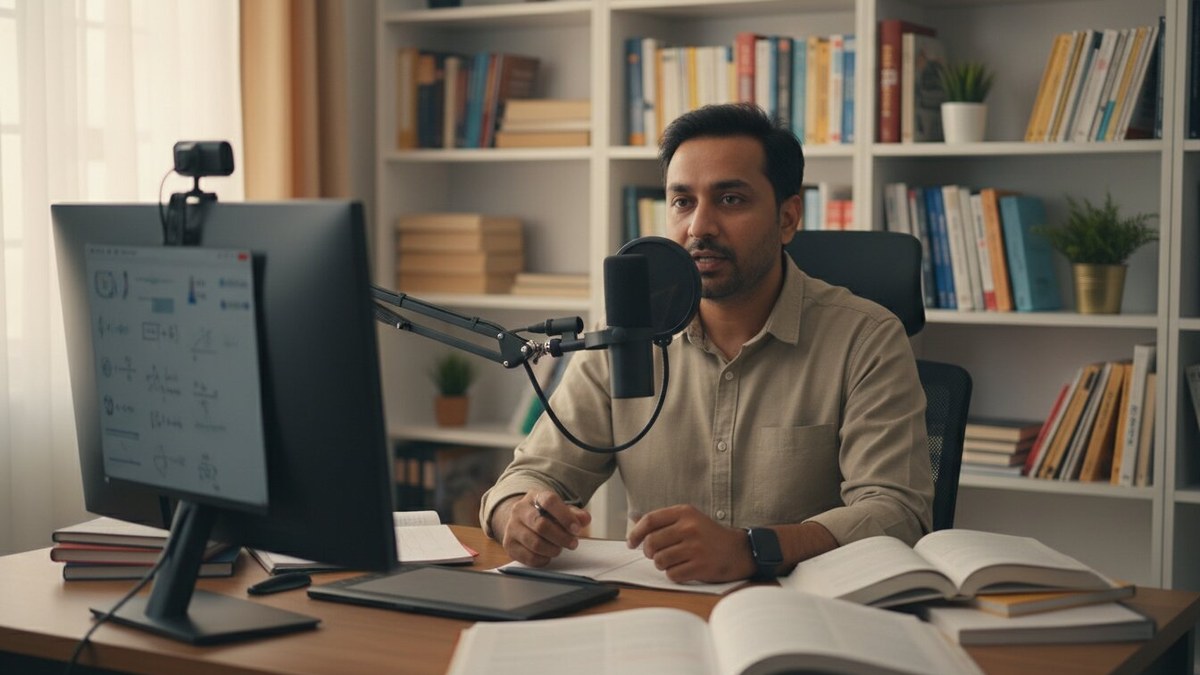
Most people don’t realise that screen recording for teachers doesn’t require expensive gear. Your smartphone can work. Your laptop can work. But they work better with the right setup.
The Computer Foundation: Your teaching videos are only as good as your machine’s ability to handle them. Stuttering, freezing, lag, these kill viewer engagement faster than anything else. You need a system that runs smoothly, captures video without dropping frames, and doesn’t make you restart every two hours.
The APNA PC bundle solves this directly. It’s a complete education software package with a Mini PC (i3 7th Gen, 8GB RAM, 128GB SSD), monitor, keyboard, mouse, webcam, and headset. Three-year warranty. Installation included. Rs.30,000. This isn’t a luxury. It’s your foundation.
Screen Recording Software: OBS Studio is free and professional-grade. Camtasia is paid but intuitive. ScreenFlow works on Mac. Bandicam is reliable for Windows. Pick one and learn it properly. Don’t switch software every week.
Audio Quality: This matters more than video quality. A USB microphone (Audio-Technica AT2020 or Blue Yeti, around Rs.3,000-5,000) transforms your recordings. Internal laptop microphones pick up keyboard noise, fan noise, breathing. External mics don’t.
Lighting: Natural light from a window is free. If you record at night, a basic LED panel (Rs.1,500-2,500) prevents you from looking like you’re teaching from a cave.
- OBS Studio: Free, open-source, works on Windows/Mac/Linux
- USB Microphone: Rs.3,000-5,000, game-changer for audio
- Basic LED Light: Rs.1,500-2,500, solves lighting problems
- Headphones: Monitor your audio while recording
- Phone Stand or Camera Mount: Keep your setup stable
The APNA PC package includes a webcam and headset, which covers two critical components. You add the microphone and lighting, and you’re professional-ready.
Best Setup Tips to Record Teaching Videos at Home
Your video lessons at home need a dedicated space. Not a perfect space. A consistent space.
Choose Your Background: A plain wall works. A bookshelf works. A cluttered bedroom doesn’t. Your background communicates competence. Keep it simple.
Camera Placement: Eye level is essential. Your viewers shouldn’t look up at you or down at you. Mount your webcam at face height. This takes 30 seconds and changes everything.
Test Before You Record: Record 2-3 minutes. Watch it back. Listen to the audio. Check the lighting. This prevents wasting 45 minutes only to discover your microphone was muted.
Script or Outline: Don’t wing it. Write bullet points. Practice once. Then record. This saves time and makes your teaching videos tighter, more valuable.
Batch Recording: Record 3-4 videos in one session. Your brain is fresh. Your setup is ready. Your lighting is consistent. This is how professionals work.
For structured guidance on what to teach, explore assessment for learning techniques to understand what your students actually need to master. You can also discuss your approach with parents using parent teacher meeting discussion points to align your recorded content strategy.
The Real Advantage: Building Your POD or Online Business
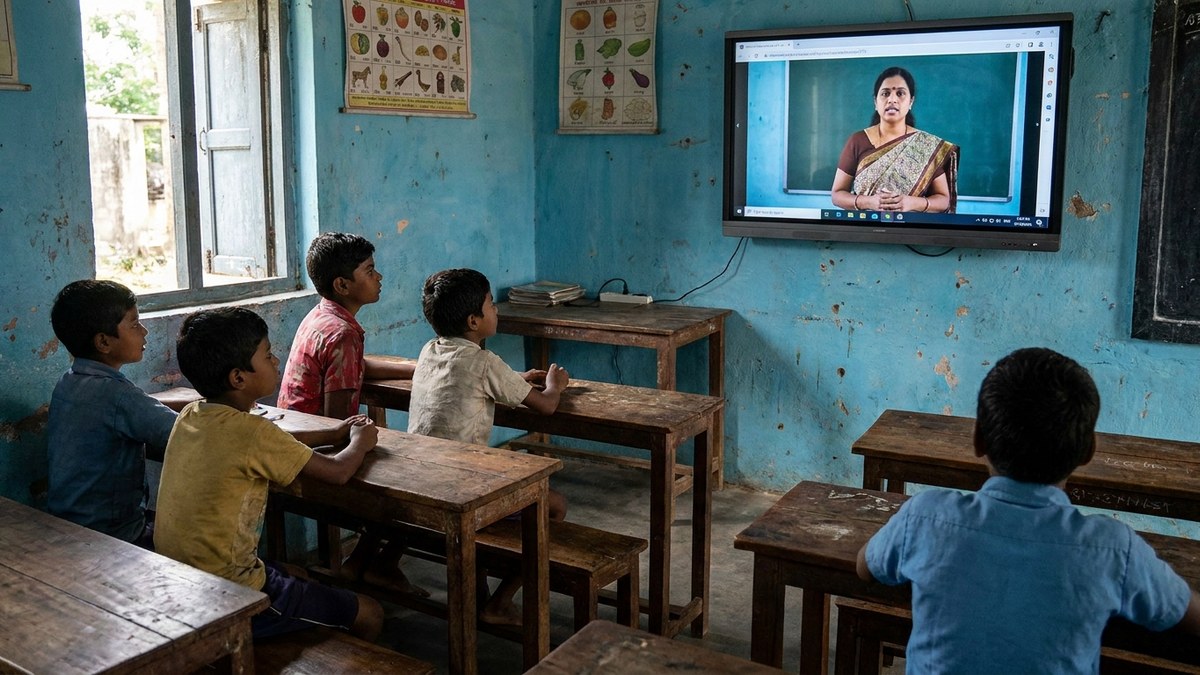
Recording teaching videos at home isn’t about convenience. It’s about leverage. One video reaches 100 students or 10,000. Your time scales infinitely.
Indian homemakers are using this. Senior citizens are using this. Tuition teachers are building Point of Digital Learning centres with recorded content. Edupreneurs are launching entire online courses.
The Digital India initiative has expanded internet access across rural and urban areas. Your videos can reach students you’ll never meet in person. That’s opportunity.
Most teachers underestimate this. They think recording is a side project. It’s not. It’s your business infrastructure. Every video you create works for you while you sleep, while you teach other students, while you build your next course.
Start with screen recording for teachers focused on your core strength. Math? Record problem-solving sessions. Languages? Record pronunciation and grammar lessons. Test prep? Record solutions to past papers. Your specialty becomes scalable.
Understanding different teaching methods helps you pick the right format for your video content, whether that’s direct instruction, flipped classroom, or demonstration-based lessons.
Getting Started This Week
Don’t wait for perfect conditions. Perfect doesn’t exist. Good enough, shipped today, beats perfect shipped never.
Step 1: Choose your recording software today. Download it. Open it. Spend 15 minutes exploring.
Step 2: Identify your recording space. Clear it. Test your lighting. Position your camera.
Step 3: Record one video. Just one. 10-15 minutes. Your first lesson. Your first step toward building a sustainable teaching business.
Your computer matters for this. The APNA PC bundle (Mini PC i3 7th Gen, 8GB RAM, 128GB SSD, complete with monitor, keyboard, mouse, webcam, headset, education software, 3-year warranty, installation at Rs.30,000) handles everything. Find it on teachtoearn.in and start recording teaching videos at home the right way.
The teachers earning real income from video lessons didn’t have better equipment yesterday. They had better decisions. They pressed record. You can too.