
Every parent wants their child to learn computers, but the internet can feel like an unsafe place for young minds. Creating a safe digital learning space for kids at home requires more than just placing a computer on a desk. It demands thoughtful planning around content, environment, and supervision to ensure children learn without exposure to harmful material.
Why a Safe Digital Learning Space for Kids Matters More Than Ever
Indian children are going online at younger ages than ever before. From school assignments to educational videos, computers have become essential learning tools. Without a properly structured environment, children may stumble upon inappropriate content, develop poor posture, or spend excessive time on non-educational activities.
A safe digital learning space for kids combines physical setup with digital safeguards. This means choosing the right location in your home, installing parental controls, and establishing clear rules about screen time. When done correctly, this setup transforms a computer from a potential risk into a powerful educational tool.
The Digital India initiative emphasizes digital literacy for all ages, making it crucial for parents to create environments where children can safely explore technology.
Setting Up the Physical Space for Home Computer Learning
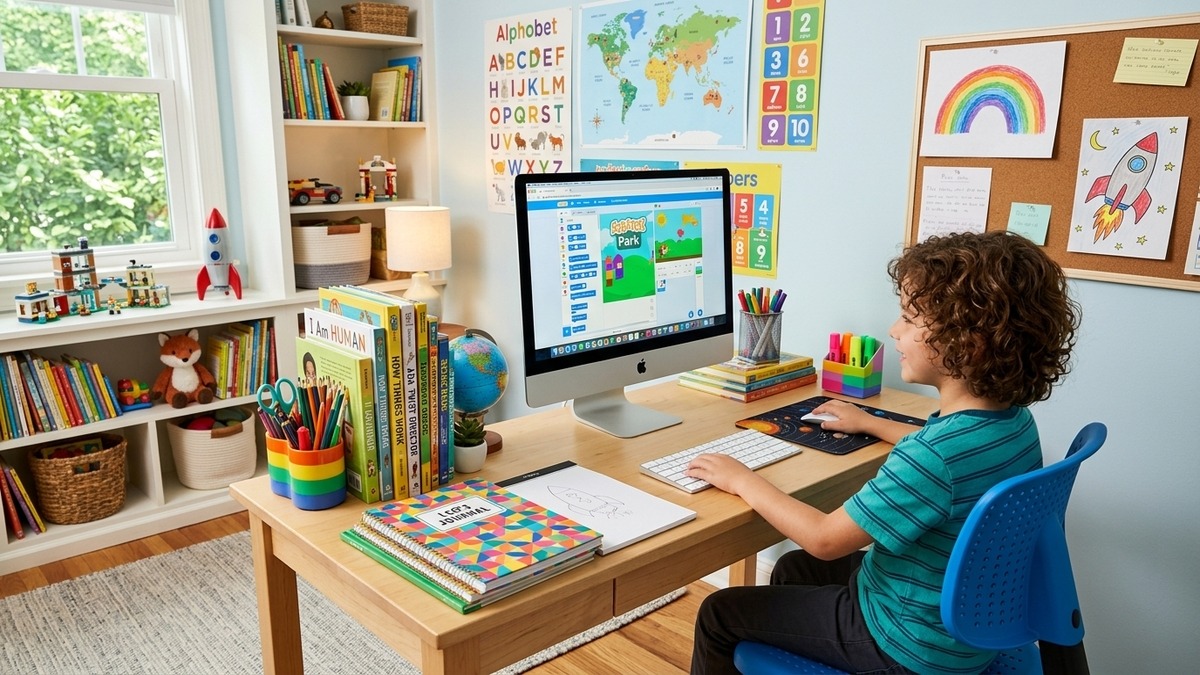
Location matters more than equipment. Place the computer in a common area like the living room or dining room, not in a child’s bedroom. This natural supervision helps parents stay aware of what their children are doing online without hovering over their shoulders.
Invest in an ergonomic desk and chair suited to your child’s height. Poor posture during formative years can lead to long-term back and neck problems. The monitor should be at eye level, and feet should rest flat on the floor or on a small stool.
Good lighting prevents eye strain. Natural daylight is ideal, supplemented by a desk lamp for evening study sessions. Keep the area clutter-free with organized storage for books, notebooks, and stationery.
Building a Child-Safe Computer Environment with Parental Controls
Parental controls are the foundation of a safe digital learning space for kids. Windows and macOS both offer built-in content filtering, screen time limits, and activity reporting. Enable these features before handing the computer to your child.
Install browser extensions that block inappropriate websites. Set up a whitelist of approved educational sites like DIKSHA, Khan Academy, and YouTube Kids. This way, your child can explore freely within boundaries you have already established.
Create a separate user account for your child with limited permissions. This prevents accidental software installations or system changes. A dedicated child account also lets you track their activity without affecting your own files and settings.
Choosing the Right Computer for Your Child’s Learning Needs
Not every computer suits a child’s learning requirements. You need something reliable, easy to maintain, and equipped with educational software. APNA PC offers a complete Rs.30,000 bundle designed specifically for home learning environments in India.
The bundle includes pre-installed educational content, warranty coverage, and setup support. For families considering a POD (Point of Digital Learning) to teach multiple children in their community, APNA PC provides an affordable, ready-to-use solution that eliminates technical headaches.
Check our guide on Best Computer Course for Kids at Home to understand which software and curriculum work best for different age groups.
Establishing Screen Time Rules for Your Child-Safe Computer Environment
Unlimited screen time harms children, even when they are learning. Set clear boundaries: 1-2 hours daily for children aged 6-10, and 2-3 hours for older children. Use built-in screen time tools to enforce these limits automatically.
Balance computer time with physical activity, reading, and family interaction. The goal is not to restrict technology but to integrate it healthily into your child’s routine. Children who learn time management early develop better study habits as they grow.
Create a visual schedule your child can follow. Post it near the computer station. Include break times, snack times, and offline activities. This structure helps children understand that computer time is a privilege with clear expectations.
Monitoring and Adapting Your Child’s Digital Learning Space
A safe digital learning space for kids is not a one-time setup. Review your child’s browsing history weekly. Have conversations about what they learned online. Ask about any content that made them uncomfortable. Open dialogue teaches children to report problems rather than hide them.
Update parental control settings as your child grows. What works for a seven-year-old will not suit a twelve-year-old. Gradually expand access as children demonstrate responsibility, preparing them for independent digital citizenship.
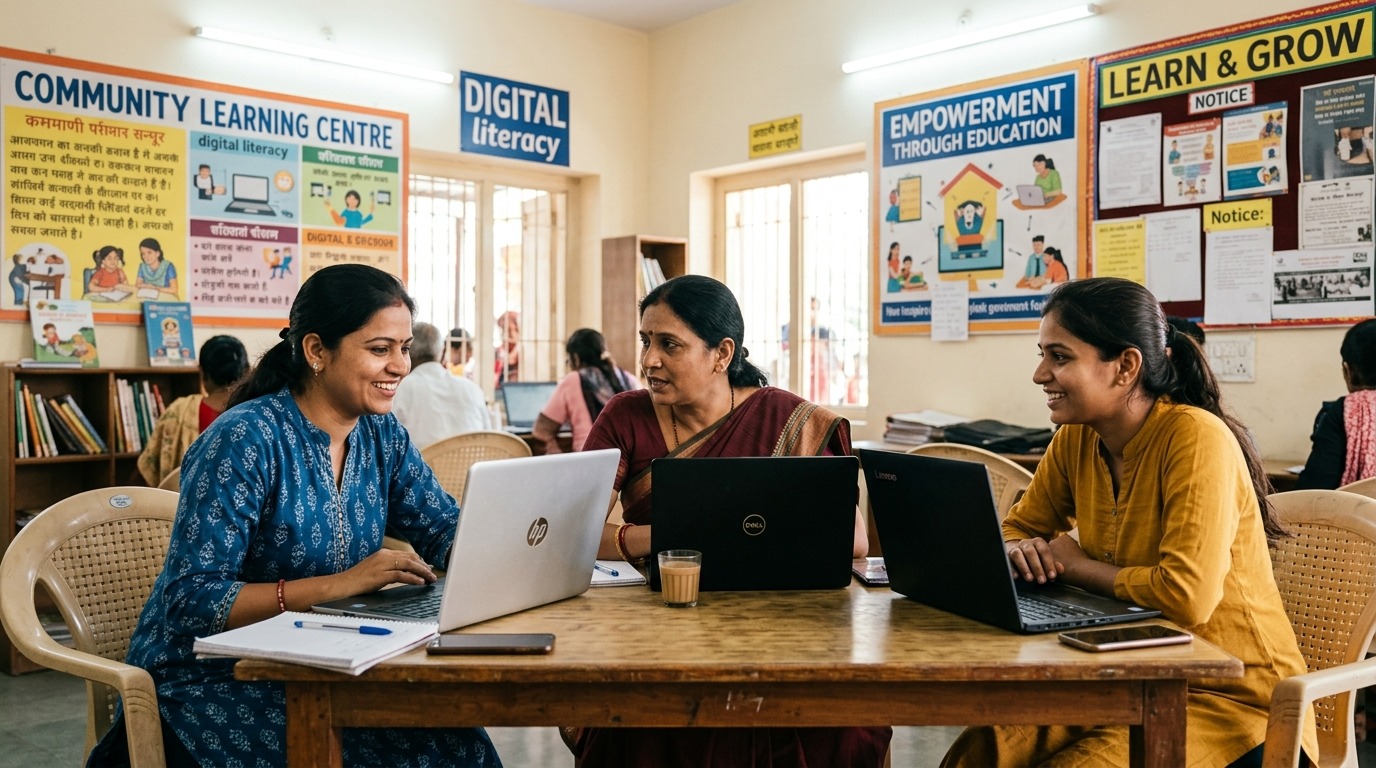
Connect with other parents in your community. Share tips, recommend educational resources, and learn from each other’s experiences. Many communities have started POD setups using APNA PC, creating supervised group learning environments that extend the home setup.
Learn how parents actively support their children’s learning at home through our resource on Parents Support Child Learning at Home.
Ready to create a secure, effective learning environment for your child? Visit TeachToEarn.in to explore APNA PC solutions and join a community committed to safe, quality home-based digital learning for children.