
You Are Leaving Money on the Table if You Do Not Know About Skill India Digital
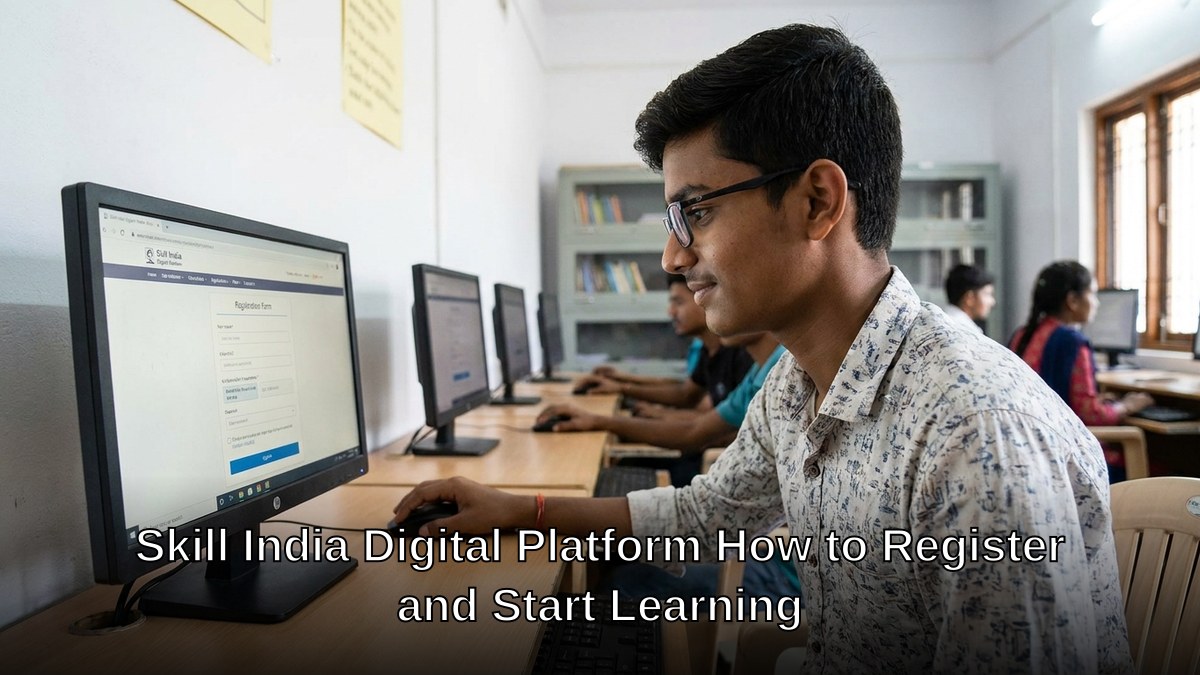
Here is the truth: Millions of Indians have no idea that free, government-backed skill training exists right now. The Skill India Digital Platform is live, and the Skill India Digital register window is open to every Indian citizen. Yet most people remain stuck in old learning patterns, paying private institutes when they could be upskilling for nothing.
If you are a student hunting for jobs, a job seeker desperate for relevant skills, or an edupreneur building a Point of Digital Learning (POD) in your community, this post is your Skill India Digital register guide, start to finish. You will know exactly how to sign up and start learning today. Stop waiting. Stop assuming it is complicated. It is not.
Key Takeaways
- To register on Skill India Digital you only need the official learner portal, basic personal details and a working mobile number, and the sign-up takes about five minutes.
- The platform is a government-backed hub for free courses, certificates, career guidance and job links, so you do not need to pay a private institute to begin.
- Pick a course that matches the job or skill you actually want, then follow it on a fixed schedule instead of dipping in and out.
- A shared home computer makes long courses, document uploads and certificate downloads far easier than a small phone screen.
- Edupreneurs running a community learning centre can help neighbours register and complete courses, which builds trust and local demand.
What Is the Skill India Digital Platform and Why Should You Care
The Skill India Digital Platform is India’s national online hub for skill development. It connects learners with certified courses, job placements, and career guidance. Think of it as your direct line to employers who are actively hiring.
Most people do not realise this platform removes the middleman. You do not need to pay a coaching centre. You do not need to travel. You do not need to wait for batch starts. Courses run on your schedule.
- Free access to industry-recognised courses
- Direct connection to job opportunities
- Certificates that employers actually value
- Support in multiple Indian languages
- Career counselling included
The Digital India initiative created this ecosystem. The MeitY Digital India portal oversees its rollout. Your government built this for you. Use it.
Step-by-Step Guide to Skill India Digital Register
Registration takes five minutes. Here is exactly what to do.
Step 1: Visit the Official Portal
Go to the Skill India Digital Platform website. Bookmark it. You will return often.
Step 2: Click the Registration Button
Look for “Register as Learner” or “New User.” Do not get confused by other options. You want the learner portal.
Step 3: Enter Your Basic Information
- Full name (as per your ID)
- Email address (active, because you will receive course links here)
- Mobile number (Indian number required)
- Date of birth
- State and district
Step 4: Create a Strong Password
Use uppercase, lowercase, numbers, and symbols. Do not use your name or birthday. This account is your gateway to free training.
Step 5: Verify Your Email and Phone
You will receive an OTP on your phone and a verification link in your email. Complete both. This step takes two minutes and is non-negotiable.
Step 6: Complete Your Profile
Add your education level, current employment status, and skills you want to learn. The platform uses this to recommend courses. Be honest. The algorithm works better when you are.
Done. You are now registered.
Finding and Starting Your First Course
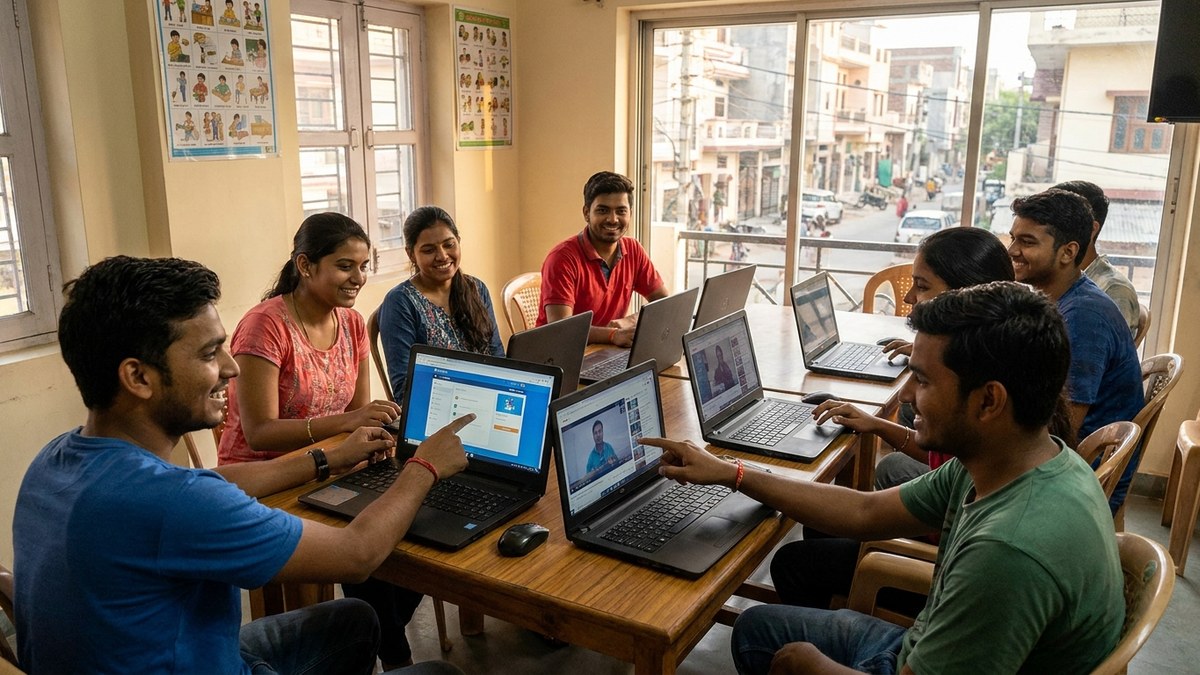
Once your Skill India Digital register is complete, browse the course catalogue. Filters exist for industry, skill level, and duration. Search for roles you want: data entry, digital marketing, coding, nursing, hospitality, manufacturing.
Let us be honest: the hardest part is choosing. Too many options paralyse people. Pick one. Start it this week. You can always switch later.
Each course includes video lessons, assignments, quizzes, and a final assessment. Most take four to twelve weeks. You study at your pace. If you miss a deadline, you get extensions.
Upon completion, you receive a digital certificate. Download it. Share it on LinkedIn. Add it to your resume. Employers recognise these certificates because they come from the government.
Why APNA PC Changes the Game for POD Educators
If you run a Point of Digital Learning or plan to start one, hardware is your biggest barrier. Computers are expensive. Maintenance is a headache. Downtime kills your reputation.
APNA PC solves this. The complete bundle costs Rs.30,000 and includes everything: education software pre-installed, three-year warranty, professional installation, and a Mini PC with i3 7th Gen processor, 8GB RAM, 128GB SSD, monitor, keyboard, mouse, webcam, and headset.
That is not a cost. That is an investment that pays for itself in two months of learner fees. Your POD runs smoothly. Your learners access Skill India Digital without lag. Your reputation grows.
Learn how to blend online and offline learning effectively with our blended learning guide for Indian teachers.
Skill India Digital Register: Common Mistakes to Avoid
Do not use a temporary email. Your course access depends on email verification. Use your primary Gmail or corporate email.
Do not skip the profile completion step. Employers search learner profiles. If yours is blank, you become invisible.
Do not register and disappear. Enrol in a course within one week. Momentum matters. Delay kills motivation.
Do not assume one certificate is enough. Skill India works best when you complete multiple courses in related areas. A data entry certificate plus an Excel advanced course plus a Google Sheets course makes you hireable. One alone does not.
What Happens After You Complete a Course
Skill India Digital connects you with job boards. Your certificate appears in your profile. Employers see it. Some reach out directly. Others post jobs you can apply for.
The platform also offers apprenticeship placements. These are paid opportunities where you work while you learn. Perfect for students and job seekers who need income.
Your certificate never expires. You can use it forever. Share it on LinkedIn, WhatsApp, email, or print it. There is no limit.
Start Today, Not Tomorrow
The Skill India Digital register takes five minutes. Courses are free. Certificates are free. The only cost is your time and effort. That is the deal.
Open your browser right now. Visit the Skill India Digital Platform. Complete registration. Spend five minutes. Your future changes from that moment.
If you are an edupreneur or POD operator looking to scale, equip your centre with APNA PC and start delivering world-class training today.
For deeper insights on research and learning, check out our Google Scholar research guide for Indian students.
Do not let another day pass without upskilling. The government handed you the tool. Use it.
Frequently Asked Questions About Register on Skill India Digital
How do I register on Skill India Digital?
Open the official Skill India Digital portal, choose the learner registration option and enter your basic details. Verify your mobile number, set a password and log in. You can then browse courses and enrol in the ones you want.
Is Skill India Digital free for students?
Many courses on the platform are offered free of cost to learners, as the portal is a government initiative to widen access to skill training. Some partner programmes may have their own terms, so check the course page before enrolling.
What documents do I need to sign up on Skill India Digital?
You mainly need your name, date of birth, a mobile number and an email address. Some courses or certificate steps may ask for identity details such as Aadhaar, so keep them handy.
Can I use Skill India Digital on a phone or do I need a computer?
You can browse on a phone, but a computer is much better for completing courses, filling forms, uploading documents and downloading certificates. A shared family computer is enough for this.
How can a tuition teacher or learning centre help others join Skill India Digital?
Set aside a fixed hour each week, sit with learners and walk them through registration and course choice on a shared computer. Many first-time users get stuck on small steps, and a patient guide removes that barrier.
The Skill India Digital initiative, part of the Government of India’s Digital India and skilling efforts, offers learners online access to skill courses and career resources.
Explore become an edupreneur and how to one room to learning hub checklist.