
Suno AI is a music generation tool that creates original songs from text prompts, and you can use it to produce educational songs tailored to your curriculum and students’ learning needs. Teachers, tutors, and edupreneurs can use this AI music generator to make lessons more engaging, help students retain concepts through melody, and save production time. This guide shows you how to set up Suno AI, create songs for specific subjects, and integrate them into your teaching practice.
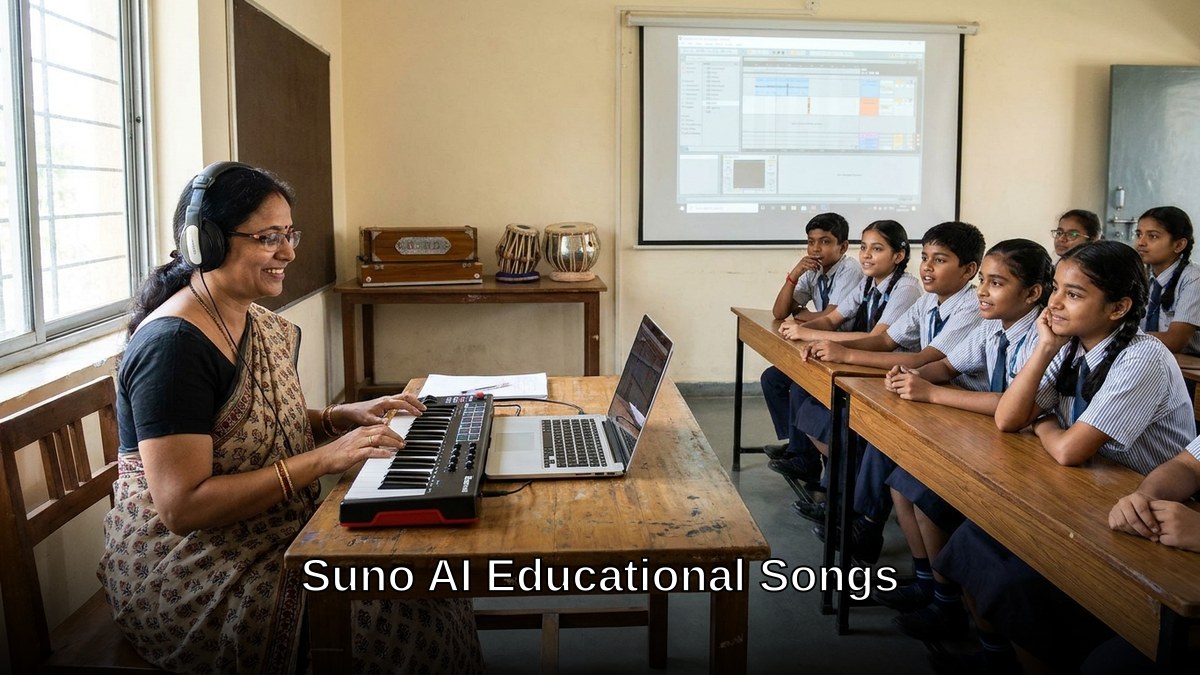
What is Suno AI and how does it work for education?
Suno AI is an AI music generator that turns written descriptions into full songs with lyrics, melody, and production. You write a prompt describing the song’s topic, style, mood, and educational goal, for example, “A cheerful pop song about photosynthesis for Class 6 students, with simple rhyming lyrics”, and Suno generates a complete track in seconds.
The platform works by training on patterns in music composition, lyrics, and arrangement. It understands educational context, so when you specify “learning song for young children” or “memory aid for history dates,” it adjusts the complexity, tempo, and vocabulary accordingly. No music production skills are required; the AI handles melody, harmony, instrumentation, and mixing.
How do you get started with Suno AI?
Follow these steps to begin creating educational songs:
- Visit Suno AI’s official website and sign up with your email or Google account.
- Choose a free or paid plan. The free tier gives you a limited number of song generations per month; paid plans offer more credits and faster processing.
- Log in to your dashboard and click “Create” or “New Song.”
- Write a clear prompt in the text box describing what you want: subject, target grade, song style (rap, pop, folk, nursery rhyme), tone (fun, serious, motivational), and any specific facts or concepts to include.
- Select your preferred musical style, key, and tempo if the interface offers these options.
- Click “Generate” and wait for Suno to produce your song.
- Listen to the output, download the MP3 file, and save it to your computer or cloud storage for classroom use.
How do you write effective prompts for educational songs?
The quality of your Suno AI songs depends on how well you write your prompt. A vague request like “make a song about maths” will produce a generic result; a detailed prompt yields a song aligned to your teaching goal.
Structure your prompt this way:
- Subject and concept: Name the topic clearly — “the water cycle,” “multiplication tables,” “Indian independence struggle,” “verb conjugation in French.”
- Target audience: Specify the age or class — “for Class 3 students,” “for 8-year-olds,” “for beginner learners.”
- Song style: Choose a genre that suits your learners — “upbeat pop,” “folk ballad,” “rap,” “lullaby,” “nursery rhyme,” “rock.”
- Key facts or lyrics: List 2 to 4 core concepts you want included. For example: “Include the steps: evaporation, condensation, precipitation, and collection.”
- Tone and mood: Describe the feeling — “fun and playful,” “serious and informative,” “motivational,” “calm and meditative.”
- Duration hint: Suggest length — “2-minute song,” “short 1-minute verse,” “3-minute full song.”
Example prompt: “Create a 2-minute upbeat pop song about the solar system for Class 5 students. Include the eight planets in order from the sun: Mercury, Venus, Earth, Mars, Jupiter, Saturn, Uranus, Neptune. Use simple, rhyming lyrics that are easy to remember. Make it fun and energetic, with a catchy chorus that repeats the planet names.”
What are the best practices for using Suno AI songs in your classroom?
Creating a song is only the first step; how you use it determines its impact on learning.
Play during lesson introduction: Start your class with the song to grab attention and set the topic. Students hear the key concepts in a memorable format before diving into detailed teaching.
Use as a memory aid: Play the song multiple times during the week. The melody and rhythm help students retain facts, particularly useful for vocabulary, sequences (like the periodic table), dates, or procedures.
Create a sing-along activity: Provide printed lyrics and encourage students to sing along. This combines auditory, visual, and kinesthetic learning, boosting retention and engagement.
Make it part of revision: Before exams or assessments, replay the song. Students who learned the concept through the song will recall it faster when they hear the melody.
Adapt for different learning styles: Some students are visual learners; pair the song with diagrams, charts, or animations. Others are kinesthetic; add hand movements or dance steps to the song.
Combine with other edtech tools: Use Suno AI songs alongside edtech apps for Indian teachers to create a multi-modal learning experience. For instance, pair a song with a quiz app or interactive lesson on Scratch.

Which subjects work best with Suno AI educational songs?
Any subject benefits from song-based learning. Subjects with sequences, facts, or vocabulary see the strongest results. Science topics like the water cycle, the periodic table, and the five senses work well. Mathematics concepts such as times tables, fractions, and geometric shapes become memorable through melody. History and social studies benefit from songs about dates, events, and key figures. Languages gain from songs teaching vocabulary, grammar, and pronunciation.
Even abstract subjects like philosophy or ethics can be taught through storytelling songs. Here are realistic prompts you can adapt for your own subjects:
Science (Class 6): “Create a 2-minute rap song about the five senses for Class 6 students. Include sight, hearing, taste, touch, and smell. Use rhyming couplets and a steady beat. Make it fun and age-appropriate.”
Mathematics (Class 4): “Write a 1.5-minute nursery rhyme style song about fractions for Class 4 students. Explain what a numerator and denominator are, and give examples like 1/2, 1/4, and 3/4. Use simple language and a sing-song rhythm.”
History (Class 8): “Create a 3-minute folk-style song about the Indian independence movement for Class 8 students. Include key figures like Gandhi, Nehru, and Ambedkar, and major events like the Salt March and Quit India Movement. Use a serious but inspiring tone.”
Languages (Class 5): “Make a 2-minute pop song teaching basic Spanish greetings and numbers for Class 5 students. Include ‘Hola,’ ‘Buenos días,’ ‘Gracias,’ and numbers 1 to 10. Use catchy melodies and repeat the words clearly.”
What are the cost and subscription options for Suno AI?
Suno AI offers both free and paid options, so you can start without investment and scale as your needs grow. The free plan provides a monthly credit allowance, enough to generate several songs per month depending on song length. This suits individual tutors or teachers experimenting with the tool. Paid plans offer more song generations per month, priority processing, and commercial use rights (important if you’re selling courses or POD content).
For tutors scaling to microschool owners or computer training institute operators, a paid plan is a worthwhile investment because you’ll create dozens of songs across subjects and reuse them for multiple batches of students. Check Suno’s official pricing page for current rates and plan details.
How do you integrate Suno AI songs into your digital learning setup?
To use Suno AI songs effectively, you need a reliable device and audio system. If you’re teaching from home, a small studio, or a POD (Point of Digital Learning), invest in a setup that supports audio playback and recording.
A complete learning setup like APNA PC includes a mini PC with Intel Core i3 processor, 8GB RAM, and 128GB SSD, plus a monitor, keyboard, mouse, webcam, and headset. The bundle comes pre-loaded with Audacity (for editing songs if needed), LibreOffice (for creating lesson materials), and other educational software. This gives you the hardware to generate, edit, store, and play Suno AI songs reliably in your classroom or online sessions. APNA PC includes a complete bundle with 3-year warranty and installation.
APNA PC also includes Apni Prerna, a student safety and monitoring tool, so you can track which students are engaging with your educational content, including music-based lessons. Apni Pathshala operates PODs across multiple states and has delivered thousands of hours of learning, many using multimedia resources like educational songs.
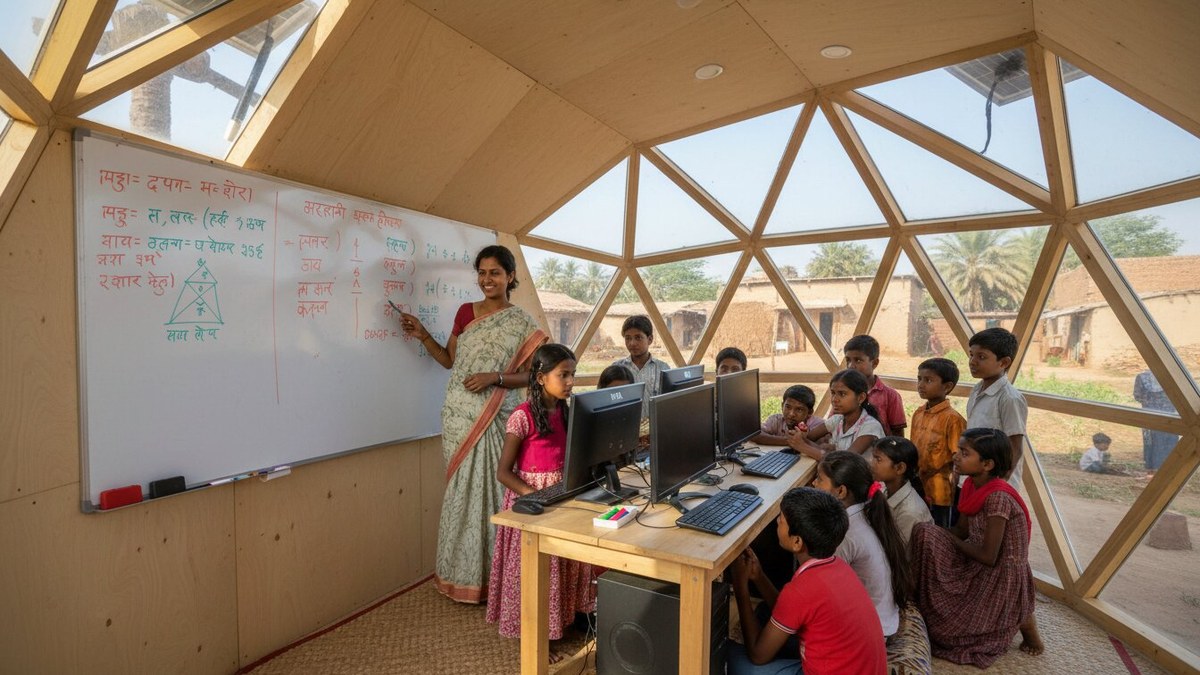
Store your Suno AI songs in a cloud folder (Google Drive, OneDrive) so you can access them from any device, your laptop, tablet, or the APNA PC. Organize songs by subject, grade, and topic for quick retrieval during lessons. Choose the right computer and home learning setup to ensure your audio equipment and internet connection support smooth playback.
How does Suno AI align with NEP and India’s digital learning goals?
India’s National Education Policy (NEP) emphasizes experiential learning, multilingualism, and the use of technology to make education accessible and engaging. NEP’s digital learning framework encourages teachers to use AI and multimedia tools to personalize learning and improve outcomes.
Suno AI aligns with these goals by enabling teachers to create personalized, multilingual, and engaging content without needing expensive production resources. You can create songs in Hindi, English, regional languages, or even code-mixed formats to match your students’ linguistic background. The tool democratizes content creation, allowing even small PODs or home tutors to produce professional-quality educational materials that support NEP’s vision of inclusive, technology-enabled learning.
Frequently Asked Questions
Can I use Suno AI songs commercially, such as in paid courses or POD materials?
Suno AI’s free plan allows personal and educational use, but commercial rights depend on your subscription tier. Paid plans explicitly permit commercial use, so you can include songs in courses you sell, POD curricula, or educational products. Check your current plan’s terms before selling content.
How long does it take Suno AI to generate a song?
Most songs are generated within a few minutes, depending on song length and your plan tier. Paid plans typically process faster than free ones. You can generate multiple songs in parallel if you have enough credits available.
Do I need music knowledge to use Suno AI effectively?
No. Suno AI requires no musical training. You only need to write a clear text prompt describing what you want. The AI handles all composition, arrangement, and production. However, the clearer and more detailed your prompt, the better the result.
Can I edit or customize Suno AI songs after they’re generated?
Suno AI doesn’t offer in-app editing, but you can download the MP3 and edit it using free software like Audacity (pre-loaded on APNA PC). You can trim, adjust volume, add effects, or combine multiple songs. This is useful if you want to shorten a song for younger students or blend two songs together.
What equipment do I need to play Suno AI songs in a classroom or POD?
At minimum, you need a computer or device with audio output (speakers or headphones) and internet access to download songs. For group teaching, invest in a speaker system or audio interface. A dedicated learning PC with quality audio setup like APNA PC ensures reliable playback across multiple sessions.
Start creating engaging educational songs today. Get a ready-to-use learning setup with APNA PC to reliably generate, store, and play Suno AI songs in your classroom or POD.