
Note-Taking Apps for Students: Why Grades Are Suffering
Here’s the truth: Most students in India still use paper notebooks. They scribble during lectures, lose pages, can’t search for anything, and end up cramming the night before exams. The result? Forgotten concepts, repeated mistakes, wasted time. Note-taking apps for students have changed this game completely, yet many families haven’t made the switch.
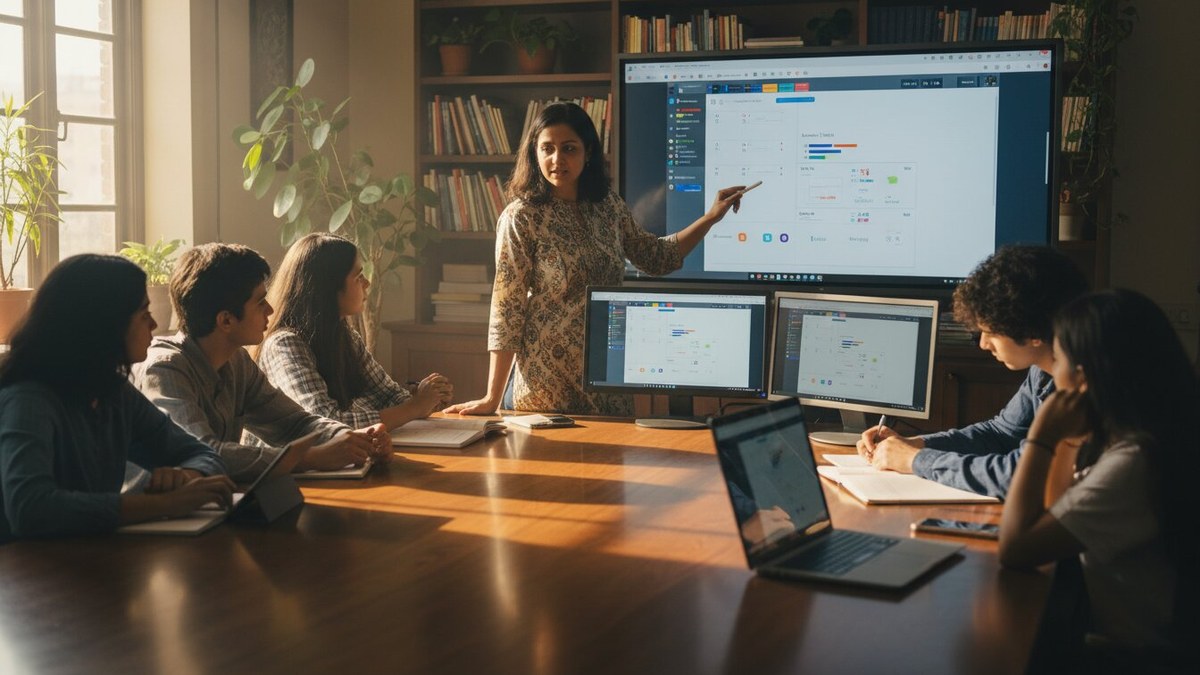
If you’re a parent, tuition teacher, or running a Point of Digital Learning centre, you already know the problem. Students waste hours reorganising notes. They miss connections between topics. They can’t access their materials from multiple devices. Digital note taking solves all of this. It’s not just about convenience. It’s about actually learning better.
Let’s be honest: the best note taking apps aren’t fancy. They’re simple, reliable, and built for how students actually study. We’ve tested dozens. Here are the ones that work in India, for Indian students, with Indian internet speeds and budgets.
The Best Note Taking Apps for Students Right Now
OneNote (Free to Premium)
Microsoft OneNote is still the king. It syncs across phones, tablets, and computers instantly. You can type, handwrite, paste images, embed videos. Teachers love it because they can share notebooks with entire classes. Students love it because everything is searchable. The free version is genuinely complete. You don’t need to pay unless you want advanced features.
Notion (Free to Paid)
Notion is what happens when note-taking meets database management. It looks intimidating at first. But once you set it up, it becomes your entire study system. Create databases for subjects. Link notes to assignments. Build revision schedules. The learning curve is real, but the payoff is massive. Perfect for serious students and tutors managing multiple batches.
Google Keep (Free)
Don’t underestimate Google Keep. It’s lightweight, fast, and works even on slow internet. Perfect for quick notes during lectures. Voice-to-text works surprisingly well in Hindi and English. You can share notes with classmates instantly. It’s not powerful, but it’s reliable. For students in smaller towns where bandwidth is limited, this is your answer.
Evernote (Free to Premium)
Evernote has been around forever for a reason. It clips web articles, saves PDFs, organises everything into notebooks and tags. The free version lets you sync across two devices. The paid version is worth it if you’re serious about collecting and organising study material. Teachers often use this to build resource libraries for their students.
Apple Notes (Free for Apple Users)
If your family uses iPhones and iPads, Apple Notes is seamless. Handwriting recognition is excellent. It syncs instantly through iCloud. The simplicity is the strength. No learning curve. Just open, write, done. For homemakers helping children study, or teachers with Apple devices, this is friction-free.
Why Digital Note Taking Actually Works Better
Most people don’t realise that the act of typing or handwriting digitally changes how your brain processes information. You’re forced to be selective. You can’t write everything. So you think about what matters. Then, when revision time comes, your notes are already filtered. No fluff. Just the essentials.
- Search function saves hours during exam prep
- Sync across devices means studying anywhere
- Easy to share with friends for group study
- Add images, links, and videos without paper clutter
- Backup is automatic, so nothing is ever lost
- Revision is faster because notes are organised by topic
For tuition teachers, digital note taking is a game-changer. You can share study materials with all students at once. You can see which students are taking notes and which are just sitting. You can update materials without printing new handouts every week.
The Hardware Problem Nobody Talks About
Here’s where most advice falls apart. Recommending apps is easy. But what if your student doesn’t have a decent device? A phone isn’t enough for serious note-taking. A tablet is expensive. A laptop costs a fortune.
This is why we created APNA PC. For Rs.30,000, you get a complete bundle: a Mini PC with i3 7th Gen processor, 8GB RAM, 128GB SSD, plus monitor, keyboard, mouse, webcam, and headset. Education software is included. Three-year warranty. Installation at your home. This isn’t a budget compromise. It’s a complete study station.
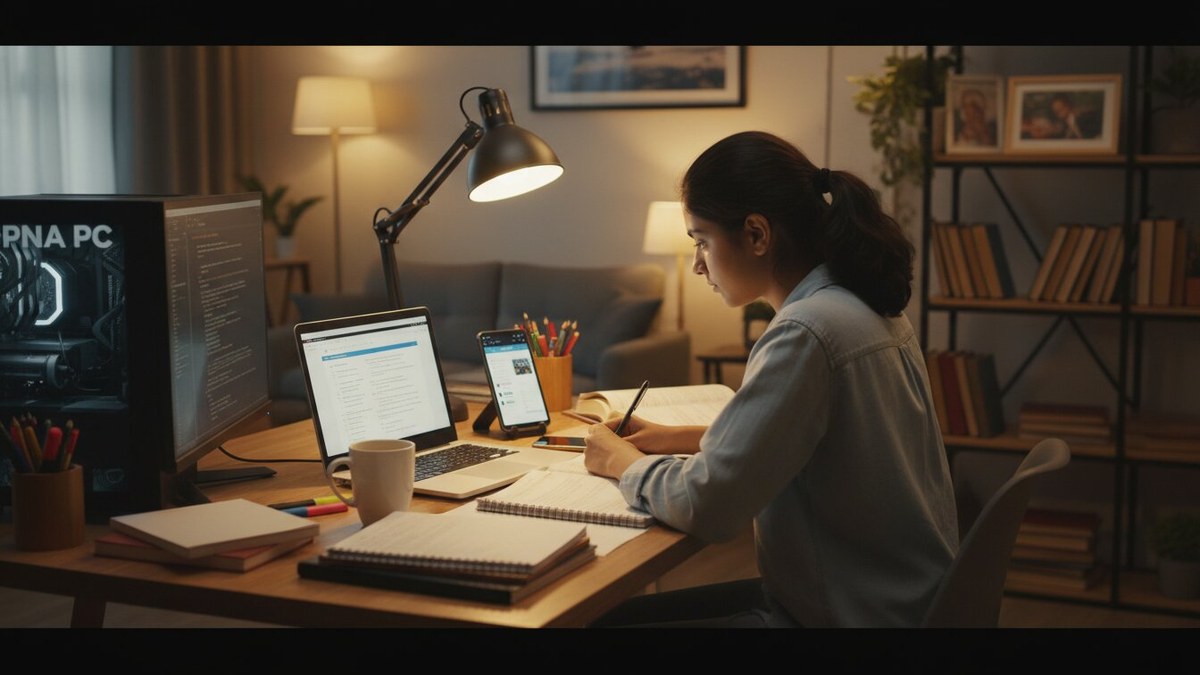
Pair APNA PC with any of these note-taking apps, and your student has a professional setup. The screen is big enough for serious work. The keyboard is comfortable for long study sessions. The processing power handles multiple apps simultaneously. No lag. No frustration.
For educators running a Point of Digital Learning centre, APNA PC is the foundation. Your students can learn on proper computers. They can practice digital skills. They can access resources from the DIKSHA platform and Ministry of Education materials. Your centre becomes a real learning hub, not just a coaching class.
How to Choose the Right App for Your Situation
Choose OneNote if you want simplicity and power combined. Choose Notion if you’re willing to spend time setting up a system that will serve you for years. Choose Google Keep if you need speed and reliability on slow internet. Choose Evernote if you’re collecting study resources from multiple sources. Choose Apple Notes if you’re already in the Apple ecosystem.
But here’s what matters more than the app: the device. You can’t take good digital notes on a phone screen. You can’t study seriously on a borrowed tablet. You need your own space, your own screen, your own keyboard.
Whether you’re a parent investing in your child’s education, a homemaker helping with studies, a senior citizen learning something new, a tuition teacher building your practice, or an edupreneur running a learning centre, the foundation is the same. Good tools. Proper setup. Consistent practice.
Digital note taking isn’t about being trendy. It’s about learning faster, remembering better, and studying smarter. The apps we’ve listed work. They’re proven. But they only work if you have the right device to run them on.
If you’re ready to upgrade your study setup, explore internship vs apprenticeship opportunities for your career. And if you want to add specialised skills to your teaching, our Vedic Maths classes are game-changing for both students and tutors. Visit teachtoearn.in to get started with APNA PC today.