
Your Parents Don’t Need to Feel Left Behind Anymore
Most people don’t realise that digital skills for senior citizens India isn’t a luxury it’s survival. Your 65-year-old mother can’t video call her grandchildren abroad. Your father struggles to check his bank balance online. They’re isolated not because they’re incapable, but because nobody showed them how. Here’s the truth: learning digital literacy elderly India at home, at their own pace, changes everything.
The barrier isn’t age. It’s access. And we’re fixing that.
Key Takeaways
- For older adults, digital skills are about independence: video calls with family, online banking, medical appointments, and government pension and ID services.
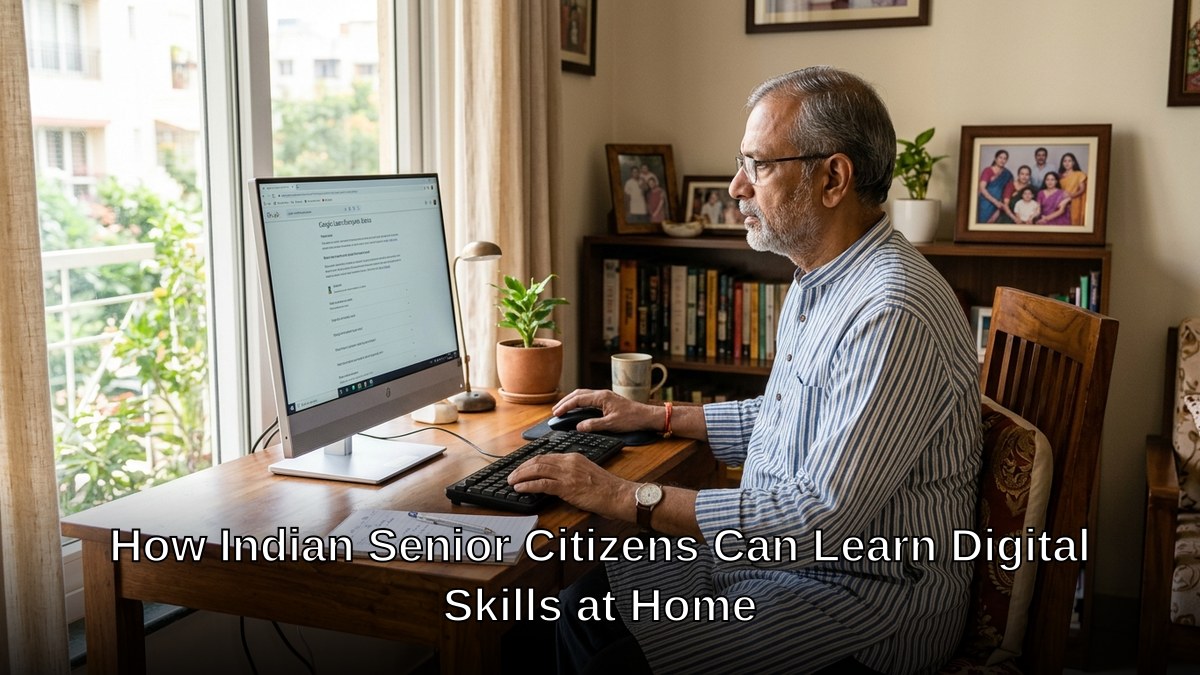
- Home learning suits senior citizens because it removes travel, allows a slower pace, and lets a family member help.
- A computer with a larger screen and simple setup is easier for older eyes and hands than a small phone.
- Start with two or three real tasks the person actually needs, then expand.
Why Home Learning Works Better for Senior Citizens
Forget crowded computer classes where the instructor moves too fast. Forget feeling embarrassed asking basic questions. Learning at home means your parents control the speed, the environment, and their confidence level.
Senior citizens computer training works best when it happens in familiar surroundings. No commute. No strangers judging their pace. No pressure to keep up with teenagers. They can pause, rewind, ask questions without feeling rushed. They can practice the same lesson five times if needed.
- Comfort: Learning in their own space reduces anxiety
- Flexibility: Train during their peak energy hours, not fixed schedules
- Repetition: Review lessons as many times as needed without holding others back
- Family support: Children can sit alongside and reinforce learning
- Real-world relevance: Practice with actual devices they’ll use daily
The Digital India initiative recognises this gap. But government programs move slow. Your parents need solutions now.
The Complete Solution: APNA PC for Senior Citizens
Let’s be honest: many seniors don’t have a proper computer at home. And buying one separately, then arranging training, then managing technical issues it’s overwhelming. That’s why APNA PC exists.
For Rs.30,000, your parent gets everything. Not just a computer. A complete learning ecosystem.
APNA PC includes a Mini PC with i3 7th Gen processor, 8GB RAM, and 128GB SSD. Fast enough for video calls, email, online banking, and learning software. Plus monitor, keyboard, mouse, webcam, and headset. Everything they need to connect with family and the world.
But the hardware is just the beginning. The bundle includes education software specifically designed for senior citizens. Large fonts. Simple navigation. Real-world lessons: how to use WhatsApp, video calling, online banking, email, searching the internet safely. The training covers what they actually need, not technical jargon.
Three-year warranty. Professional installation. Your parents aren’t left figuring out cables and passwords alone.
Most people don’t realise that digital skills for senior citizens India requires both the right equipment AND the right teaching. APNA PC delivers both.
Learning at a Point of Digital Learning (POD)
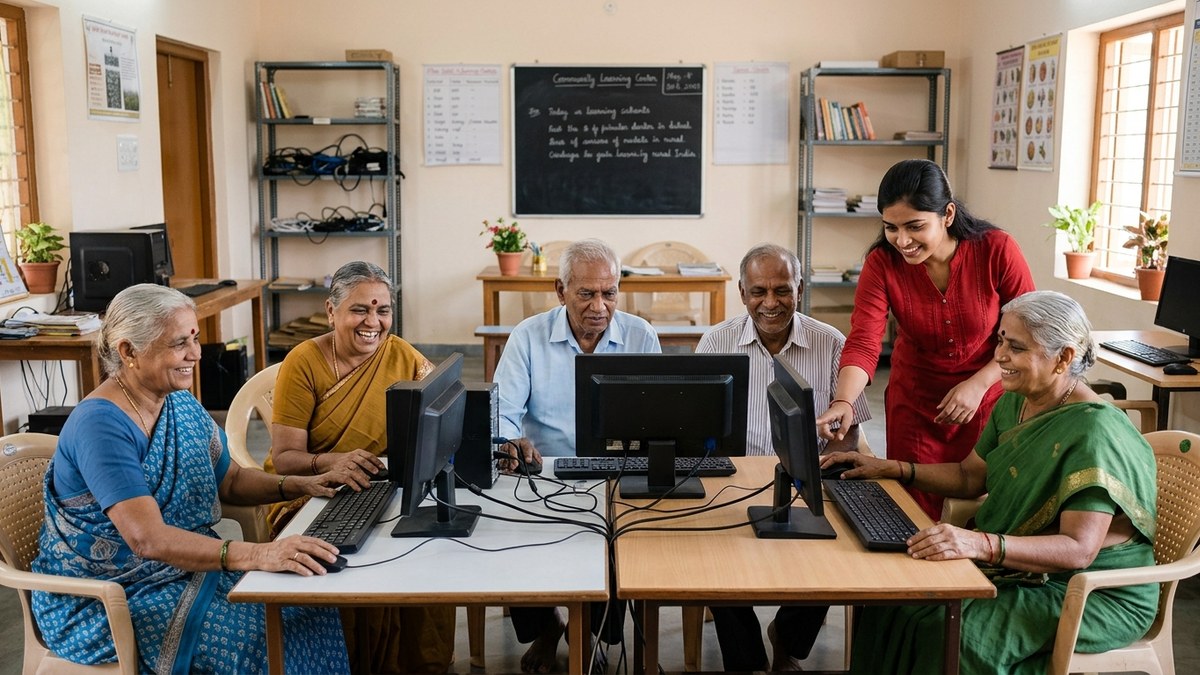
If home learning isn’t suitable, your parents can learn at a POD a Point of Digital Learning centre run by trained educators in your community. These are neighbourhood learning hubs, not corporate training centres. Smaller groups. Personalised attention. Educators trained specifically to teach senior citizens without condescension.
A POD educator understands that your 70-year-old father learns differently than a 30-year-old. They adjust pace. They celebrate small wins. They build confidence alongside skills.
Want to start a POD in your neighbourhood and earn while helping seniors? Start a microschool from home and become a certified digital literacy educator. You’ll transform your community and build income simultaneously.
What Digital Literacy Actually Means for Your Parents
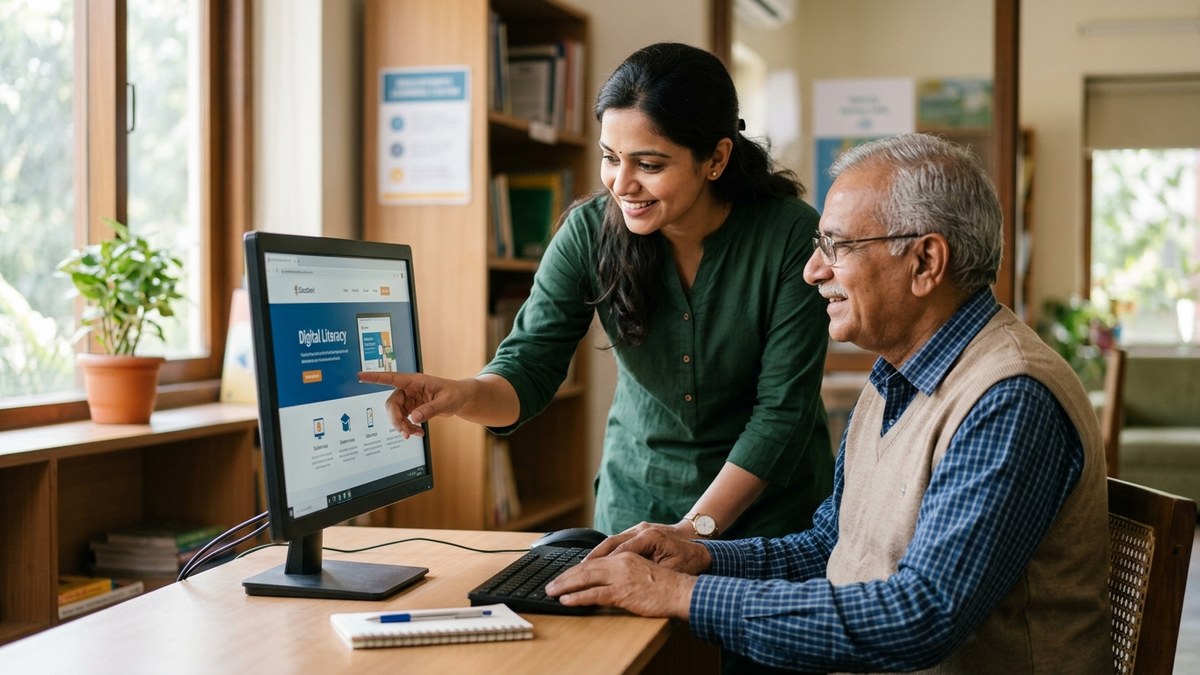
Digital literacy elderly India isn’t about becoming a programmer. It’s about independence. It’s your mother ordering groceries online instead of asking you. It’s your father video calling his brother in Australia without waiting for you to set it up. It’s both of them accessing their pension information, checking health reports, staying connected.
According to Wikipedia: Digital Literacy, it encompasses the skills to use digital devices confidently and safely. For seniors, that means practical skills: email, messaging, video calls, online safety, recognising scams.
The confidence boost matters more than the technical skills. Once your parents realise they CAN learn this, they become unstoppable. They explore. They ask questions. They help each other.
Who Should Start Today
If your parent is retired and isolated. If they’re missing out on family connections because they can’t use technology. If they’re afraid of computers but willing to try. If you’re tired of being their tech support hotline. If you’re an educator wanting to serve underserved communities, start now.
The same applies if you’re interested in digital literacy training as a business. Digital literacy for homemakers opens income opportunities. Teaching senior citizens opens another market. Both are underserved. Both are desperate for good educators.
Don’t wait for your parents to ask for help. Don’t assume they’re too old to learn. Don’t let them stay disconnected.
Get APNA PC today and start the learning journey. Your parents deserve to feel confident with technology. Your family deserves to stay connected. Your community deserves educators who understand that digital skills for senior citizens in India aren’t optional; they’re essential.
Frequently Asked Questions About Digital skills for senior citizens in India
What digital skills should a senior citizen learn first?
The ones tied to daily life: making a video call, sending a message, checking a bank balance and making a safe payment, and booking a doctor’s appointment. Add government services like pension and Aadhaar tasks once the basics feel comfortable.
Is it hard for elderly people to learn computers?
Not when it is taught slowly and around real needs. Older learners do well with a fixed simple routine, larger text, and a patient helper for the first few weeks. Fear of breaking something is usually the biggest barrier, not ability.
Should seniors learn on a phone or a computer?
A computer with a big screen and a real keyboard is generally easier for reading, typing, and forms. Phones are useful too, but many older adults find the small screen and touch typing tiring.
How can family members help elderly relatives learn digital skills?
Set up the device simply, write down steps in large print, practice one task at a time, and avoid taking over the mouse. Short daily practice with encouragement works better than one long lesson.
Are there safety risks for senior citizens online?
Yes, mainly scam calls, fake links, and fraud messages. Teaching how to recognise these, and a rule of never sharing OTPs or bank details, should be part of the very first lessons.
India’s Digital India programme and bodies like the Reserve Bank of India actively publish senior-citizen digital-safety guidance, reflecting how central online access has become to pensions, banking, and healthcare.