What Is a Learning POD at Home?
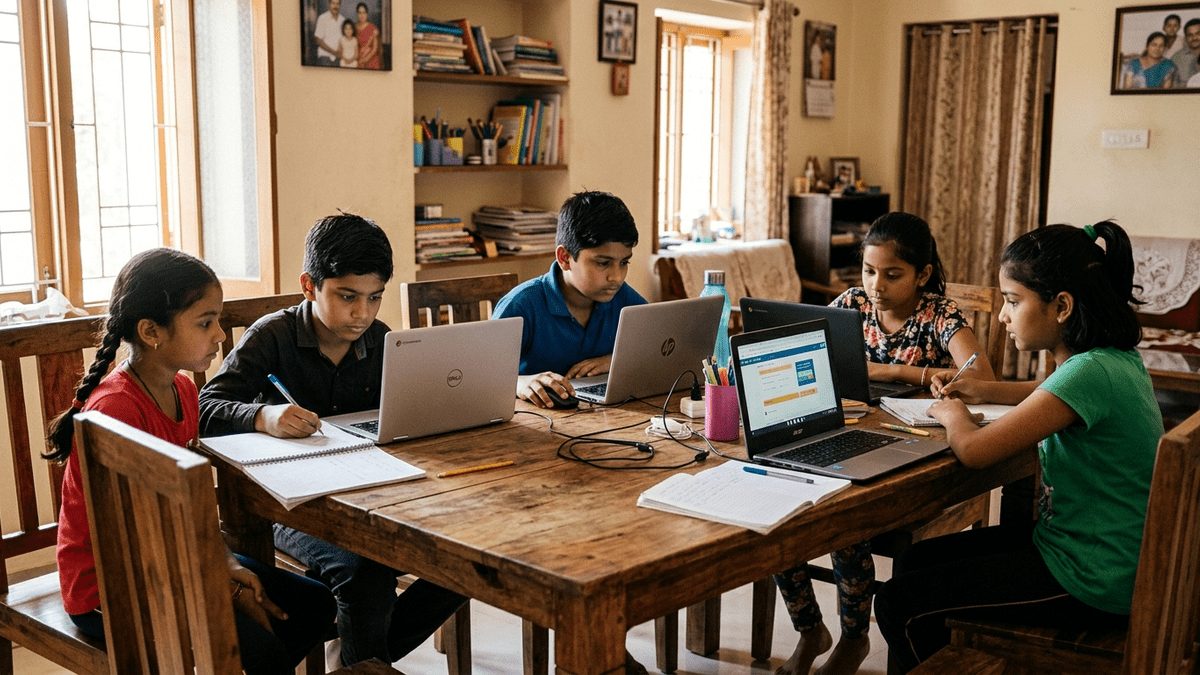
A learning POD at home is a micro-learning center operated from your residence, serving a small group of students from your locality. Unlike traditional tuition centers, a POD focuses on blended learning, combining offline classroom interaction with digital resources. This model has gained traction across India because it’s affordable, flexible, and community-driven.
The beauty of this model lies in its simplicity. You don’t need a commercial space, heavy staff, or complex infrastructure. APNA PC provides the digital backbone, curriculum software, student management tools, and parent communication apps, all for Rs.30,000.
Step 1: Assess Your Home Space for a Learning POD at Home
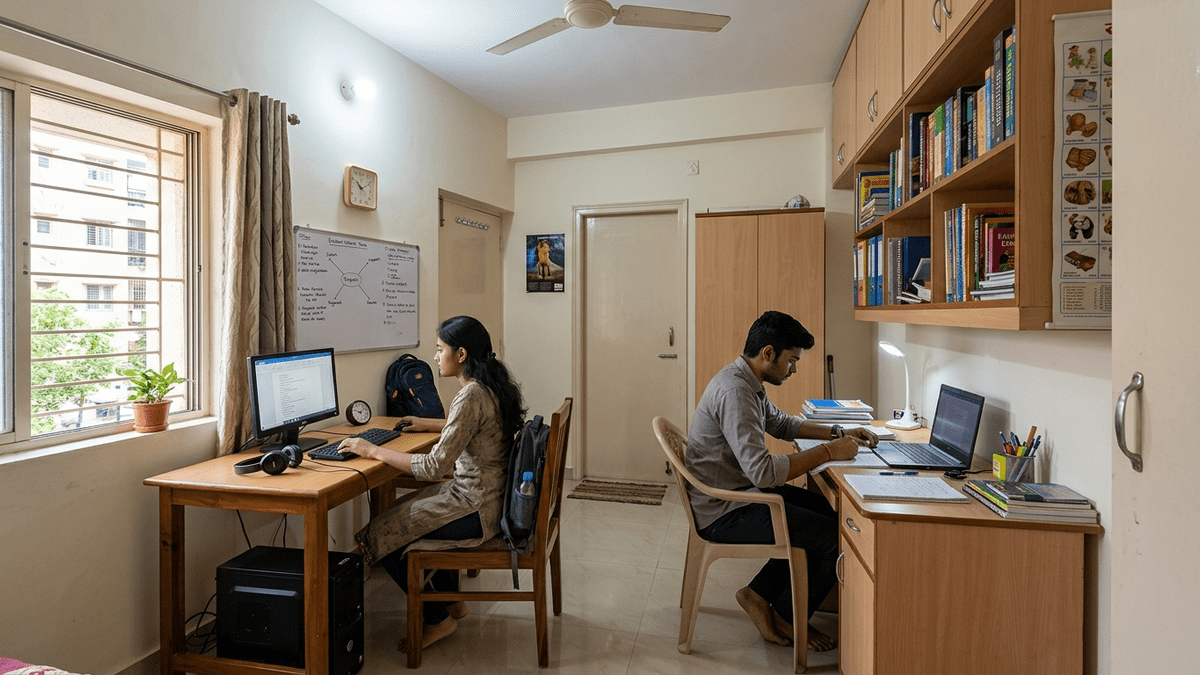
Before setting up, evaluate your home layout. You need a dedicated room with good lighting, ventilation, and minimal noise. Ideally, this space should accommodate 15-20 students comfortably. Ensure you have:
- A room of at least 200-300 square feet
- Stable electricity supply and backup power
- Reliable internet connectivity (minimum 10 Mbps)
- Basic furniture: desks, chairs, and a whiteboard
- Storage for learning materials
Many successful POD operators use their living room or convert a spare bedroom. The key is creating a professional yet welcoming environment that signals to parents that you’re serious about education.
Step 2: Invest in APNA PC and Digital Infrastructure
APNA PC at Rs.30,000 is your complete bundle for launching a home learning center India operation. It includes curriculum management software, automated attendance tracking, student progress dashboards, and parent notification systems. This investment eliminates the need for hiring administrative staff initially.
Beyond APNA PC, you’ll need:
- A desktop or laptop for content delivery
- A projector or smart TV for classroom display
- Tablets or smartphones for interactive learning
- Printer for worksheets and assessment materials
Integrate government platforms like DIKSHA to access free, high-quality educational content aligned with national curricula. This strengthens your offering without additional costs.
Step 3: Design Your Curriculum and Class Structure
Your home learning center should serve a specific age group or skill level. Most successful PODs focus on:
- Primary classes (1-5): Foundational literacy and numeracy
- Middle classes (6-8): Subject-specific support
- Secondary classes (9-10): Exam preparation
- Skill development: Coding, language, or vocational training
Create a weekly schedule balancing classroom instruction, digital learning sessions, and hands-on activities. Use APNA PC to schedule classes, track completion, and monitor student progress automatically.
Step 4: Obtain Necessary Registrations and Compliance
Operating a home learning center India requires basic compliance. Register with your local municipal corporation and obtain a No Objection Certificate (NOC) from neighbors if needed. Check state education department guidelines for home-based learning centers. Most states don’t require formal registration for small PODs, but it’s wise to verify locally.
Maintain proper records of student enrollment, fee collection, and attendance. APNA PC’s management tools simplify this documentation.
Step 5: Set Pricing and Enrollment Strategy
Home center economics depend on your target market and location. Most home-based centers charge Rs.2,000-5,000 per student monthly. With 15-20 students, monthly revenue ranges from Rs.30,000-1,00,000. After expenses (APNA PC amortization, internet, utilities, staff if hired), most operators achieve 40-50% margins.
Start with a pilot batch of 8-10 students to test your model. Use word-of-mouth and WhatsApp groups to recruit. Offer a trial week at discounted rates to build confidence.
Step 6: Implement Quality Teaching Practices
Your learning center succeeds only if student outcomes improve. Focus on:
- Personalized attention: Small class sizes allow customized learning paths
- Regular assessments: Use APNA PC to track progress and identify gaps
- Parent communication: Send weekly updates on student performance
- Blended learning: Mix offline teaching with DIKSHA and other digital resources
- Continuous improvement: Gather feedback and adapt your approach
Step 7: Use Our POD Setup Checklist
To ensure you don’t miss critical steps, download our comprehensive POD Setup Checklist. It covers space preparation, technology setup, curriculum planning, enrollment, and launch activities.
Align with Digital India and Government Initiatives
India’s Digital India initiative supports digital literacy and technology-enabled learning. As a POD operator, you’re contributing to this vision. Many states offer incentives or recognition for quality learning centers. Research local programs in your area.
Common Mistakes to Avoid
Don’t overcrowd your space. Quality suffers beyond 20 students in a home setting. Don’t neglect parent communication, transparency builds trust and reduces dropouts. Don’t ignore compliance, it protects you legally. Finally, don’t underinvest in technology; APNA PC is essential for scaling efficiently.
Setting up a home-based POD is achievable for any committed educator or parent. With APNA PC’s Rs.30,000 bundle, proper planning, and dedication to student success, you can build a thriving learning center that generates income while transforming young lives.
Ready to begin? Start your POD journey today and join thousands of educators empowering Indian learners through personalized, technology-enabled education.