
How to Keep Your Child Safe While Studying Online: A Parent’s Complete Guide
Your child is sitting in front of a screen right now, and you have no idea if they’re actually studying or scrolling through reels on their phone. This is the reality for millions of Indian parents post-2020. Online study safety has become non-negotiable, yet most parents are flying blind when it comes to protecting their children in the digital learning space.
The shift to online education was sudden. Schools adapted. Teachers adapted. But did we really think through child internet safety? According to recent data, over 65% of Indian households with school-going children now rely on digital learning platforms. Yet, conversations about online study safety remain uncomfortably rare at dinner tables across the country.
Here’s what we know: your child’s safety online depends on three things. First, the right technology. Second, smart parental controls for study. Third, your involvement. Let’s break this down.
Why Online Study Safety Matters More Than You Think
Online learning isn’t going away. Whether your child attends a traditional school or learns through platforms like those discussed in our POD economics guide, digital exposure is inevitable. But here’s the uncomfortable truth: not all online spaces are created equal, and not all devices are designed with children in mind.
Child internet safety involves multiple layers. There’s the obvious stuff: inappropriate content, online predators, cyberbullying. But there’s also the subtle stuff: screen fatigue, poor posture leading to health issues, data privacy concerns, and the psychological impact of unmonitored social media access during study hours.
The Central Board of Secondary Education (CBSE) has issued guidelines on digital learning, but implementation varies wildly. This is why your role as a parent is critical. You can’t rely on the system alone.
Setting Up a Safe Computer for Students
Let’s start with hardware. Not all computers are suitable for children. A safe computer for students needs specific features:
Processing Power That Doesn’t Lag: When a device is slow, children get frustrated and resort to shortcuts. They might switch to unauthorized apps or take unnecessary risks online. A device with decent specs ensures smooth learning without frustration-driven detours.
Adequate Storage and RAM: This prevents the need for unauthorized downloads or risky file-sharing. Your child shouldn’t be juggling between 10 tabs because their device can’t handle it.
Built-in Security Features: This is non-negotiable. A safe computer for students should have robust antivirus protection, firewall capabilities, and regular update mechanisms.
The APNA PC bundle addresses all these concerns. At Rs.30,000, it’s a complete package: Mini PC with i3 7th Gen processor, 8GB RAM, 128GB SSD, plus monitor, keyboard, mouse, webcam, and headset. But here’s what makes it special for online study safety: it comes with education software pre-loaded and a 3-year warranty. Your child gets a dedicated, secure learning device. Not a hand-me-down family laptop. Not a smartphone that doubles as a distraction machine.
Implementing Parental Controls for Study
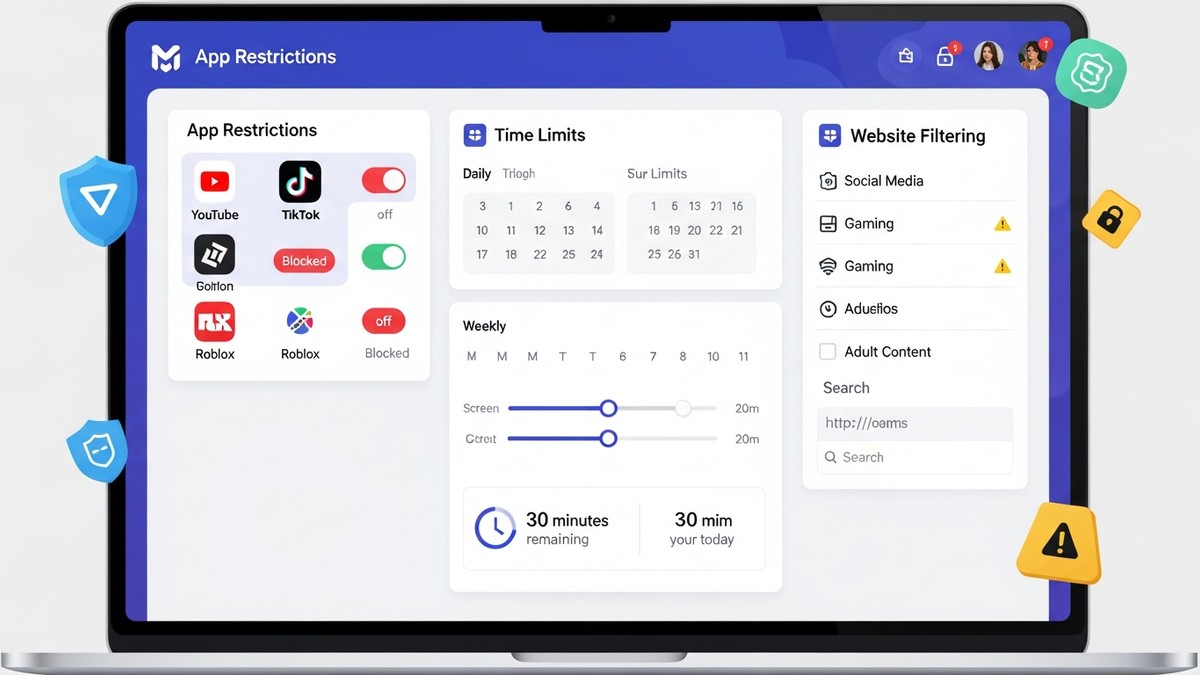
Technology alone isn’t enough. You need parental controls for study that actually work.
Time-Based Controls: Set specific hours when educational apps are accessible. Outside these windows, the device should redirect to a “study time over” message. This teaches discipline and prevents late-night screen addiction.
App Whitelisting: Instead of blacklisting bad apps (which is endless), whitelist only approved educational apps. Your child can access Google Classroom, Khan Academy, or whatever platform their school uses. YouTube? Only with specific educational channels pre-approved. Social media? Off-limits during study hours.
Website Filtering: Block known distraction sites. This isn’t about being controlling; it’s about removing temptation. Even the most disciplined 12-year-old will click on YouTube if it’s one click away.
Screen Time Monitoring: Know what your child is doing. Not in a surveillance way, but in an informed-parent way. Weekly reports showing app usage, websites visited, and time spent on each activity.
Keyboard and Mouse Tracking: Some advanced systems can flag suspicious activity. If your child suddenly starts typing search queries about “how to bypass parental controls,” you’ll know.
Creating a Physical Learning Environment
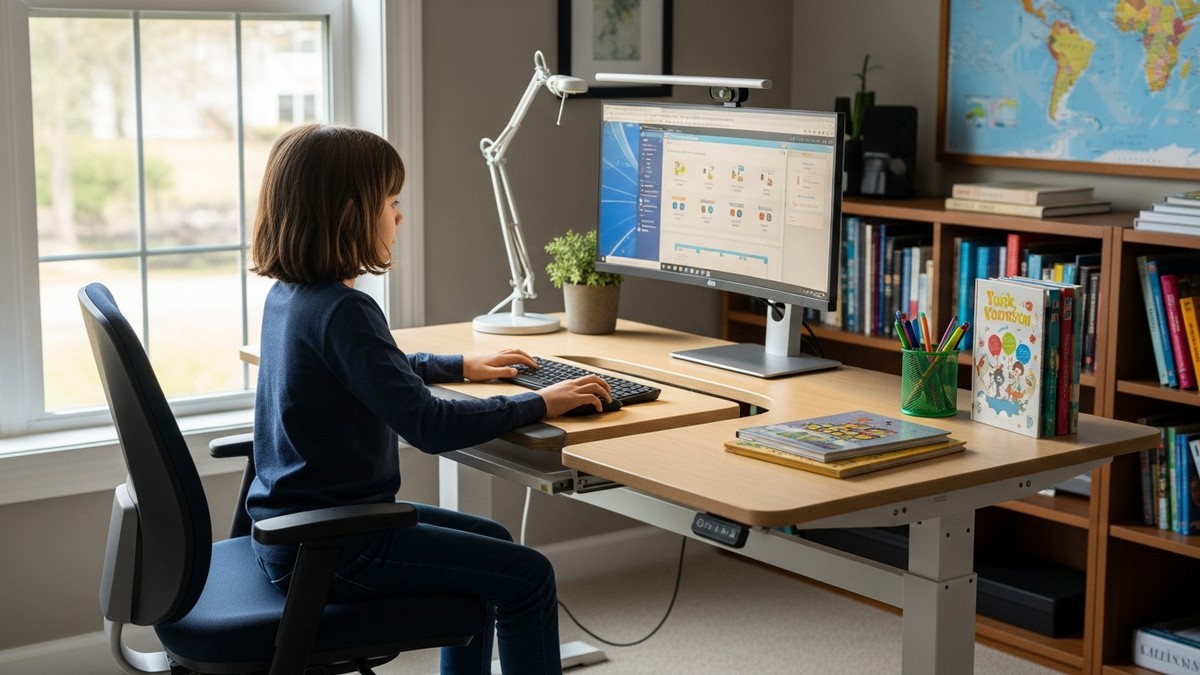
Online study safety extends beyond digital controls. The physical setup matters too.
Position the computer where you can see the screen without hovering. This deters inappropriate browsing without invading privacy. Ensure proper lighting to reduce eye strain. A separate study desk, away from the bed, signals to your child’s brain that this is work time, not leisure time.
The APNA PC bundle includes a monitor and peripherals designed with ergonomics in mind. Your child won’t be hunching over a tiny laptop screen. They’ll have a proper workstation.
Educating Your Child About Online Safety
Rules without understanding breed resentment and workarounds. Have conversations with your child about:
Why certain controls exist. Why they shouldn’t share personal information online. What to do if they encounter uncomfortable content. How to recognize suspicious links or requests. The permanence of digital footprints.
Make it collaborative. Ask them what they think should be off-limits. Involve them in setting boundaries. This transforms parental controls from restrictions into agreed-upon guidelines.
Monitoring and Adjustment
Child internet safety isn’t a set-and-forget operation. As your child grows, their needs change. A 7-year-old needs different controls than a 14-year-old. Review your settings quarterly. Adjust as needed. Stay informed about new apps and platforms your child uses.
If you’re considering becoming an educator or expanding your teaching reach online, understanding these safety principles is crucial. Check out our guide on how to become an edupreneur with proper digital infrastructure.
The Investment in Safety
Some parents hesitate at the cost of dedicated learning devices. They think, “Can’t my child just use my old laptop?” Sure, technically. But you’re not just buying a computer. You’re investing in a controlled, secure, optimized learning environment. You’re investing in your child’s focus, health, and safety.
The APNA PC at Rs.30,000 complete bundle is an investment that pays dividends. Three years of warranty means you’re covered. Pre-loaded education software means no hunting for legitimate apps. Proper specifications mean no frustration. Included peripherals mean proper ergonomics.
According to UNESCO education research, students learn better on dedicated devices with minimal distractions. This isn’t just about safety. It’s about effectiveness.
Your Next Step
Online study safety isn’t a luxury. It’s a necessity. Start today. Assess your child’s current setup. Identify gaps. Implement controls gradually. Educate your child. And consider whether a dedicated, secure device designed for learning makes sense for your family.
Ready to create a safe online learning environment? Explore the APNA PC bundle and give your child the secure, focused learning space they deserve.