Your Students Deserve Better Tools. Free Software Makes It Possible.
Most people do not realise that the best teaching software in the world costs nothing. Not a single rupee. Yet thousands of Indian tuition teachers and edupreneurs are still buying expensive licenses, outdated textbooks, and proprietary systems that lock them into endless subscriptions. Here is the truth: open source software teaching Indian schools is not just possible. It is mature, reliable, and built by educators who understand exactly what you need.
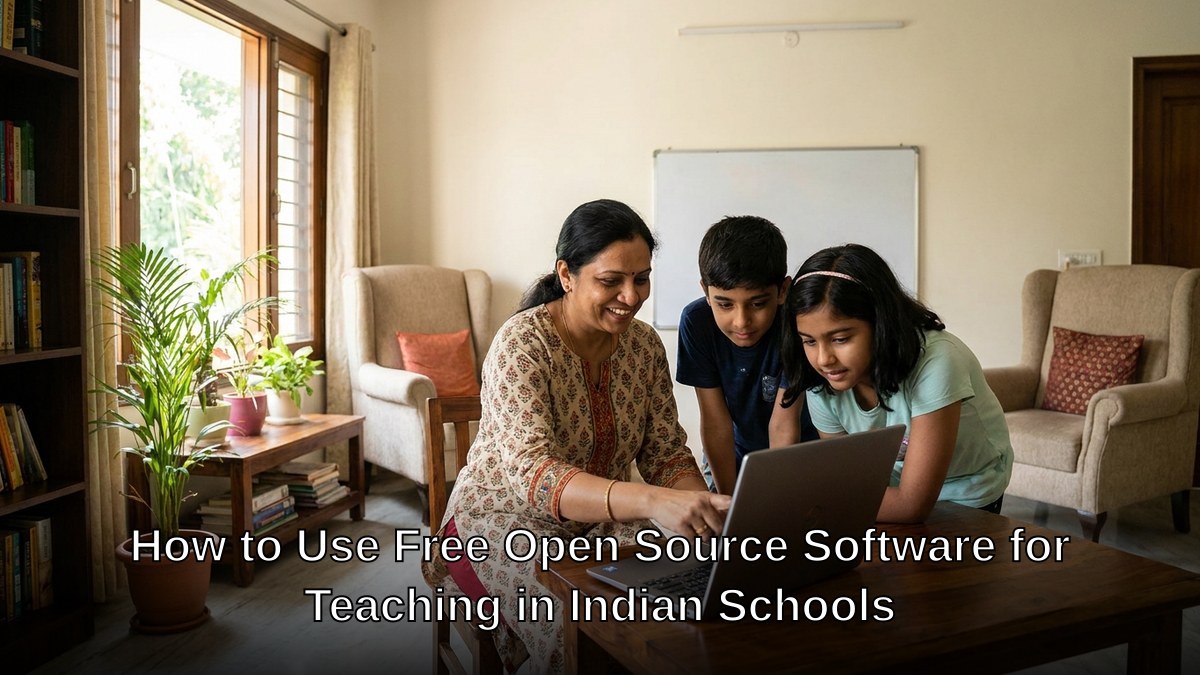
If you run a tuition centre, conduct online classes from home, or manage a Point of Digital Learning (POD), you already know the pressure. Parents demand results. Competition is fierce. Your budget is tight. You need tools that work without bleeding your savings dry. Open source software teaching Indian schools solves this problem completely.
Key Takeaways
- Open source software for teaching lets Indian schools and tuition teachers use full-featured tools with no licence fees and no per-computer restrictions.
- LibreOffice can replace paid office suites for documents, spreadsheets and presentations, so classes and worksheets need no subscription.
- Open source code is transparent and can be installed on many machines, which suits a small centre with a tight budget.
- Government platforms such as DIKSHA and the Digital India programme support open and accessible digital education.
- Free tools work best on a proper shared computer where students can practise real tasks instead of only watching.
What Open Source Software Actually Means for Teachers
Let us be honest: when people hear open source software teaching Indian schools, they think complicated, hard to use, and risky. Wrong on all counts. Open source simply means the software code is transparent and free to use. Think of it like a recipe anyone can read and improve. The best part? You do not pay licensing fees. You do not wait for vendor permission. You own the tool completely.
For free software for teachers in India, this changes everything. You can:
- Install teaching software on unlimited computers without worrying about license violations
- Customize tools to match your curriculum and student needs
- Access updates and improvements without subscription costs
- Run your entire digital classroom centre on a single modest budget
The government agrees. The DIKSHA digital learning platform runs on open source principles. The Digital India initiative actively promotes free and open source software in education. This is not fringe technology. This is the future India is building.
The Best Free Tools You Should Be Using Right Now
Stop searching. Here are the proven open source software teaching tools that work in Indian classrooms today:
- LibreOffice – Complete office suite. Replaces Microsoft Office entirely. Create presentations, spreadsheets, documents without paying anything.
- Moodle – Learning management system used by millions of educators worldwide. Host your own online classroom, track student progress, deliver assignments, conduct quizzes.
- GIMP – Professional image editing software. Teach design, create visual content, edit learning materials.
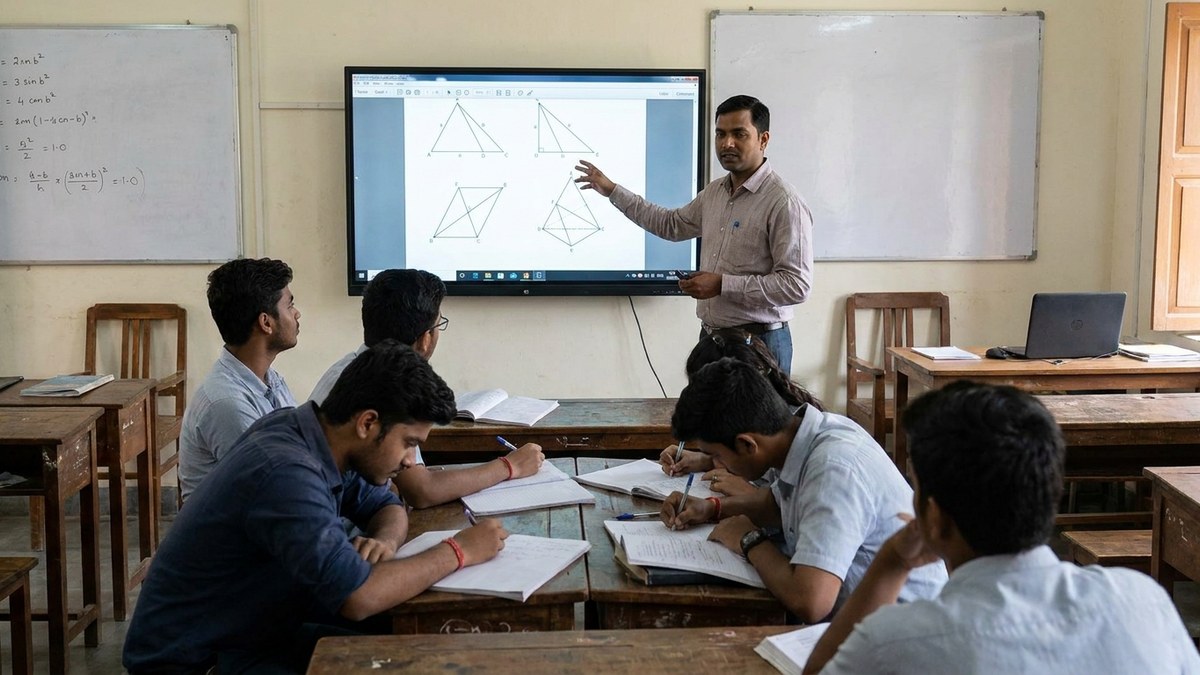
- GeoGebra – Mathematics visualization tool. Make geometry, algebra, calculus interactive and visual for students.
- Audacity – Audio recording and editing. Create podcast lessons, edit video audio, teach media literacy.
- Blender – 3D modeling and animation. Advanced tool for STEM teaching and creative projects.
These are not limited versions or trial software. These are full, professional tools used by educators and professionals worldwide. Zero cost. Zero restrictions. Maximum capability.
Already teaching online? Read our blended learning guide for Indian teachers to see how these tools integrate into modern teaching strategies.
The Real Cost of Open Source Teaching Software
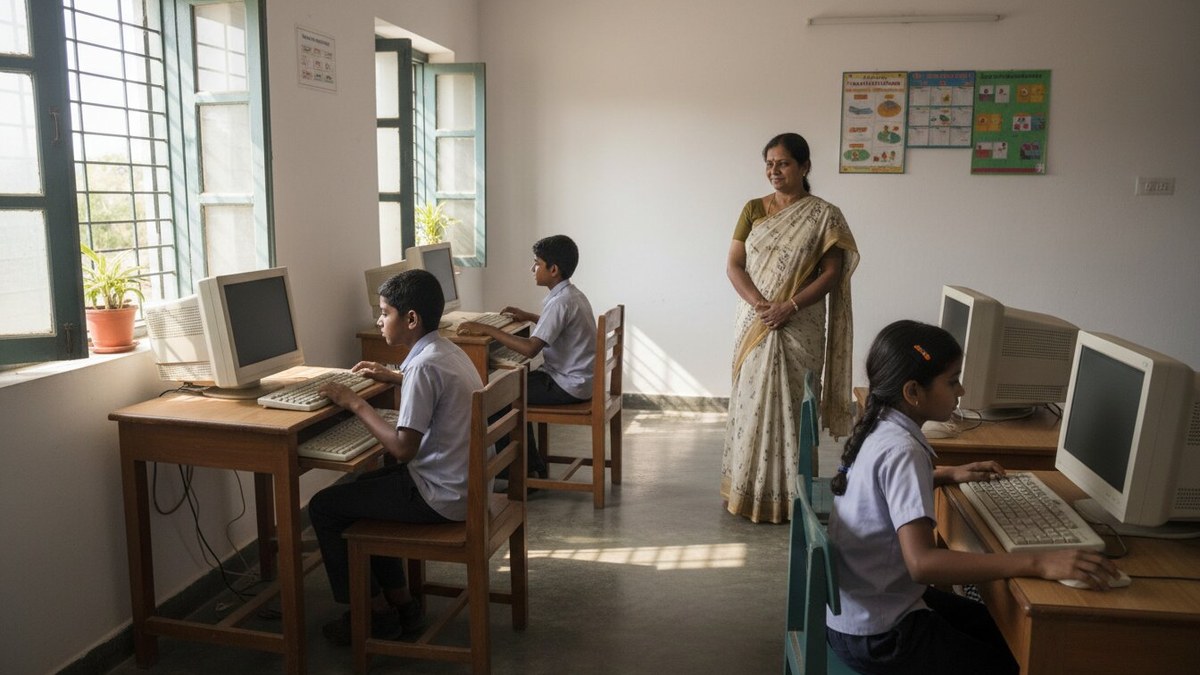
Most people do not realise the actual barrier to using these tools is not the software itself. It is the hardware. You need a computer that runs reliably. Many Indian tuition centres and home-based PODs struggle with outdated machines, slow internet, and broken equipment.
This is where APNA PC changes the game. For Rs.30,000, you get a complete bundle: Mini PC (i3 7th Gen processor, 8GB RAM, 128GB SSD), monitor, keyboard, mouse, webcam, headset, plus three years of warranty and professional installation. Add the included education software, and you have everything needed to run a digital learning centre.
Let us do the math. A single Microsoft Office license costs Rs.6,000+. Antivirus subscriptions run Rs.2,000-4,000 yearly. A decent used computer might cost Rs.15,000-20,000 and break down within months. APNA PC gives you new hardware, open source software, and peace of mind for Rs.30,000. You are not just saving money. You are building on solid ground.
Setting Up Your Digital Classroom Today
Start small. Pick one open source tool that matches your teaching style. LibreOffice if you create documents and presentations. Moodle if you want to manage online classes. GeoGebra if you teach mathematics. Install it. Learn it. Use it with your next batch of students.
The learning curve is shorter than you think. Most teachers who use open source software teaching Indian schools report proficiency within two weeks of regular use. YouTube has thousands of tutorials in Hindi and English. Online communities are active and helpful. You will not be alone.
Want to scale faster? Combine open source tools with proper hardware. A POD running APNA PC with open source software can serve 30-50 students daily without technical stress. Your focus stays on teaching, not troubleshooting.
Explore more teaching strategies on the Apni Pathshala blog to understand how educators across India are building sustainable learning centres.
The Government Is Already Betting on This
You are not taking a risk by choosing open source software teaching Indian schools. India’s Ministry of Education actively supports digital tools and open source adoption in schools. State governments are rolling out free software initiatives. The momentum is real.
When you use open source software teaching Indian schools, you align with national policy. You reduce your costs dramatically. You gain independence from vendor lock-in. Your students learn on the same tools used by professionals globally.
Your Next Step
Stop waiting for the perfect setup. Open source software for teaching is ready now. Your students are ready now. The only question is whether you are ready to move forward.
If you want a complete, reliable system to deliver digital teaching without compromise, explore APNA PC today. It is the hardware foundation that makes open source teaching software actually work in Indian homes and learning centres.
The tools are free. The hardware is affordable. The results are proven. What are you waiting for?
Frequently Asked Questions About Open source software for teaching
What is open source software for teaching?
It is software whose code is open for anyone to use, study and share, usually at no cost. Teachers use it for documents, presentations, maths, drawing and more without paying licence fees.
Is LibreOffice good enough for Indian classrooms?
Yes. LibreOffice offers a word processor, spreadsheet and presentation tool, and it can open and save common Microsoft Office file formats. It is a strong free choice for school and tuition use.
Is open source software safe to install in a school?
Download it only from the official project website and keep it updated. Well-known open source tools are widely used by schools and organisations, so they are generally safe when sourced properly.
Can a small tuition centre run on free software?
Yes. A tuition centre can handle worksheets, slides, spreadsheets and simple tracking with free tools, which keeps costs low and lets you spend on a better computer instead.
Do students need a computer to use open source tools?
A computer gives the best experience, since most tools are built for a keyboard and a larger screen. One shared home or centre computer can serve several students in turns.
The Government of India’s DIKSHA platform and the Digital India programme under MeitY promote accessible, open digital resources for education.
Explore start a TeachToEarn learning POD and how to POD economics and break-even.