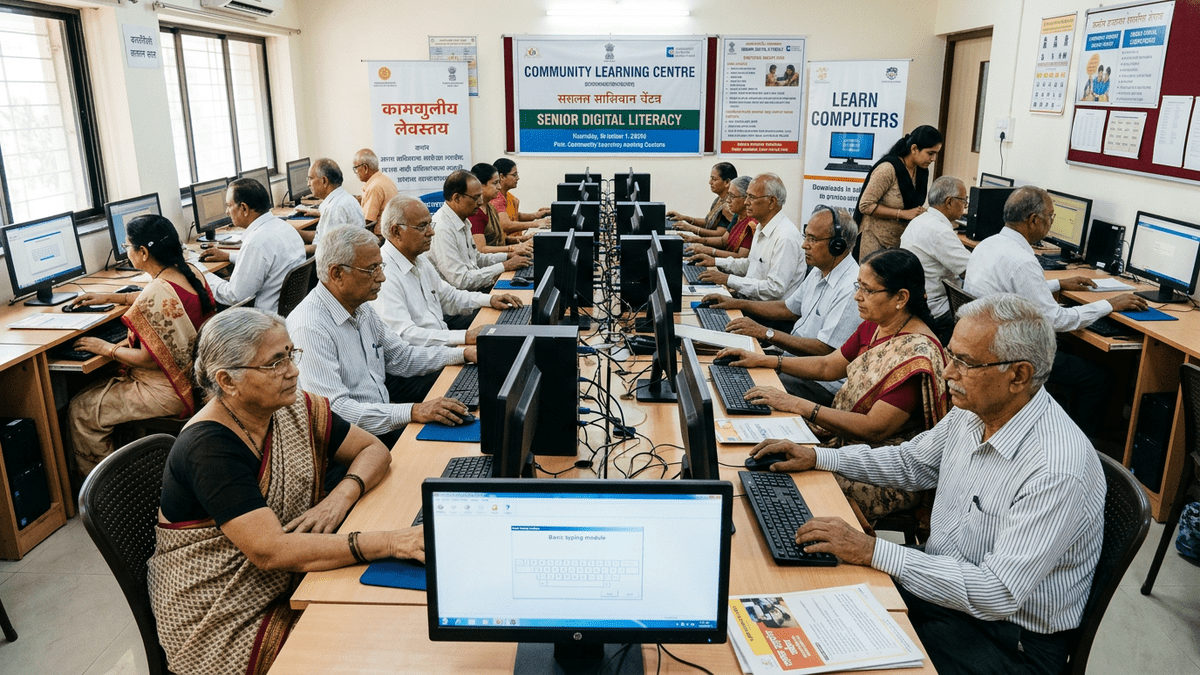
Your Parents Are Missing Out. Here’s Why Senior Citizens Computer Learning Matters in 2026
Your mother calls you every week asking how to video call her grandchildren. Your father keeps his pension papers in a cardboard box instead of backing them up online. Your retired uncle sits at home, bored, while his friends travel and work remotely.
Here’s the truth: senior citizens computer learning isn’t a luxury anymore. It’s survival. In 2026, basic digital skills separate the isolated from the connected, the vulnerable from the protected, the bored from the engaged. If your parent or grandparent hasn’t started their senior citizens computer learning journey yet, they’re already behind.
Most people don’t realise that learning to use a computer transforms a senior citizen’s life. Not just for video calls. For banking safely. For accessing government schemes. For staying sharp. For earning a little extra if they want to.
And the best part? It doesn’t require leaving home. It doesn’t require expensive coaching centres in the city. It doesn’t require your senior to feel embarrassed among strangers.
Why Home-Based Senior Citizens Computer Learning Works in India
Let’s be honest: most senior citizens won’t walk into a computer class full of teenagers. They’ll feel out of place. They’ll worry about looking foolish. They’ll give up after two days.
Home-based computer training changes everything.
- No commute stress. Your parent learns in their comfort zone, at their own pace, during their best hours of the day.
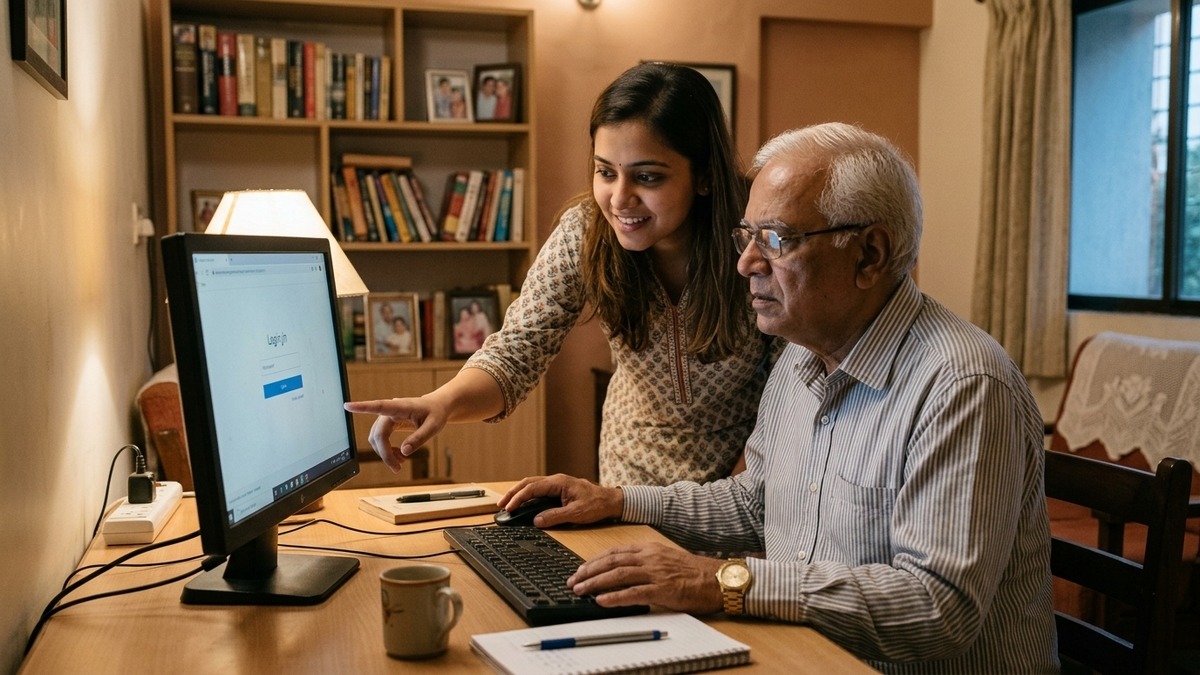
- One-on-one attention. A trained educator comes to your home or to a nearby community learning centre (called a POD – Point of Digital Learning). They focus only on your parent’s needs.
- Family involvement. You can sit with them, learn together, help them practice. It becomes a bonding activity, not a chore.
- Real-world problems solved immediately. “How do I send my pension application online?” The educator shows them right then, on their own device.
- Flexible scheduling. Early morning? Afternoon? Weekends? It works around your parent’s routine, not some rigid class timetable.
- No age-related pressure. They’re not racing against younger learners. They’re not judged for asking the same question twice.
This is why elderly computer training in India has shifted toward home-based models. It works. Senior citizens actually finish the course. They actually use what they learn.
The equipment matters too. Cheap, slow computers frustrate learners. They make seniors give up. A proper setup with a reliable mini PC, good monitor, keyboard, and mouse makes learning enjoyable instead of painful.
The Complete Solution: APNA PC Bundle
Setting up a computer learning space at home usually involves hunting for equipment, installing software, fixing technical issues, and hoping nothing breaks. Frustrating. Expensive. Time-consuming.
APNA PC solves this completely.
For Rs.30,000, you get everything: a Mini PC (i3 7th Gen processor, 8GB RAM, 128GB SSD), monitor, keyboard, mouse, webcam, headset, dedicated education software, professional installation, AND three years of warranty. No hidden costs. No “you need to buy this separately” surprises.
The education software is built specifically for senior learners. Large fonts. Simple navigation. Real-world lessons: email, online banking, video calling, government portals, health apps, safety online. Not theoretical nonsense. Practical skills they’ll use today.
Installation happens at your home. A technician sets everything up, tests it, trains your parent on the basics, and leaves behind a fully working system. Three years of warranty means if something breaks, it’s covered. No stress.
This is the barrier removed. No more “I don’t know where to start” or “I’m too old for technology” or “it’s too expensive.” APNA PC is the complete answer.
How the Learning Actually Happens
You can set up learning in two ways:
- At home with a trained educator. Someone comes to your house 2-3 times per week. Your parent learns on their own computer. Family can join. Progress is tracked. Customized to your parent’s speed and interests.
- At a community POD (Point of Digital Learning). A local learning centre run by a trained educator where 3-5 seniors learn together. Still small, still personal, but with peer support. Some seniors prefer this for the social aspect.
Both approaches use the same high-quality curriculum. Both provide ongoing support. Both respect the learner’s pace.
Want to know more about how seniors can start a learning pod at home? Or interested in starting a computer coaching class after retirement yourself? These options exist because demand is real.
What Your Senior Citizen Will Actually Learn
The computer course for senior citizens covers what matters:
- Using email securely and confidently
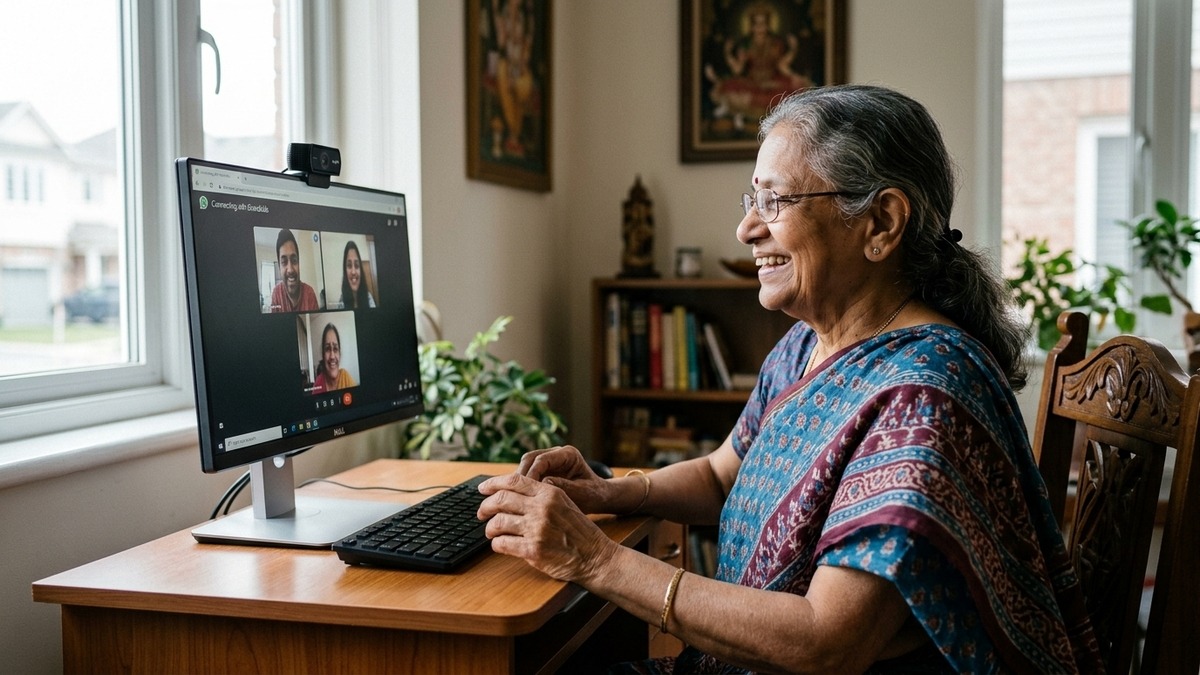
- Video calling grandchildren on WhatsApp, Google Meet, Zoom
- Online banking and checking account balance
- Accessing government schemes and pension portals
- Finding health information and booking appointments
- Shopping safely online
- Protecting against scams and fraud
- Using YouTube to learn recipes, watch news, enjoy entertainment
- Basic troubleshooting when something goes wrong
Not random theory. Not programming. Not unnecessary complexity. Real skills that solve real problems in their daily life.
By the end of the course, your parent won’t need you to help them video call. They’ll do it themselves. They’ll check their pension online. They’ll order groceries. They’ll feel independent, not dependent.
The Bigger Picture: Why Senior Citizens Computer Learning Matters
Digital literacy isn’t optional anymore. Government services are moving online. Banks are phasing out branches. Healthcare is going digital. Social connection happens through screens.
Senior citizens left behind in this shift become vulnerable. They can’t access services. They can’t protect themselves from scams. They become isolated. They become burdens on their families.
But it doesn’t have to be this way.
With proper training, the right equipment, and a supportive learning environment, your parent can thrive in the digital world. Not as a digital native. As a confident, capable person who learned when they needed to, at their own pace, with respect.
Check out DIKSHA digital learning platform for more on India’s learning initiatives. And read about Education in India to understand the broader context.
Get Started Today
Your parent’s digital journey starts with APNA PC. One complete bundle. Everything included. Three years of support. Professional training.
Don’t wait. Don’t assume they’re “too old” or “too slow.” Don’t let them miss out on connection, independence, and opportunity.
Order APNA PC now and transform how your senior citizen engages with the world.