
Senior Citizens Learning Computers at Home: Why It Matters Now
Your 68-year-old mother is sitting at home, watching her grandchildren video call from abroad, but she can’t figure out how to call them back. She’s not alone. Millions of senior citizens across India are locked out of the digital world, not because they can’t learn, but because nobody’s shown them how. Here’s the truth: senior citizens learn computers faster than you think when they have the right setup and patient guidance at home.
The gap isn’t about age. It’s about access. Most people don’t realise that the education landscape in India has left seniors behind deliberately. Schools teach children. Colleges teach young adults. But who teaches grandparents? That’s where seniors learning computers at home becomes not just helpful, but essential.
Let’s be honest: going to a computer institute feels humiliating for many seniors. Sitting in a room with teenagers, moving at their pace, using their language. It’s why home-based learning works. It’s personal. It’s dignified. It’s effective.
Why Home Learning Works Better for Senior Citizens
Seniors have different learning needs. They need repetition without judgment. They need time to process. They need someone who understands their pace. A classroom environment doesn’t offer this. A home setup does.
When a senior citizen sits at their own desk, with their own monitor, in their own time, something shifts. Confidence builds. Fear dissolves. They ask questions they’d never ask in public. They practice without embarrassment. They progress at their own rhythm.
The National Digital Literacy Mission recognises this. The Digital India mission pushes digital inclusion, but implementation at the grassroots level relies on educators like you. Whether you’re a tuition teacher, a community leader, or an edupreneur, you can be the bridge.
What makes computer learning at home for seniors work:
- No commute. No wasted time. No physical strain.
- Familiar environment. Your home is your comfort zone.
- One-on-one attention. The educator focuses only on you.
- Flexible timing. Early morning or evening, whatever suits you.
- No peer pressure. You learn at your pace, not the class pace.
- Immediate help. If you’re stuck, someone’s right there.
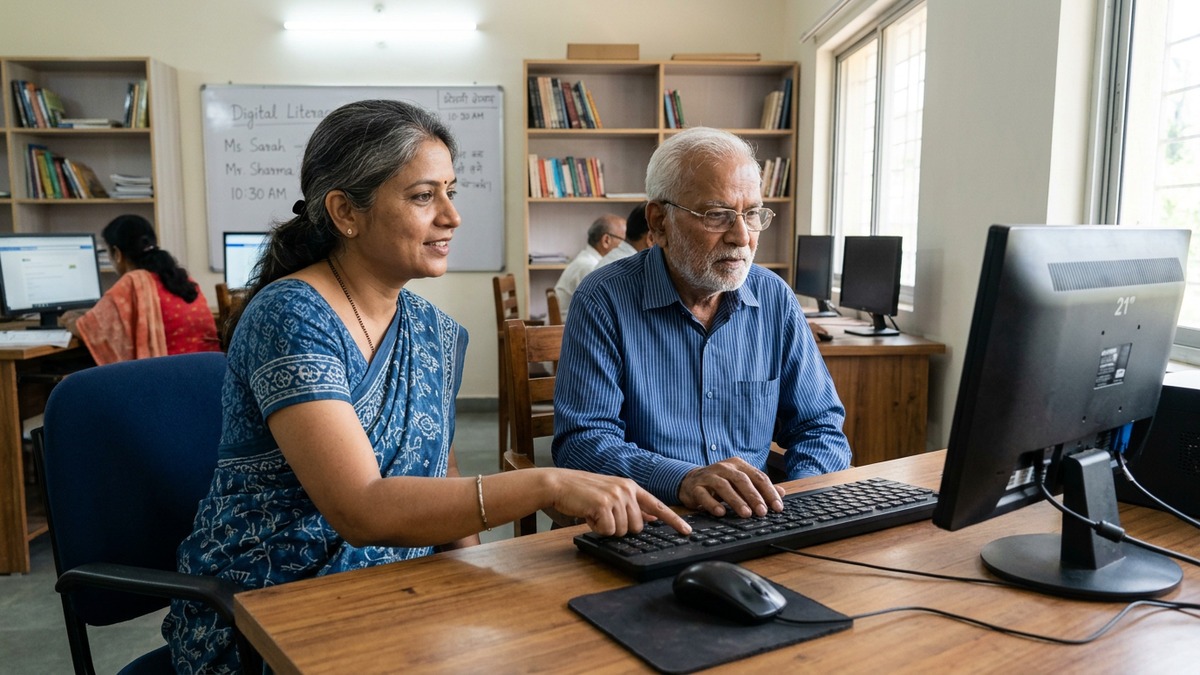
What Senior Citizens Actually Need to Learn
Don’t assume seniors want to learn coding or advanced software. That’s a mistake edupreneurs make constantly. Seniors want practical skills. They want to stay connected to their families. They want to manage their finances online. They want to book doctor appointments without calling their children.
The core curriculum for senior citizens learning computers should include:
- Basic computer navigation and mouse/keyboard use
- Internet browsing and search
- Email: sending, receiving, attachments
- Video calling with WhatsApp, Google Meet, Skype
- Online banking and bill payments
- Government portals (Aadhaar, pension, health schemes)
- Online shopping basics
- Digital security and avoiding scams
This isn’t theory. This is what seniors actually ask for. This is what changes their lives.
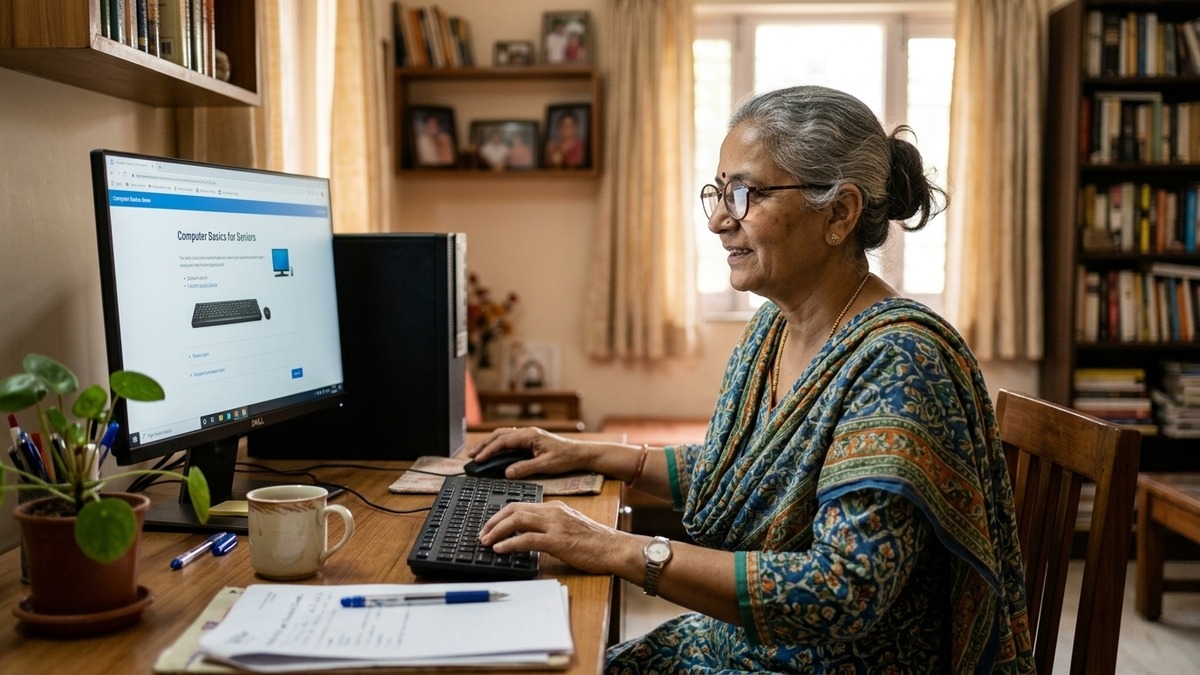
The Right Equipment Makes All the Difference
Most computer classes for seniors fail because the equipment fails. Old machines. Slow internet. Broken keyboards. Tiny screens that hurt the eyes. Seniors give up not because they can’t learn, but because the tools frustrate them.
This is why APNA PC exists. It’s not just a computer. It’s a complete solution built specifically for this problem. Rs.30,000 gets you everything: a Mini PC with i3 7th Gen processor, 8GB RAM, 128GB SSD, a monitor that’s easy on the eyes, keyboard, mouse, webcam, headset, installation at your home, and 3 years of warranty. Plus education software designed for seniors.
No hidden costs. No surprises. No “you need to buy this separately.” Everything’s included.
If you’re an educator or edupreneur setting up a Point of Digital Learning (POD) in your community, APNA PC gives you the credibility and infrastructure your students need. If you’re a senior wanting to learn at home, it removes every excuse.
How to Start: A Practical Roadmap
Step one: Get the right equipment. Don’t use an old laptop that’s slow and frustrating. APNA PC solves this.
Step two: Find a patient educator. This could be a trained tuition teacher, a family member who’s willing to learn alongside you, or an edupreneur running a community learning centre. The key is patience and understanding.
Step three: Start with what matters. Email and video calling first. Online banking second. Everything else follows naturally.
Step four: Practice daily. Even 20 minutes daily beats 2 hours once a week. Consistency builds muscle memory and confidence.
Step five: Don’t rush. If it takes 6 months to feel comfortable, that’s fine. You’re not competing with anyone.
The Bigger Picture: Why This Matters
Senior citizens learning computers isn’t just about them accessing WhatsApp. It’s about independence. It’s about dignity. It’s about staying relevant in a world that’s moved online. Government services are online now. Banking is online. Healthcare is moving online. Pension schemes, railway bookings, utility payments. Seniors who can’t access these are literally cut off from essential services.
When a 70-year-old can book their own train ticket, pay their own bills, and video call their grandchildren in the US, something fundamental shifts. They’re not dependent. They’re not left behind. They’re part of the digital world.
This is why educators and edupreneurs who focus on computer classes for seniors are doing important work. You’re not just teaching skills. You’re restoring independence. You’re fighting digital exclusion. You’re ensuring that age doesn’t mean being left behind.
The time to start is now. Your parents, your grandparents, your neighbours are waiting. They want to learn. They just need the right environment, the right equipment, and the right guidance. APNA PC provides the equipment. Your patience provides the guidance. Together, you change lives.