
Senior citizens learn computers — but nobody is teaching them right
Here is the truth: Your grandmother is not afraid of computers. She is afraid of looking stupid. She is afraid of breaking something. She is afraid of being left behind while her grandchildren video call from across the world and she cannot figure out how to answer.
Most people do not realise that senior citizens in India are hungry to learn. They want to stay connected with family. They want to manage their own finances online. They want to video call their grandkids. But the computer classes designed for them? Terrible. Too fast. Too technical. Taught by impatient 20-year-olds who do not understand that learning at 65 is different from learning at 25.
Let us be honest: your mother does not need to know coding. She needs to know how to turn on a computer without panicking. How to use WhatsApp properly. How to video call. How to check her bank balance. How to stay safe online. That is it. That is digital literacy for elderly people in India, and it changes everything.
Why senior citizens need computers (and why they are waiting for permission)
The numbers tell a story. India has over 140 million people aged 60 and above. Most of them have never used a computer. Not because they are incapable. Because nobody ever sat down with patience and taught them in their own language, at their own speed, without making them feel foolish.
Your father wants to:
- Video call his son in Mumbai without asking you to set it up every time
- Check his pension status online instead of standing in queues
- Read the news on his own schedule
- Join WhatsApp groups with his friends from his old job
- Buy groceries online when his knees hurt too much to walk to the market
These are not luxuries. These are basic needs. And digital literacy for senior citizens is not some fancy concept. It is survival. It is independence. It is dignity.
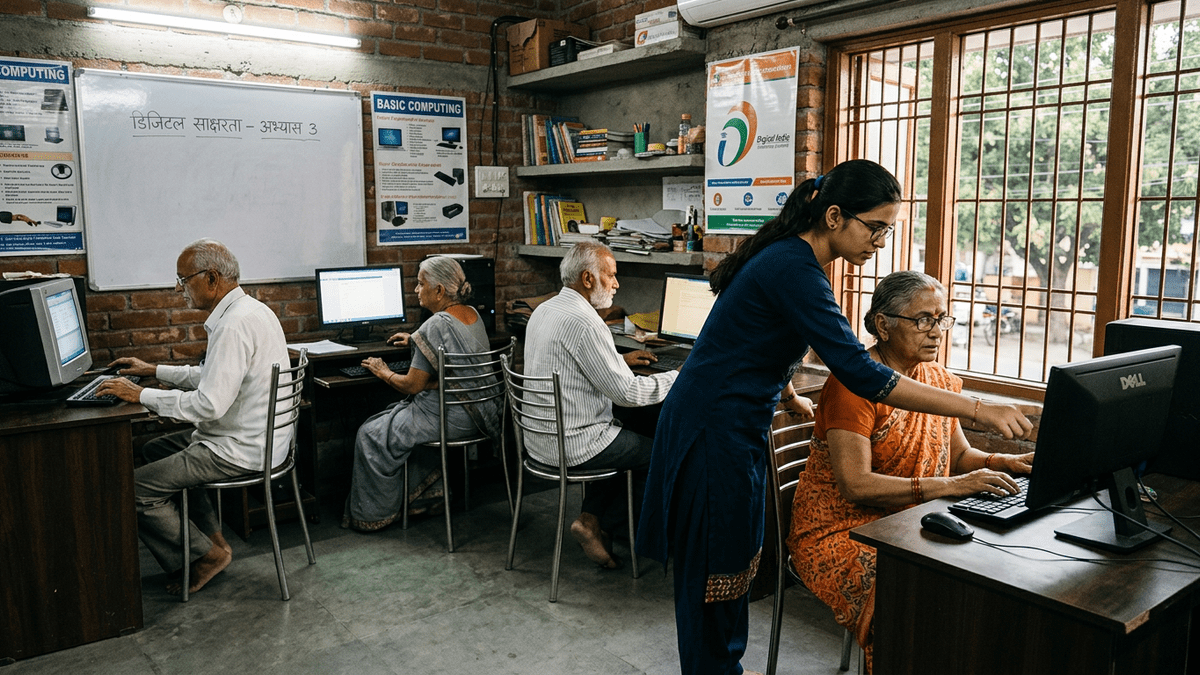
What actually works: Small groups, patient teachers, real computers
Here is what changes the game: A Point of Digital Learning (POD). This is a community learning centre run by a trained educator, someone who understands that your 68-year-old mother is not dumb, she just needs things explained differently. Smaller batches. Real computers. Real patience. Real results.
A POD works because:
- Classes are small, maybe 5 to 8 students, not 50
- The pace is slow enough that people actually understand
- Teachers are trained specifically for senior learners
- Everyone has their own computer to practice on
- There is no judgment, only support
You can run a POD from your home. From a community centre. From a library. Anywhere with electricity and space. And senior citizens earning through learning PODs is not just about teaching. It is about building a business while solving a real problem in your neighbourhood.
The hardware problem nobody talks about
Most senior citizens do not have computers at home. Laptops are too small to see. Tablets feel fragile. Smartphones are confusing. They need a real desktop computer with a big monitor, a proper keyboard, a mouse that works, and a webcam so they can see their grandchildren.
But computers are expensive. A decent setup costs Rs.50,000 or more. That is not happening for most families.
This is where APNA PC changes everything. It is a complete bundle, everything your mother needs to start learning, all at once, all for Rs.30,000.
What you get with APNA PC:
- Mini PC with i3 7th Gen processor, 8GB RAM, 128GB SSD, enough power for everything seniors need
- 22-inch monitor, big enough to see without squinting
- Keyboard and mouse, familiar, simple, reliable
- Webcam and headset, for video calls with family
- Education software pre-loaded with lessons designed for senior learners
- Installation at home, no complicated setup, no confusion
- 3-year warranty, peace of mind
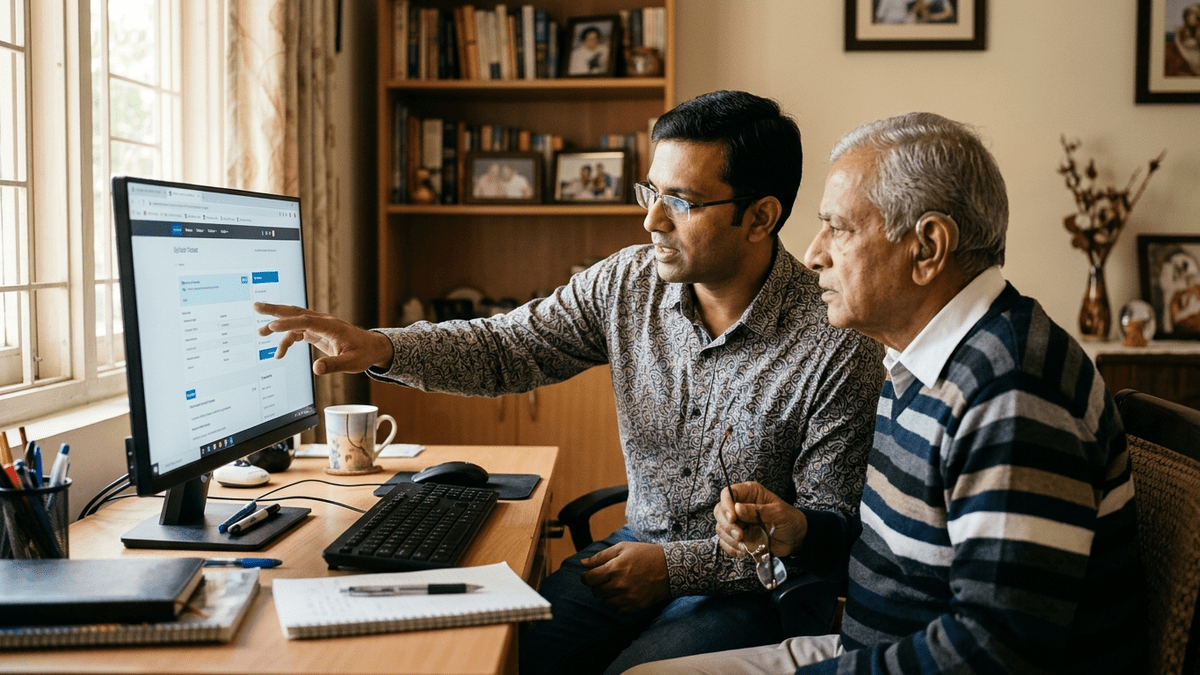
Who can teach senior citizens computers?
You can. If you are a teacher, a homemaker, a retired professional, anyone with patience and basic computer skills, you can run a POD. You do not need fancy qualifications. You need:
- A space, your home, a community centre, anywhere
- APNA PC setups for your students
- Training from TeachToEarn on how to teach seniors
- Patience and warmth
You can charge Rs.500 to 1,000 per month per student. With 8 to 10 students, that is Rs.4,000 to 10,000 monthly. And the satisfaction? Watching a 70-year-old woman video call her grandchild for the first time? That is priceless.
Getting started: Resources that actually help
You do not have to figure this out alone. There are platforms built specifically for this:
- DIKSHA digital learning platform has free resources for digital literacy
- UNESCO global education research provides frameworks for teaching older adults
- TeachToEarn provides training, support, and the APNA PC bundle to get you started
The infrastructure exists. The demand exists. The only thing missing is you.
Ready to start? Get your APNA PC bundle today and begin building your POD. Your community is waiting.