
Why Student Productivity Apps Alone Won’t Improve Grades
Most people don’t realise that downloading ten study apps and expecting results is like buying gym equipment and expecting abs. The apps are tools. Nothing more. But the right tools, combined with discipline and proper guidance, can absolutely change how Indian students study.
Let’s be honest: student productivity apps have exploded in India over the last three years. Every day, a new app promises to revolutionise learning. Yet many students still struggle with focus, retention, and exam performance. Why? Because they’re using the wrong apps, or using the right apps the wrong way.
This post cuts through the noise. We’ll show you which study apps for students actually deliver results, why they work, and how to set them up properly. We’ll also introduce you to APNA PC, the complete learning bundle that makes using these apps genuinely effective.
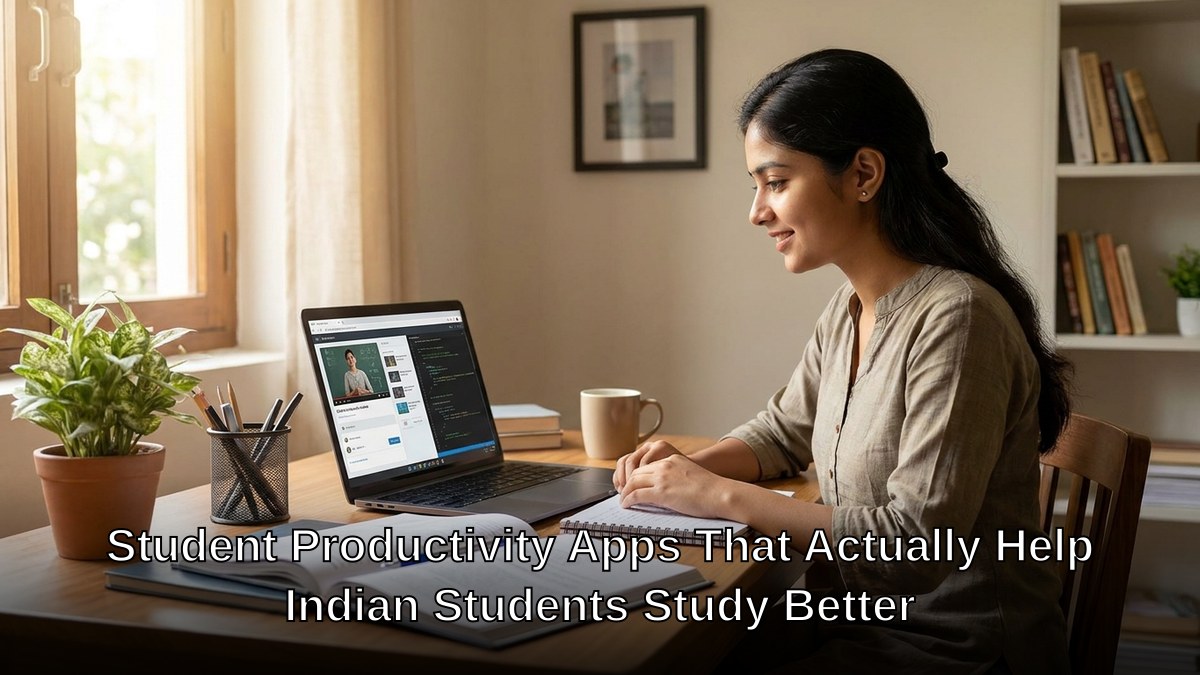
The Problem With Most Student Productivity Apps
Here’s the truth: most study apps are designed to feel productive, not to make you productive. They gamify learning. They send notifications. They track streaks. But they don’t address the real barriers Indian students face: inconsistent internet, poor study spaces, lack of personalised guidance, and the pressure of competitive exams.
A student in rural Maharashtra can’t use an app that requires high-speed internet. A student sharing one family laptop with three siblings can’t focus on deep learning. A student preparing for JEE or board exams needs more than a note-taking app. They need structure, expert guidance, and accountability.
Best Student Productivity Apps Indian Students Actually Need
1. Notion or OneNote for organised notes
Stop using scattered notebooks and loose papers. Notion and OneNote let you organize everything: class notes, formulas, important questions, revision schedules. They’re free. They sync across devices. They work offline. For board exam students especially, having all subjects in one searchable place saves hours during revision.
2. Anki for memory retention
Anki uses spaced repetition. You review flashcards at exactly the moment you’re about to forget them. This isn’t theory. This is backed by cognitive science. Medical students, competitive exam aspirants, and language learners swear by it.
3. Forest or Focus@Will for concentration
These apps block distractions and build focus streaks. Forest gamifies focus time. Focus@Will plays scientifically designed background music. Both work. Pick one and commit to it for 30 days. Check out our guide on proven concentration tips for more strategies.
4. Khan Academy or BYJU’S for concept clarity
Video explanations work. They work especially well for students who learn visually. Khan Academy is free and covers CBSE, ICSE, and competitive exam syllabi. BYJU’S is paid but offers personalised learning paths.
5. Quizlet or our AI quiz creation tools for self-testing
Self-testing is one of the most powerful study techniques. It’s not enough to read. You have to retrieve information from memory. Quizlet makes this easy. Our AI quiz tools let educators create instant assessments, which is why many Points of Digital Learning (POD) use them to track student progress.
Why Hardware Matters More Than Apps
Here’s what most blogs won’t tell you: the best student productivity apps are useless on a slow device with a small screen and no webcam.
Imagine trying to use Notion on a phone with 2GB RAM. Imagine attempting online classes on a borrowed laptop that crashes every 20 minutes. Imagine having no monitor, so you’re hunched over a keyboard trying to read your screen.
This is the reality for millions of Indian students.

The solution isn’t expensive. APNA PC is a complete learning bundle starting at just Rs.30,000. You get a Mini PC with i3 7th Gen processor, 8GB RAM, 128GB SSD, plus a monitor, keyboard, mouse, webcam, and headset. Three-year warranty. Installation included. Pre-loaded with education software.
For a POD (Point of Digital Learning) in your community, APNA PC becomes the infrastructure that makes quality education accessible to 20-30 students who might not have devices at home.
How To Set Up Your Student Productivity Apps (The 4-Week System)
Don’t download five apps and hope for the best. Here’s the system:
- Week 1: Pick ONE note-taking app. Spend a week getting comfortable with it. Organise your current subjects and topics.
- Week 2: Add ONE focus app. Use it for 25-minute study blocks (Pomodoro technique). Track your focus streaks.
- Week 3: Add ONE video learning app. Watch one video per concept. Don’t binge. One concept, one video, move on.
- Week 4: Add ONE testing app. Create quizzes from your notes. Self-test twice a week.
After one month, you have a system. A system that works.
The DIKSHA digital learning platform and resources from the India Ministry of Education also provide free, high-quality content aligned with Indian curricula. Use these alongside the apps above.

The Real Productivity Hack Behind Student Productivity Apps
The real hack isn’t an app. It’s consistency. The student who uses one app consistently for three months beats the student who tries ten apps for one week each.
The real hack is having a proper study space. A desk. A chair. A screen. A device that doesn’t lag. This is why APNA PC exists. It removes the friction. It lets you focus on what matters: learning.
Start small. Pick one app from the list above. Use it for one week. See if it fits your learning style. Then add the next one.
If you’re a parent or educator looking to create a proper learning environment, explore APNA PC. It’s the infrastructure that makes student productivity apps actually productive.