
Your Child Doesn’t Need a Rs.1 Lakh Laptop. Here’s Why.
Most parents believe their child needs an expensive laptop to succeed in studies. They’re wrong. A budget computer setup for Indian students under Rs.35,000 delivers everything required for learning, coding, online classes, and competitive exam preparation. No compromise. No hidden costs.
Let’s be honest: the education tech industry has convinced you that premium = better. It doesn’t. What matters is access to the right tools, reliable performance, and software that actually supports learning. That’s exactly what an affordable computer for students India can provide.
Here’s the truth: most Indian students use their computers for 70% similar tasks. Online classes on Google Meet or DIKSHA digital learning platform. Document writing. Video tutorials. Coding practice. Competitive exam prep. A budget setup handles all of this without breaking your family budget.
What Rs.30,000 Actually Buys You Now
Five years ago, Rs.30,000 got you a basic machine that struggled. Today, that same budget gets you serious specifications. The APNA PC bundle proves this point directly.
- Mini PC with i3 7th Gen processor: Handles multitasking, video editing, programming environments, and simultaneous browser tabs without lag
- 8GB RAM: Enough for online classes, document editing, and coding without system freezing
- 128GB SSD: Fast boot times, quick application loading, and responsive file access. No more watching your computer wake up
- Complete peripherals included: Monitor, keyboard, mouse, webcam, headset. You don’t buy these separately and add Rs.10,000 to your bill
- Education software pre-loaded: Ready-to-use tools for learning, not empty machines that need you to figure out what to install
- 3-year warranty and installation: Professional setup at home. Support when problems happen. No “figure it out yourself” stress
This is a cheap desktop for studying that actually works. Not a toy. Not a compromise. A real machine designed for real learning needs.
Most people don’t realise that processor generation matters less than they think for student work. An i3 7th Gen with 8GB RAM outperforms an older i5 with 4GB RAM every single time. The SSD is the real game changer. It transforms how fast your computer feels.
Where This Setup Wins for Indian Students
Online learning: Google Meet, YouTube tutorials, and DIKSHA platform run smoothly. No dropped calls. No lag during live sessions with your tutor.
Competitive exams: Practice tests on platforms like Unacademy, Byju’s, and government exam sites load instantly. Switching between question papers and reference materials happens without freezing.
Coding and programming: Python, Java, C++ environments install and run without complaints. Your child can actually learn programming instead of waiting for compilation.
Document work: Essays, projects, presentations in Office or Google Docs handle large files and multiple tabs simultaneously.
Content creation: Basic video editing, screen recording, and presentation design work smoothly. Useful for project submissions and online presentations.
A budget computer setup for Indian students under Rs.35,000 isn’t about sacrifice. It’s about smart allocation. You’re paying for performance that matters, not brand names or unnecessary features.
The POD Advantage You Haven’t Considered
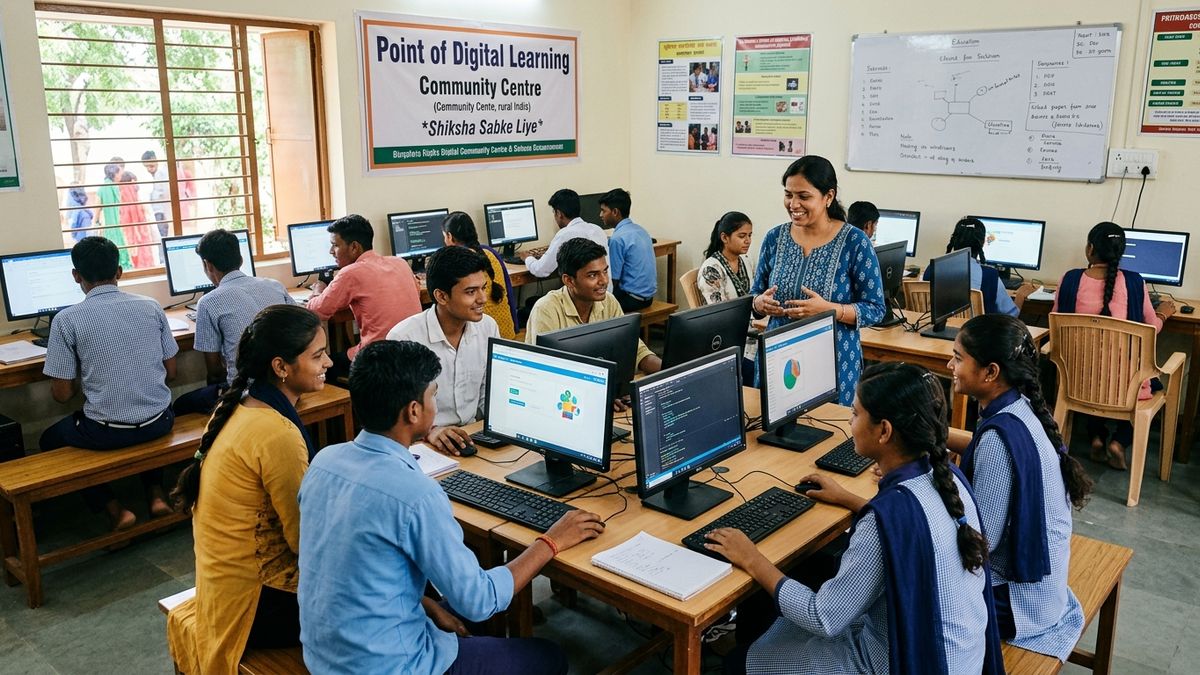
Here’s something most parents miss: your child doesn’t need to own a computer alone. A Point of Digital Learning (POD) is a home or community learning centre run by a trained educator. Multiple students share quality machines.
If you’re a tuition teacher or edupreneur planning to start group classes, this changes everything. You invest Rs.30,000 in one APNA PC setup. Your students get access to proper technology. Your teaching becomes more effective. Your students get better results. Everyone wins.
This is why every tuition teacher needs a computer that’s reliable and affordable. Not just for yourself, but to elevate how you teach.
What About Software and Tools?
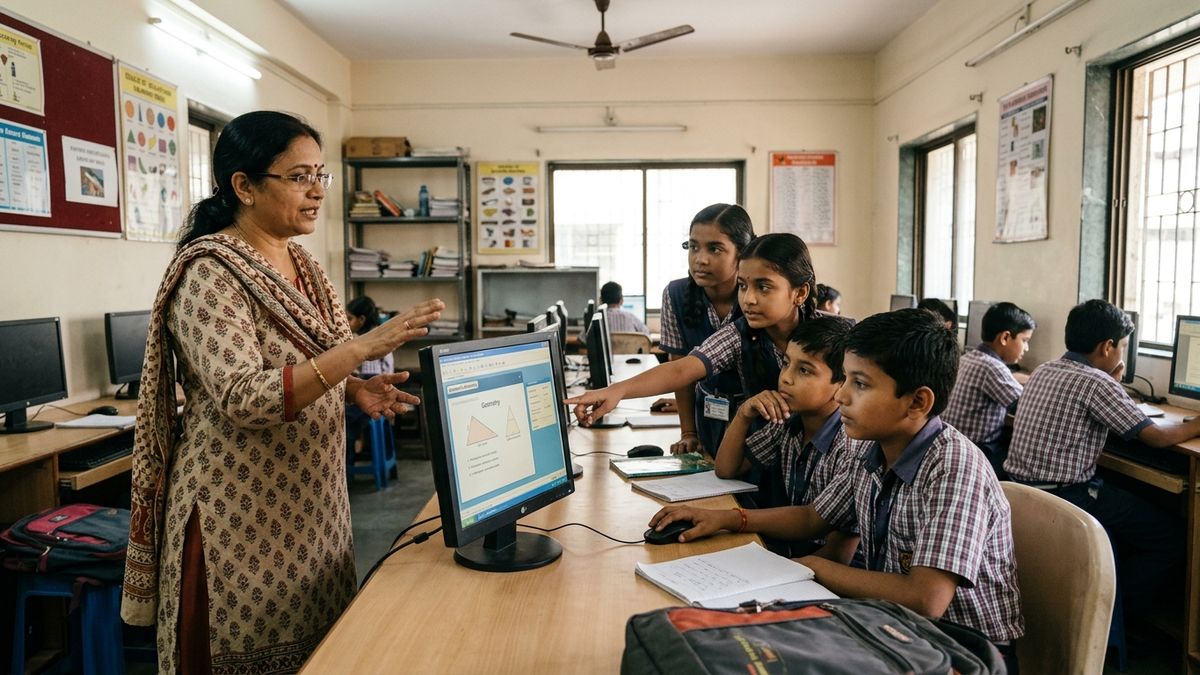
The APNA PC comes with education software pre-loaded. This means your child starts learning immediately. No hunting for free versions. No installation confusion. No malware risks from dodgy download sites.
When you combine this with best AI tools for Indian teachers, the learning experience becomes powerful. Your tutor can use AI-assisted lesson planning. Your child gets personalized practice. The cheap desktop for studying becomes a genuine learning platform.
Digital literacy matters more than hardware specs. A budget machine with proper guidance beats an expensive laptop in untrained hands.
The Real Question: Why Spend More?
Premium laptop brands charge Rs.60,000 to Rs.1,50,000 for machines that do the same work. They have better build quality. Thinner designs. Fancy branding. For a student, these add nothing to academic performance.
A desktop setup beats a laptop for students anyway. Better keyboard for long typing sessions. Larger screen reduces eye strain. Separate peripherals mean you can upgrade individual parts. Better cooling for extended study sessions.
The APNA PC at Rs.30,000 is positioned perfectly. It’s not the cheapest option available. It’s not the most expensive. It’s the smart choice for families that want their child to have access to technology without financial stress.
Your child’s success depends on learning, guidance, and consistent effort. Not on how much you spent on their computer.
If you’re ready to set up a proper learning environment, explore the APNA PC bundle today. It’s designed specifically for Indian students, educators, and learning centres that refuse to compromise between quality and affordability.