Free digital literacy courses with certificates are available across India through government platforms, NGOs and online learning sites. These programmes help you build computer skills, earn a recognised credential and teach others without paying fees. This guide shows you where to find them, what they cover, and how to use them to start teaching digital skills in your community.
Where to Find Free Digital Literacy Courses with Certificates in India
The Indian government and partner organisations offer several free digital literacy programmes. DIKSHA (Digital Infrastructure for Knowledge Sharing) is a national platform that hosts free courses on digital skills, coding and educational content. You can enrol, learn at your own pace and receive a certificate after completing the course.
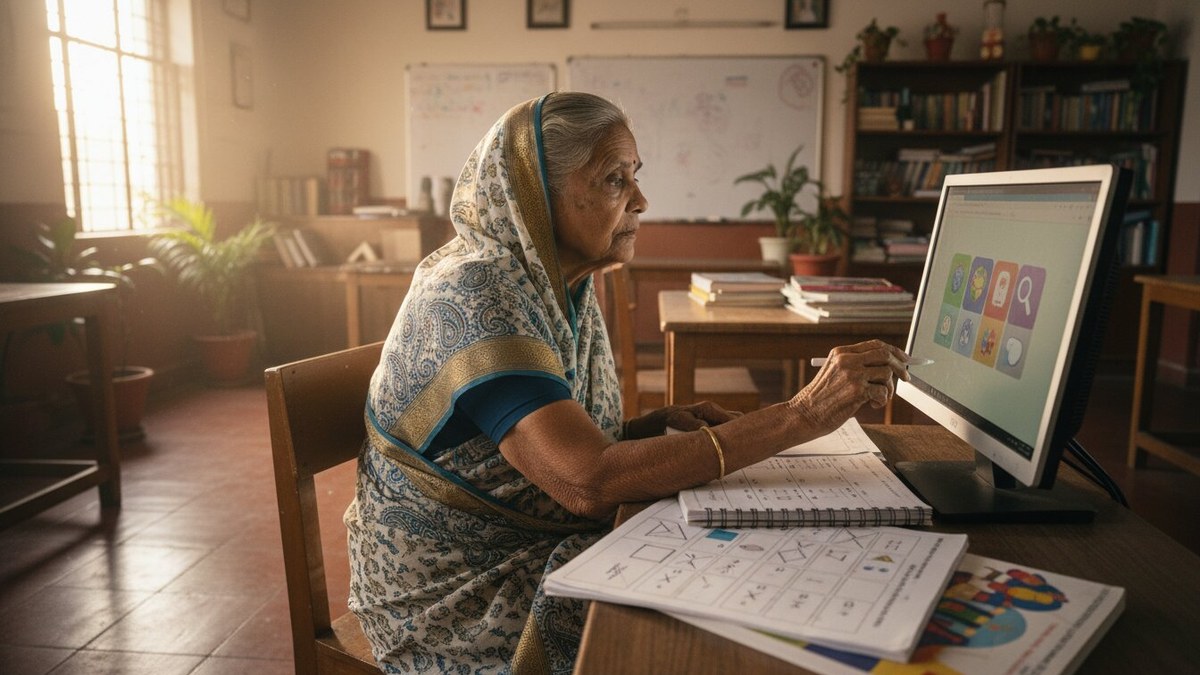
The Ministry of Education website lists approved digital literacy initiatives including state-run schemes. Many states run their own free programmes; search “[your state] free digital literacy course” to find local options. National portals like Swayam, NIOS and IGNOU also offer free or low-cost digital skills courses with certificates.
NGOs and social enterprises often run free digital literacy programmes for homemakers, senior citizens and aspiring educators. Check with local community centres, libraries and women’s groups in your area. Online platforms like Coursera, Udemy and Google Digital Garage offer free courses; some provide free certificates, while others charge a small fee for the official certificate.
What Free Digital Literacy Courses Typically Cover
Most free digital literacy courses teach the basics you need to use a computer confidently and teach others. A typical course includes computer fundamentals (switching on, using a mouse and keyboard), internet basics (browsing, email, online safety), and productivity tools (word processing, spreadsheets and presentations).
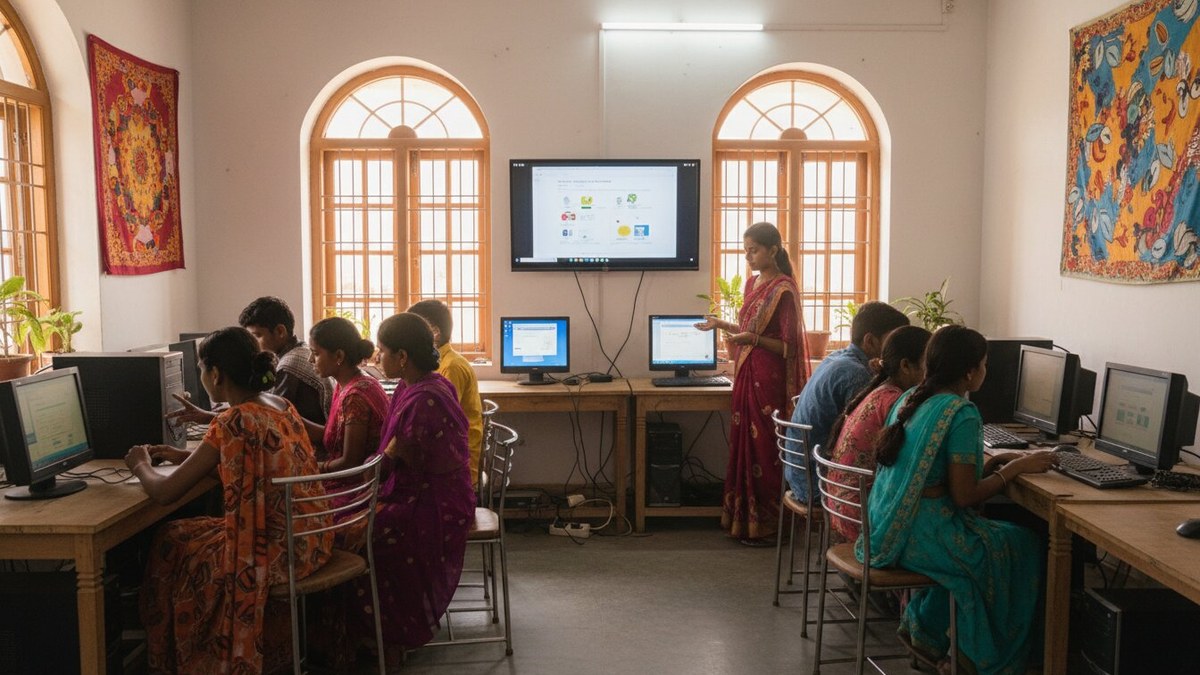
Intermediate courses add skills like creating digital content, using social media responsibly, online banking and cybersecurity. Some programmes include coding basics using Scratch or Python, digital design tools, and how to teach digital skills to children or adults. The depth depends on the course level and duration, which range from 20 hours to 6 months.
How to Choose the Right Free Course for You
Start by deciding your goal: do you want to learn for yourself, teach in a community POD, or both? If you plan to teach, look for courses that include teaching methods and resources, not just technical skills. Check the course duration and schedule; some are self-paced (good if you have irregular time) while others have fixed class times.
Read reviews and check whether the certificate is recognised by employers or educational bodies in your state. Verify that the platform provides ongoing support (email, forums or live sessions) if you get stuck. If you want to teach digital literacy at scale, a certificate alone is not enough; you will also need access to computers, teaching materials and a structured curriculum.
Steps to Enrol in a Free Digital Literacy Course
- Visit the official website of the platform (DIKSHA, Swayam, your state education board or an NGO).
- Create a free account using your email or mobile number and set a password.
- Search for “digital literacy” or “basic computer skills” in the course catalogue.
- Read the course description, duration, prerequisites and certificate details.
- Click “Enrol” and start the course immediately or at a scheduled date.
- Complete the lessons, quizzes and assignments as instructed.
- Submit a final project or exam if required and download your certificate.
- Save your certificate as a PDF and add it to your teaching portfolio.
Free Certificates vs. Paid Certificates: What’s the Difference
Free certificates prove you completed a course and learned the skills listed. They are valuable for your personal growth and for building trust with students. However, some employers or institutions may not recognise them if they are not from a government-approved body or a well-known platform.
Paid certificates (usually Rs. 500 to 2,000) from platforms like Coursera or Udemy come with a formal credential that employers recognise more widely. For teaching digital literacy in a POD or community centre, a free government certificate is often sufficient, especially if you combine it with assessment tools to track student progress and digital worksheets to structure your lessons.
How to Use Your Digital Literacy Certificate to Teach and Earn
Once you have your certificate, you can start teaching digital skills in your home, a community centre or a POD. Begin by identifying your target students: children, homemakers, senior citizens or small business owners. Create a simple curriculum using free resources and your own experience, then advertise your classes through local networks, WhatsApp groups and community notice boards.
Charge a modest fee (Rs. 500 to 2,000 per month depending on your location and student level) and offer flexible timings. Your certificate shows students and parents that you have formal training. Combine it with portfolio assessment ideas to show student progress and inclusive teaching strategies if you have learners with different needs.
To scale your teaching, invest in basic equipment: a computer or laptop, internet connection and a projector or monitor. This lets you teach groups rather than individuals and earn more per hour. Many educators use a mix of free courses, their own skills and affordable tools to build a sustainable income while serving their community.
Common Challenges and How to Overcome Them
Challenge: Poor internet connection. Solution: Download course materials and videos when you have good connectivity, then watch offline. Use mobile data or visit a library or internet cafe if needed.
Challenge: Difficulty keeping up with the pace. Solution: Choose self-paced courses instead of live classes. Study for 30 minutes daily rather than cramming. Join a study group or find a peer mentor for support.
Challenge: Not knowing how to teach what you learn. Solution: Look for courses that include teaching modules or pedagogy. Watch YouTube videos on how to teach digital skills to different age groups. Practice teaching a small group of friends or family first.
Challenge: Limited access to computers for your students. Solution: Partner with a school, library or community centre that has computers. Or invest in an affordable computer bundle like the APNA PC, which costs Rs. 30,000 and comes with pre-loaded teaching software.
Frequently Asked Questions
Are free digital literacy certificates valid for teaching jobs?
Free certificates from government platforms like DIKSHA are valid for community teaching and may help you get hired by NGOs or social enterprises. For formal school jobs, employers often ask for a bachelor’s degree plus a teaching qualification. Use your free certificate as one credential among others, such as experience and student outcomes.
How long does a free digital literacy course take?
Most free courses take 20 to 60 hours, or 4 to 12 weeks if you study 5 hours per week. Some are shorter (2 weeks) and focus on basics only, while others are longer (6 months) and include advanced topics. Self-paced courses let you finish faster or slower depending on your schedule.
Can I teach digital literacy without a certificate?
Yes, you can teach without a formal certificate if you have real skills and experience. However, a certificate builds credibility with students and parents, helps you charge higher fees and makes it easier to partner with schools or NGOs. It also gives you a structured learning path and recognised credential.
Which free platform is best for learning to teach, not just learning?
DIKSHA and NIOS include teaching resources and pedagogy modules. Google Digital Garage and Microsoft Learn also offer teaching tips. For the most practical approach, combine a free course with a community of practice, like a POD network, where you can learn from other educators.
What should I do after I get my certificate?
Build a portfolio of your learning outcomes, create simple teaching materials, and start with a small group of students. Track their progress using assessments and feedback. As you gain experience and income, invest in better equipment and expand to more students or advanced topics.