AI teaching tools help educators personalise learning, save time on grading, and keep students engaged, without replacing the teacher’s role. For Indian educators running home-based PODs or tuition centres, AI tools make it easier to teach larger groups, track progress, and create content that fits each student’s pace. This guide shows you which tools work best, how to use them, and what to watch for when bringing AI into your classroom.
What are AI teaching tools for students?
AI teaching tools are software or platforms that use artificial intelligence to help educators teach and students learn. They automate tasks like marking, personalise lesson content, suggest resources, and give real-time feedback to learners. Unlike a tutor, AI tools don’t replace you; they handle the repetitive work so you can focus on explaining, motivating, and solving problems that need human judgment.
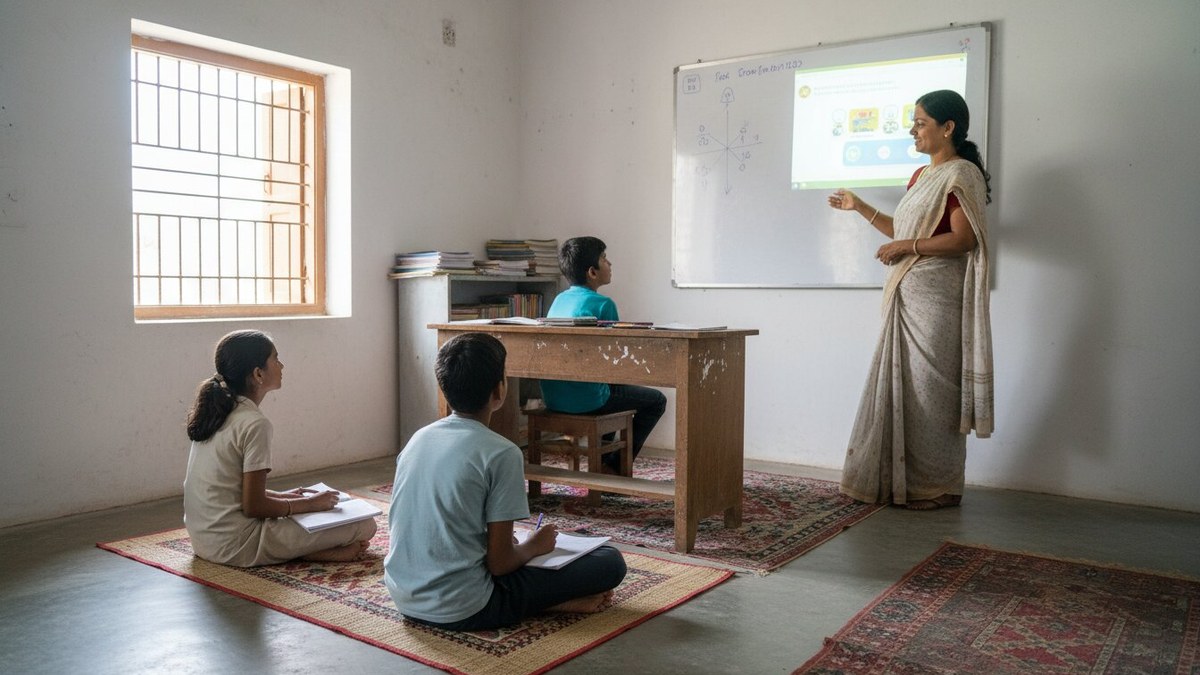
In India, where many educators run PODs or teach from home with mixed-ability groups, AI tools are especially useful. They let you teach more students with the attention usually given to fewer, because the AI handles initial marking, practice questions, and progress tracking. 21st-century skills like problem-solving and creativity still come from your teaching; AI just gives you more time for that work.
Which AI teaching tools work best for Indian educators?
Here are practical, affordable tools that work well in Indian PODs and home classrooms:
- ChatGPT / Claude: Write lesson plans, create quiz questions, explain difficult concepts, and draft worksheets in seconds. Free versions exist; paid plans are available. Use it to save hours on content creation.
- Kahoot: Turn any topic into a live quiz game. Students answer on their phones; you see results instantly. Kahoot makes learning interactive and fun, and the free version works for most PODs.
- Canva: Design colourful worksheets, posters, and slides without graphic design skills. Free version is enough for most teaching and takes minutes to create a professional-looking worksheet.
- Google Classroom + Google Forms: Assign work, collect submissions, and auto-mark multiple-choice tests. Free, works on any device, and most Indian students already use Gmail.
- Grammarly: Check student writing for grammar and clarity. Free version helps; paid version gives deeper feedback. Useful for English and Hindi writing classes.
- Scratch: Teach coding and logic through visual blocks, not text. Free, fun, and comes pre-loaded on the APNA PC bundle, so you don’t need an internet connection to teach it.
How can you create lesson content faster with AI?
The fastest way to use AI in your POD is to create worksheets and lesson plans. Creating digital worksheets with AI cuts your prep time significantly and lets you tailor difficulty to each student’s level.
Here’s a simple workflow:
- Decide the topic and learning goal (e.g., “fractions for Class 5, medium difficulty”).
- Open ChatGPT or Claude and type: “Create 10 practice questions on fractions for Class 5 students. Include 2 easy, 5 medium, 3 hard. Add answers.”
- Copy the questions into Canva or Google Docs and format them with images or colour.
- Print or share digitally with students.
- Use Google Forms to collect answers and auto-mark them.
This takes a fraction of the time that manual content creation requires. The AI doesn’t teach; you do. It handles the grunt work so you teach better lessons more often.
How do you track student progress with AI tools?
Knowing which students are struggling helps you teach better. AI-powered tracking tools show you patterns you’d miss in a notebook.
Google Classroom logs every submission and grade automatically. You can see at a glance which students haven’t turned in work, who got a question wrong, and who’s improving. For students with learning differences like dyslexia, AI tools can flag patterns in their mistakes and suggest teaching adjustments.
Platforms like Eklavya AI (built for Indian schools) use AI to predict which students might fall behind and suggest interventions. If your POD uses a computer, you can log student progress and get weekly reports without manual data entry.
Can AI tools personalise learning for each student?
One of AI’s biggest strengths is adapting to each student’s pace. Instead of teaching the whole class at one speed, AI tools let faster learners move ahead and give slower learners extra practice on weak areas.
Platforms like Khan Academy use AI to suggest the next lesson based on what a student got right or wrong. A Class 8 student might skip ahead to algebra if they’ve mastered fractions, while another practices fractions longer. You set the overall plan; AI handles the routing.
This is especially powerful in a POD where you teach mixed ages or abilities. You can assign the same topic but let AI adjust the difficulty and pacing for each student, so you’re not writing multiple different lesson plans.
What hardware do you need to use AI teaching tools in a POD?
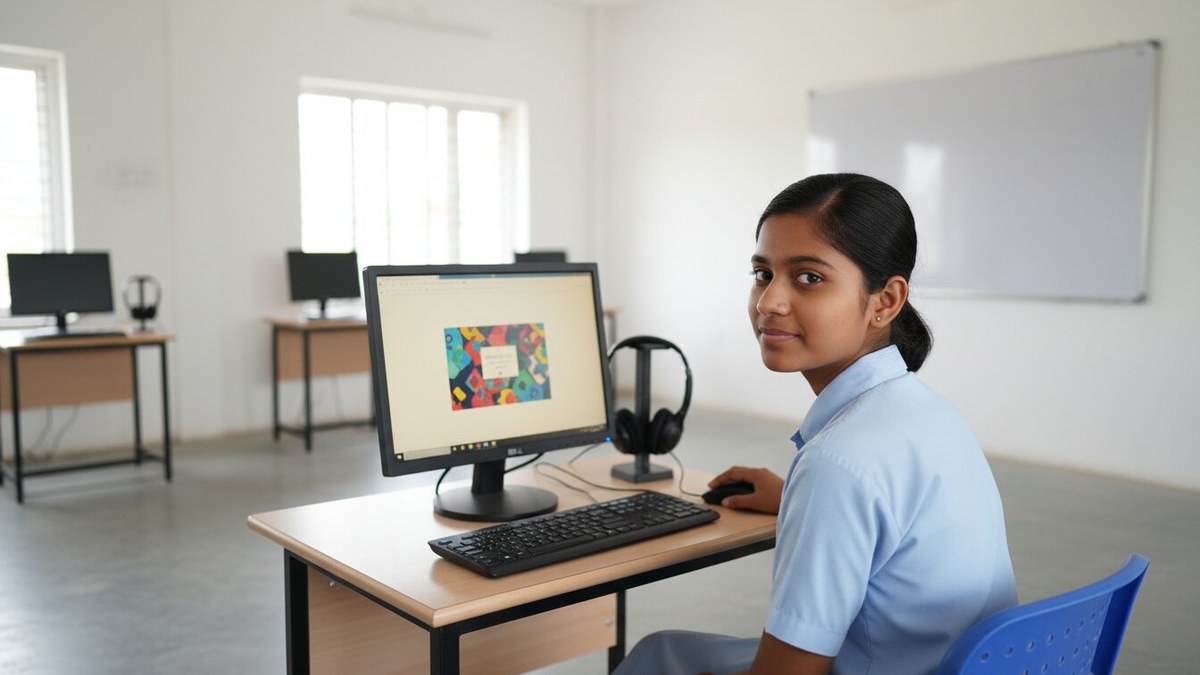
Most AI teaching tools work on any device with internet. But if your POD doesn’t have reliable WiFi or a computer, you’ll struggle. That’s where the APNA PC bundle helps. It’s a complete mini-PC setup with monitor, keyboard, mouse, webcam, and headset, designed for educators in India. It comes with Scratch, LibreOffice, and other education software pre-loaded, plus a warranty and installation support.
The APNA PC runs Zorin OS or Windows, so you can use any AI tool. No internet? Scratch, LibreOffice, and Audacity work offline. Need to go online? The PC handles video calls, Google Classroom, and AI platforms smoothly. Over 50 PODs across 21 Indian states already use APNA PC to teach coding, design, and digital skills. More than 30,000 hours of learning have been delivered through PODs using this hardware.
Even without a PC, you can start with free tools on your smartphone: ChatGPT app, Canva, Google Classroom. But a computer lets you teach faster and reach more students.
What mistakes should you avoid when using AI teaching tools?
Don’t let AI replace your teaching. Students still need a human to motivate them, answer “why” questions, and adapt when something isn’t working. AI is a helper, not a substitute.
Don’t assume every student has internet or a device. Many Indian homes share one phone for the family. Design your lessons so they work offline or on paper too. Kahoot is fun, but not every student can join live if they don’t have a smartphone.
Don’t use AI-generated content without checking it. ChatGPT sometimes makes mistakes, especially on Indian topics or local context. Always read the worksheet before you give it to students.
Don’t ignore data privacy. If you use cloud tools like Google Classroom, check the school’s or POD’s policy on student data. UNESCO guidance on education technology emphasises protecting student information.
How do AI tools help you save time and grow your POD?
An educator who uses AI tools can teach more students without working longer hours. You spend less time on marking, less time on admin, and more time on actual teaching. Over time, that time saving lets you improve lessons, help struggling students, or earn more by taking on another group.
Most AI tools are free or cost very little. A single Kahoot quiz saves you time on manual marking. A ChatGPT prompt saves you hours of worksheet writing. The maths is simple: small or no investment, big time saving.
For PODs in rural or semi-urban India, AI tools level the playing field. You don’t need a team of assistants or fancy software, just a computer and internet. India’s Ministry of Education has also pushed for digital tools in learning, so using AI now prepares your students for the future. Apni Pathshala supports educators across India in adopting these tools through training and community networks.
Frequently Asked Questions
Do I need internet to use AI teaching tools?
Most AI tools need internet (ChatGPT, Google Classroom, Kahoot). But some work offline: Scratch, LibreOffice, Audacity all come on the APNA PC and don’t need WiFi. Design your lessons to work both ways, offline worksheets plus online tools, so you’re not stuck if internet fails.
Will AI tools take my job as a teacher?
No. AI handles marking, grading, and content creation. You handle motivation, explanation, and problem-solving, the human parts of teaching. In fact, AI tools let you teach more students and earn more, not less. Educators who use AI well are more valuable, not less.
Which AI tool should I start with?
Start with Google Classroom if you want to manage assignments, or ChatGPT if you want to save time on content. Both are free, easy to learn, and work on any device. Once you’re comfortable, add Kahoot or Canva for fun and engagement.
How much do AI teaching tools cost?
Most tools have free versions: ChatGPT (free tier), Google Classroom (free), Kahoot (free), Canva (free). Paid versions are available if you want more features. Check the current pricing on each platform’s website to see what fits your budget.
Can I use AI tools in a POD with no internet?
Yes, if you have a computer like the APNA PC. Offline tools (Scratch, LibreOffice, Audacity) let you teach coding, writing, and design without internet. For online tools, you’ll need WiFi or mobile data. Many PODs use a mix: offline lessons on days when internet is slow, online tools when it’s fast.
Ready to teach smarter and reach more students? Explore the APNA PC bundle and see how other educators are using AI tools to grow their PODs and earn better income.