
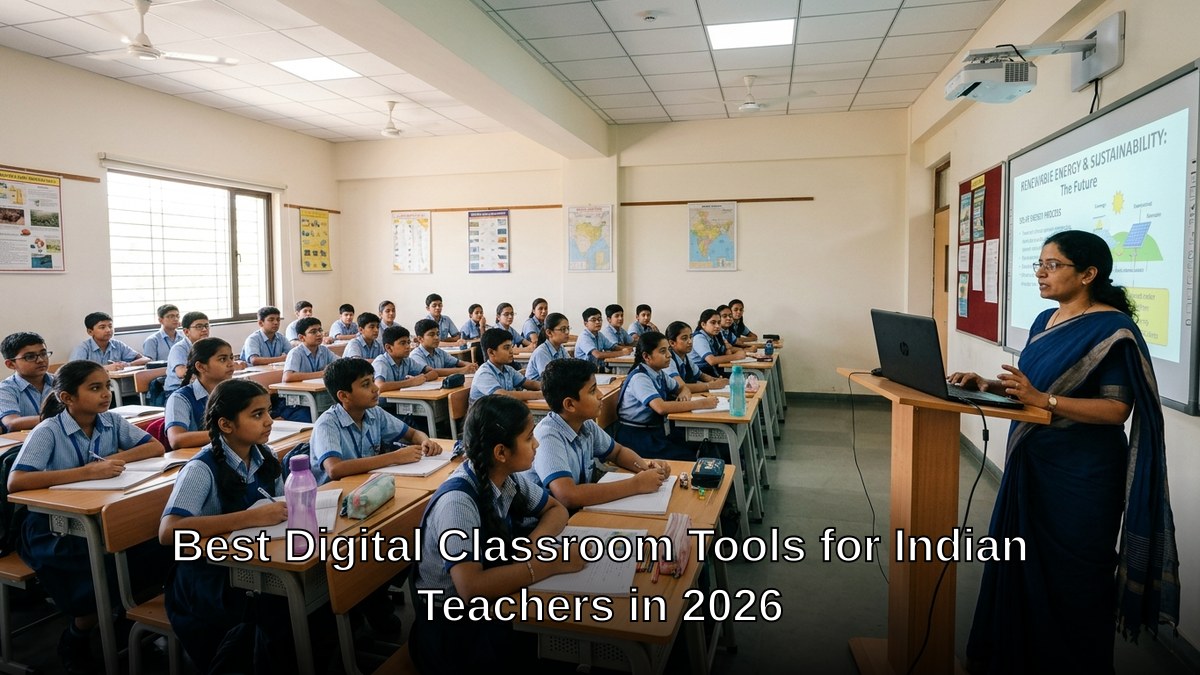
Your students are watching YouTube tutorials instead of attending your classes. Here is the truth: you’re losing them because your classroom doesn’t feel like the future.
Indian tuition teachers and coaching class owners face a brutal reality in 2026. Students have options. They have smartphones. They have access to global content. What they don’t have is a reason to sit in your class if it looks and feels like 2015.
Digital classroom tools aren’t luxuries anymore. They’re survival tools. The best digital classroom tools for Indian teachers combine simplicity, reliability, and real teaching power. Not complicated software that takes three months to learn. Not cloud-based systems that crash when your internet hiccups. Tools that work.
Key Takeaways
- The best digital classroom tools for Indian teachers combine simple, reliable software with hardware that keeps working when the internet is patchy.
- Core tools are a presentation or whiteboard app, a class management platform, video for live or recorded lessons, and a quiz or test tool.
- The real barrier is usually hardware, not knowledge; a steady PC, a screen or projector and offline capable software make the difference.
- A proper classroom computer beats a phone for real teaching work like preparing notes, running tests and displaying lessons.
- Choose tools that take days, not months, to learn, and that do not collapse when your connection drops.
Why Most Teachers Still Teach Like It’s 2010
Most people don’t realise that 60% of Indian coaching classes still rely on blackboards and printed notes. Not because these methods don’t work. They do. But because teachers haven’t seen what’s possible with the right online teaching software and classroom technology.
The barrier isn’t knowledge. It’s hardware. A quality setup costs money. A laptop, a projector, a reliable PC, software licenses, installation support. Teachers end up choosing between upgrading their classroom or paying rent.
This is where assumptions break down. You don’t need to choose.
Let’s be honest: you need three things to transform your classroom in 2026.
- A reliable machine that runs education software without lag
- Software designed for teaching, not just video conferencing
- Support that actually helps when things break
APNA PC delivers all three. Rs.30,000 complete bundle. Mini PC with i3 7th Gen processor, 8GB RAM, 128GB SSD. Monitor, keyboard, mouse, webcam, headset included. Education software pre-installed. 3-year warranty. Professional installation. This isn’t a compromise. This is a complete classroom upgrade.
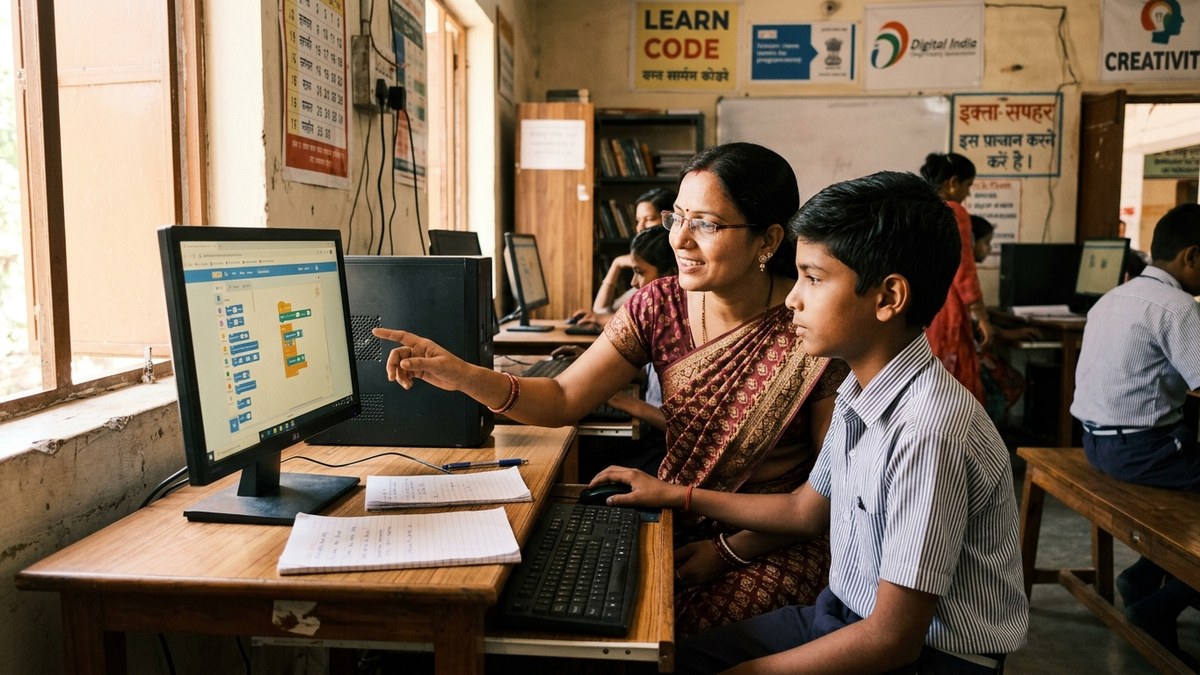
The Best Digital Classroom Tools Work Offline Too
Here is the truth: internet reliability in India is improving, but it’s still not 100% predictable. Your digital classroom tools must work whether your connection is strong or weak.
The best online teaching software for Indian classrooms handles this reality. It lets you download content, prepare lessons offline, and sync when connection returns. It doesn’t assume you have fibre everywhere.
APNA PC comes with education software that understands Indian teaching environments. It’s not built for Silicon Valley classrooms. It’s built for Points of Digital Learning (PODs) in homes, community centres, and small coaching classes across India.
What does this mean practically?
- Lesson materials load instantly from local storage
- Screen sharing works smoothly even on 4G
- Student progress syncs automatically when online
- No monthly subscription fees that drain your budget
Compare this to cloud-only solutions that require constant internet and monthly payments. APNA PC is different. You own it. You control it. It works for you, not against you.
Classroom Technology That Students Actually Want to Use
Most people don’t realise that students aren’t rejecting traditional teaching. They’re rejecting boring teaching. Digital classroom tools done right make lessons engaging, interactive, and memorable.
Think about what your students do outside class. They watch videos. They collaborate on group projects. They get instant feedback. They see visual explanations, not just text.
Your classroom should feel like that too.
The best digital classroom tools let you:
- Display content on a large screen so everyone sees clearly
- Record lessons for students who miss class or need revision
- Use interactive whiteboard features to show step-by-step solutions
- Track which students are struggling and intervene early
- Create quizzes and assessments that give instant results
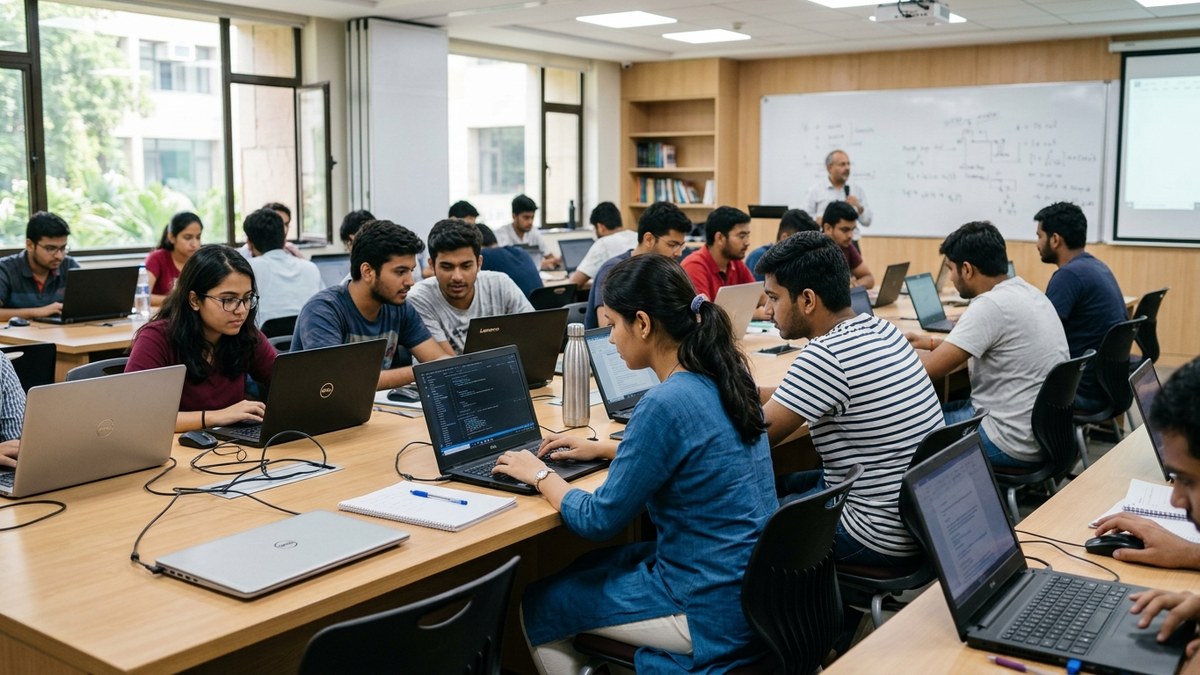
When your classroom has this capability, students stop asking “Why do I need to come here?” They start asking “When is the next class?”
The Real Cost of Not Upgrading Your Classroom
Let’s be honest: staying stuck with old methods costs you money. Not in obvious ways. In hidden ways.
Students leave because your competitor’s classroom looks more modern. Parents choose online platforms because your coaching class doesn’t feel current. Your best students get bored and stop attending. You spend hours manually tracking progress instead of focusing on teaching.
The Digital India initiative and Digital India portal show government commitment to technology in education. But commitment at the policy level doesn’t help if your classroom still looks like 1995.
APNA PC changes this equation. Rs.30,000 isn’t a big investment for what you get. It’s not even expensive when you calculate the student retention it creates. One extra student per month covers the cost. Two extra students and you’re ahead.
You can also explore AI tools for teachers to enhance your digital classroom further. Automation handles grading and personalized feedback while you focus on teaching.
Start Your Digital Classroom Today
Here is the truth: the best time to upgrade your classroom was two years ago. The second best time is today.
You don’t need to be tech-savvy. You don’t need to understand networking or software architecture. You just need to decide that your students deserve a modern learning environment.
APNA PC makes this decision simple. Everything is included. Everything is set up. Everything is supported.
If you’re ready to start a coaching class with modern tools, or upgrade your existing classroom, APNA PC is your answer. Your students are waiting for a classroom that feels like 2026, not 2010.
Explore APNA PC and transform your classroom today.
Frequently Asked Questions About Digital classroom tools for Indian teachers
What digital classroom tools do Indian teachers actually need?
A short list works: one tool to present lessons, one to manage classes and assignments, one for video lessons, and one for quizzes and tests. Free options such as Google Classroom, Google Forms and a basic whiteboard app cover most needs.
Do digital classroom tools need fast internet?
The best ones work even on patchy connections. Choose software that lets you download lessons and assignments, prepare material offline, and sync later. Recorded video and offline forms help students in areas with weak signal.
Can I run a digital classroom with just a phone?
A phone is limited for teaching work. Preparing lessons, question papers and reports, and displaying content to a class, all need a computer with a keyboard and a screen or projector. A phone can be a backup, not the main device.
How much does it cost to set up a digital classroom in India?
Software can be mostly free. The main cost is hardware: a reliable PC, a monitor or projector, a webcam and a headset. Bundles built for teaching start around Rs 30,000, which is cheaper than replacing failed second hand parts repeatedly.
How long does it take to learn these tools?
Pick tools that take days, not months. Google Classroom, Forms and a whiteboard app can be learned in a week of regular use. Start with one, use it with a real batch, then add the next tool once it feels routine.
DIKSHA, the Ministry of Education’s national platform, provides NCERT-aligned digital content and tools that Indian teachers can use for free.