
Your Child’s Online Life Is Being Watched. Not Just By You.
Last month, a 14-year-old from Bangalore lost Rs.50,000 from his parents’ account after clicking a “free gaming currency” link. He wasn’t careless. He was curious. And curiosity without cyber safety tips for students is exactly what predators count on.
Indian students spend an average of 6-8 hours online daily. Schools push digital learning. Parents encourage “tech skills.” But almost nobody teaches them how to stay safe while doing it. This gap between access and awareness is dangerous.
You’re a parent, teacher, or running a Point of Digital Learning center. You know education is shifting online. What you might not know is that cyber threats targeting Indian students have increased by 340% since 2023. Not because students are doing anything wrong. Because the internet doesn’t care about age or innocence.
This post gives you concrete cyber safety tips for students that actually work. Not theoretical nonsense. Real strategies you can teach today.
The Real Threats Indian Students Face Right Now
Before we talk solutions, let’s be honest about what’s happening.
- Phishing attacks targeting school email addresses. Attackers impersonate teachers or school admins asking for login credentials or personal information.
- Social engineering on WhatsApp and Instagram. Fake accounts posing as classmates or celebrities to extract money or inappropriate content.
- Malware hidden in “study materials.” Downloaded PDFs or software that steal data or compromise devices.
- Online predators in gaming and educational platforms. Building trust before exploiting it.
- Data harvesting through free apps. Many “educational” apps collect student location, contacts, and browsing history without consent.
These aren’t hypothetical. They’re happening in Delhi, Mumbai, Chennai, and smaller towns right now. Your students are vulnerable because they trust easily and think “it won’t happen to me.”
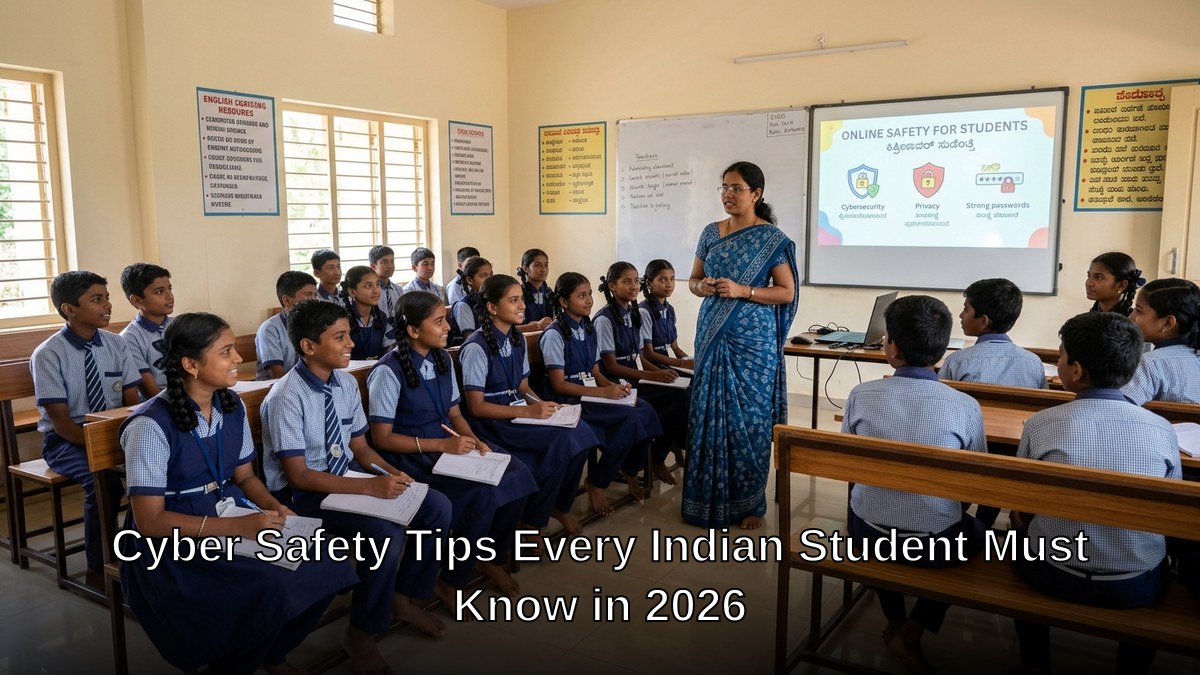
7 Cyber Safety Tips for Students That Actually Stick
1. The Password Rule That Stops 80% of Breaches
Stop telling students “use strong passwords.” They ignore it. Instead, teach them this: Never use the same password twice. Ever. Create a unique password for every platform. Write them down in a physical notebook at home, not in a notes app. This single habit blocks most account takeovers.
2. Two-Factor Authentication Is Not Optional
Enable it on email, social media, and learning platforms immediately. Not “when they’re older.” Now. Yes, it takes 10 extra seconds. That’s the point. It stops attackers even if they steal the password.
3. The Link Rule: Hover Before You Click
Train students to hover over every link before clicking. See where it actually goes. If a link from “Amazon” goes to “amaz0n-secure.ru,” it’s fake. This single skill catches 90% of phishing attempts.
4. Personal Information Is Currency
Your phone number, address, school name, mother’s maiden name. These aren’t just details. They’re keys to identity theft and social engineering. Teach students: Never share personal details online unless they initiated contact AND verified it’s legitimate. Not the other way around.
5. Screenshots Are Evidence, Not Privacy
Students think deleting a message is the same as deleting it forever. It’s not. Anyone can screenshot anything. Teach them: If you wouldn’t say it in front of your parents and principal, don’t type it online. Period.
6. Public WiFi Is A Trap
Coffee shop WiFi, mall WiFi, even school WiFi. All dangerous for sensitive activities. Never access bank accounts, email, or personal accounts on public networks. If they must use public WiFi for studying, stick to reading-only content.
7. Report First, Shame Later
Students don’t report cyberbullying or suspicious contacts because they’re embarrassed. Create a safe reporting system. Tell them: Reporting is brave. Staying silent is dangerous. Make reporting easier than staying quiet.
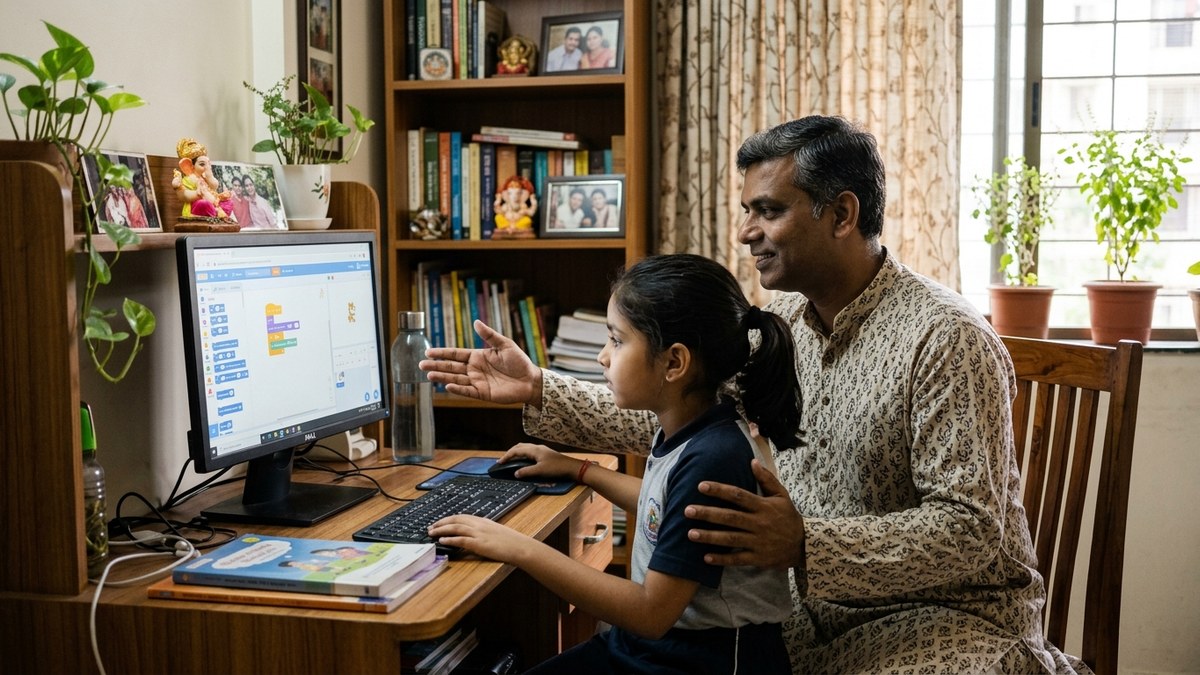
What Teachers and Learning Pod Educators Must Do
You can’t rely on parents alone. Schools can’t rely on one “computer class.” Online safety for Indian students needs to be embedded into every subject, every interaction.
Start with a 30-minute cyber safety session every month. Not a boring lecture. Real scenarios. Ask: “What would you do if a classmate’s Instagram account asked you for your password?” Let them discuss. Let them make mistakes in a safe space.
Use real case studies from India. Students care more about what happened to someone in their city than generic global examples. Check India Ministry of Education guidelines for official resources you can reference.
For those running Points of Digital Learning, this is your differentiator. Parents want their kids to learn coding, English, math. But they’ll trust you MORE if you teach them how to do it safely. Make cyber safety a core part of your curriculum.
Learn more about digital literacy skills every student needs to complement your safety training.
The Technology That Supports Safety
Good teaching beats fancy software. Always. But the right setup matters.
If you’re running a learning center or teaching from home, you need reliable hardware that doesn’t compromise security. A cheap, infected computer teaches nothing. You need something solid.
APNA PC is designed exactly for this. Rs.30,000 complete bundle with education software, 3-year warranty, Mini PC with i3 7th Gen processor, 8GB RAM, 128GB SSD, monitor, keyboard, mouse, webcam, and headset. Everything installed and ready. No setup headaches.
Why does this matter for cyber safety? Because students learn best when the technology doesn’t fail them. When the video doesn’t lag. When the platform loads instantly. When they can focus on learning, not troubleshooting.
A reliable setup also means you can teach safely. You can demonstrate phishing websites, show malware examples, test security features. All without risking your main system.

Start Today. Not Tomorrow.
Cyber threats don’t wait for you to get comfortable. Every day a student goes online without safety knowledge is a day they’re vulnerable.
If you’re a teacher: Dedicate your next class to one cyber safety tip. Make it interactive. Get feedback.
If you’re a parent: Have one conversation with your child this week about passwords and personal information. That’s it. Start small.
If you’re running a learning pod: Make cyber safety a permanent part of your program. It’s not a feature. It’s a responsibility.
Learn about free AI tools students can use safely to enhance their learning without exposing themselves to risk.
Want to build a complete learning center that prioritizes both education and safety? Start your Point of Digital Learning today and get access to resources, training, and community support designed for Indian educators.
Your students’ safety online isn’t someone else’s job. It’s yours.