
The Expensive Equipment Myth That Is Keeping You Broke
You do not need a Rs.2 lakh laptop to teach online. You do not need a studio setup. You do not need ring lights and professional microphones. Yet most tuition teachers believe this lie, and it costs them thousands in wasted money before they even start their first class.
Here is the truth: the best online tuition cheap computer setup is one that works reliably and lets your students focus on learning, not on your fancy background. Most people do not realise that a modest, functional computer is actually better for teaching than an expensive one. It keeps you grounded. It keeps your students comfortable. And it lets you invest money where it actually matters: in your teaching quality and curriculum.
If you are a tuition teacher or small coaching class owner in India thinking about moving online, this post will show you exactly how to set up a digital classroom without breaking the bank. You will learn what equipment you actually need, what you can skip, and how to choose the right tuition teacher setup that works for your budget and your students.
Key Takeaways
- An online tuition setup without expensive equipment only needs four things: a stable computer, internet of at least 5 Mbps, a webcam and mic, and basic screen-sharing software.
- A gaming graphics card, 16GB RAM, or a costly SSD are not required to teach online, a basic computer from five years ago can handle the job.
- Buying an expensive laptop often means paying for power you never use while still needing separate software, warranty, and support costs.
- Hidden costs like software licenses, installation, and repairs matter more than the sticker price of the computer itself.
- A dependable shared home computer, not a phone, keeps screen sharing, whiteboard work, and document display stable during a live class.
What You Actually Need for Online Tuition
Let us be honest: most tuition teachers overthink the equipment question. They imagine they need a computer like a software engineer or a video producer. Wrong. Your job is to teach, not to create Netflix content.
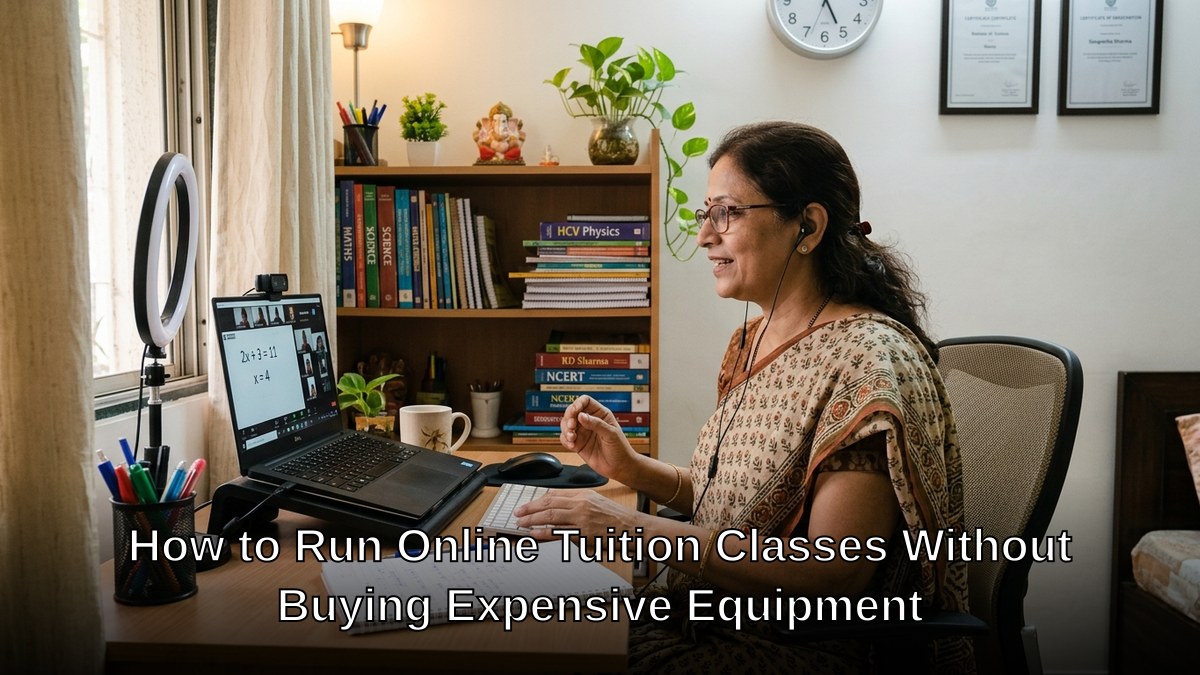
For online tutoring, you need exactly four things:
- A computer that runs video conferencing software without freezing
- A stable internet connection (at least 5 Mbps)
- A webcam and microphone so students can see and hear you
- Basic software for screen sharing, whiteboard work, or document display
That is it. No gaming graphics card. No 16GB RAM. No SSD that costs Rs.15,000. A basic computer from five years ago will do the job better than you think.
The problem is finding a tuition teacher setup that gives you all four of these things without the price tag that makes you wince. Most laptops start at Rs.40,000 and go up from there. Most desktop computers require you to buy parts separately. Most “education bundles” are just marketing nonsense with inflated prices.
The Real Cost of Starting an Online Tuition Class
Most people do not realise that the equipment is only part of the story. When you set up a digital classroom India style, you are also paying for:
- Installation and setup (if you do not know how to do it yourself)
- Education software licenses (which can cost Rs.5,000 to Rs.20,000 per year)
- Technical support when something breaks
- Warranty and repairs (computers fail, especially in Indian heat and dust)
- Replacement parts like webcams or headsets
When you add all of this up, an expensive laptop suddenly looks like a bad investment. You are paying for power you do not need, and you are paying separately for everything else.
Here is what you should be looking for instead: a complete bundle that includes the computer, the software, the warranty, the installation, and the support. All for one price. All built for teachers.
How to Choose the Right Equipment for Your Budget
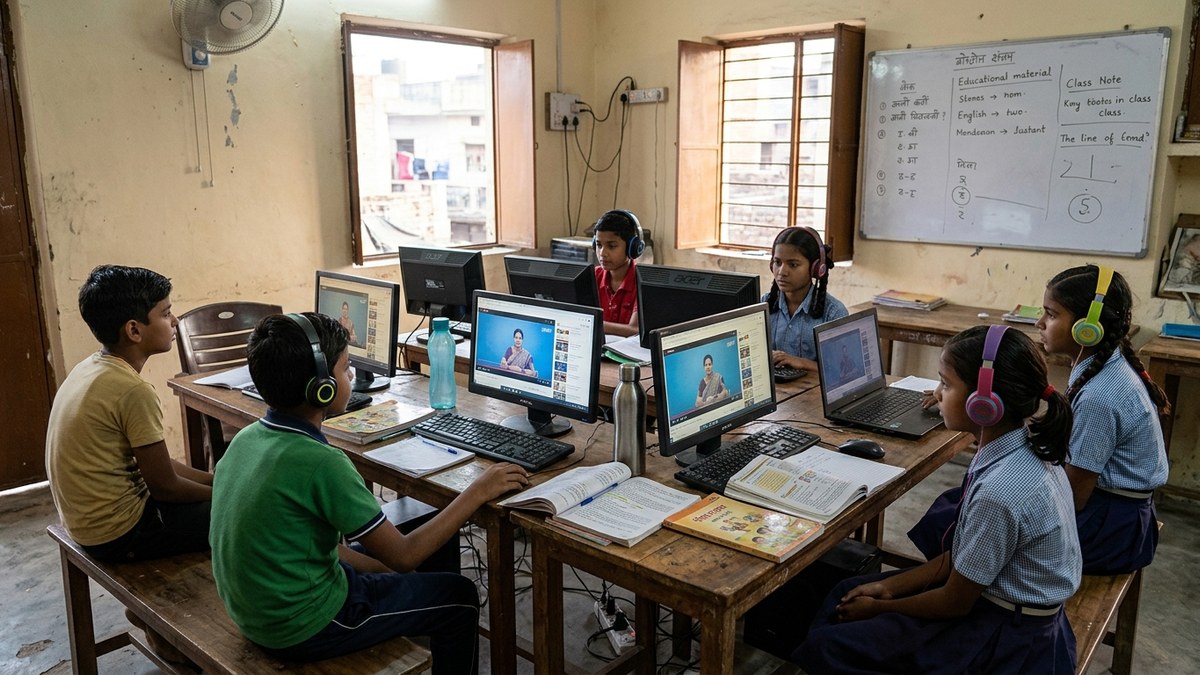
If you are starting a POD (Point of Digital Learning) in your home or community centre, your equipment choice will shape your entire operation. Choose wrong, and you will be replacing parts every year. Choose right, and you will have a stable system that lasts.
Start by asking yourself these questions:
- How many students will I teach at the same time? (This tells you if you need a powerful processor)
- Will I record my classes? (This tells you if you need storage space)
- What software will I use? (This tells you the minimum RAM and processor you need)
- How long do I want this computer to last? (This tells you if warranty matters)
For most tuition teachers, the answer is: I will teach 5-15 students, I might record occasionally, I will use Zoom or Google Meet plus some educational software, and I want this to last at least 3 years without problems.
That profile does not need a Rs.1 lakh computer. It needs a smart computer. A focused computer. A computer built for exactly this job.
The Bundle That Actually Makes Sense
We built APNA PC specifically for teachers like you. Not for gamers. Not for programmers. For teachers who need online tuition cheap computer solutions that actually work.
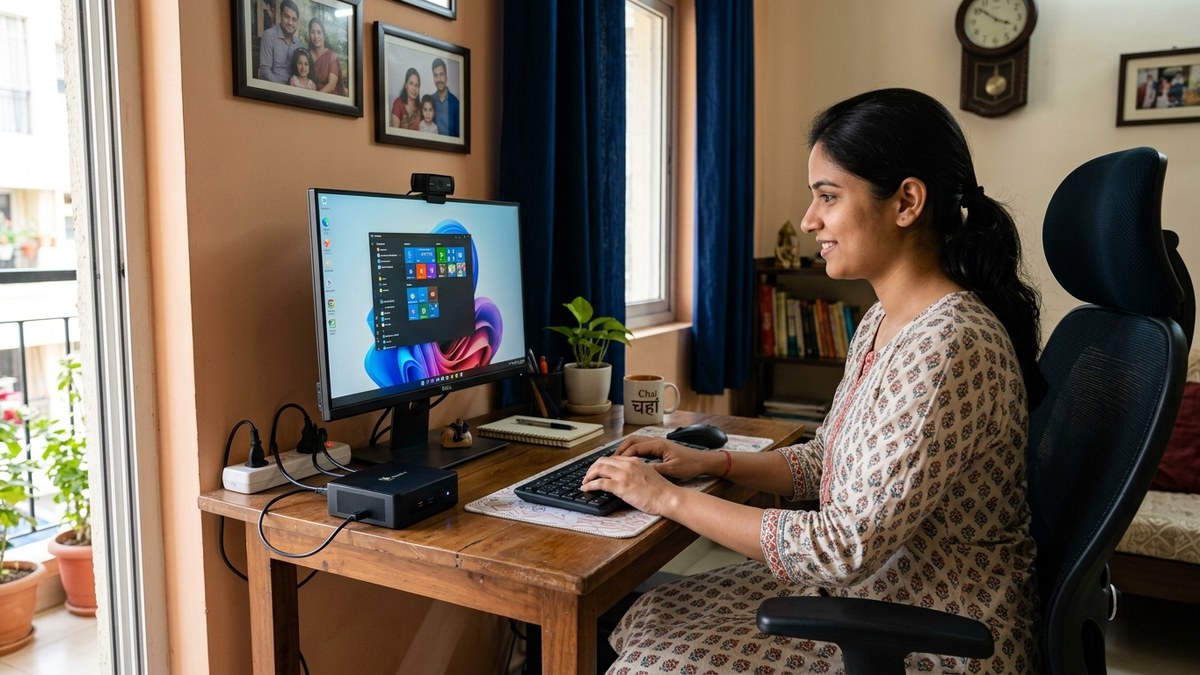
Here is what you get in the APNA PC bundle for Rs.30,000:
- Mini PC with i3 7th Gen processor, 8GB RAM, 128GB SSD (fast, reliable, compact)
- Monitor, keyboard, mouse, webcam, and headset (everything you need, nothing you do not)
- Education software pre-installed and configured
- 3-year warranty and free installation
- Ongoing technical support
This is not a gaming machine. This is not a laptop that will make you look impressive on video. This is a machine that will teach 100 classes without a single freeze. A machine that will run your whiteboard software, your video conference, and your attendance tracking all at the same time. A machine that your students will respect because you are using it to teach them, not to impress them.
Most people do not realise that a Mini PC is actually more reliable than a laptop. No moving parts. No fan noise. No overheating. Just solid, steady performance.
If you want to learn more about how to start a coaching class with the right equipment, or understand what essential digital skills for students you should focus on, we have detailed guides for both.
What About Your Internet and Software?
Equipment is only half the story. You also need a stable internet connection and the right software.
For internet: 5 Mbps is the minimum. 10 Mbps is comfortable. If you are in a city, this is easy. If you are in a smaller town, check your local providers and test the speed before you commit.
For software: use free tools like Zoom, Google Meet, or Jitsi for video conferencing. They work perfectly for teaching. Add a whiteboard tool like Google Jamboard or Miro for interactive classes. That is all you need. Do not pay for expensive software bundles. The education software that comes with APNA PC is already optimized for this setup.
Check the India Ministry of Education guidelines for any digital learning standards you should follow in your state.
The Real Question: Are You Ready to Start?
Here is the truth: the equipment is not the hard part. Teaching is. Building trust with students is. Creating a curriculum that works is. The equipment is just the tool.
Stop waiting for the perfect setup. Stop saving up for a laptop that costs more than your monthly earnings. Stop believing that expensive equipment makes you a better teacher. It does not.
Start with a system that works. Start with APNA PC. Teach your first class this month. Adjust based on what you learn. Grow from there.
Your students are waiting. The only question is whether you are going to start now or keep making excuses.
Check out APNA PC and start your online tuition classes today.
Frequently Asked Questions About Online tuition setup without expensive equipment
What equipment do I actually need for online tuition?
You need a computer that runs video conferencing without freezing, an internet connection of at least 5 Mbps, a webcam and microphone, and basic screen-sharing or whiteboard software. That is the complete list for a functional online tuition setup. Anything beyond this, like high-end graphics cards, is unnecessary for teaching.
Is a basic computer good enough to teach online tuition classes?
Yes, a basic computer from several years ago is usually enough to run video calls, share your screen, and display documents without lag. Teaching does not require the processing power needed for video editing or gaming. What matters more is a stable internet connection and a computer that starts up reliably every day.
How much internet speed do I need for online tuition?
A stable connection of at least 5 Mbps is generally enough for smooth video classes without freezing or dropped audio. Consistency matters more than raw speed, so a reliable broadband or fibre connection often works better than a faster but unstable mobile hotspot. Testing your connection during a mock class before going live is a good practice.
Why is a computer better than a phone for online tuition?
A computer lets you run video calls, screen sharing, and document display together without the small screen and app-switching limits of a phone. Managing student files, marking assignments, and handling class software is far smoother on a full-sized screen and keyboard. For anyone teaching regularly, a shared home computer quickly pays for itself in saved time.
What hidden costs come with setting up online tuition?
Beyond the computer itself, expect costs for software licenses, occasional technical support, warranty coverage, and replacement parts like webcams or headsets over time. These add up and often get ignored when people compare only computer prices. Budgeting for the full setup, not just the machine, avoids surprises later.
MeitY’s Digital India initiative has focused on expanding affordable connectivity across the country, which is central to making online tuition setups viable for teachers outside major cities.
Explore become an edupreneur and how to one room to learning hub checklist.