Your Child’s Screen Time Is Out of Control. Here’s How a Safe Learning POD India Fixes It.
Let’s be honest. Your child is staring at a screen for online classes, and you’re terrified. Not just about grades, but about what they’re seeing, who they’re talking to, and whether that setup is even safe. You’re right to worry. Most home learning spaces in India are digital disasters waiting to happen.
A safe learning POD India isn’t some fancy concept. It’s a controlled, secure environment where your child learns from a trained educator using proper equipment and real safety protocols. Point of Digital Learning centers are popping up across Indian cities because parents like you demanded better. But here’s the thing: you don’t need to wait for someone else to set one up. You can build one right now in your home.
This guide shows you exactly how to create a safe learning POD that actually protects your child while they learn.
Start With the Right Hardware for a Safe Learning POD India
You need a dedicated device for learning. Not a phone. Not a shared family laptop. A real computer that runs education software without lag, crashes, or mysterious updates.
The APNA PC bundle at Rs.30,000 gives you exactly what you need: Mini PC with i3 7th Gen processor, 8GB RAM, 128GB SSD, monitor, keyboard, mouse, webcam, and headset. Everything comes with 3-year warranty, professional installation, and education software pre-loaded. No fussing around with settings. No wondering if your device is fast enough. It just works.
Why this matters for child safety? A dedicated learning device means:
- No random ads or notifications popping up during class
- No access to games, YouTube, or social media during study time
- Proper webcam and microphone for clear, secure video calls
- Stable connection that doesn’t drop during lessons
- Built-in parental controls you can actually manage
Stop thinking of this as an expense. It’s insurance. Real insurance.
Create a Dedicated Learning Space, Not a Bedroom Corner
Your child’s bedroom is not a classroom. Neither is the living room sofa. A safe learning POD setup needs its own corner with specific rules.
Here’s what works:
- A small desk or table facing away from the door (so you can see the screen without hovering)
- Good lighting, preferably natural light from a window or a desk lamp
- Quiet space away from TV, kitchen noise, and younger siblings
- The computer positioned so the child’s face is visible on camera but their environment isn’t fully exposed
- A whiteboard or notebook for writing, not just typing
- Water bottle and snacks nearby to avoid mid-class interruptions
This isn’t about being strict. It’s about creating an environment where learning actually happens and distractions disappear. When your child sits in the same spot every day, their brain knows it’s time to focus.
Hire or Train a Real Educator, Not Just Any Adult
This is where most home learning setups fail. Parents think any adult can supervise online classes. Wrong.
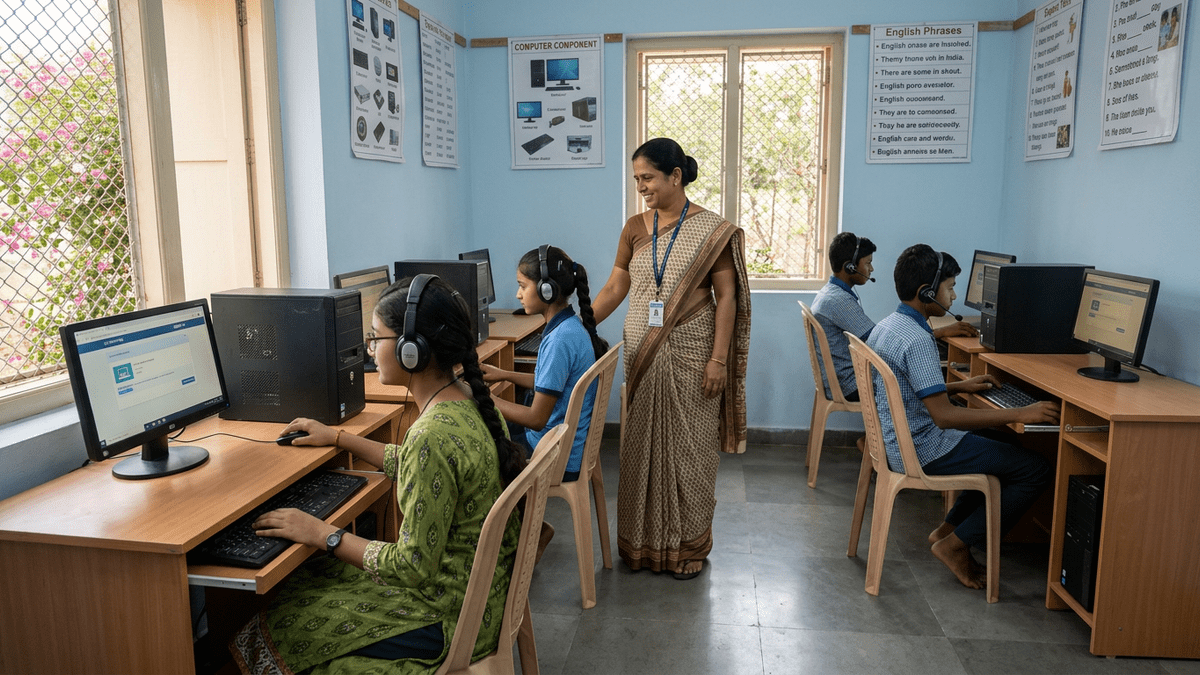
A trained educator in your safe learning POD India setup means someone who:
- Understands the curriculum and can answer questions
- Knows how to manage screen time and digital fatigue
- Can identify when a child is struggling and needs help
- Has background verification and proper training
- Keeps records of progress and any concerns
- Knows emergency protocols if something goes wrong
You don’t need a PhD. You need someone reliable, trained, and accountable. This is exactly what TeachToEarn educators are trained to do. They run PODs with real safety standards, not just good intentions.
Set Up Actual Digital Security for Your Safe Learning POD
Your router password is not a security system. Check our detailed guide on online study safety for children for the full technical breakdown.
For your safe learning POD, you need:
- Strong WiFi password changed monthly
- Firewall enabled on the learning computer
- Antivirus software installed and updated
- Parental controls configured (screen time limits, app restrictions, website blocking)
- Regular backups of schoolwork and data
- Clear rules about what websites and apps are allowed
The APNA PC bundle comes with education software that already has many of these controls built in. You’re not starting from scratch.
Establish Rules That Stick
Technology is only half the battle. The other half is behavior.
Your child needs to understand:
- No sharing personal information during online classes
- Camera and microphone stay OFF when not in class
- Passwords are private, even from friends
- Screenshots of classmates are never okay
- If something feels wrong, tell an adult immediately
Write these down. Post them near the learning space. Review them monthly. Make it boring and normal, not scary.
Monitor Without Hovering
Parents who watch every keystroke create anxious kids. Parents who never check are negligent. Find the middle ground.
Every week, ask your child:
- What did you learn today?
- Did anything feel weird or uncomfortable?
- Did the teacher or any student ask for information you weren’t sure about?
- How are your eyes and neck feeling after screen time?
Check the learning device’s history monthly. Not to spy, but to spot patterns. If your child is suddenly visiting sites they shouldn’t or staying logged in at odd hours, that’s a conversation starter.
Why a Safe Learning POD India Matters Right Now
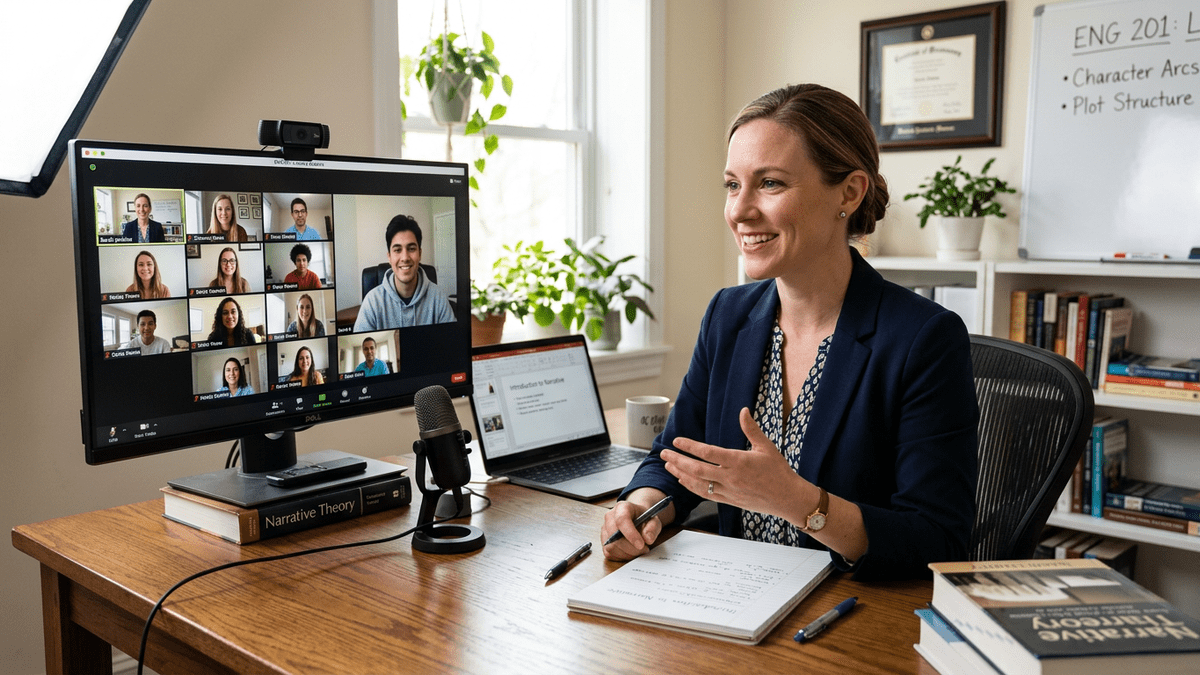
Online learning isn’t going away. Education in India is rapidly shifting toward digital access, especially through platforms like DIKSHA digital learning platform. Your choice isn’t between online and offline. It’s between safe online and risky online.
A properly set up safe learning POD gives your child the best of both worlds: access to quality education and actual protection from the dangers of unsupervised digital learning.
The APNA PC bundle at Rs.30,000 is the foundation. A trained educator is the structure. Your involvement is the roof. Together, they create something that actually works.
Stop accepting mediocre setups. Your child deserves better. You deserve peace of mind.
Ready to build a real safe learning POD? Start your learning POD with TeachToEarn today. Get trained, get equipped, get results.
For more details on setting up your POD the right way, read our complete guide on safe learning POD setup.